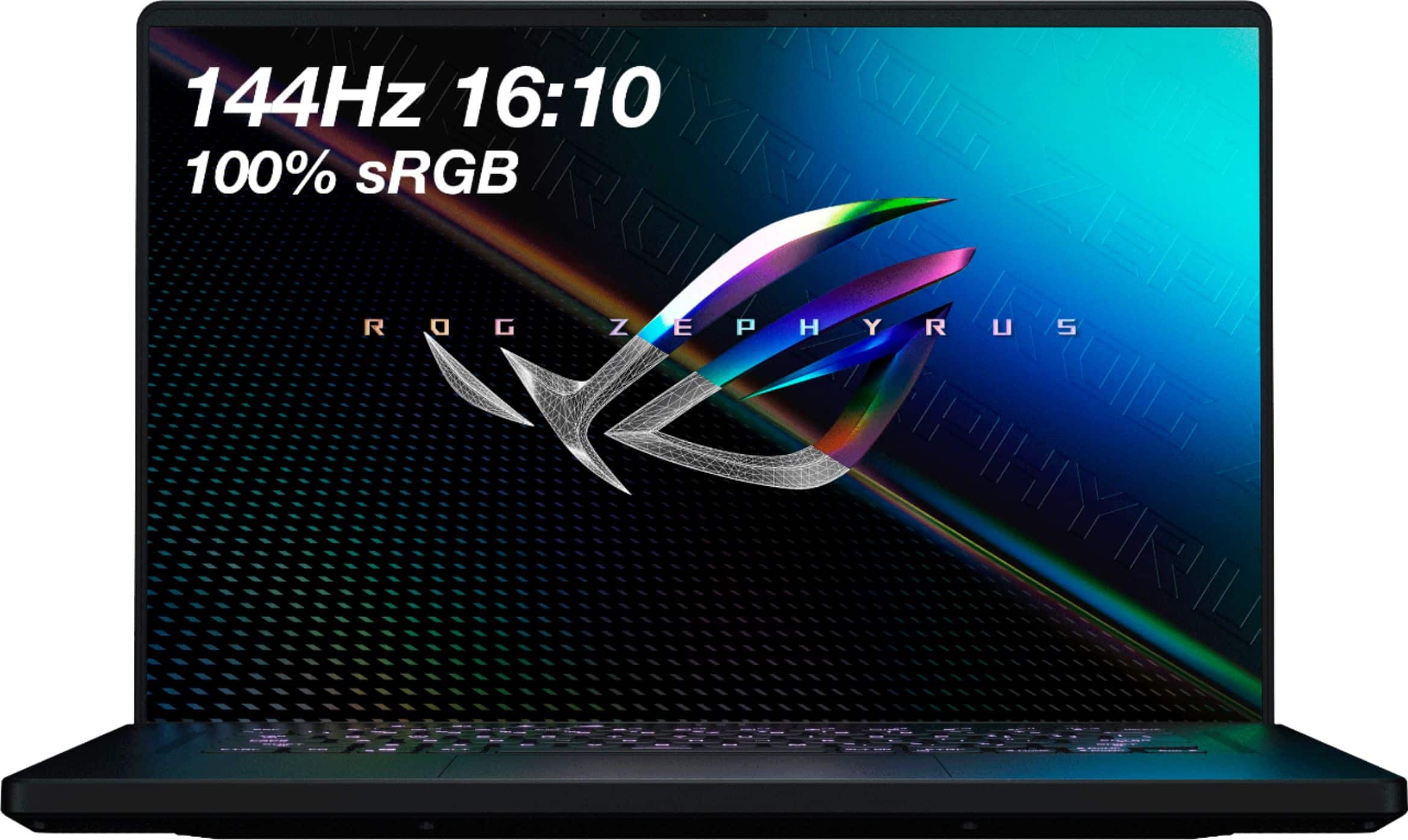
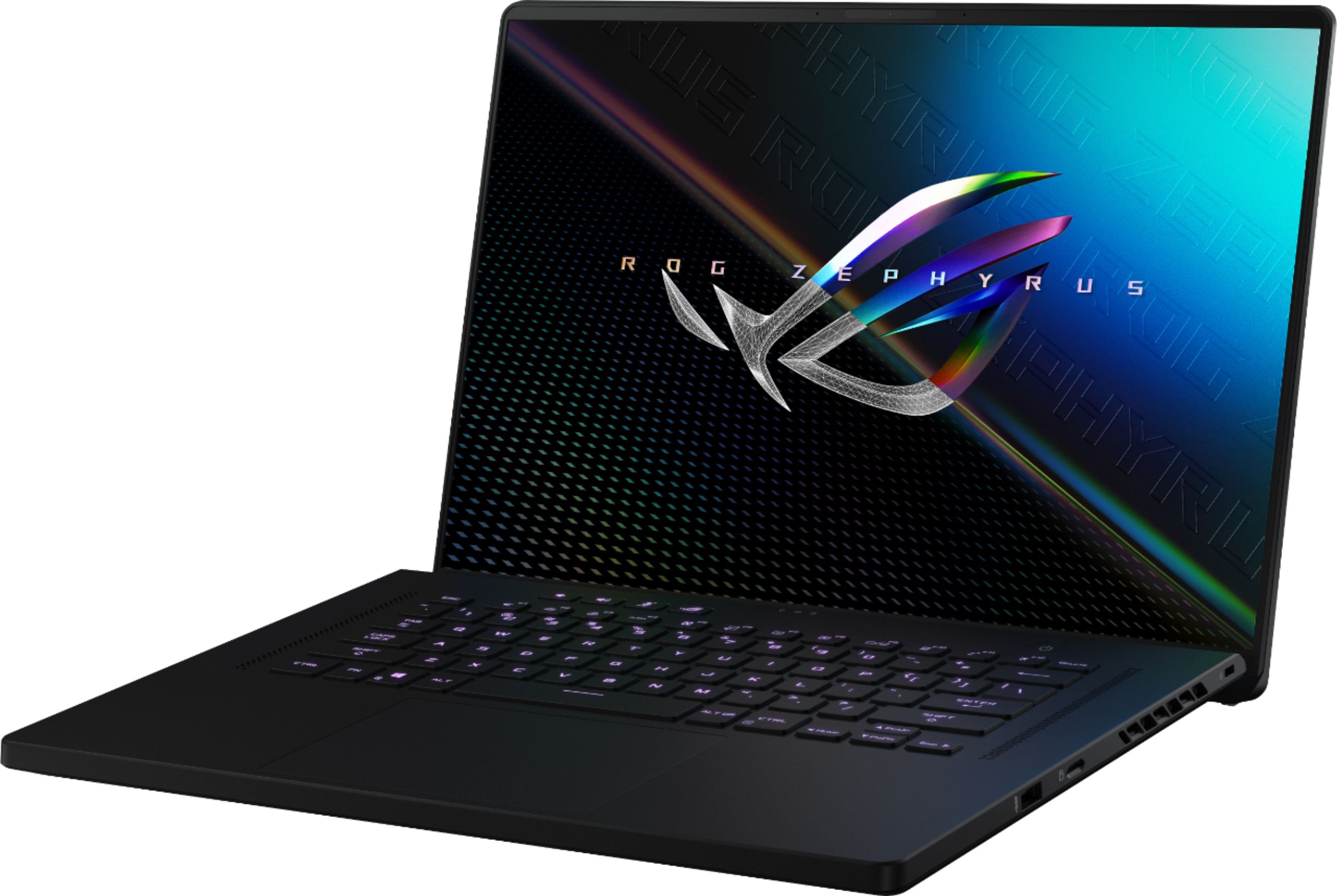
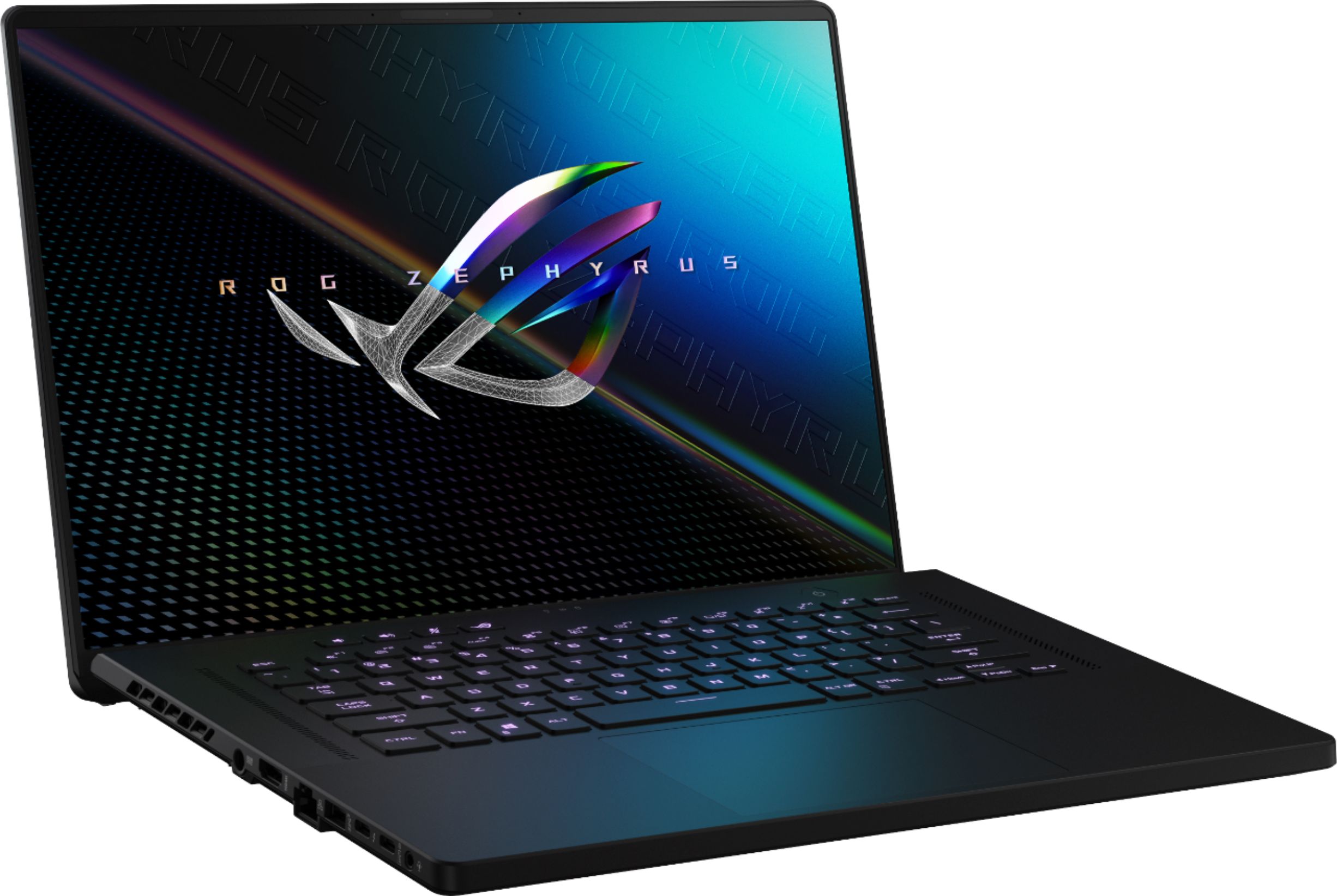
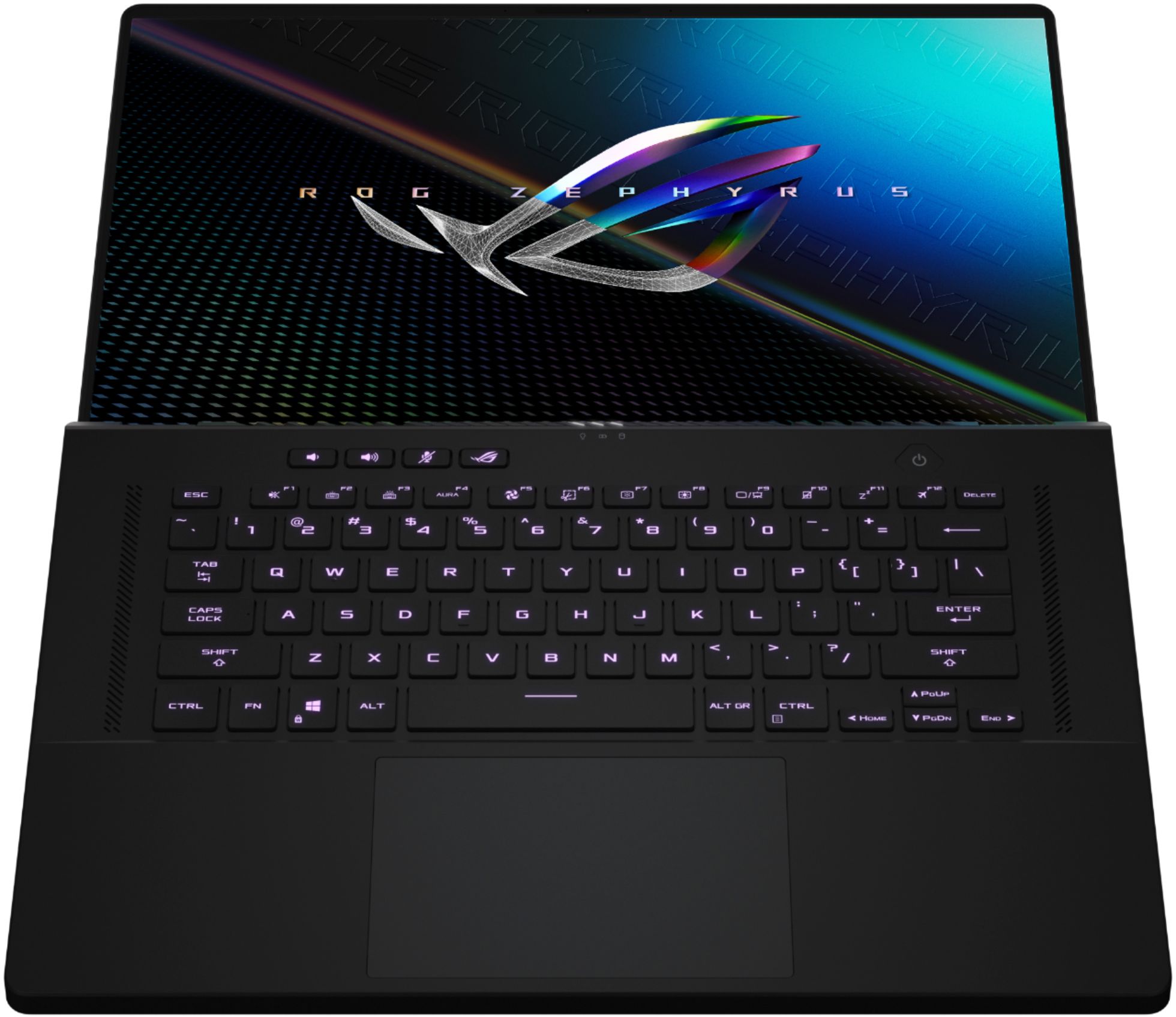
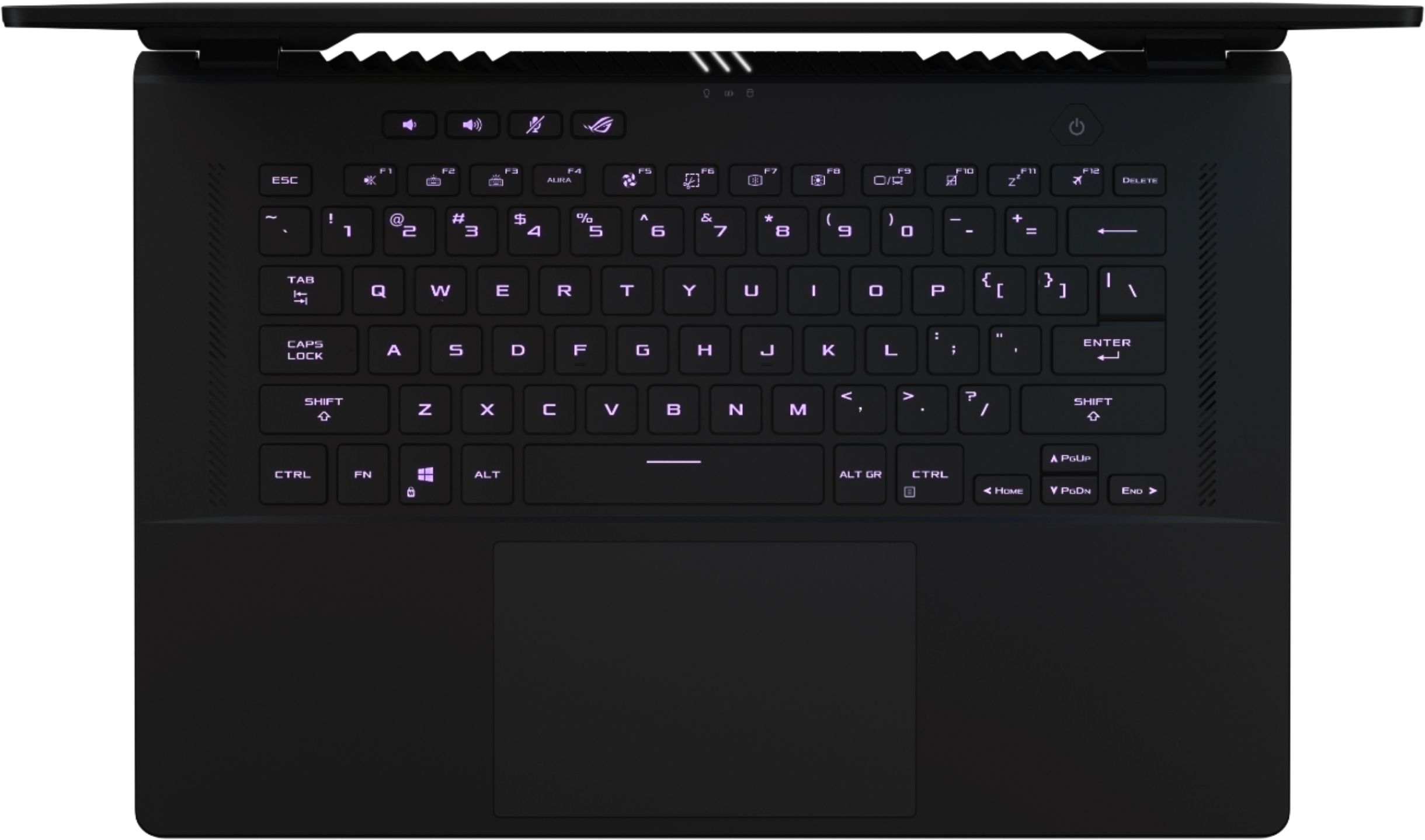
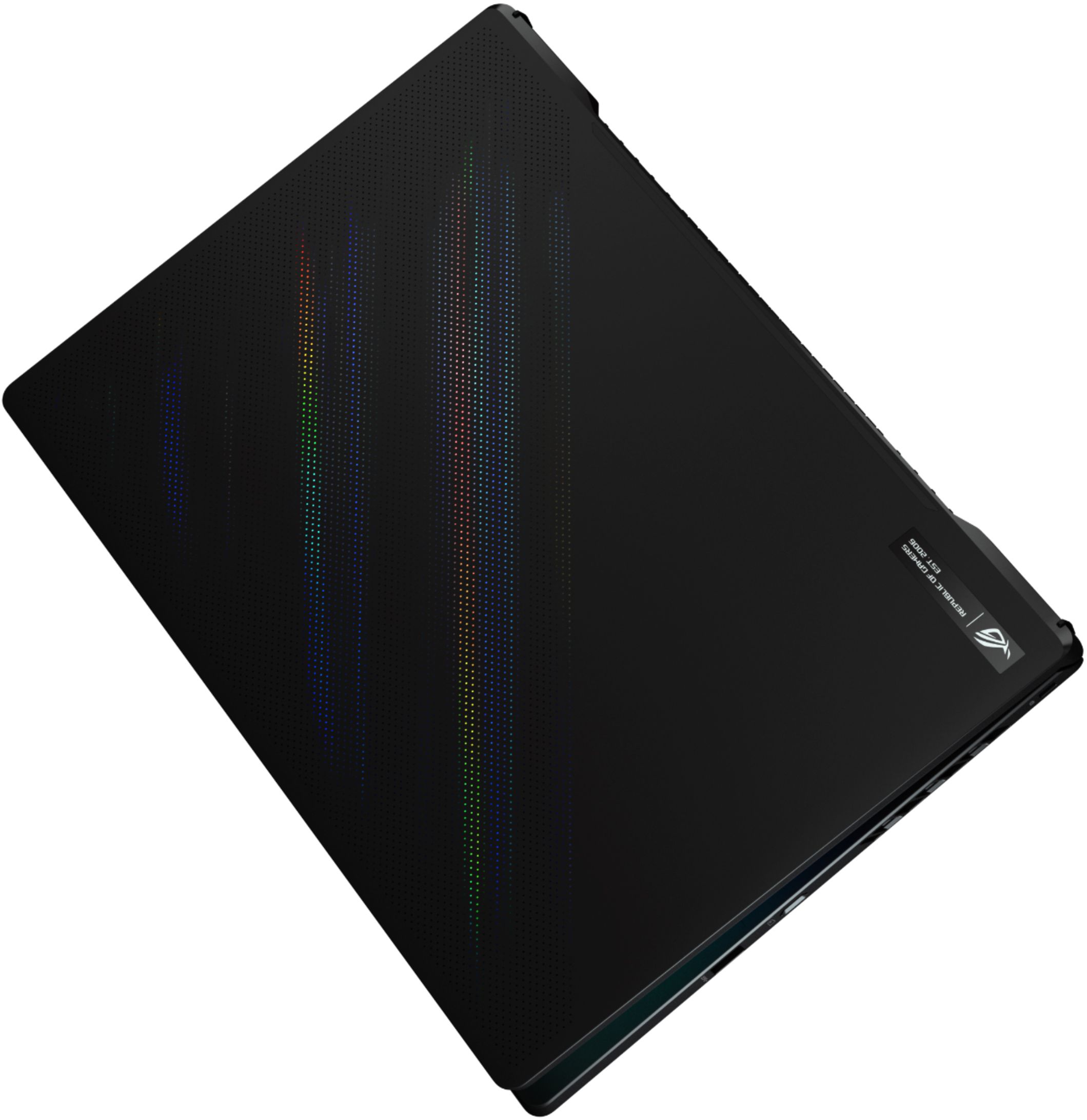
A:AnswerThere is 8GB soldered on and a slot with an 8GB stick installed in the memory slot. So if you replace the 8 GB stick with a 32 GB stick, you can achieve a maximum of 40GB.
A:AnswerI couldn't find the answer to this in the manual or online so I decided to test it myself.
There are two M.2 slots on the motherboard. The first is labeled PCIE and the 2nd is labeled PCIE/SATA. The PCIE slot is PCIe 4.0 and the PCIE/SATA slot is PCIe 3.0.
The way I figured this out was to put a Sabrent Rocket PCIe 4.0 NVMe drive in slot 2 then in slot 1. In slot 1, I read a peak performance of 6994 MB/s (see attached). That benchmark is only achievable with PCIe 4.0. Slot 2 had a peak performance of about 3500 MB/s which is consistent with PCIe 3.0.
A:AnswerHey! So it does have two USB-A ports. But for some reason they can be a little bit difficult to plug into at first. It might even feel like you are forcing it.
One of the ports is on the right side of the laptop and it’s the last port closest to the bottom of the keyboard. The other port is on the left side of the laptop to the right of the Ethernet port. I’ve also attached pictures with both circled.
A:AnswerYes this unit can handle editing. Please check the requirements for the software you intend to use and cross-check with the unit's specifications. We also recommend our ProArt models as they are designed for such activities.
A:Answer3200, 8gb are on the mother board one slot open max 40gb so you can add a 32gb 3200 htz stick but the cl on a 32gb is cl 20 at best I went with 16gb 3200 ddr4 sodimm with cl18 and can cad all day without an issue.
A:AnswerIt's noticeably louder than the G14 when in Turbo mode and gaming. I could block out the noise with a closed gaming headset when Gaming with the G14, not as effective with the M16, but makes it tolerable.
A:Answer11th generation. It really is fast. I play single thread games that require a fast CPU and they play like butter. Just as snappy as my desktop i7-11700K. The laptop does run hotter, as my desktop is liquid cooled, but it is well within specs.
A:AnswerYes, we recommend using the same brand so the CL timing are the same in order to optimized system performance. As long as the RAM are non-ECC, unbuffered DDR4-3200MHz, regardless of the brand name, they will be compatible.
A:Answerno there is none the system configuration under your armory crate once you’ve updated the bios- under the system configuration in there you have the GPU and you could switch from standard mode to optimized and so forth the GPU Mode itself shows that’s optional but a particular MUX switch to just switch on and off is not there sorry to say.