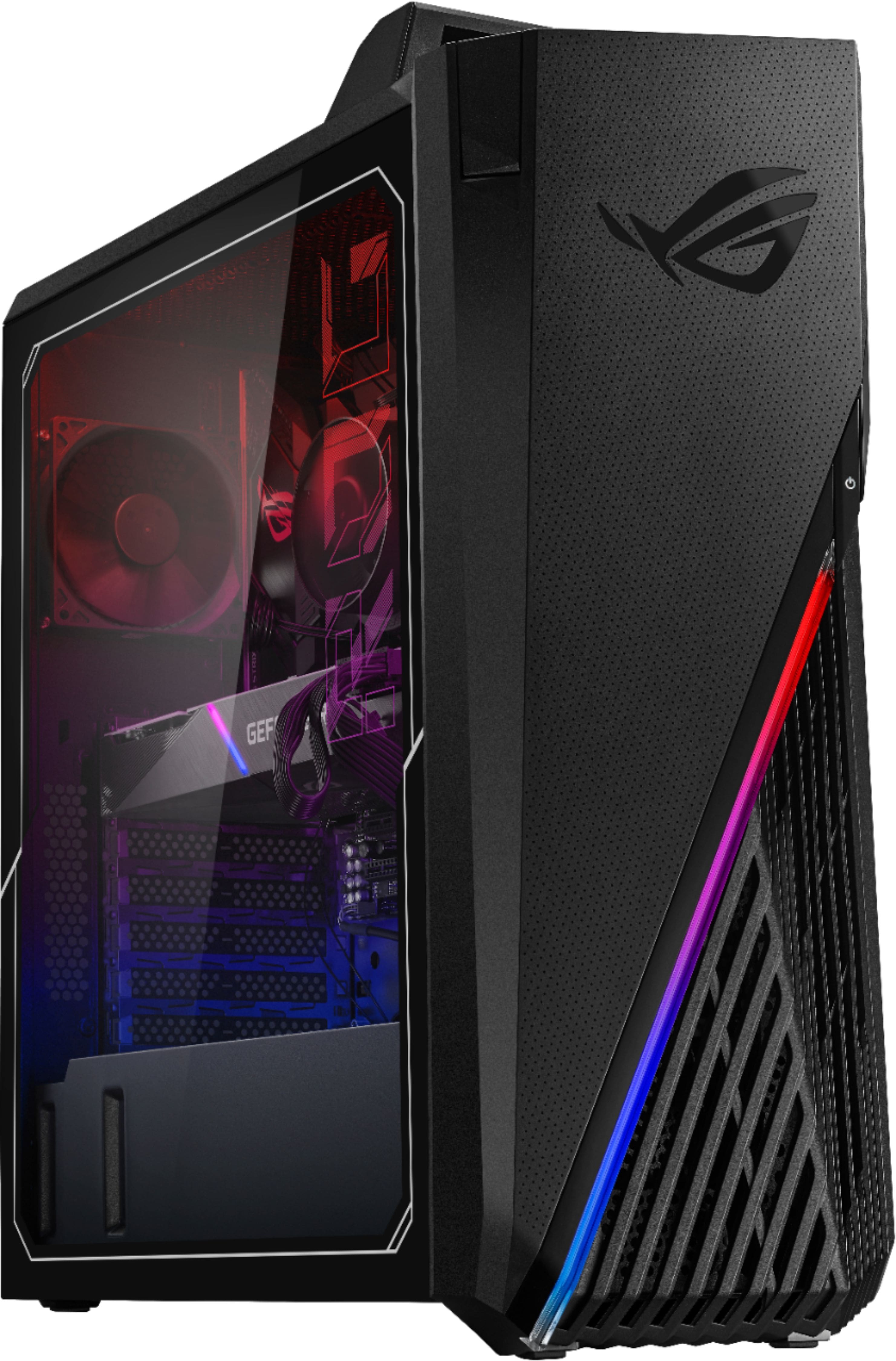
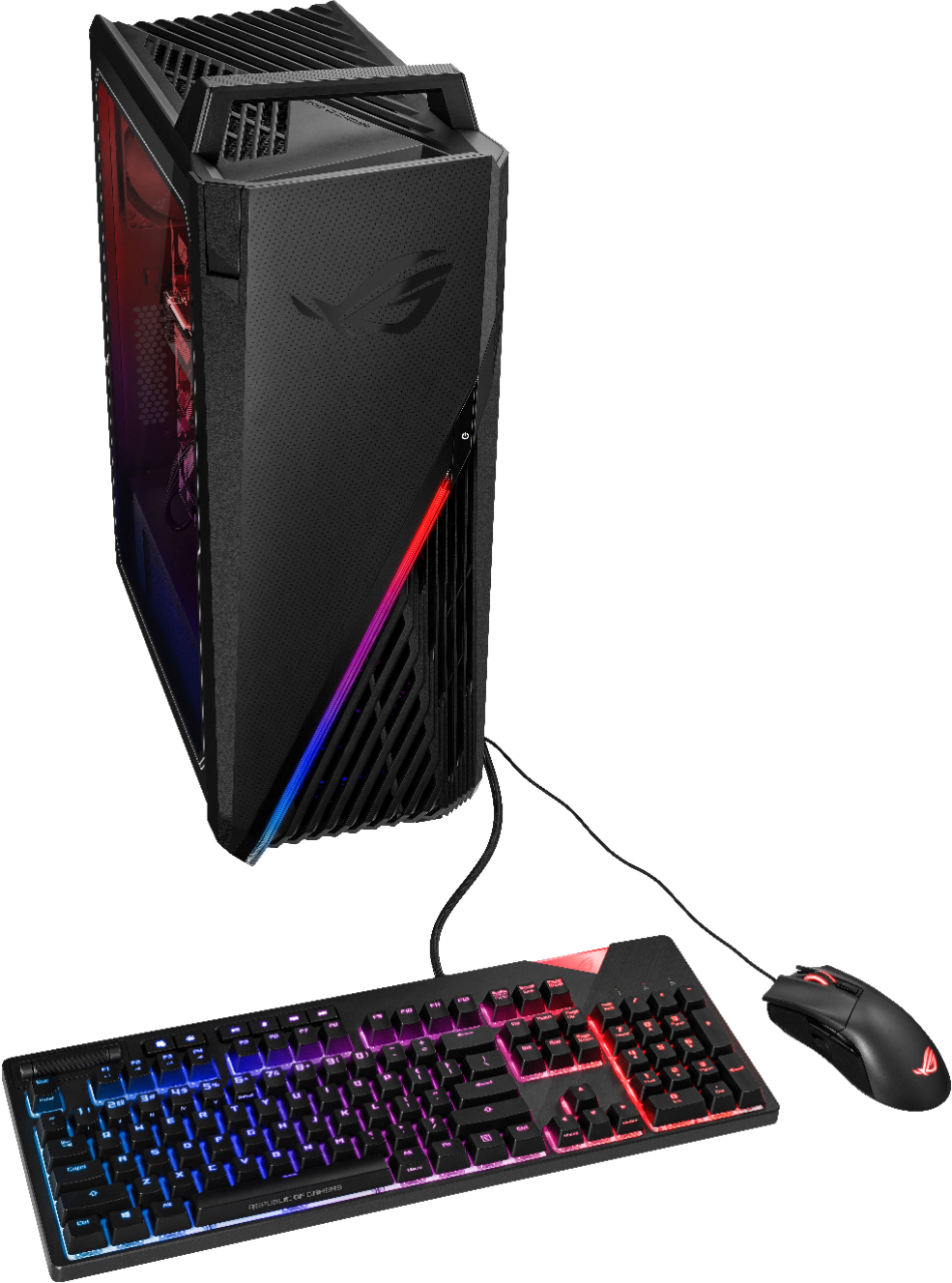
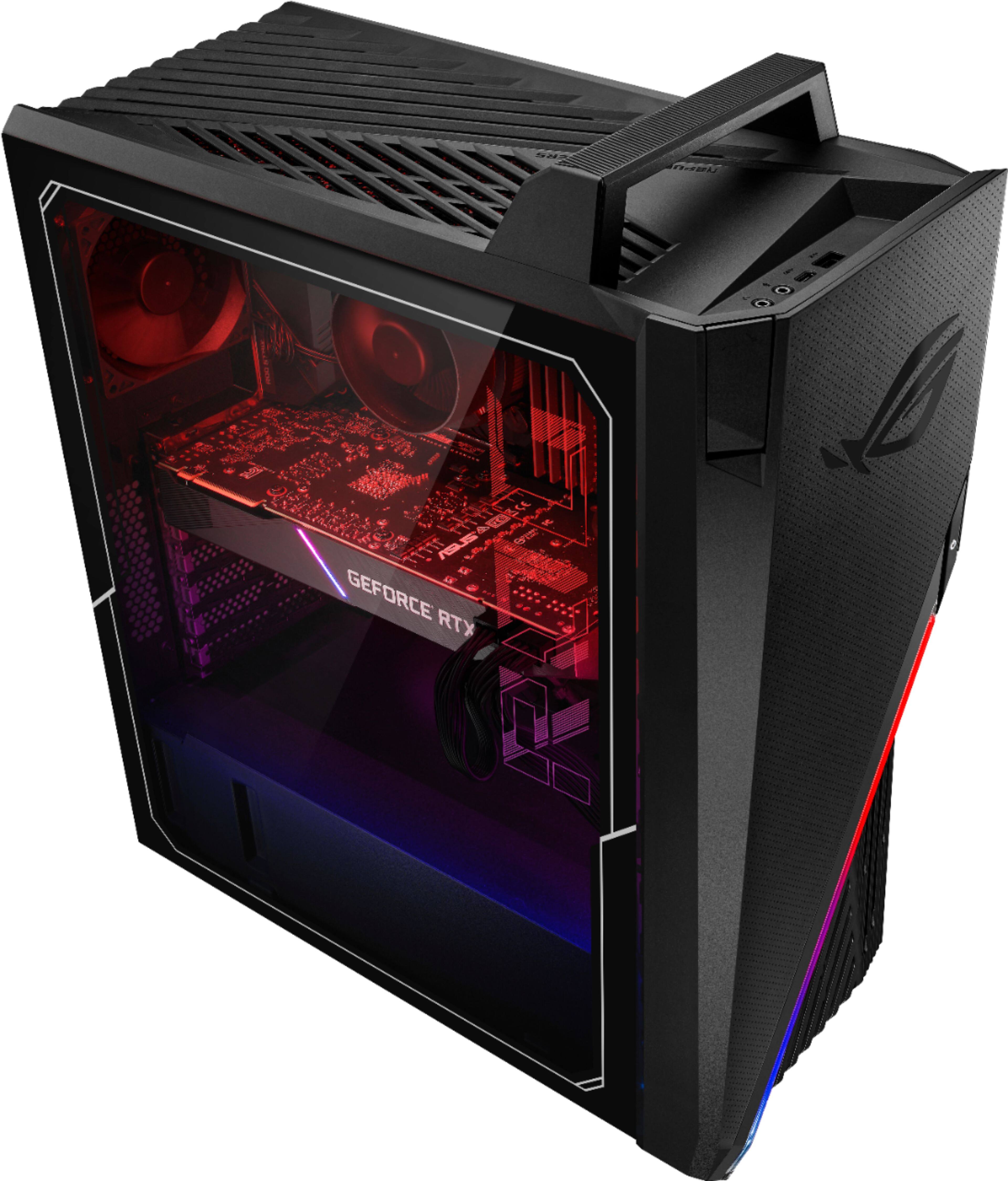
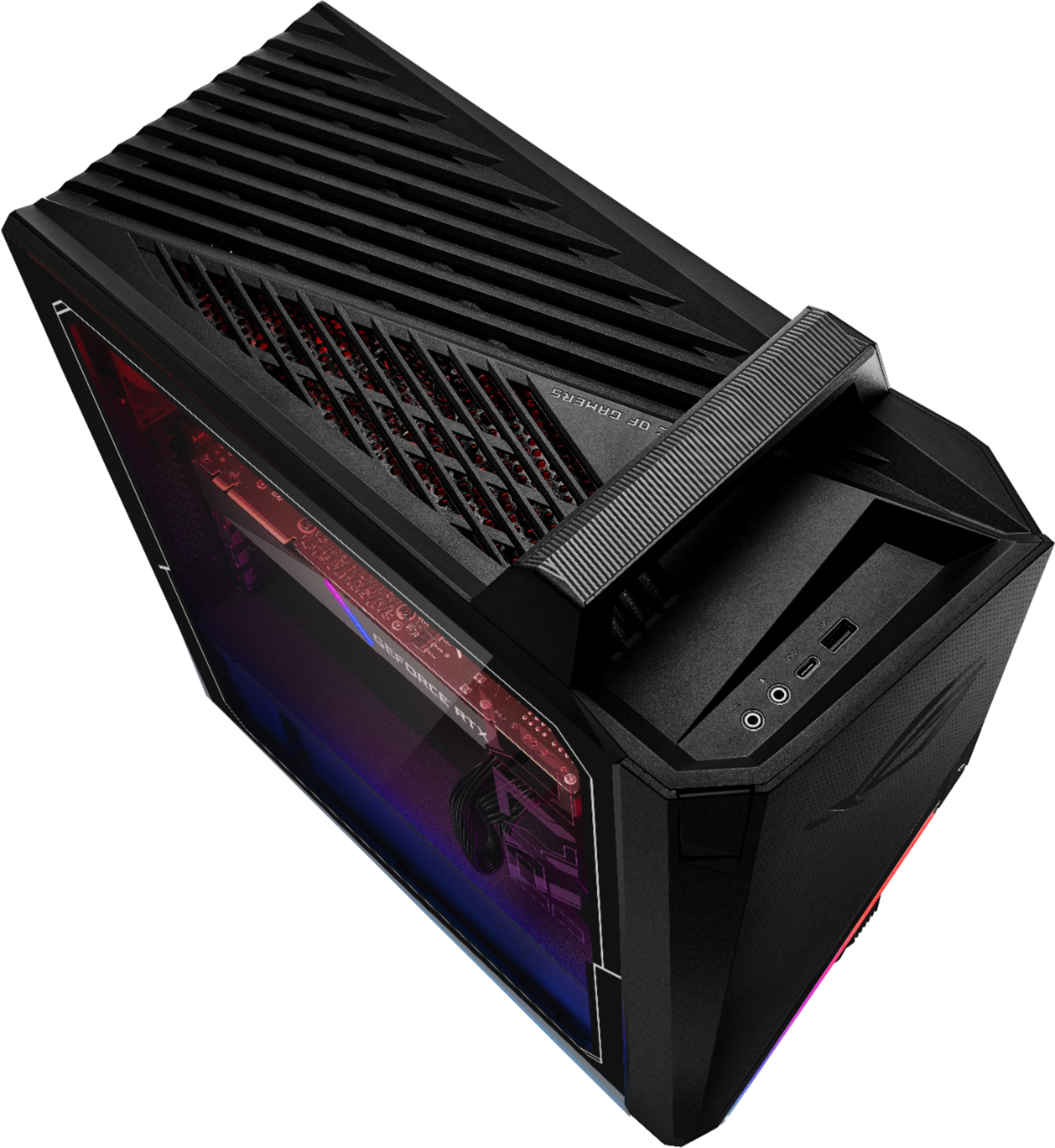
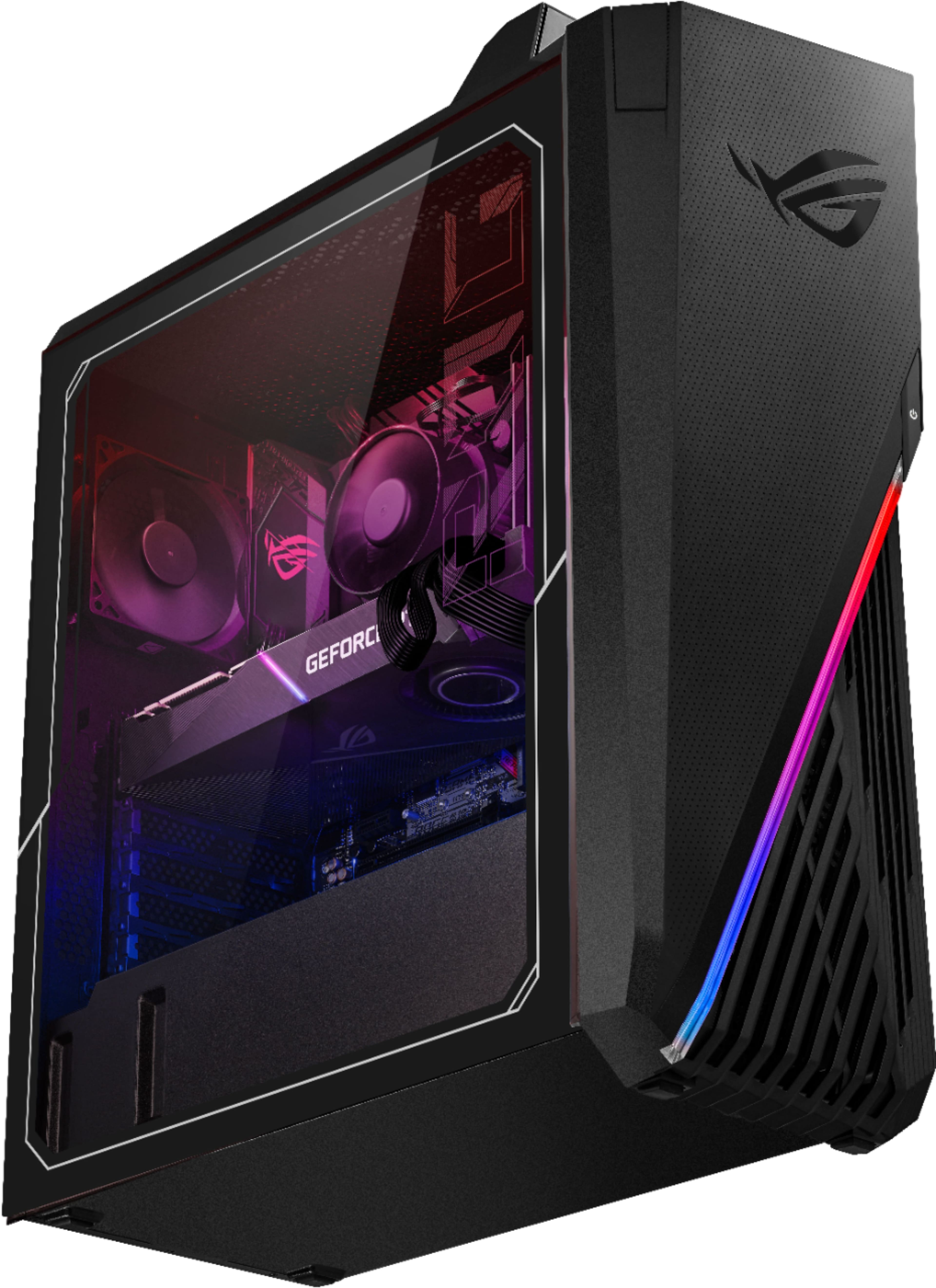
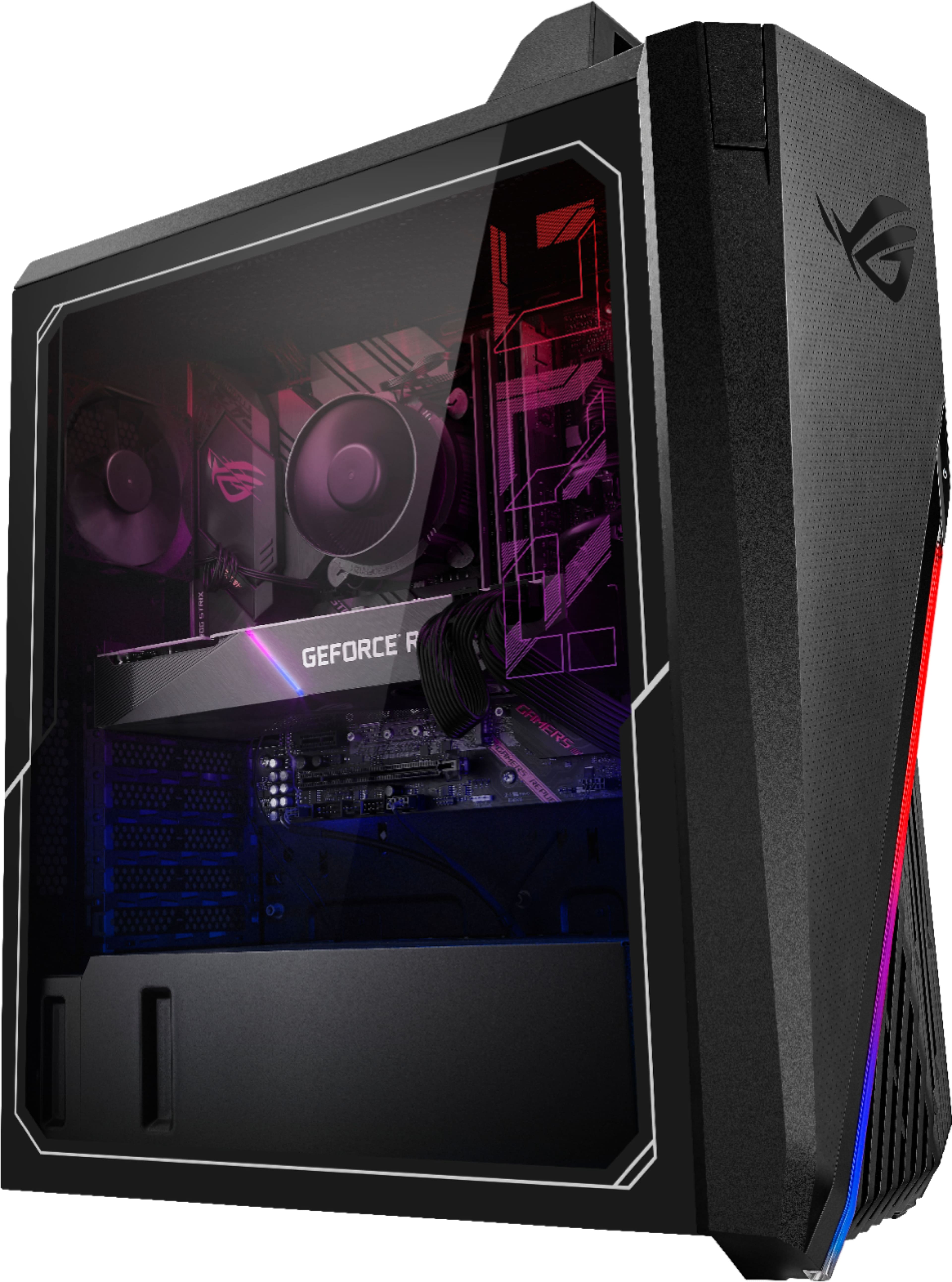
A:AnswerThis computer is a gaming computer. It has a Gforce 3080 video card and combined with a gaming monitor you should not have any trouble playing your games. I have not played grand theft auto, but have played metal of honor etc. If I were you I would seek other reviews as well to be sure of a purchase.
A:AnswerYes mine had windows 10 as well when I first got it. You should eventually get an automatic update asking you if you would like to upgrade to windows 11. Mine came about 3 days ago. It was free I did not have to pay anything.
A:AnswerCooling will be an issue. Go to armored crate software installed by Asus and change settings to performance vs windows and exhaust fan will run all the time instead of coming on only when under heavy use. This will help with cooling issues but you'll want to swap out CPU cooler at some point or add additional fans to move more air through the box. No issues so far with GPU cooling as it seems to be well designed.
A:AnswerThe CMOS battery is hidden underneath the armor, it needs to be removed to access battery. If you just need to clear the CMOS, short the CLRTC header. The header is labeled, you won't miss it.
A:AnswerASUS doesn't provide hardware modification/customization support, user need to do it at their own discretion. The Desktop PC was preinstalled with non-ECC, unbuffered DDR4-3200 DIMM.
A:AnswerIt comes with on 90mm fan on the inside back of the case and no proper holes for any 120mm or additional fans. You either have to zip tie some in or do what I did and get a better case. The case is the worst part of this computer and the video card basically cuts the inside in half airflow wise. If you buy it do yourself a favor and get a new case.