A:AnswerThe preinstalled RAM are DDR5 5600MHz U-DIMM memory, since we use either a Samsung or Hynix memory, we need the serial number of the PC to determine the specific brand and model of the RAM module.
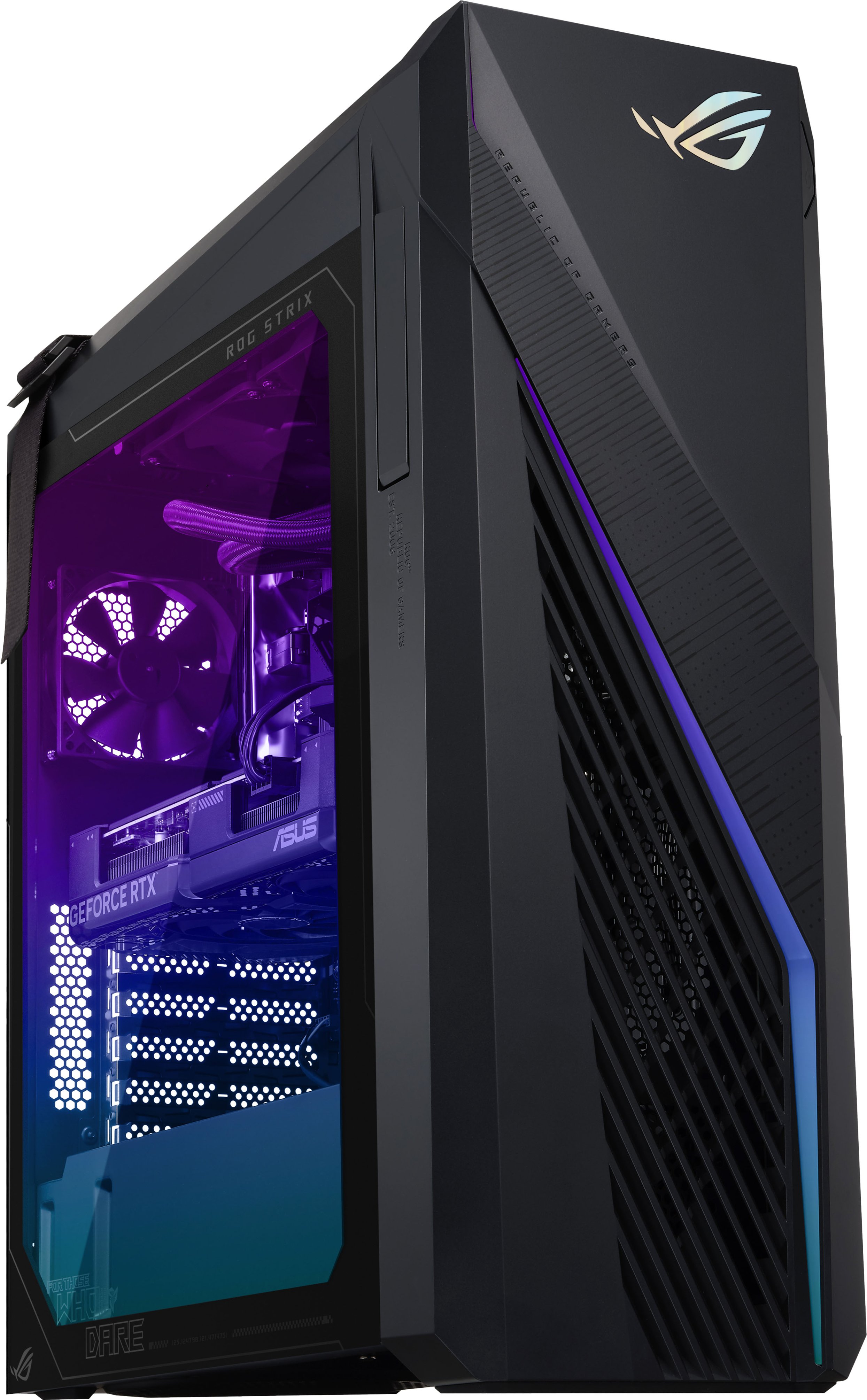
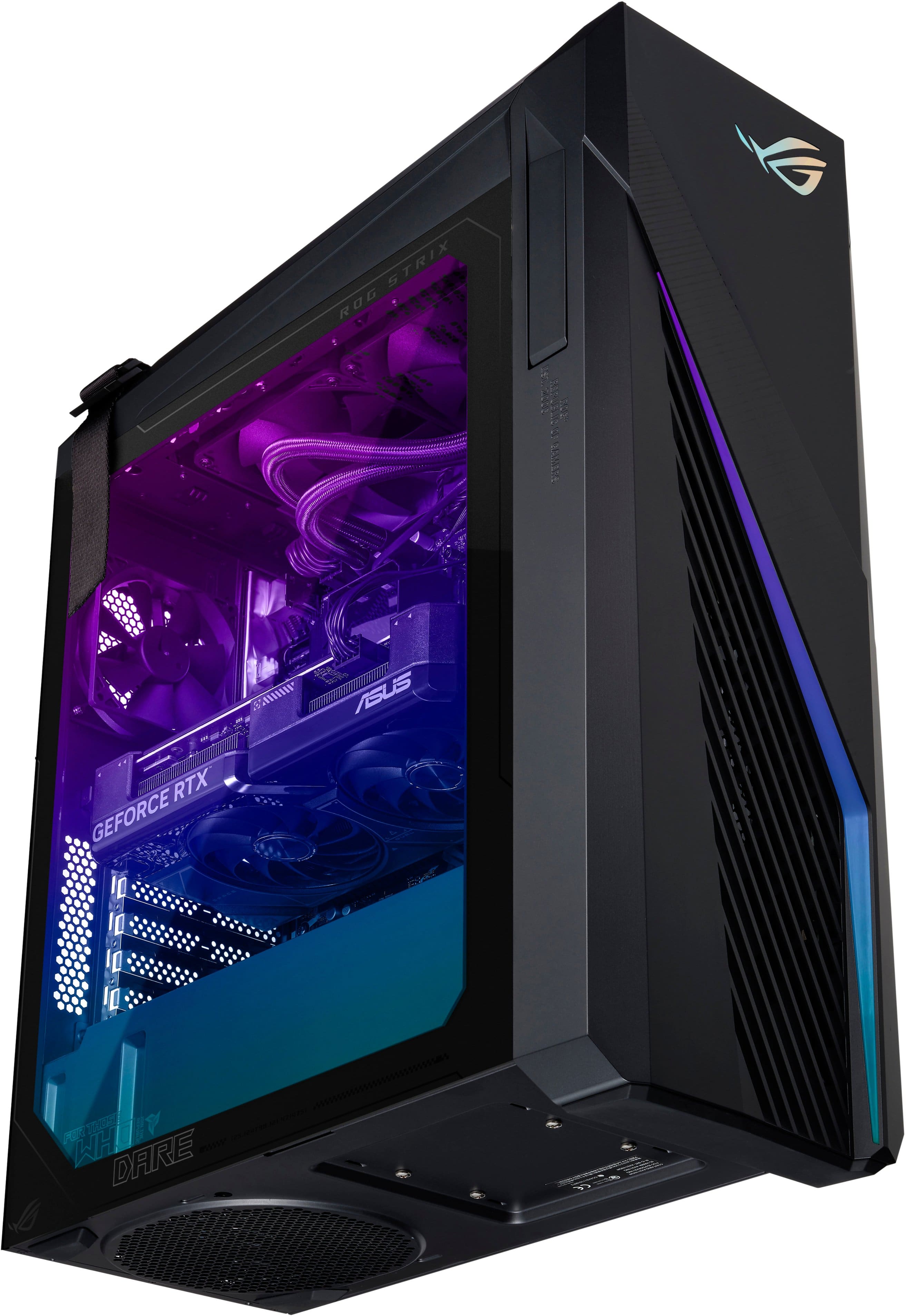
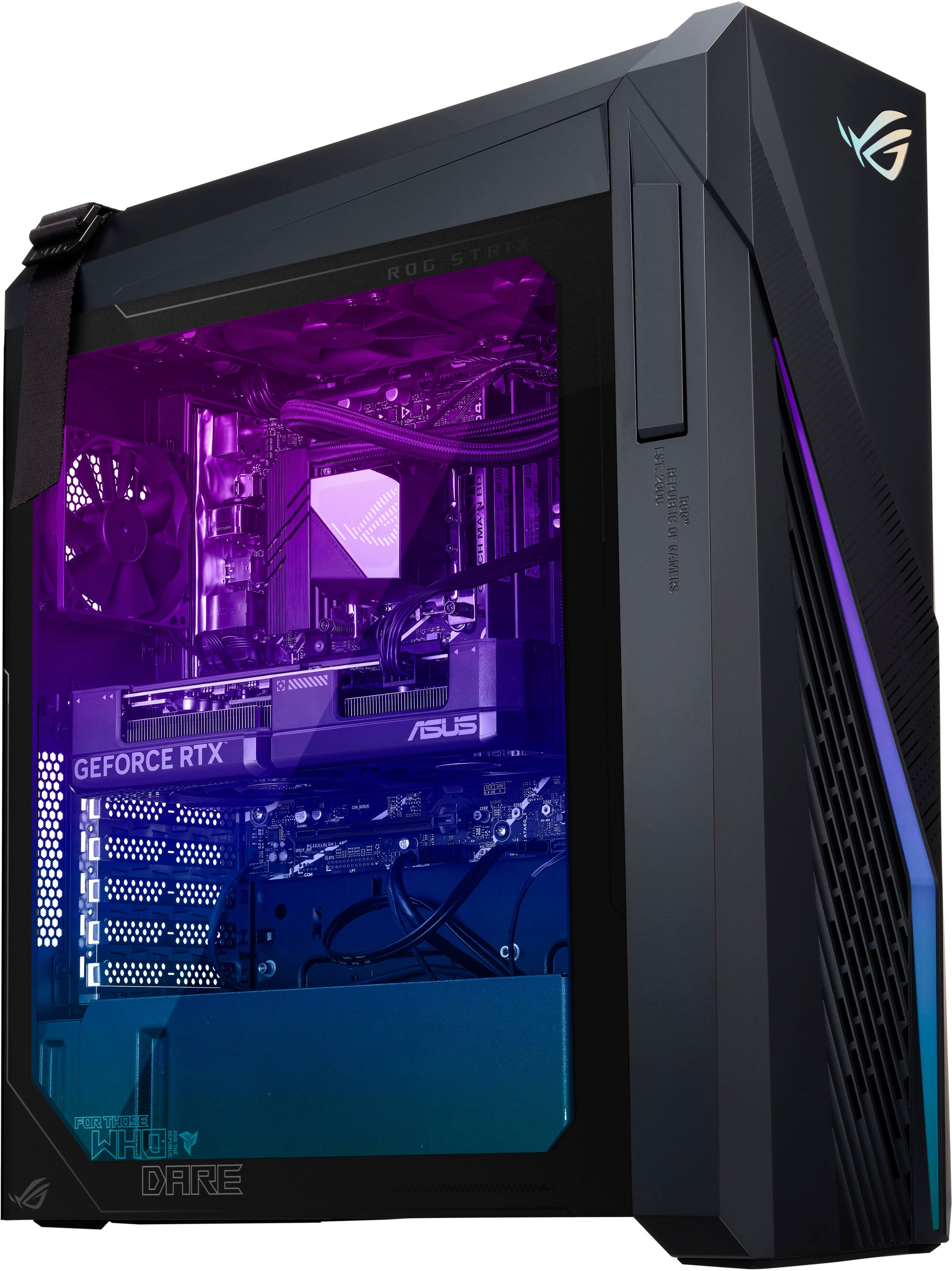
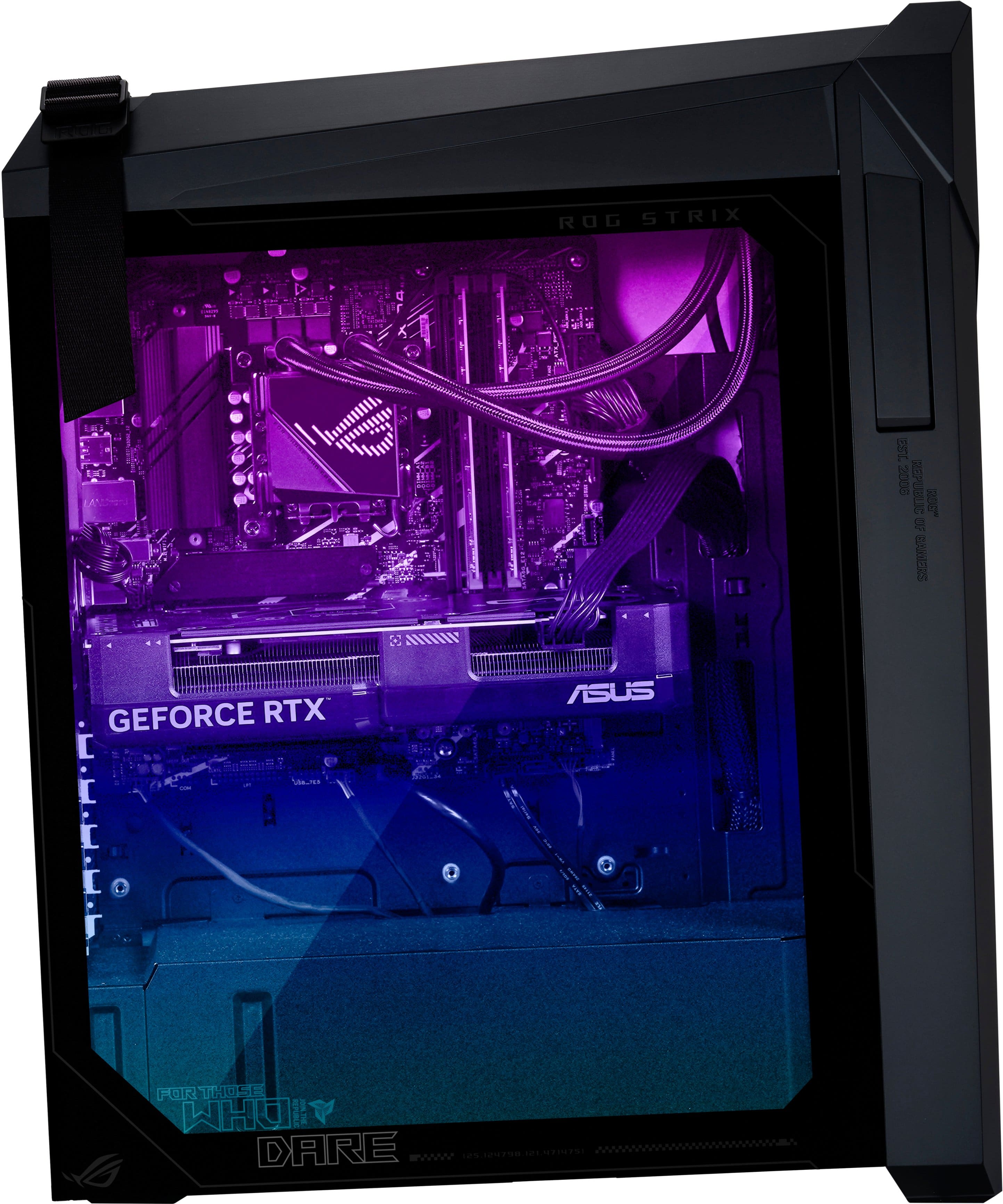
A:AnswerYes, the ASUS G16CHR has a liquid cooling option. It features a high-performance 240mm AIO (All-In-One) cooler, which helps keep the CPU temperatures under control during intense gaming sessions.
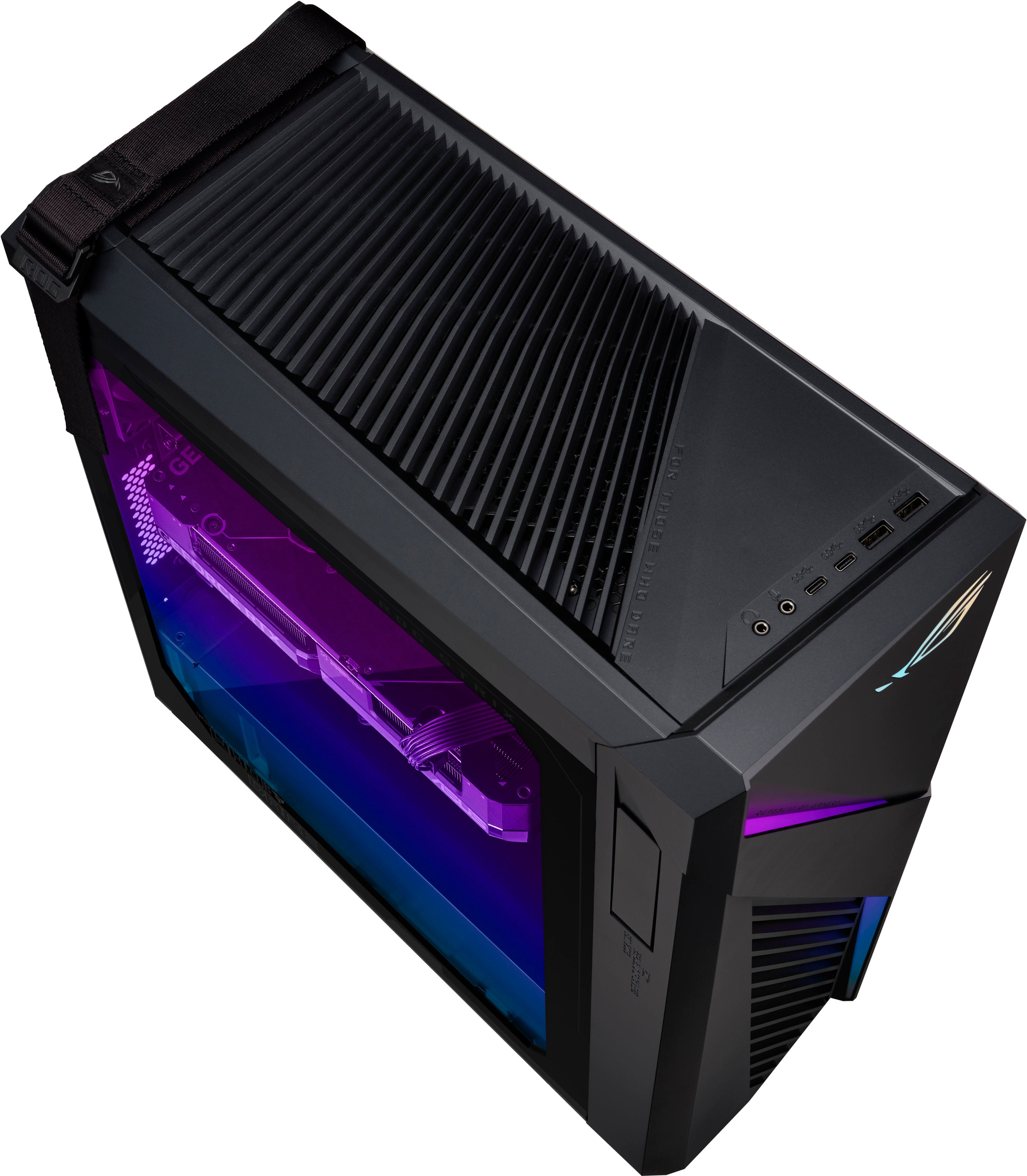
A:AnswerNo, this Desktop PC doesn't have a Thunderbolt header. ASUS doesn't provide hardware customization/modification support, please do it at your own discretion.
A:AnswerThe ASUS G16CHR (ROG Strix G16) does not support 4TB NVMe M.2 SSDs. It has two M.2 slots, but each slot supports up to 2TB NVMe M.2 SSDs, allowing for a maximum total storage capacity of 4TB when both slots are fully utilized.
A:AnswerThe maximum RAM size upgrade for this PC is 64GB, please do it at your own discretion. ASUS doesn't provide hardware modification/customization support.
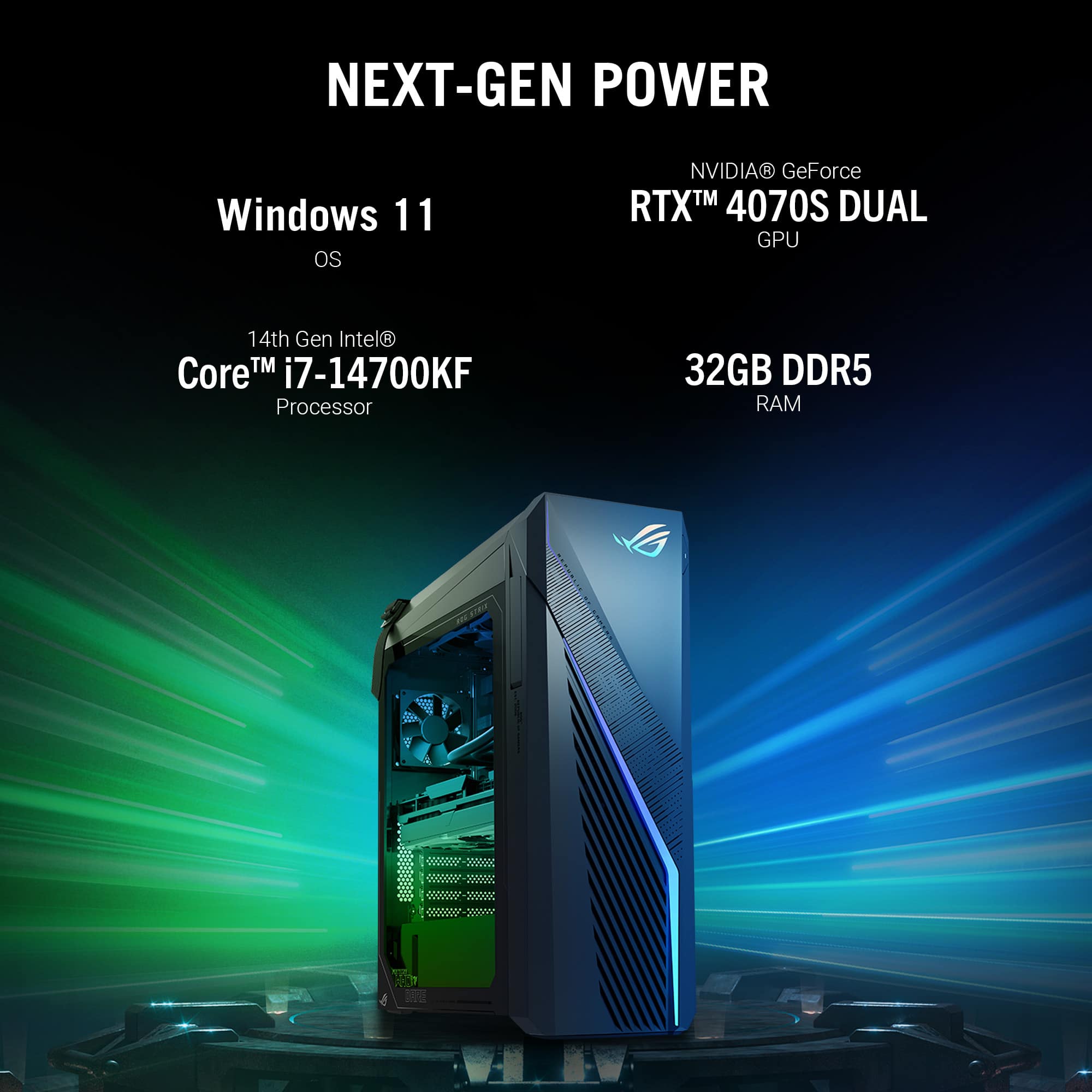
A:AnswerThe ASUS ROG Strix G16CHR is fantastic for playing Call of Duty. Its powerful processor and top-tier graphics card ensure your gameplay is smooth and visually impressive. Plus, it has plenty of memory to handle the game without lagging and a great cooling system to prevent overheating.