A:Answerhttps://www.surfaceremixproject.com/much-ram-need-video-editing/
Can be upgraded up to 16 RAM.
If you want to edit 4K files, 16 RAM is sufficient, but not ideal.
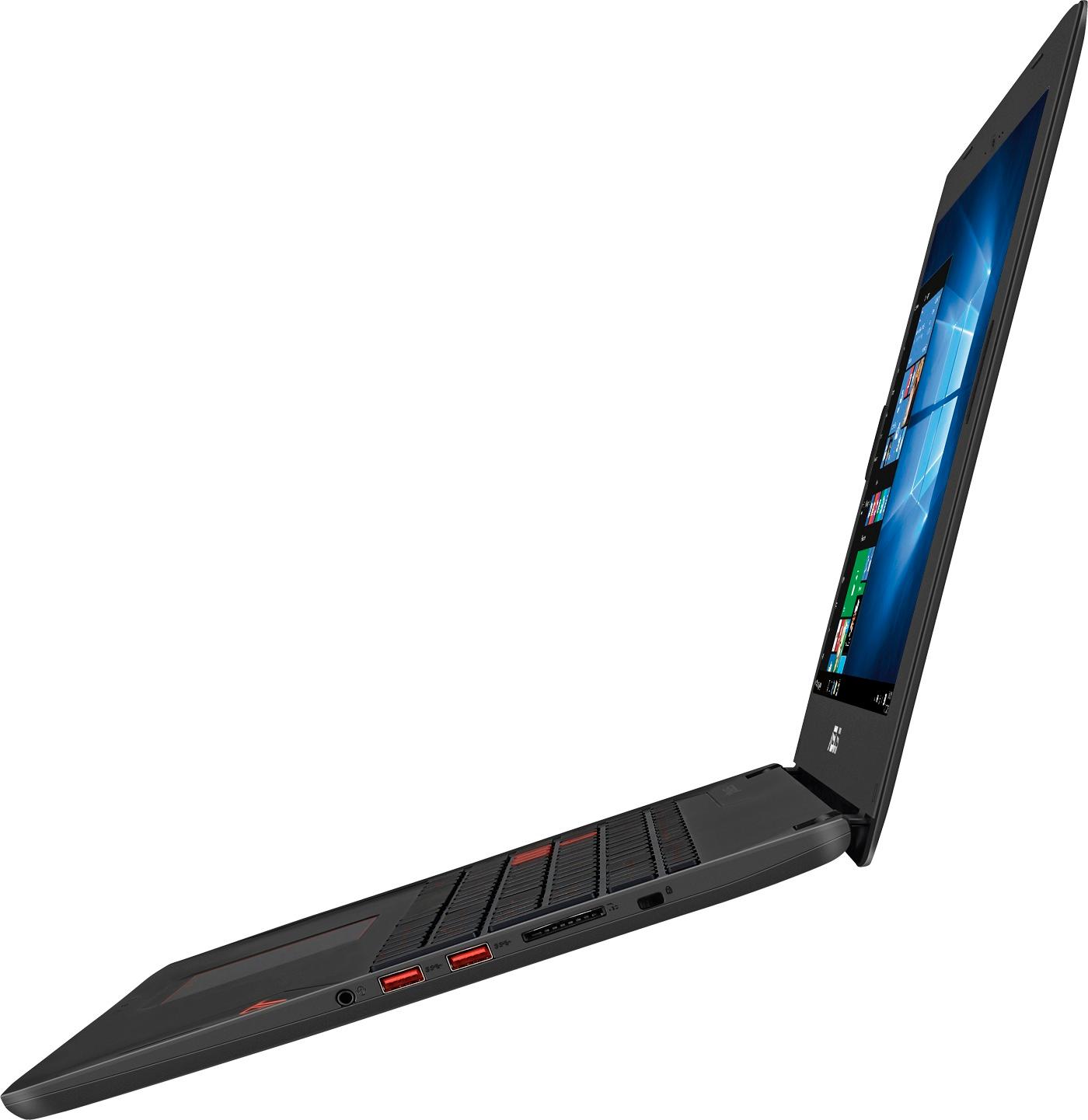
Both the Storage drive and OS drive can be upgraded.
Hope this helps!
A:AnswerNo. You will need to purchase these programs separately. Also there is no disk drive so you would either need to buy digital versions of the software, or (like I did), Buy an external drive for disk based software.
A:AnswerThat’s interesting, all my son does on this laptop is play Fortnite and it worked fine out of the box. I installed a better HD and reloaded a fresh install of Window now everything is faster and still no freezing issues. Only issue I have is getting a mic to work.
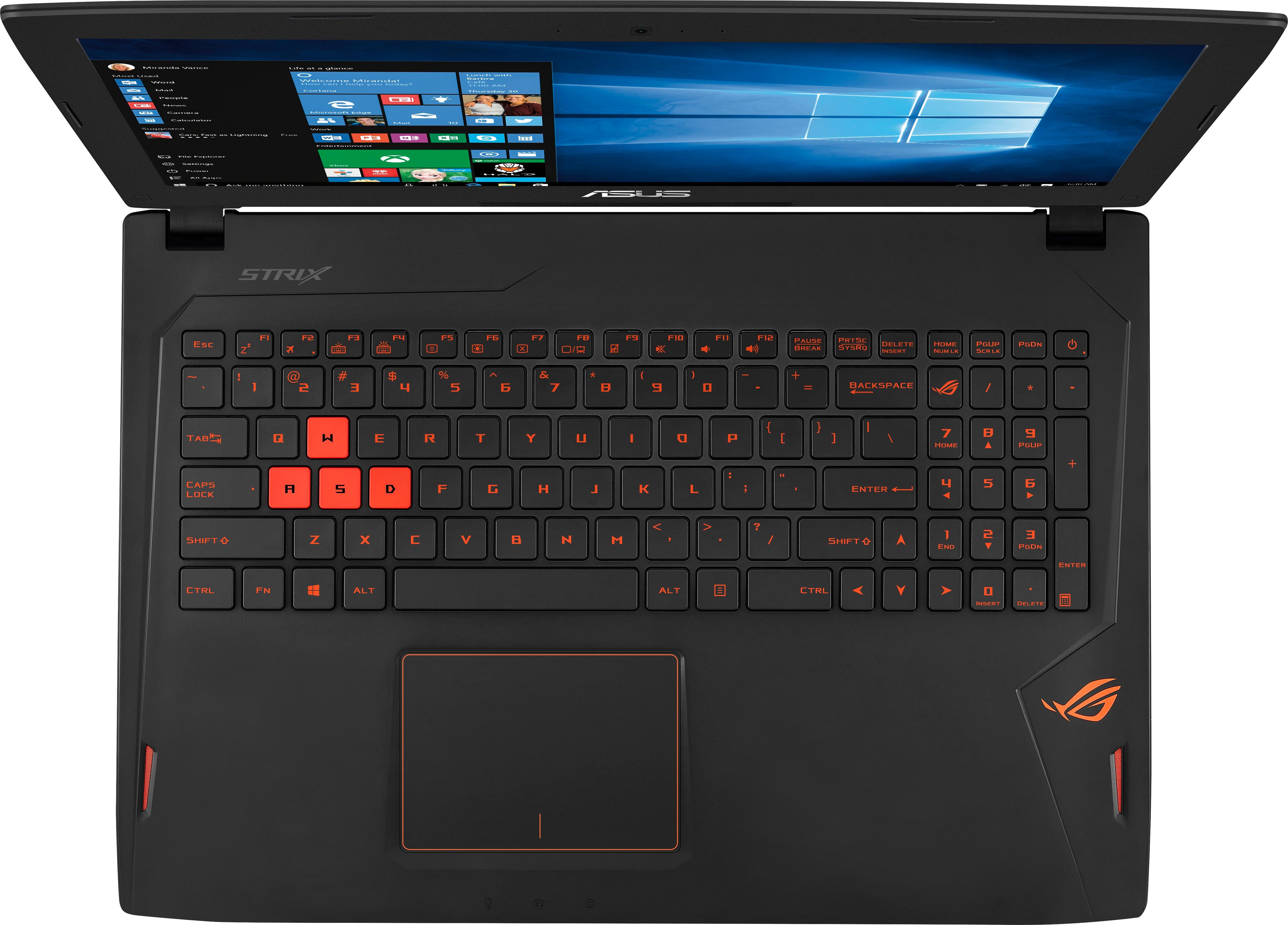
A:AnswerNo it is not difficult at all. You need to always use the fn key the the adjust accordingly. While with some computer you can adjust with out the use, but with regards to this computer, the fn has to be pressed then adjust
A:AnswerMods for what? Minecraft? Sure, no problems at all.
The laptop is pretty powerful for what it is. That being said, this GPU is the low end of where you would want to be on a desktop computer and it's about 10% slower when running in a laptop.
A:AnswerI've only tried it on performance mode which gave me an average of 2.5 hours while using Photoshop. As far as gaming, I tried The Witcher 3 and only got around 1.5 hours before I had to plug it in.