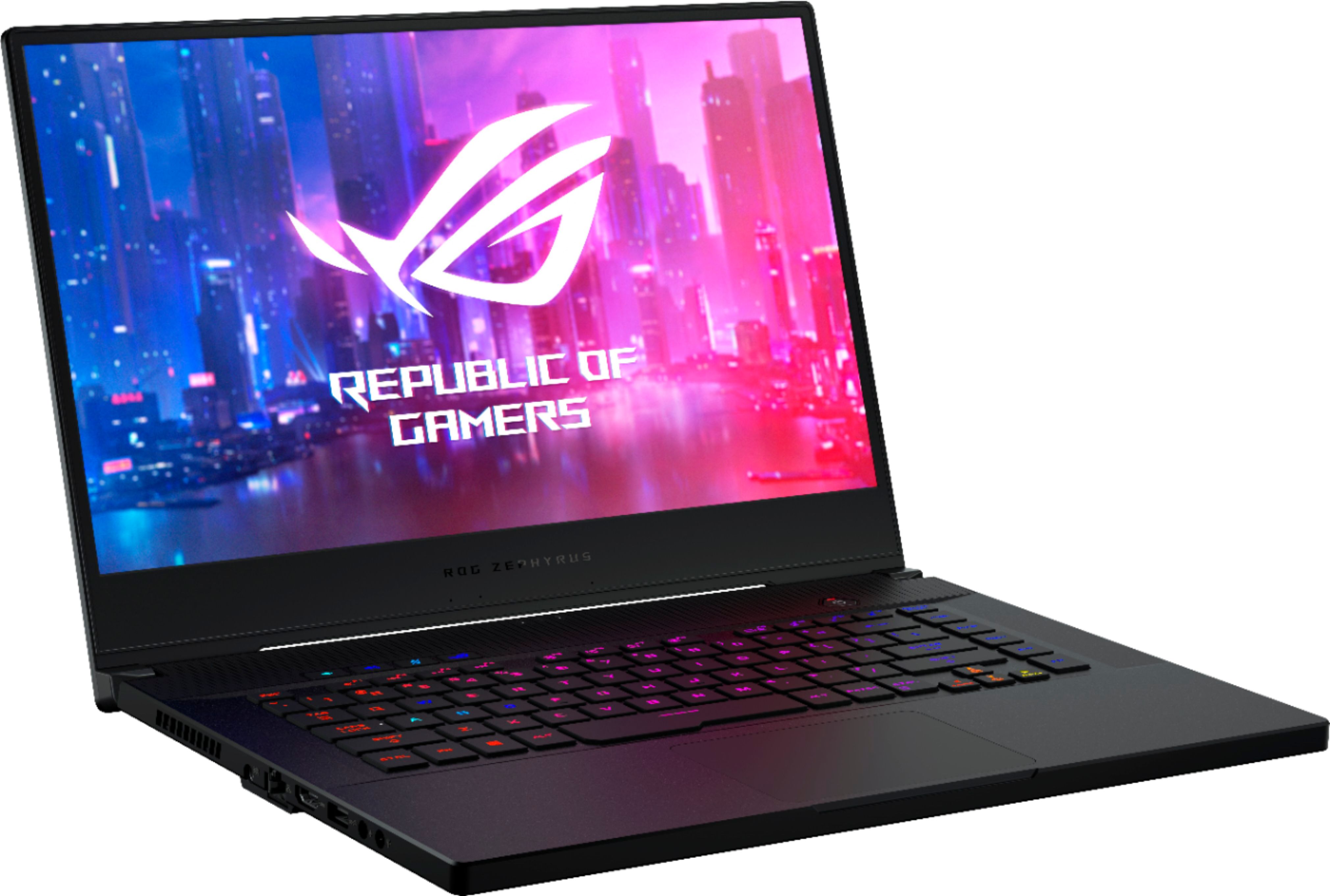
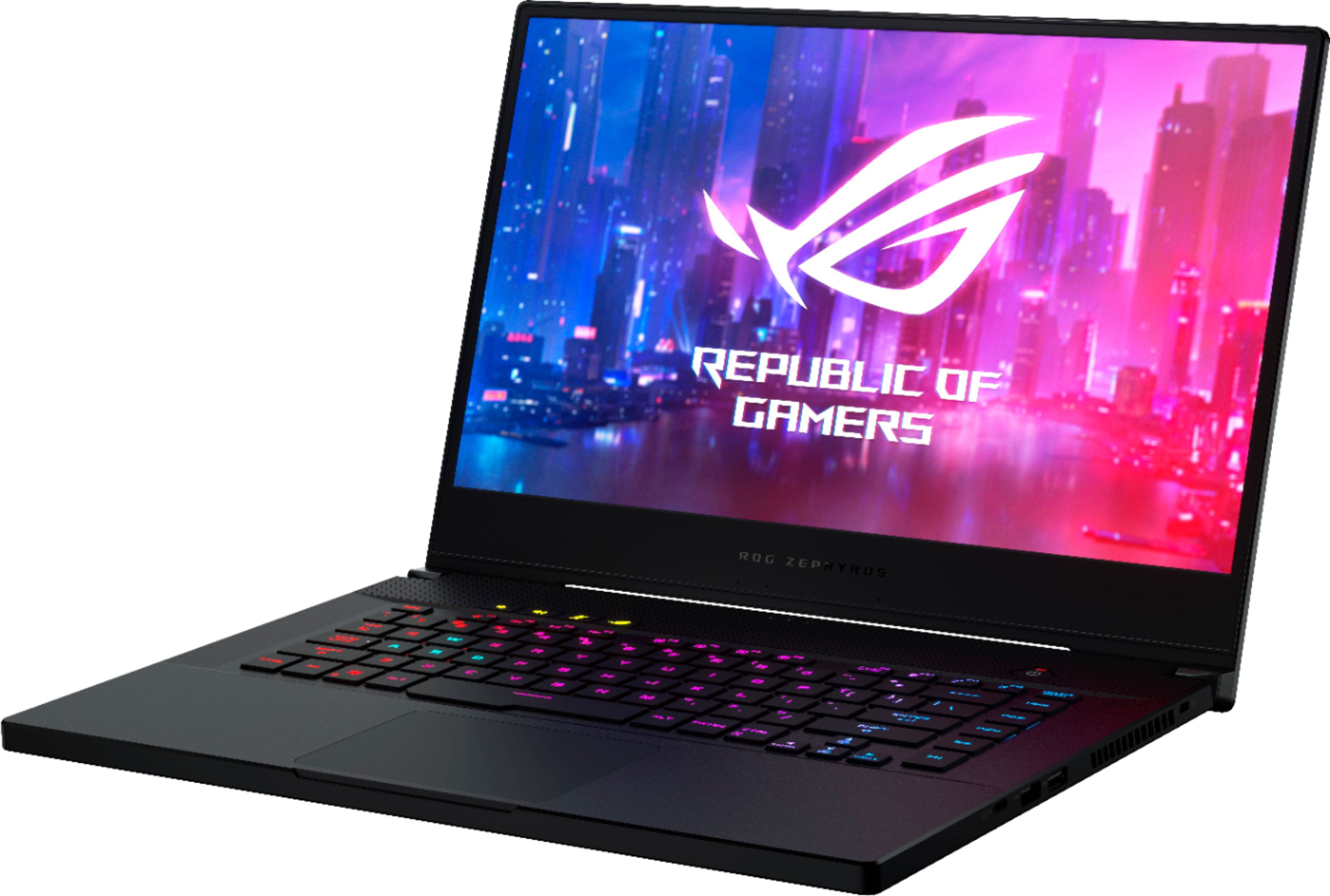
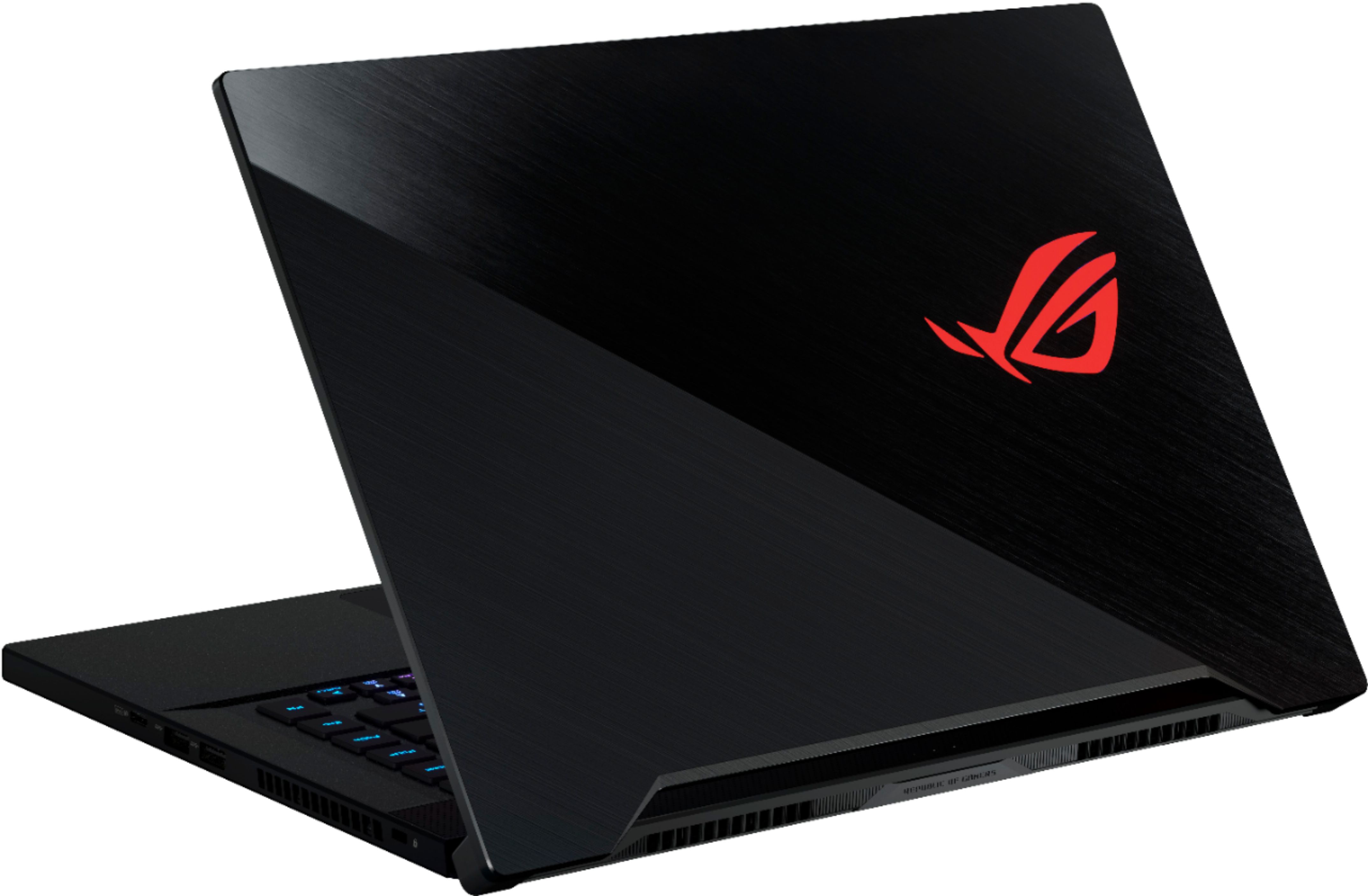
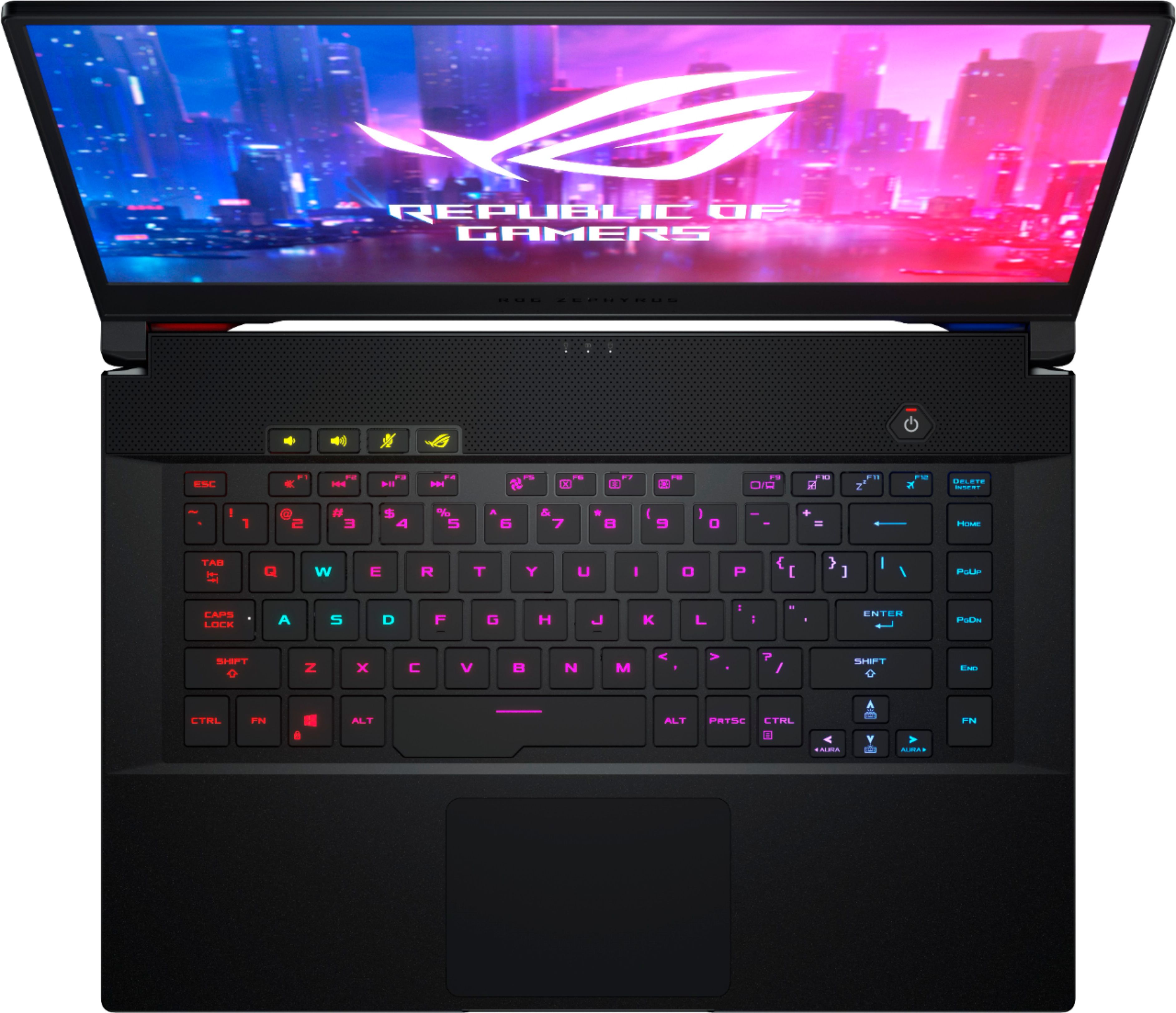
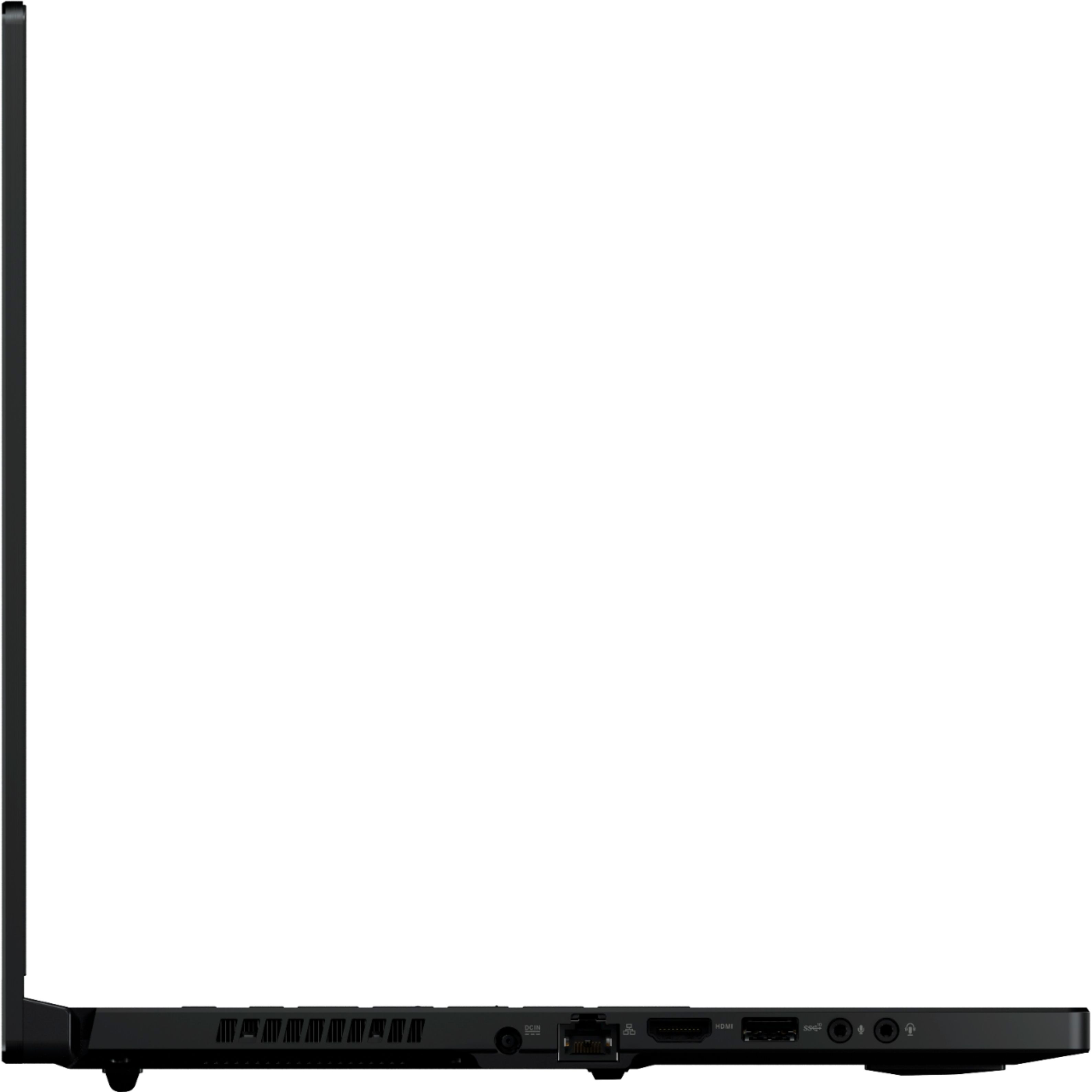
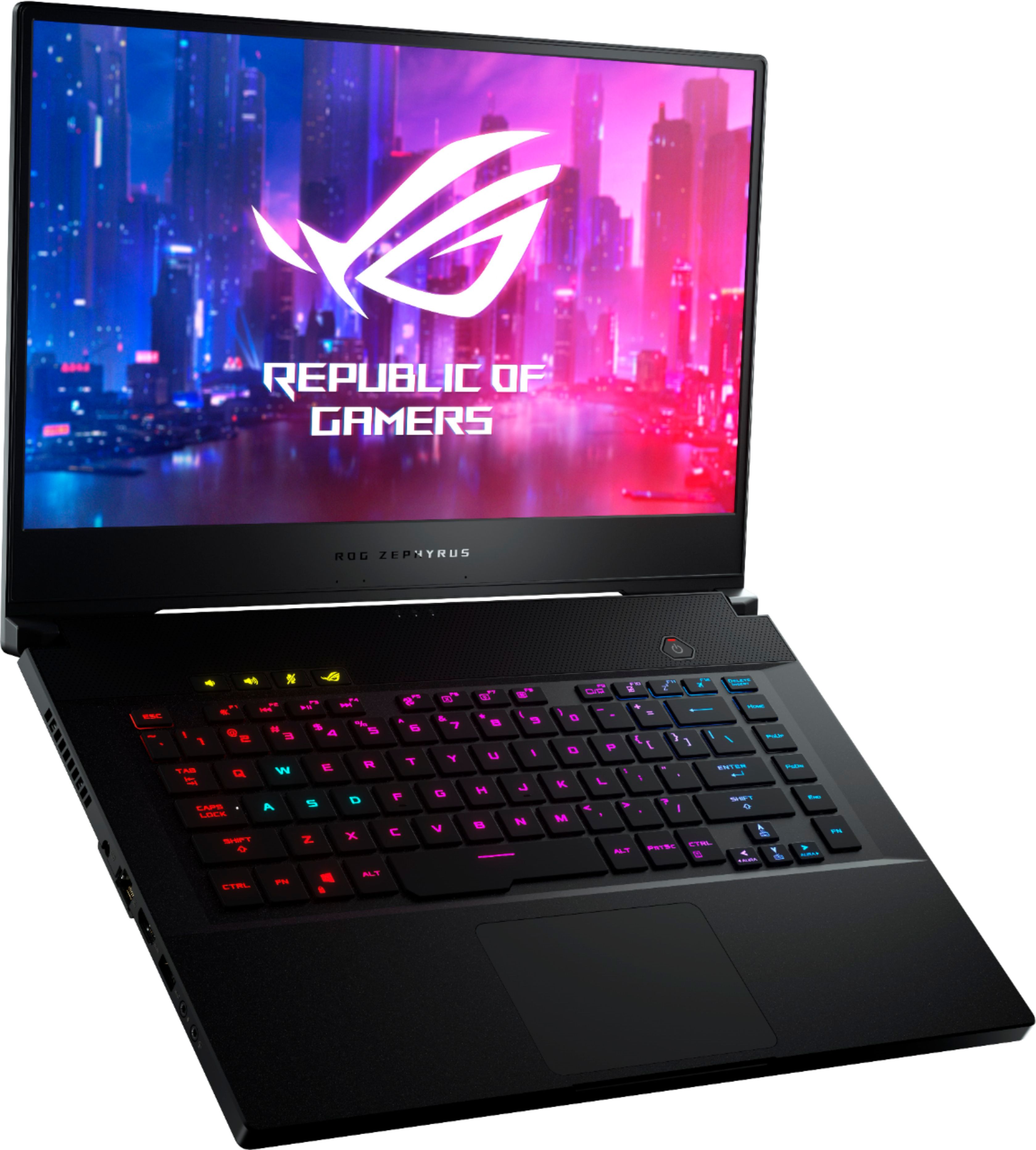
A:Answer Due to the thin profile of the laptop, its bound to heat up quite a bit when gaming.
If you're not playing very demanding games, go to Power Plans > Advanced Power Settings > Processor Power Management > Change 'Maximum Processor State' from the preset 100% to 99%, this will half your CPU clock rate and significantly reduce thermals. Doing this brought me from the 83-86F range to 75F max, usually 70-72.
To give perspective on this, I use this adjustment even when playing Red Dead Redemption 2 and still don't throttle.