Questions & Answers
- Model:
- PG258Q
- |
- SKU:
- 5990303
Highly rated by customers for: Refresh rate, 240hz, Design
Page Showing 1-13 of 13 questions
Q: QuestionHas dis monitor built in speakers?
Asked by CornFlux.
- A:Answer No, but it has a headphone jack to plug in your own headset or speakers.
Answered by ColByte
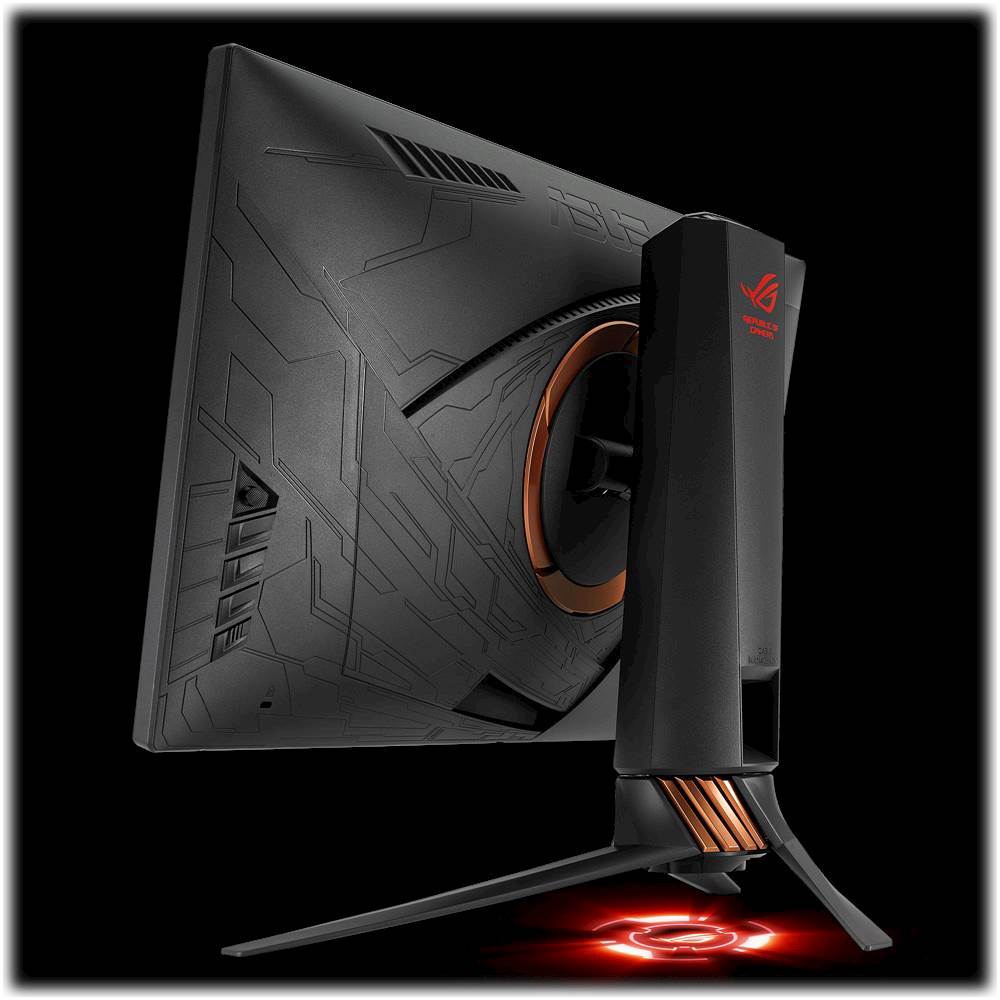
Q: QuestionCan I take off the feet of the monitor and buy a monitor stand?
Asked by Hmmmmmmmmmmmm.
- A:Answer Yes, you can remove the feet and mount this monitor in a stand.
Answered by CommunityAnswer
Q: Questionwhen this item coming back in stock anyone know i look everywhere but there no stock
Asked by Xucij.
Q: QuestionDoes this monitor have the eye care feature?
Asked by Anonymous.
- A:Answer Yes, it has a low flicker back light technology to ensure the light bulb does not deviate in brightness. It also has a low blue light mode adjustable up to four steps, the fourth step you cannot change the brightness of the monitor without stepping back at least to the third level.
Answered by ColByte
Q: QuestionHow much usb cables can this monitor hold?
Asked by gamer.
- A:Answer This monitor features one USB 3.0 port.
Answered by CommunityAnswer
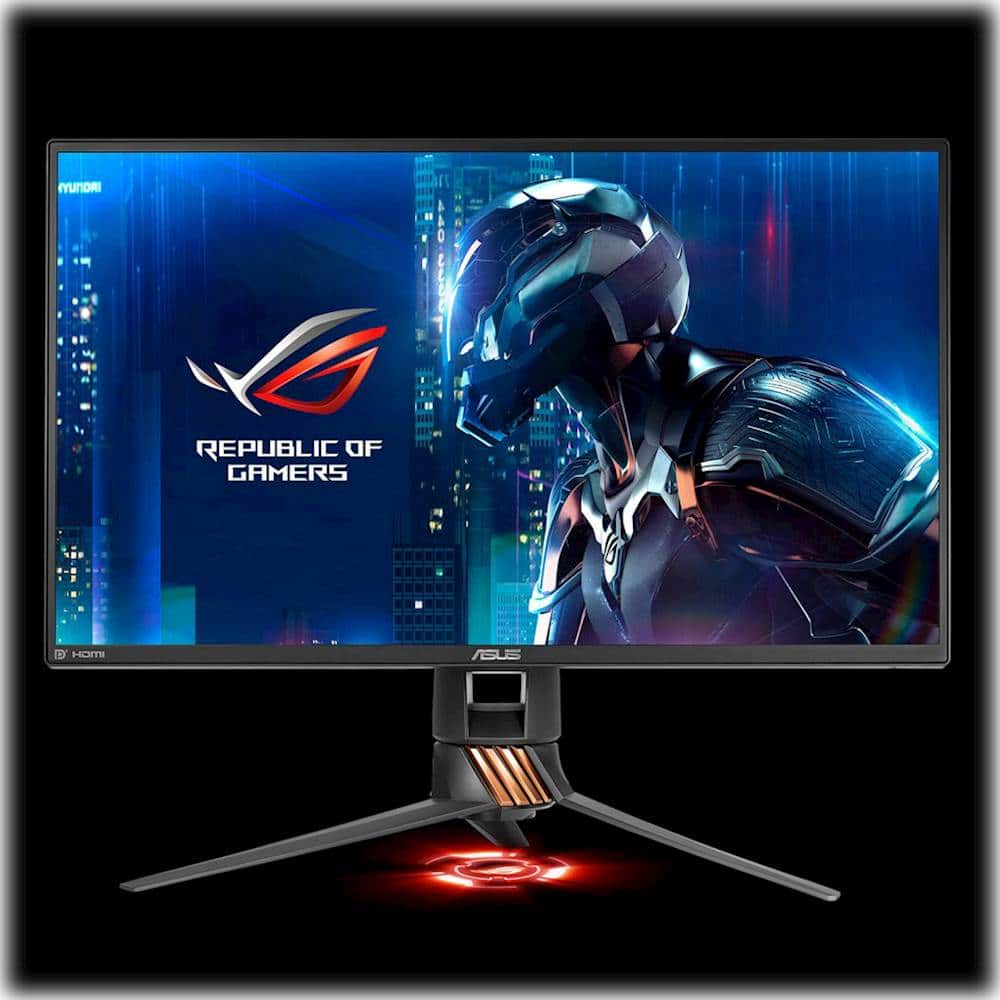
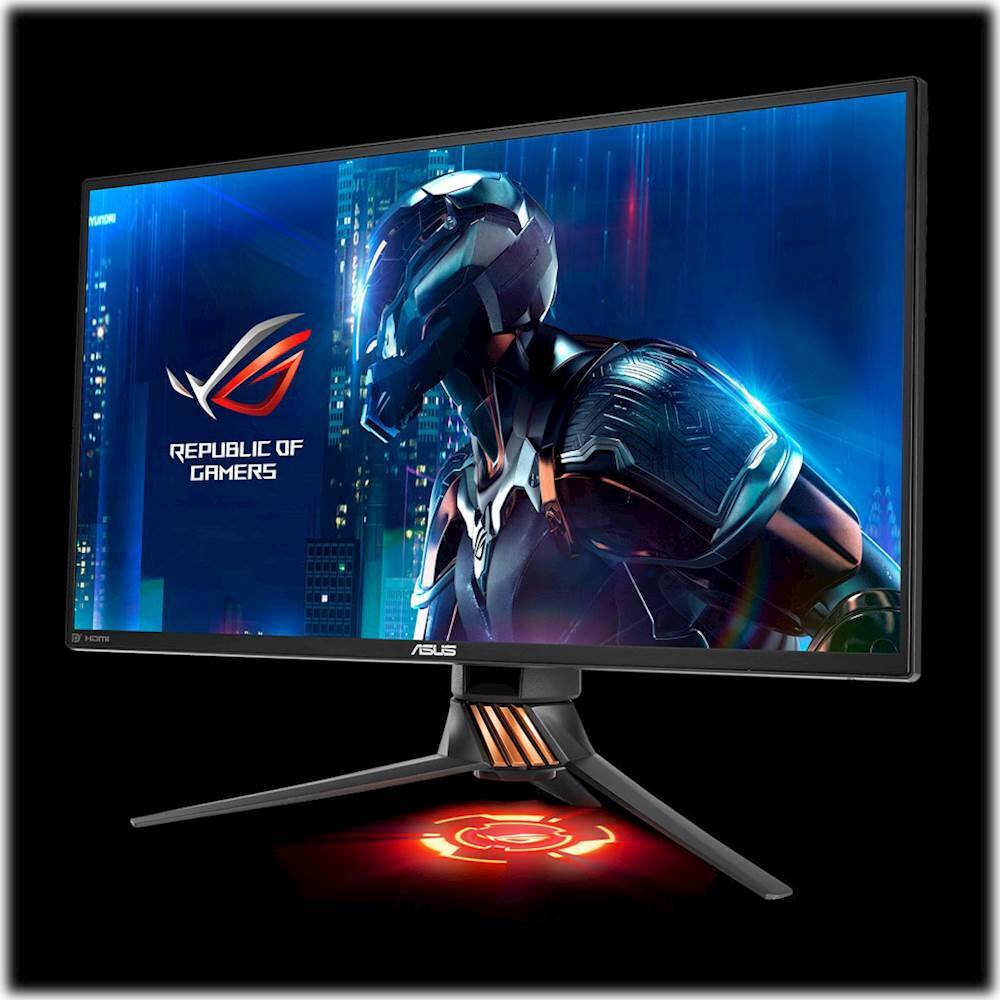
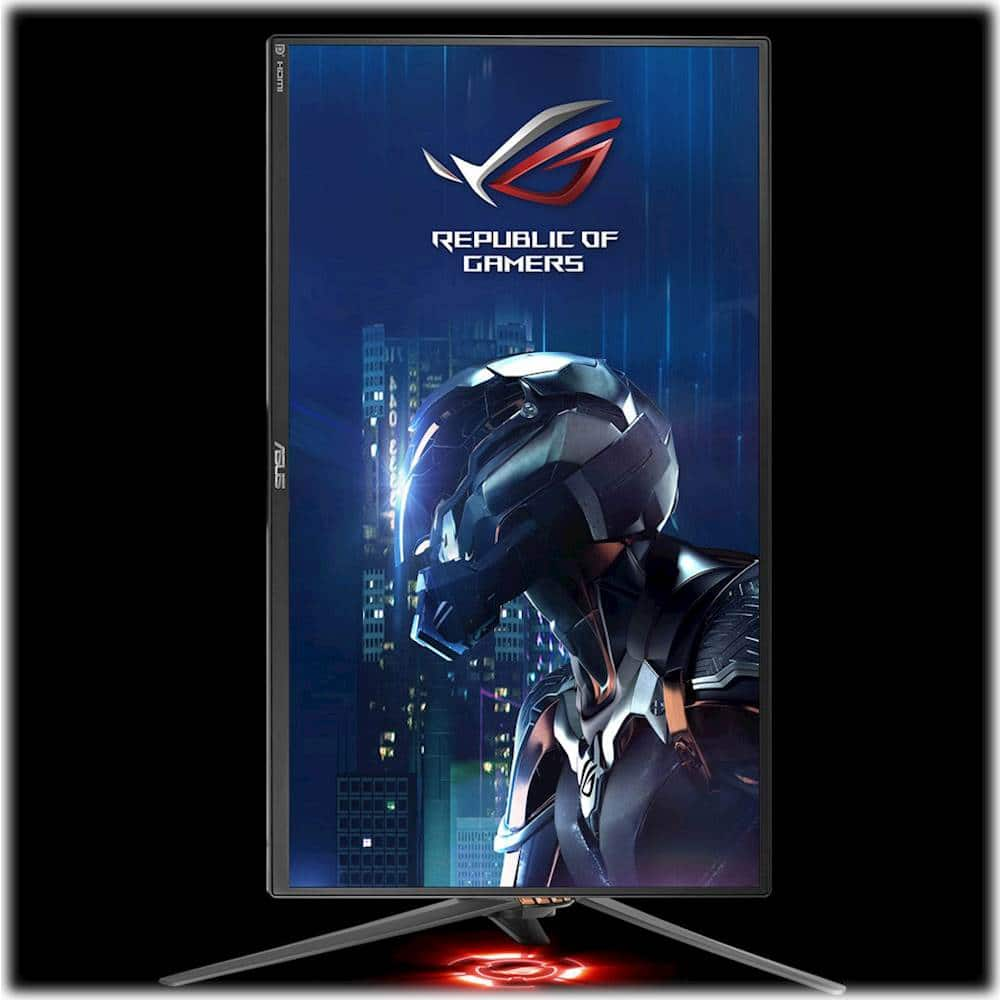
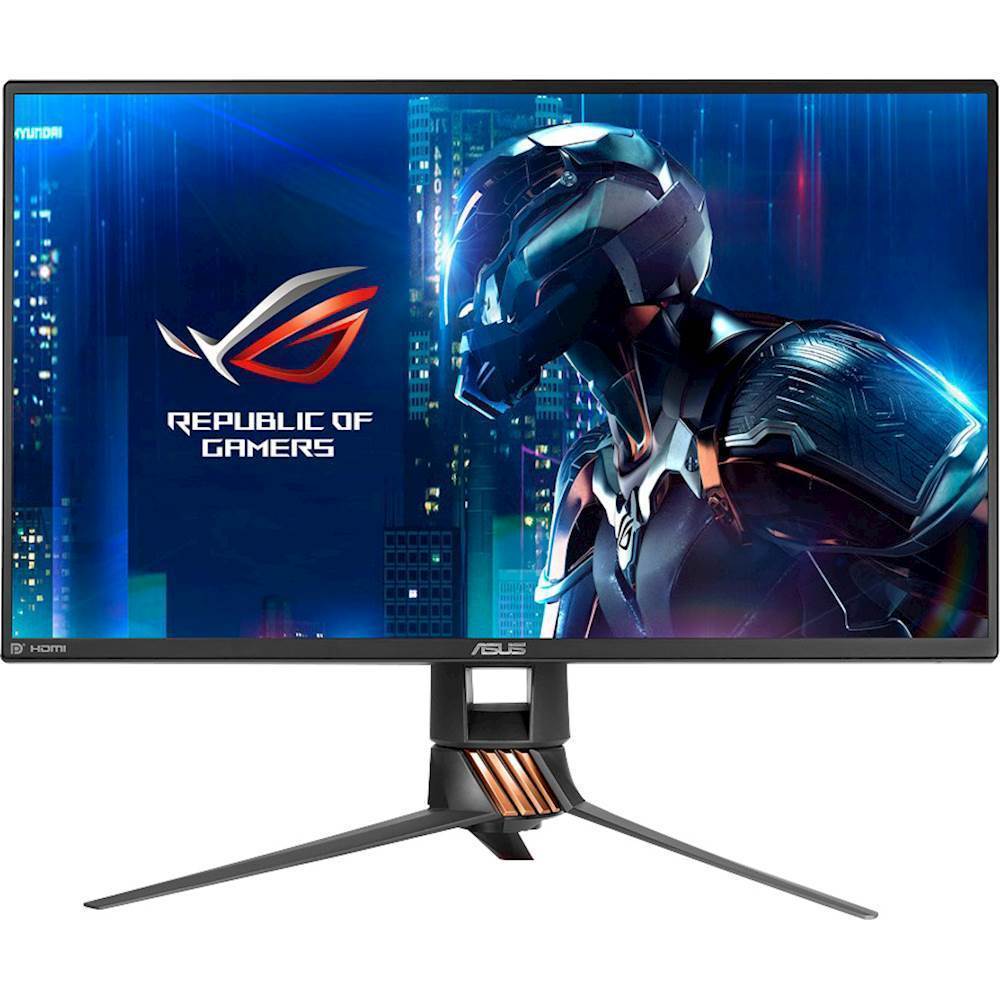
Q: QuestionWhere do I get the wallpaper that is displayed on the monitor in the picture?
Asked by GamingBear.
Q: QuestionIs this monitor only use for pc gaming or regular gaming too?
Asked by Oscar.
- A:Answer I'm not sure what "regular gaming" is defined as, but even if you plug this monitor into a console you can use 60 FPS with a HDMI cord, and 120 hertz with a display port cord. Although a more cheap alternative would make more sense as you cannot use g-sync with a console, nor is there a console that is 240hz.
Answered by ColByte
Q: QuestionI wanted to know if u can connect speaker to this monitor
Asked by Oscar.
- A:Answer This monitor is compatible with a speaker that is connected via USB port.
Answered by CommunityAnswer
Q: QuestionDoes this have external speakers?
Asked by Dave.
- A:Answer No, the monitor does not have speakers.
Answered by CommunityAnswer
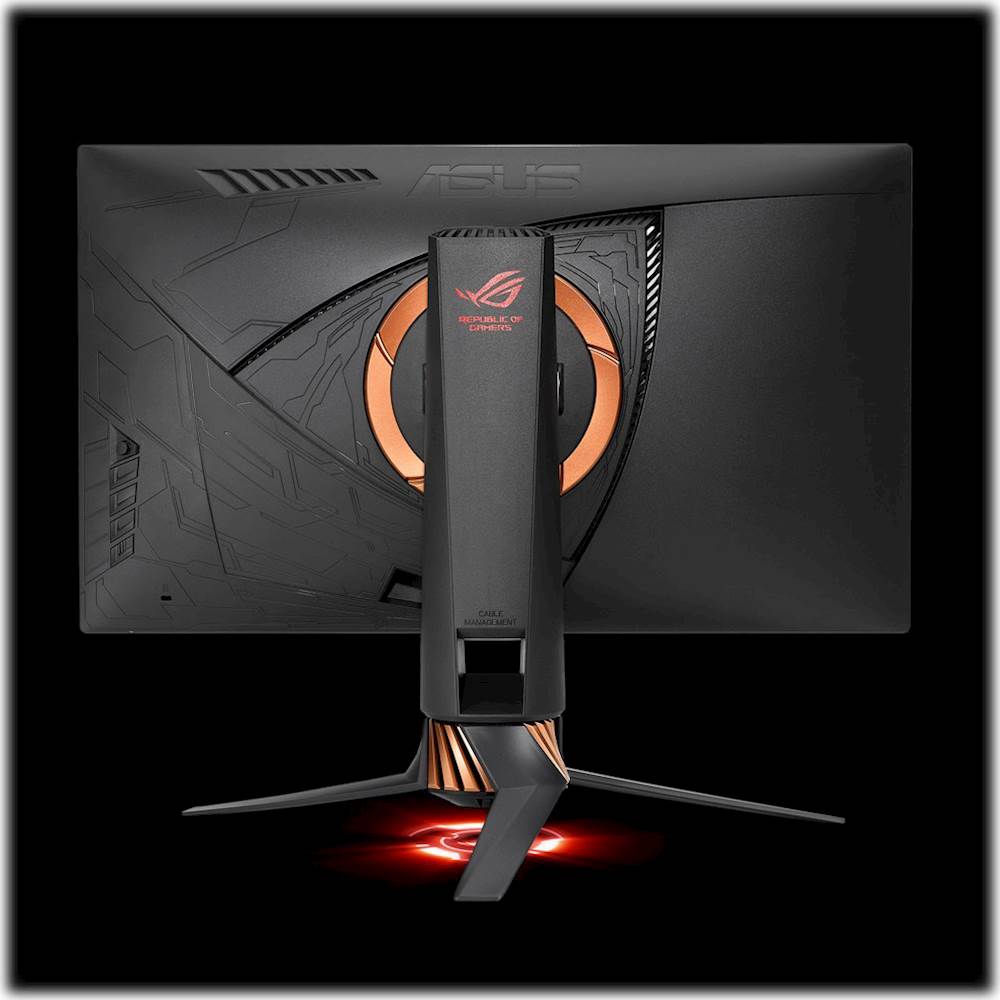
Q: QuestionI need to know what that light thing is in between the feet of the monitor?
Asked by HELP.
- A:Answer That is the LED light and it shows the Asus symbol. You can also customize the logo drawing etc. This YouTube video is very helpful and explains everything: https://www.youtube.com/watch?v=Y3CuJDQYK2Q
Answered by Bezz
Page 1, Showing 1-13 of 13 questions
Most-viewed items
- $329.99$329.99The price was $469.99
- $149.00$149.00The price was $399.00
- $159.99$159.99The price was $179.99
- $1,149.00$1,149.00The price was $1,299.00
- $449.99$449.99The price was $649.99