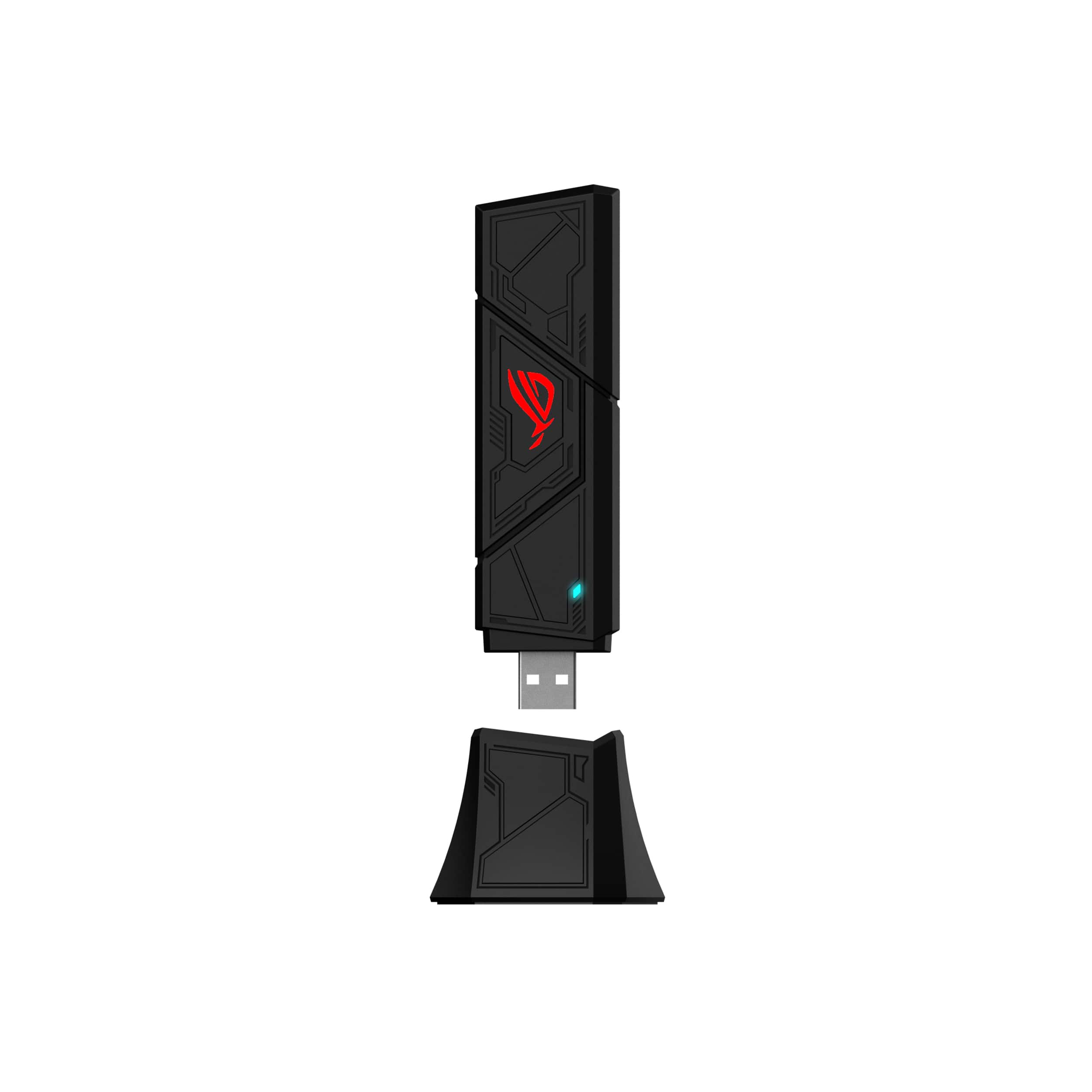
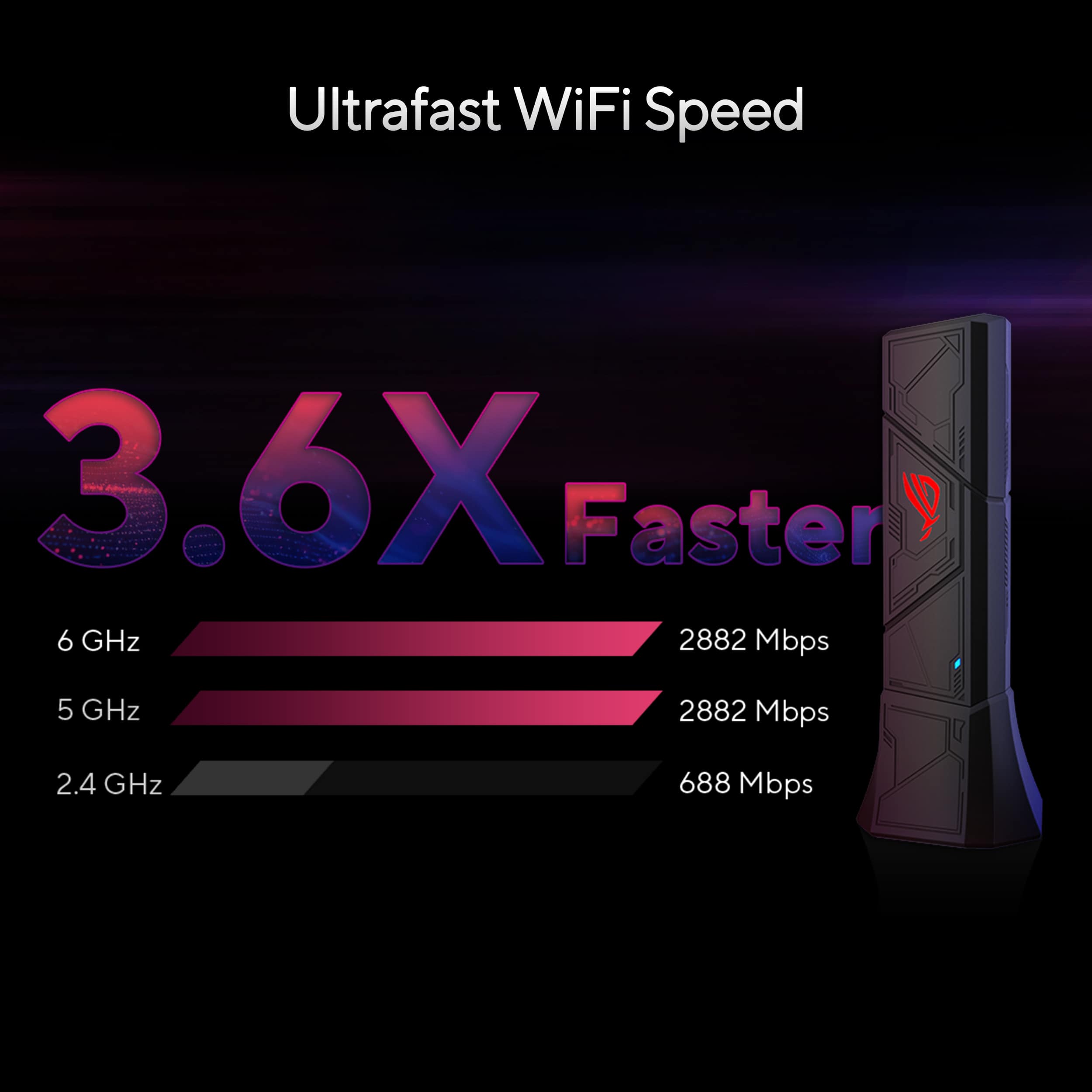
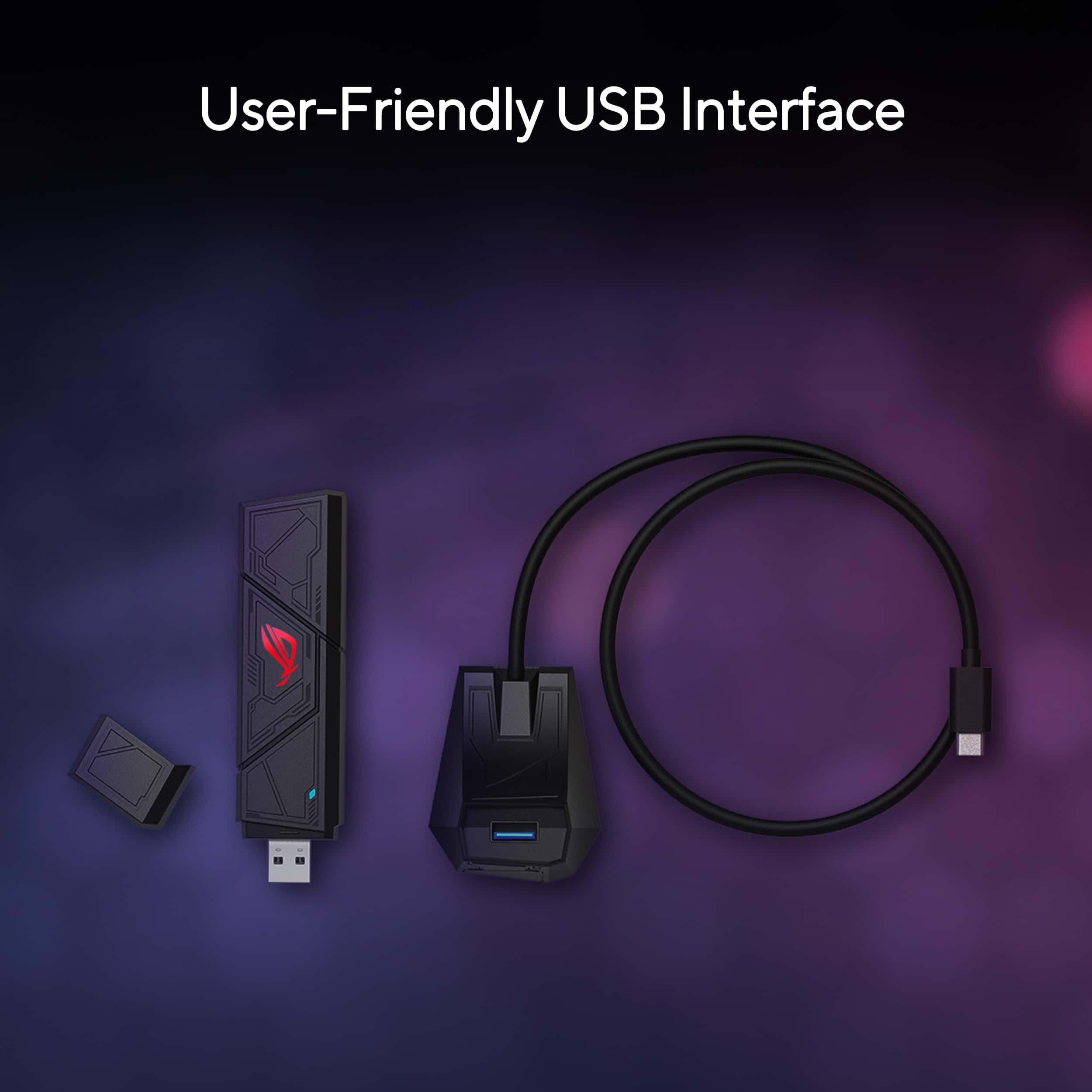
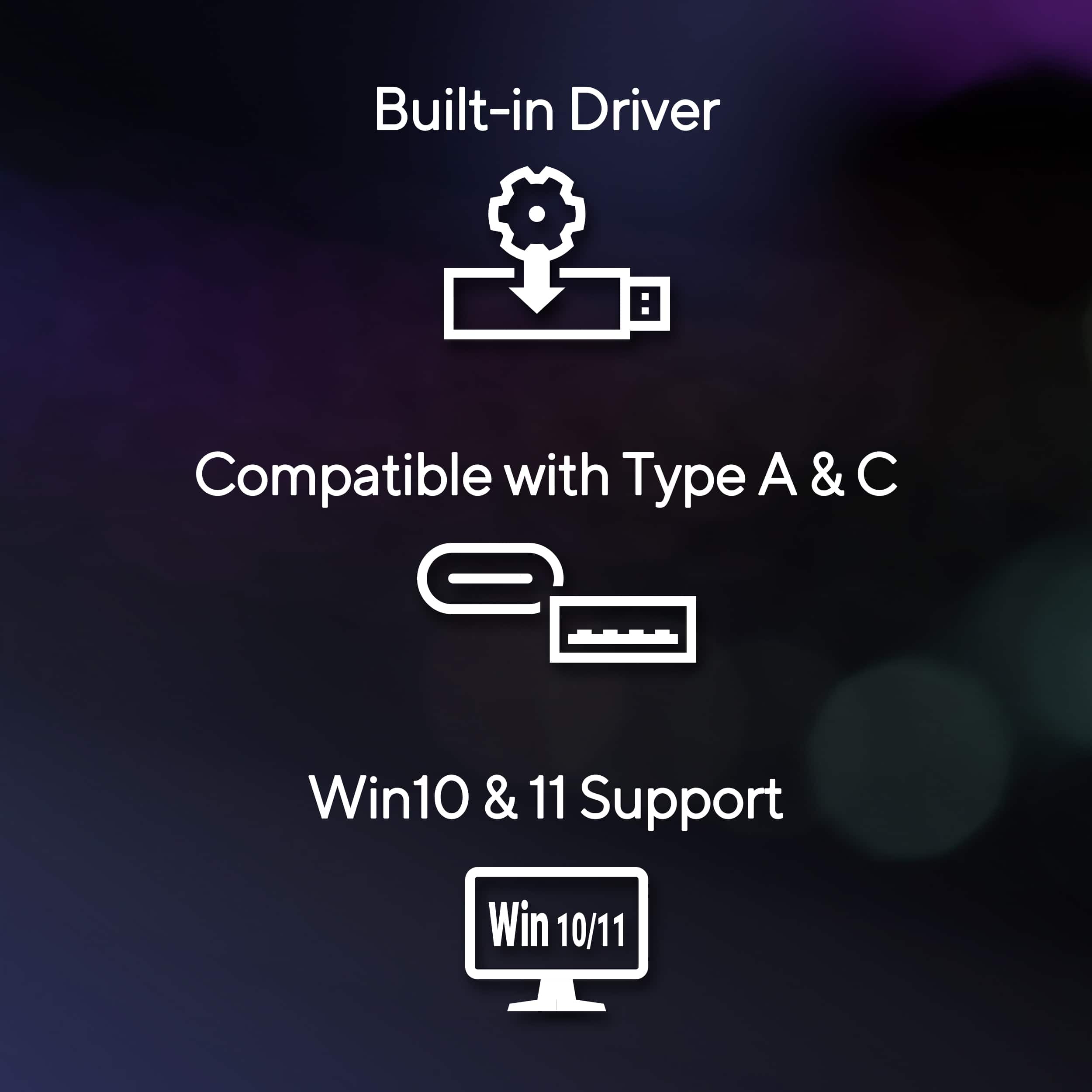
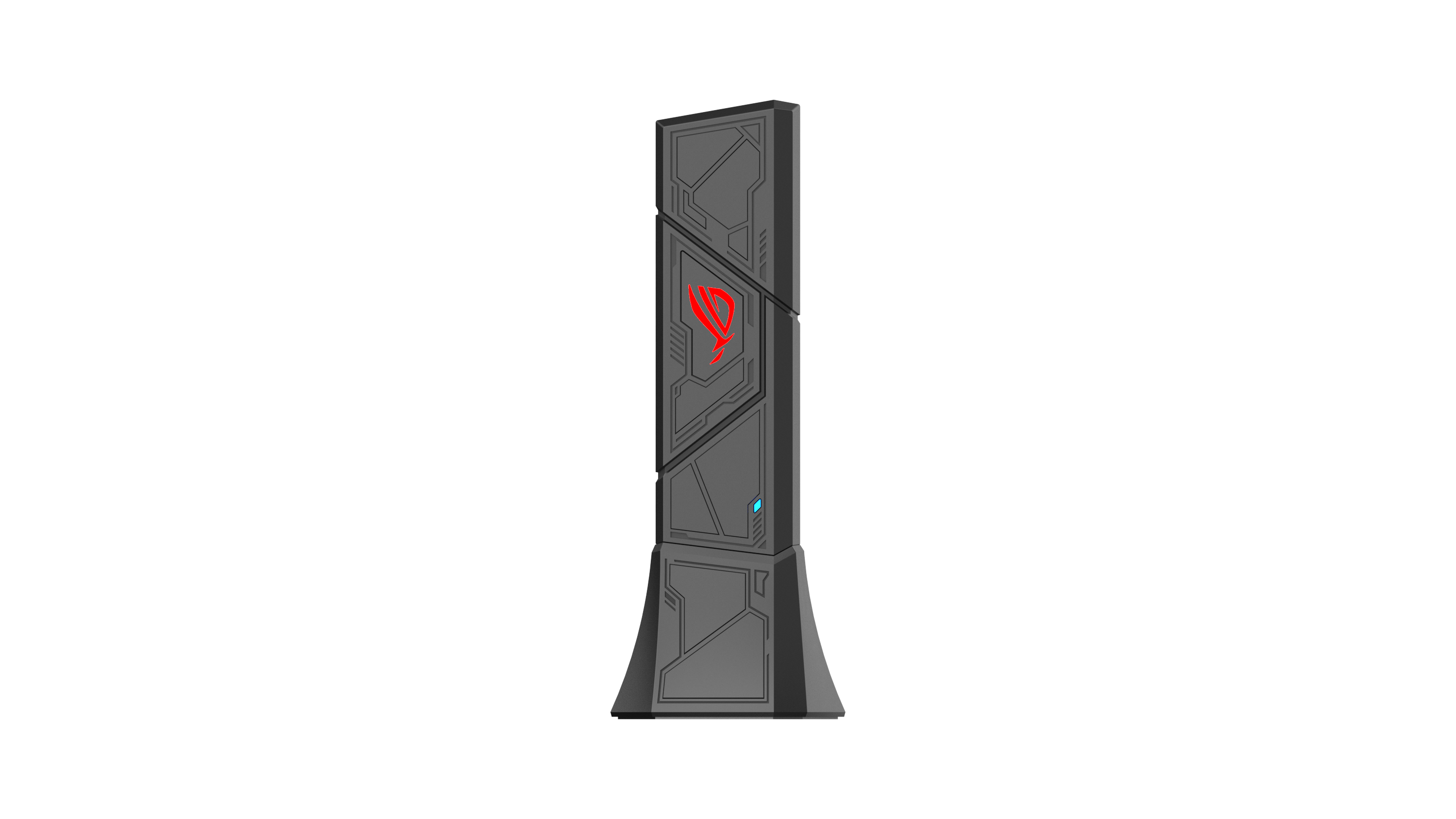
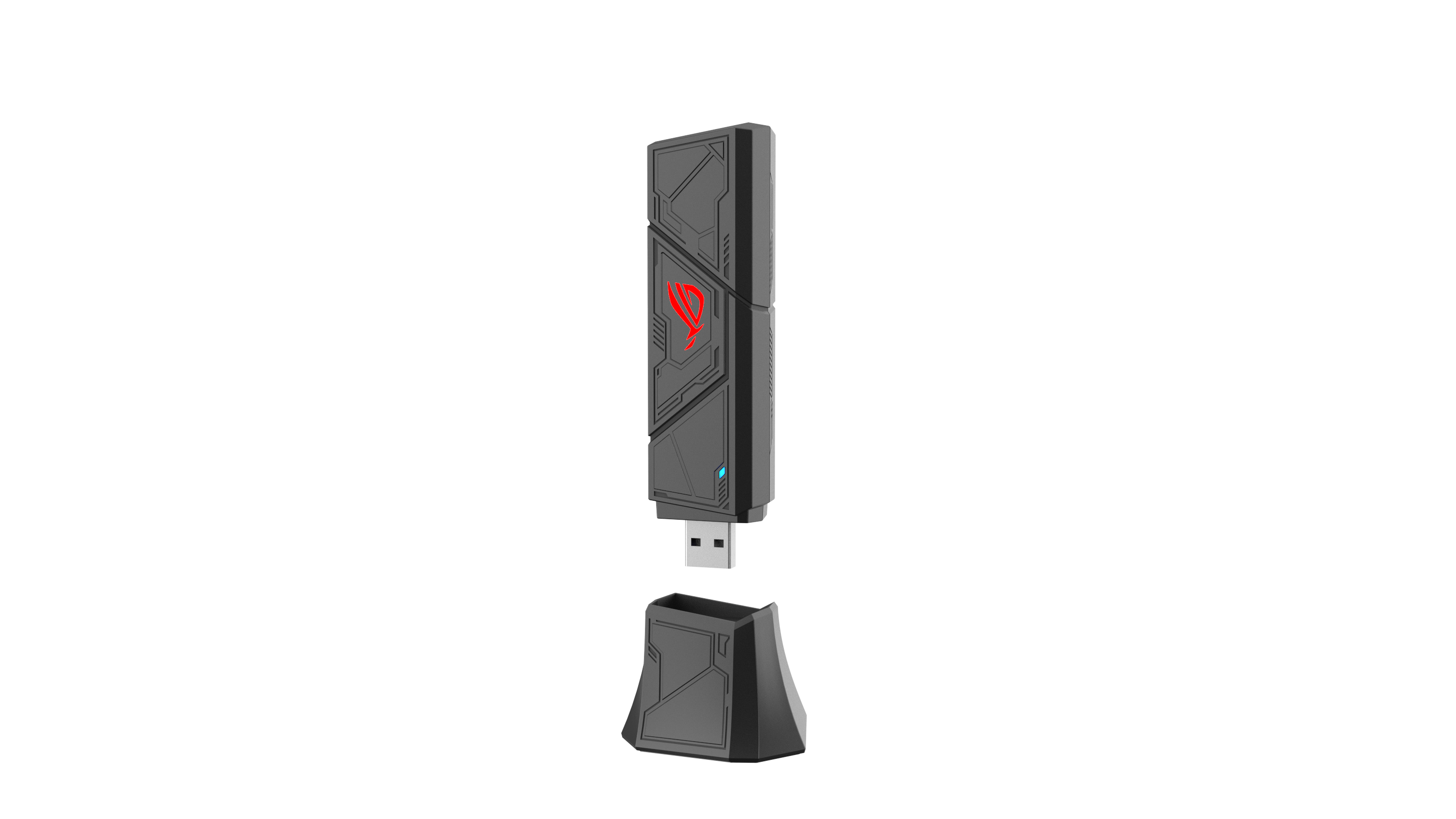
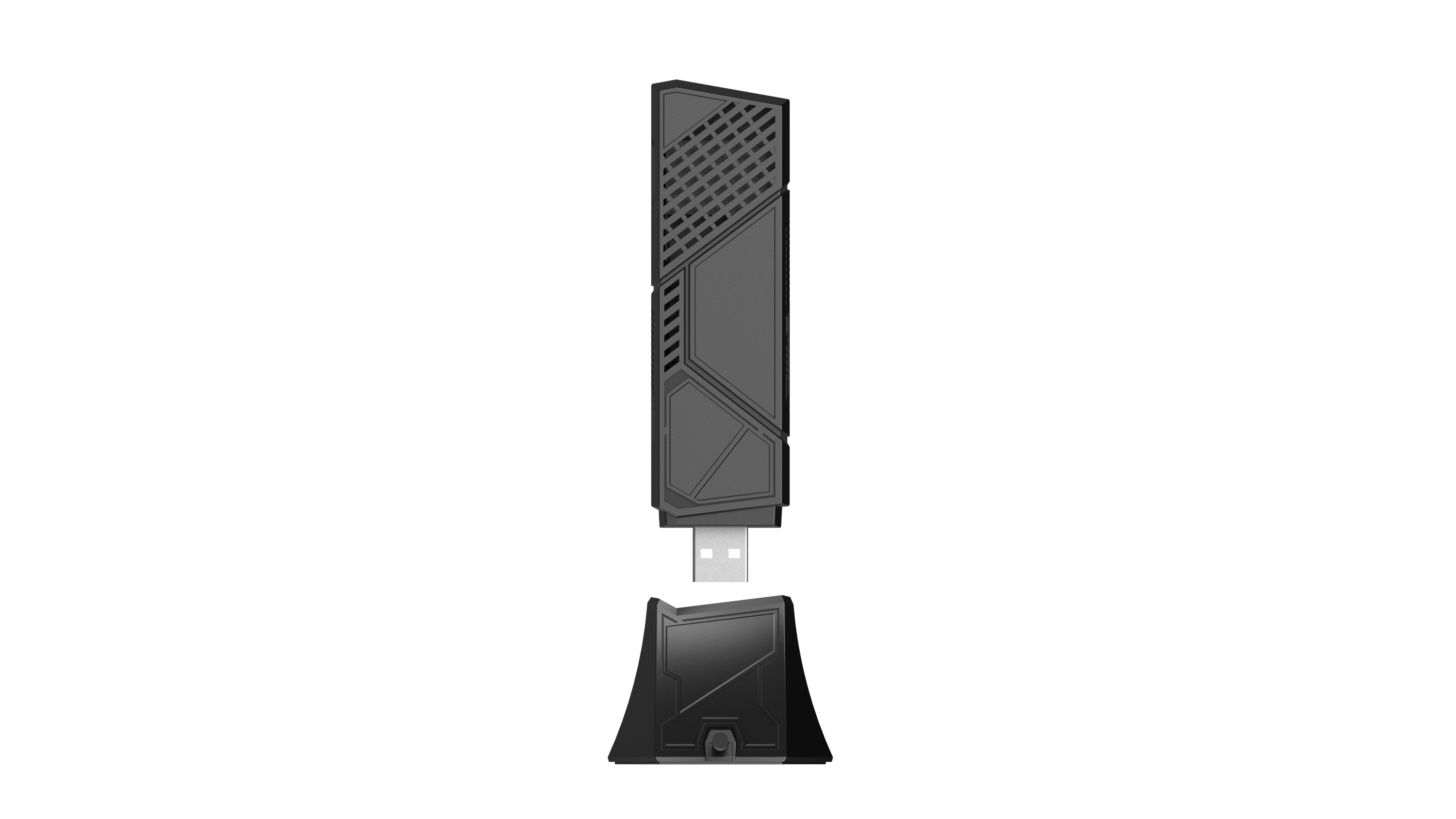
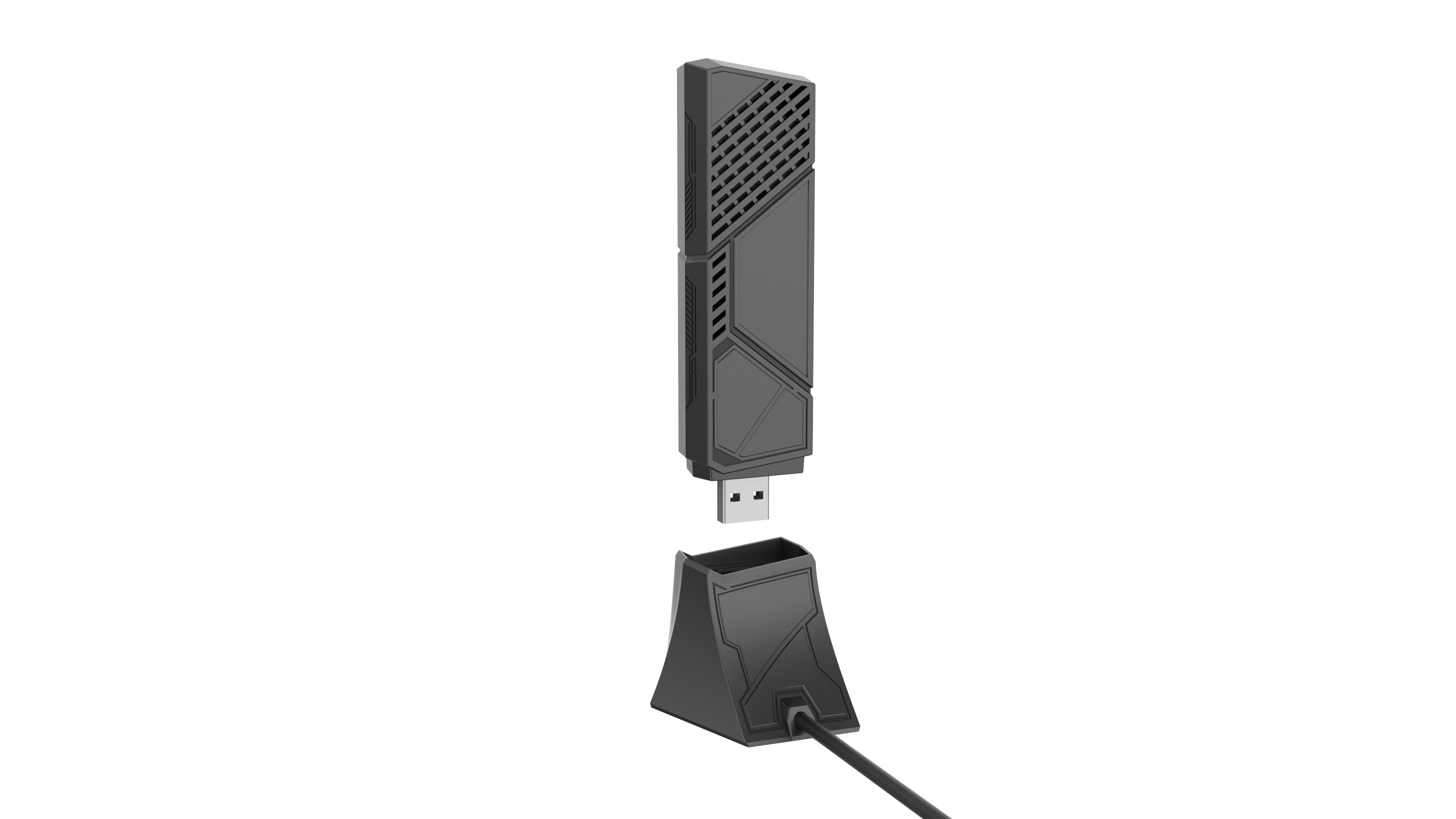
A:AnswerIt should just plug into your computer via USB-C or USB-A, once drivers are installed then Wifi capabilities should be enabled and then search for your local SSID.
A:AnswerThe ASUS ROG USB-BE92 officially supports Windows 10 and 11, but Linux is not officially supported.
https://rog.asus.com/networking/rog-usb-be92/spec/