A:AnswerTDP is 100. Plenty quick. It’s a trade off higher TDP equals heat and battery life. So you need to decide if you have it on your lap and want portability or will it be sitting plugged in always. If so. I would look at Alienware but 2k screen… that is what grabbed me.
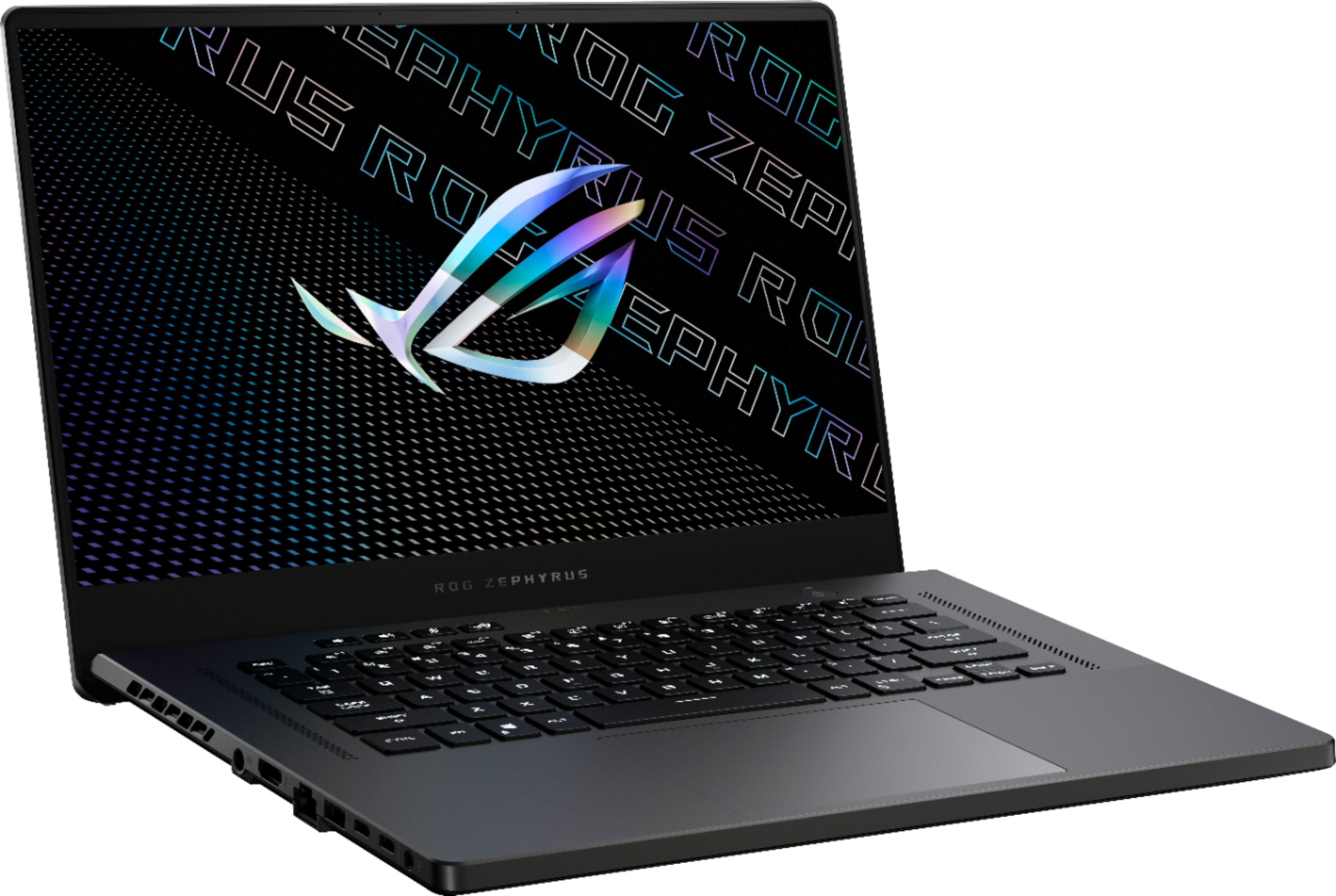
A:AnswerI don’t know when it will be restocked, but when I bough it, it was $500 cheaper than amazon. Nice machine. Note, it does not have a display port, so you have to use HDMI if you are connecting to a monitor.
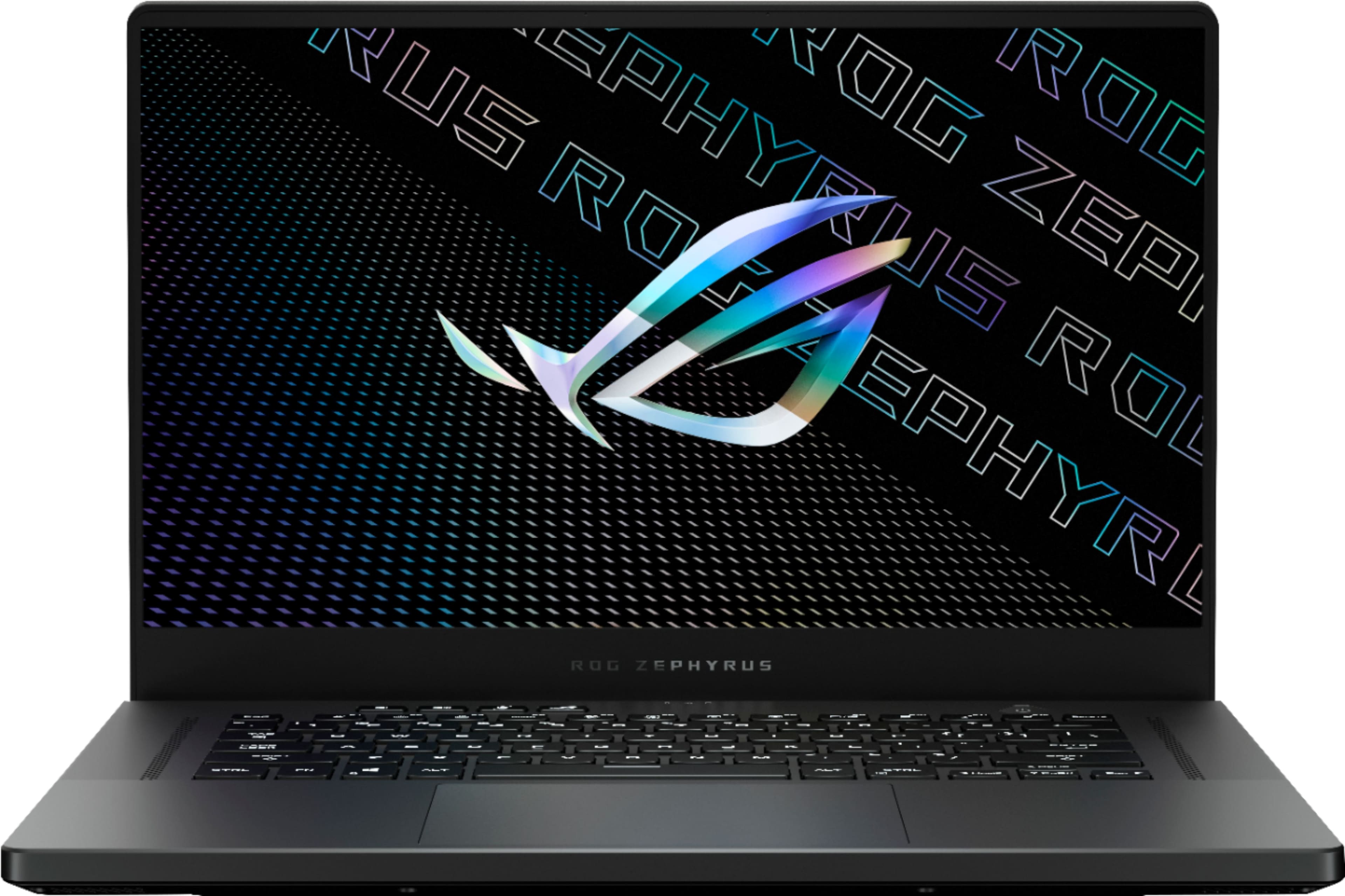
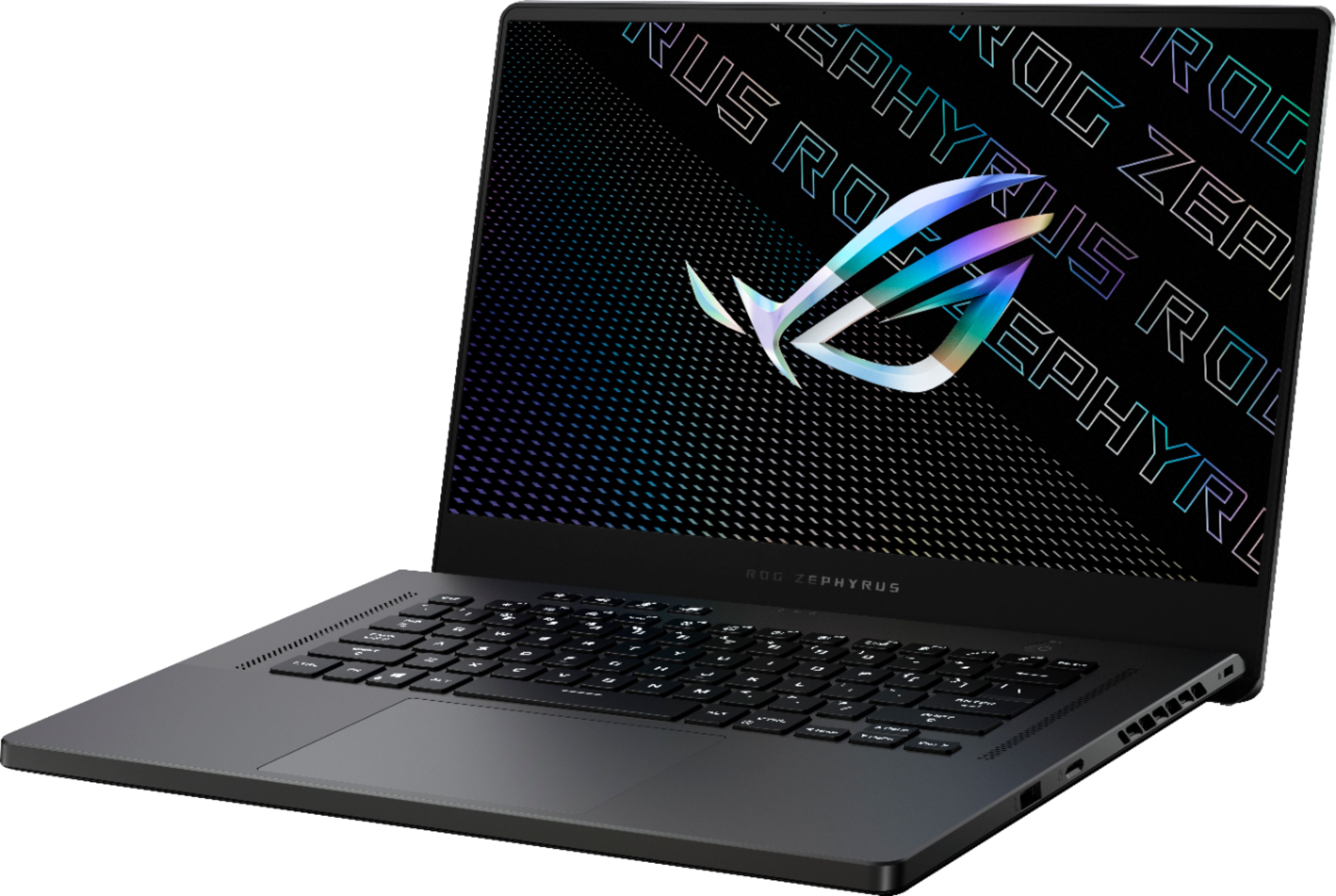
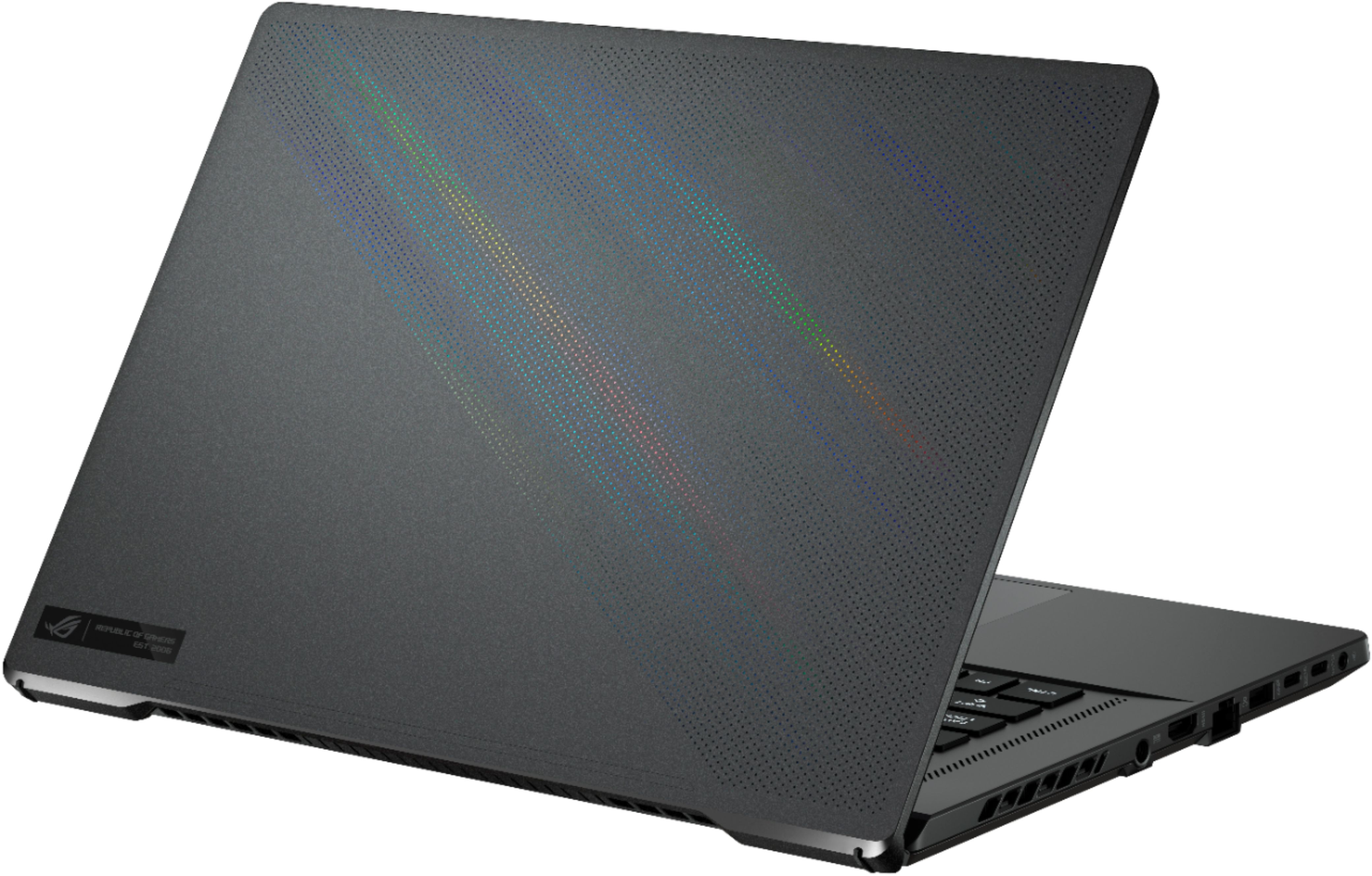
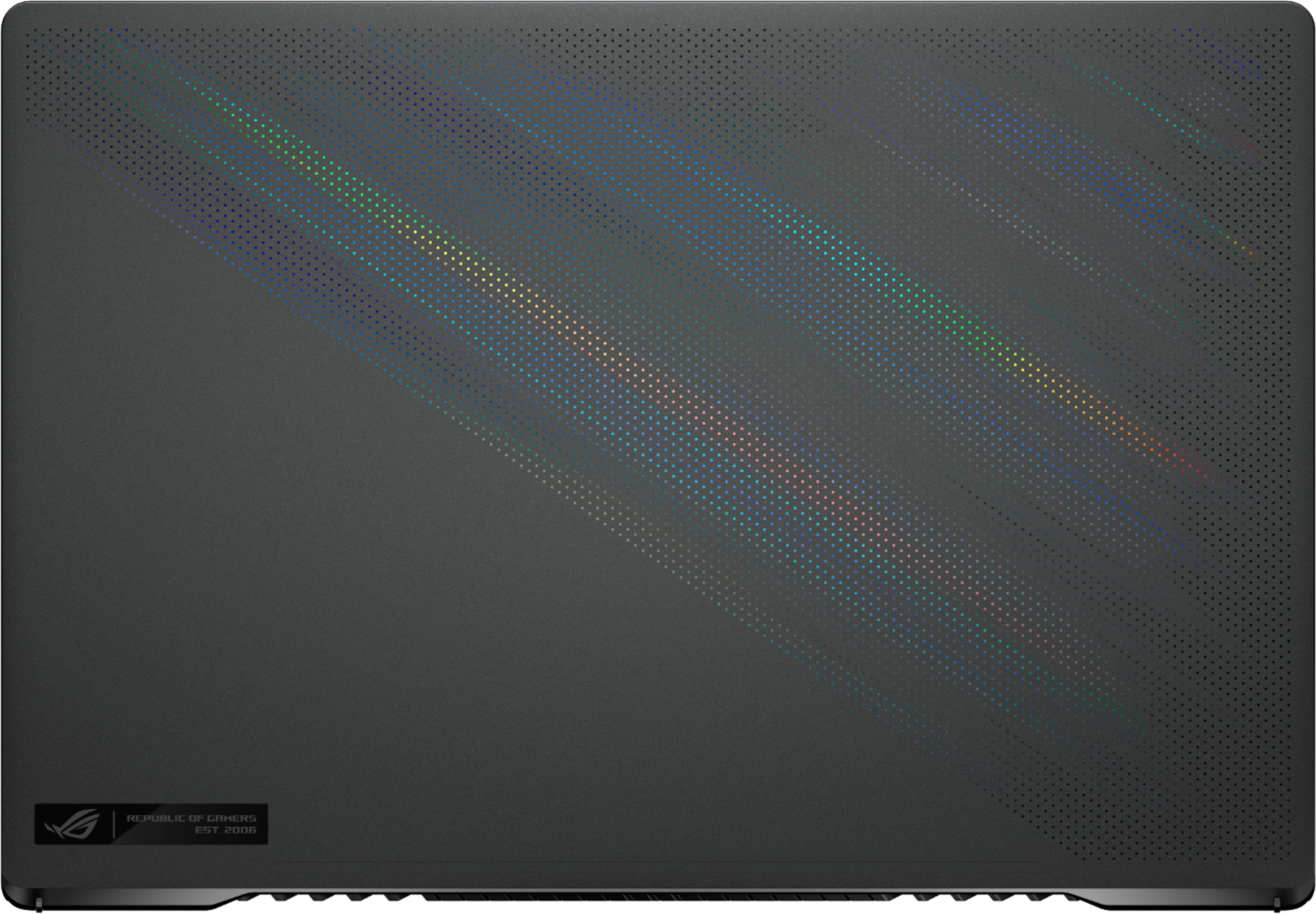
A:AnswerThere are no lights on the outer case, the color you see is a reflection from the material visible through the holes in the lid. The lights on the keyboard can be turned off or changed to any custom color.
A:AnswerHas an integrated AMD Radeon Vega GPU as well that is also run over the HDMI port. I believe the Vega has 512MB of DDR4 1600 and will use shared system memory up to 8GB. The iGPU and RTX will never run simultaneously, and the preferences can be changed under GPU Power Saving in Armoury Crate.
A:AnswerThis laptop has two usb type-c displayPorts that connect directly to the GPU. Ironically, the HDMI does not and is passed through the onboard graphics into the GPU.
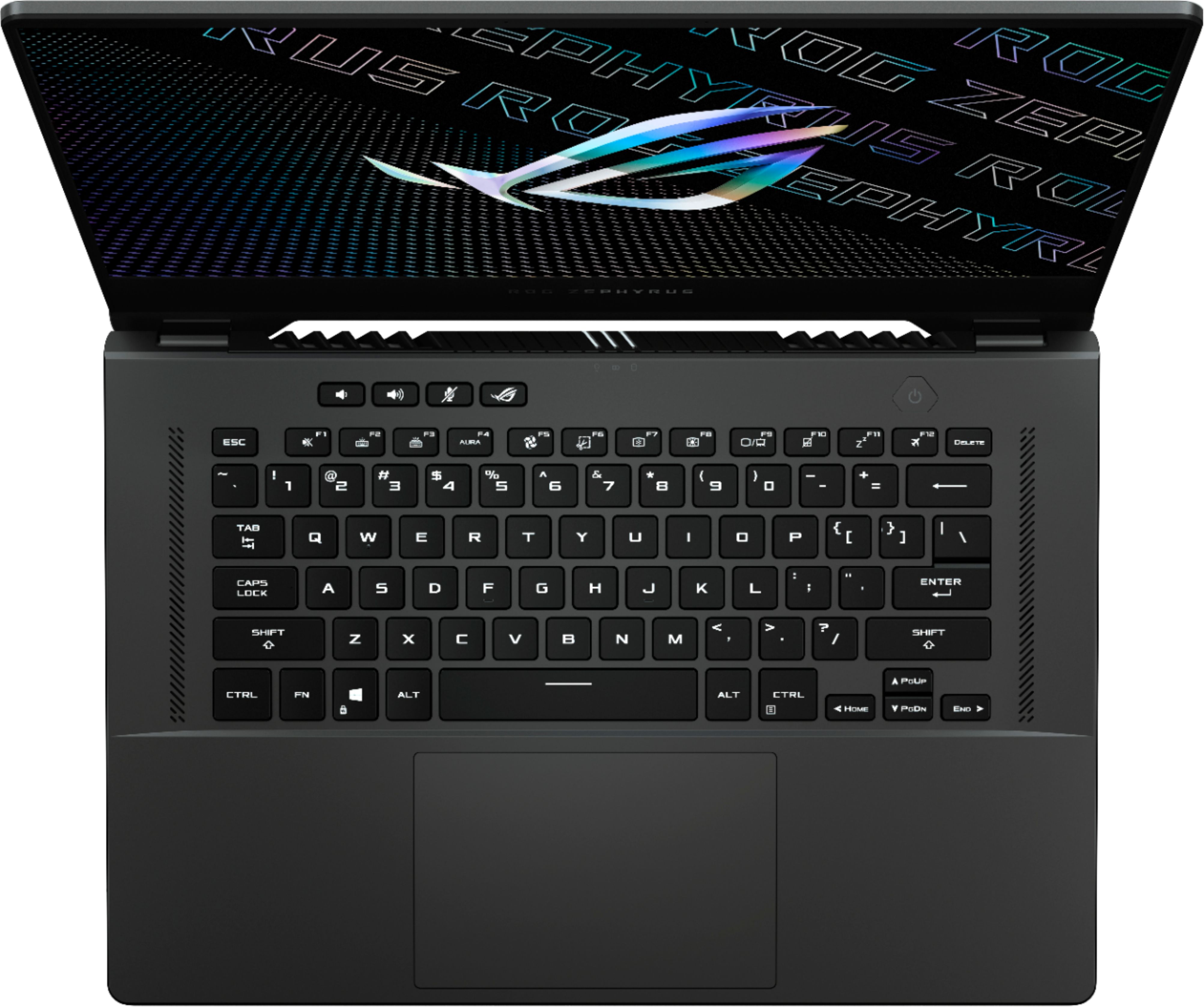
A:AnswerIt feels like a normal size keyboard. You just don't have a number pad area on the side like some keyboards. The numbers are at the top of the keyboard rather than the right side in one area.
A:AnswerThe lid, chassis, and deck (I THINK) are made of magnesium. The bottom is hard plastic. Overall, it looks nice and doesn't feel cheap or gamery.
A:AnswerNo.
It has a dual noise canceling microphone but no camera at all. This helps with the slim design.
I'd recommend picking up a logitech brio with your purchase of this laptop. Both are phenomenal
A:AnswerThere's a BIOS update that fixed sound issues. I believe that was BIOS 405. But the most recent BIOS is 408 now. Check for that. I personally don't have that issue with mine. Also check the volume options in the Dolby settings. You can change the volume. There is an option where it gets louder but doesn't have as much bass. I noticed that option when I first purchased mine but I was ok with the default settings. So def play with the volume options in Dolby and in the Microsoft settings as well. Hope that helps.
A:AnswerThe backlight on the keyboard looks great. It’s a single RGB zone, so you won’t be able to set different colors in different areas or individual keys. If you want that kind of capability, you will have to buy the Asus ROG Strix version. The keyboard backlight colors can be changed using the Asus Armoury Crate software application.