A:AnswerThere is a free M.2 slot so you can install your second SSD into it. X2 refers to the speed of the slot, so the drive might be slightly slower, but you're not likely to notice the difference in day-to-day use.
A:Answerfrom what i can tell the screen has poor color depth. its ok for gaming but if you want to use it for graphic design i would look at a diferent machine.
I believe it just uses the dedicated gpu.
A:AnswerIt includes Windows Defender, which is built into the operating system. The Windows 10 activation key is baked into the system BIOS so if you need to restore the OS, it will activate automatically when you connect to the Internet.
A:AnswerThe adapter can operate between 100-240V. However, you may need a plug adapter as this unit will have a United States socket. The full specifications can be found in the manual here. https://dlcdnets.asus.com/pub/ASUS/GamingNB/GU502DU/0409_E15000_GU502DU_A.pdf
A:AnswerIt may be worth checking GeForce Experience to see if there are optimized settings for WoW or D2. Even generally well optimized games have areas with lots of polygons, shaders, etc. that will momentarily stagger the machine.
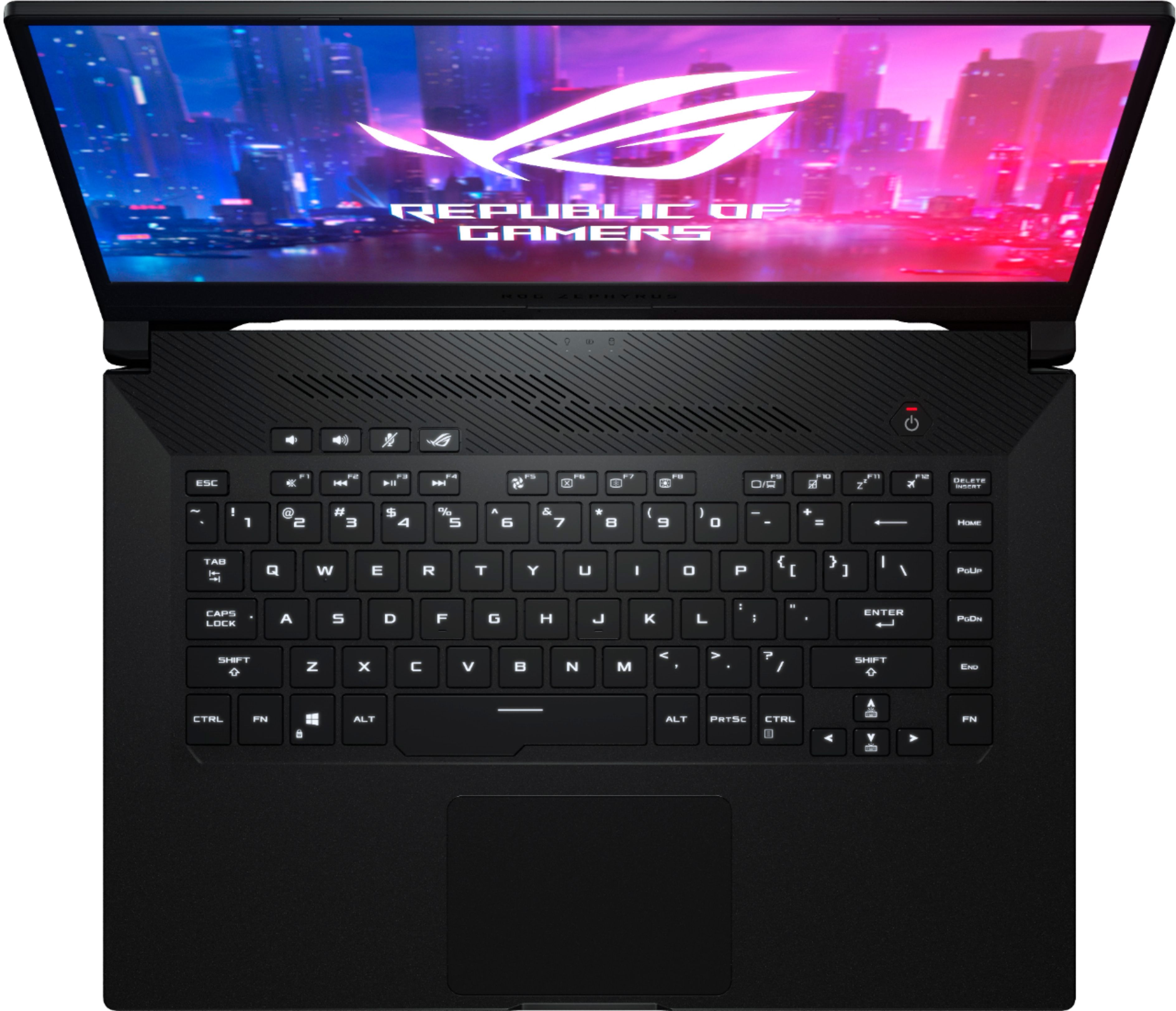
A:AnswerThis one doesn't have rgb but if you buy ASUS rgb stuff to plug into it (check their features carefully) the software included will control *that*.