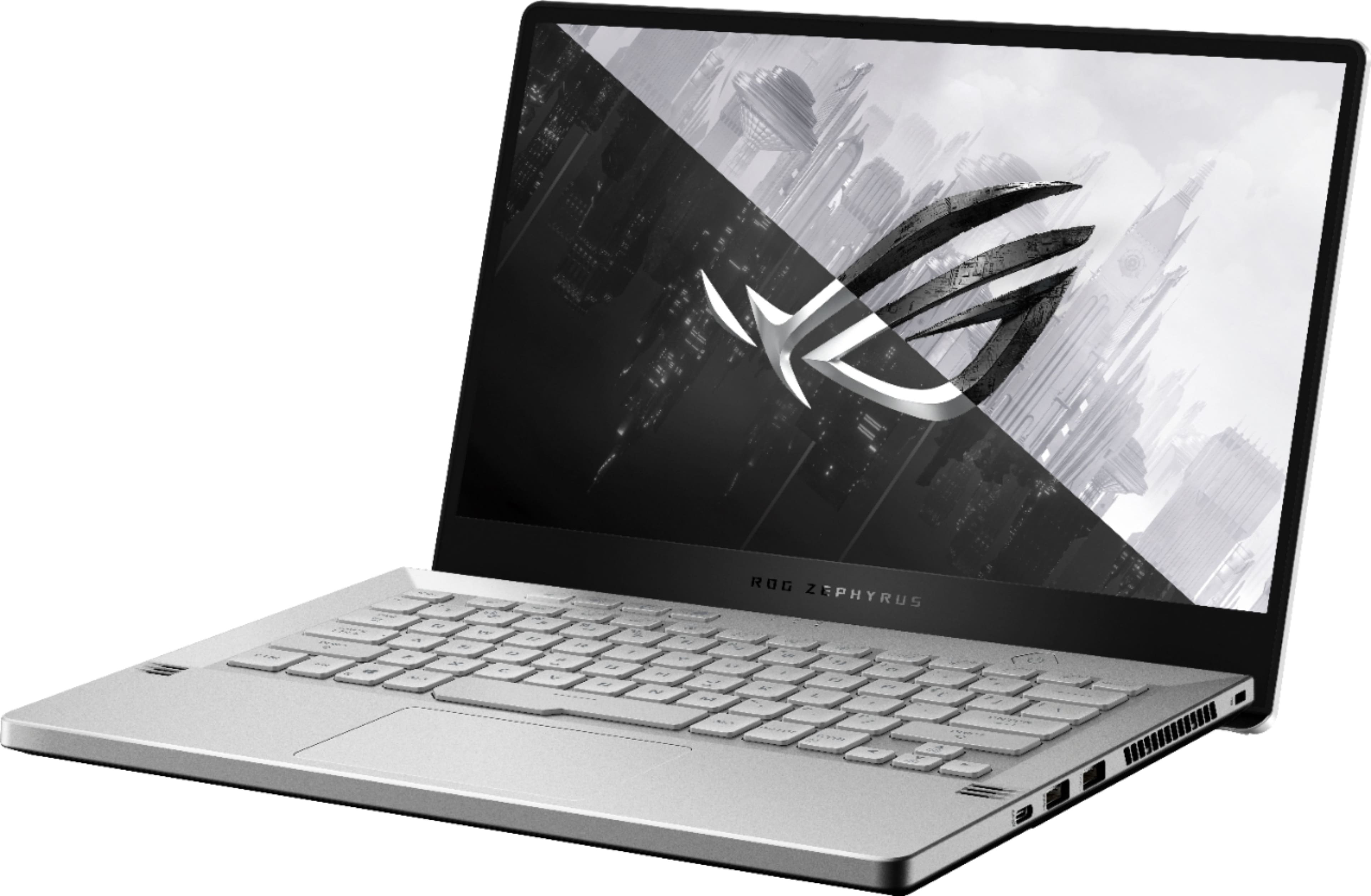
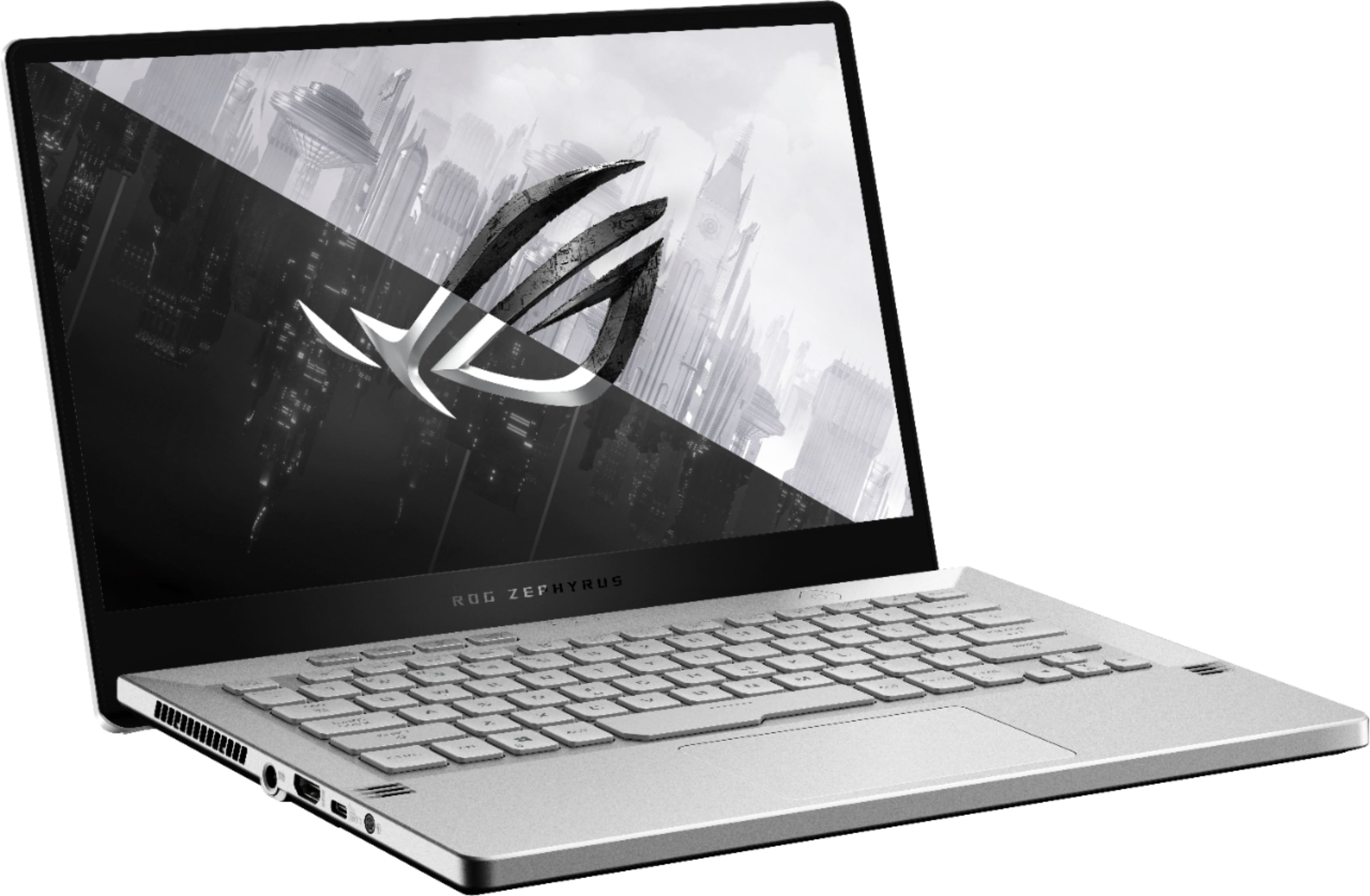
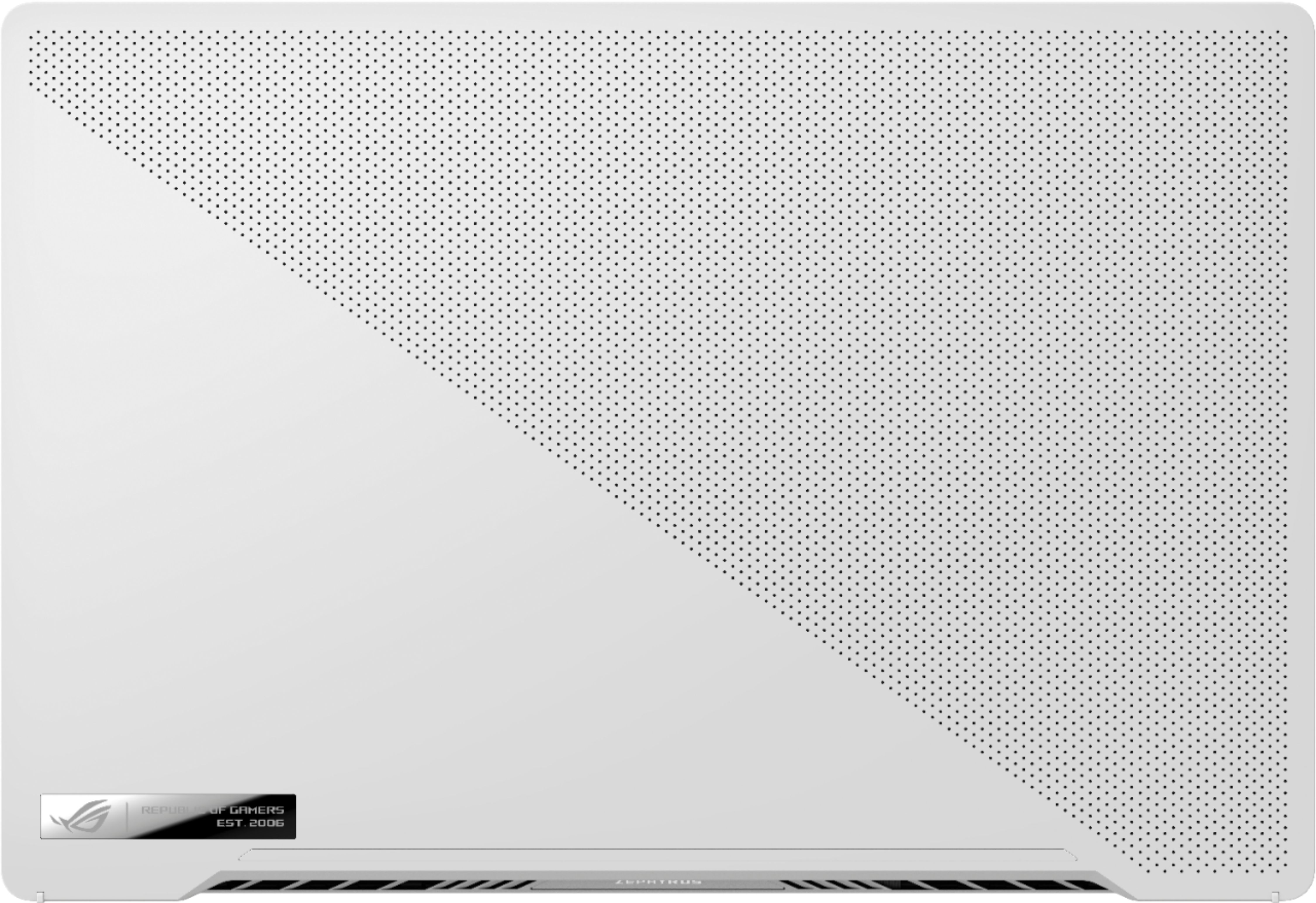
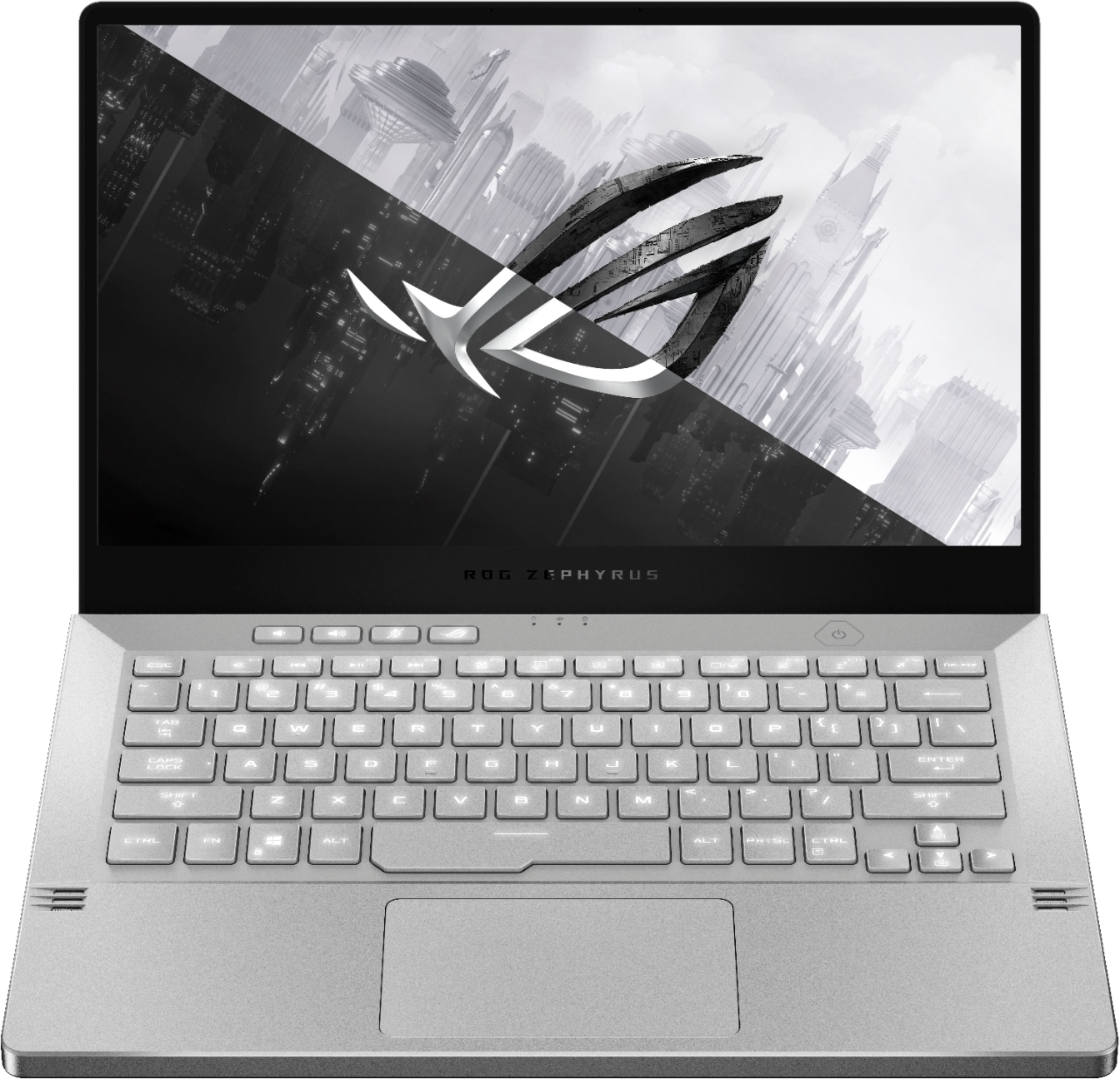
A:AnswerChange ur settings in what does it do when u close ur lid that should fix the problem also I dnt know if u play any games but it gets very hot cpu reaches well at 95 degrees I got a cool pad to keep it cool but the difference is miniscule not worth the 30 dollars for one but if u lift it from the back at safely 30 degrees and keep it there it does keep it alot more fresh than the 95
A:AnswerI believe the gray model is only available with the AniME matrix lid with the 2060 max-q. This non-AniME matrix laptop trim only comes in white so you will have to wait until the AniME matrix lid laptops are released.
A:AnswerThis is a very valid concern and most definitely a huge problem that BestBuy faces during this pandemic. Especially in states where even curbside services are not offered like we are (NYC). It took my Aunt almost 3 weeks before she was able to get a knowledgeable person on the line to help her with the replacement of this computer since it kept saying it was in-stock even when it was actually out of stock. After about 3 weeks, of back and forth over the phone and chats, she finally got a hold of someone who knows what she's doing and was able to send her a replacement.
You might be in luck because it's been a week now and it still shows it as being in-stock. I hope you don't get a lemon and go through the hassle of waiting on the phone for hours on end only just to get hanged up on or get someone who says there's no way of replacing the product. One thing to remember though is that the product being a lemon is not BestBuy's fault- it was ASUS' QA. Goodluck.
PS. IMO, the G14 is one of it's kind and is worth the wait.
A:AnswerYou might need to get in touch with ASUS on their website and inquire about their manufacturer warranty. You'll have a higher chance of getting an actual answer there than over here. Goodluck.
A:AnswerYes, it's actually quite simple, granted you know what your doing. Unfortunately one of the ram sticks is soldered to the motherboard, so the max you can upgrade to is 24gb,(possibly 40, sources are unclear) however by upgrading the ram, you will no longer be taking advantage of dual channel, which may lower your performance on some games. As for what you should buy, you should do some research about that on your own. Just make sure its DDR4, and matches the same frequency as the ram soldered to the motherboard (3200 MHz).
Anyway, here's a video showing how to upgrade the ram, as well as the SSD. Good Luck. https://youtu.be/GlruMEh1H4E
A:AnswerYes, but it’s not going to be as fast or as powerful, and definitely won’t be able to sustain if you’re gaming while charging through that port . But if you’re using it for browsing / light-work, then i believe you should have no problem. Otherwise, be sure to carry your brick around . (i saw this on a youtube review about a week or so ago)