A:AnswerWhen there is thermal headroom and power available, the CPU will boost as close to 5.0GHz as it can. 2.6GHz is the base clock. https://ark.intel.com/content/www/us/en/ark/products/201837/intel-core-i7-10750h-processor-12m-cache-up-to-5-00-ghz.html
A:AnswerThe base frequency is 2.6GHz, and the boost is up to 5.0GHz. This machine is an excellent gaming laptop. https://ark.intel.com/content/www/us/en/ark/products/201837/intel-core-i7-10750h-processor-12m-cache-up-to-5-00-ghz.html
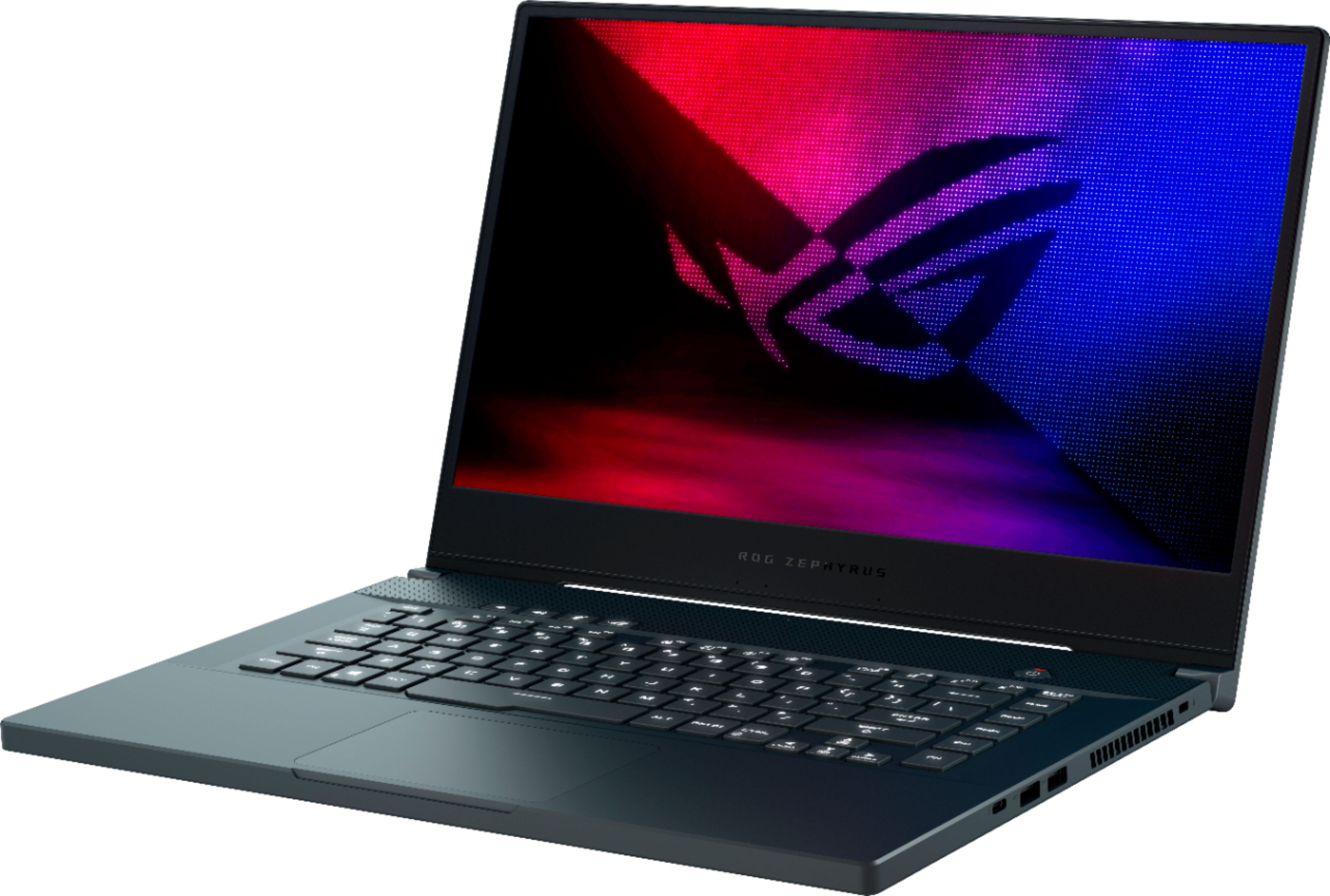
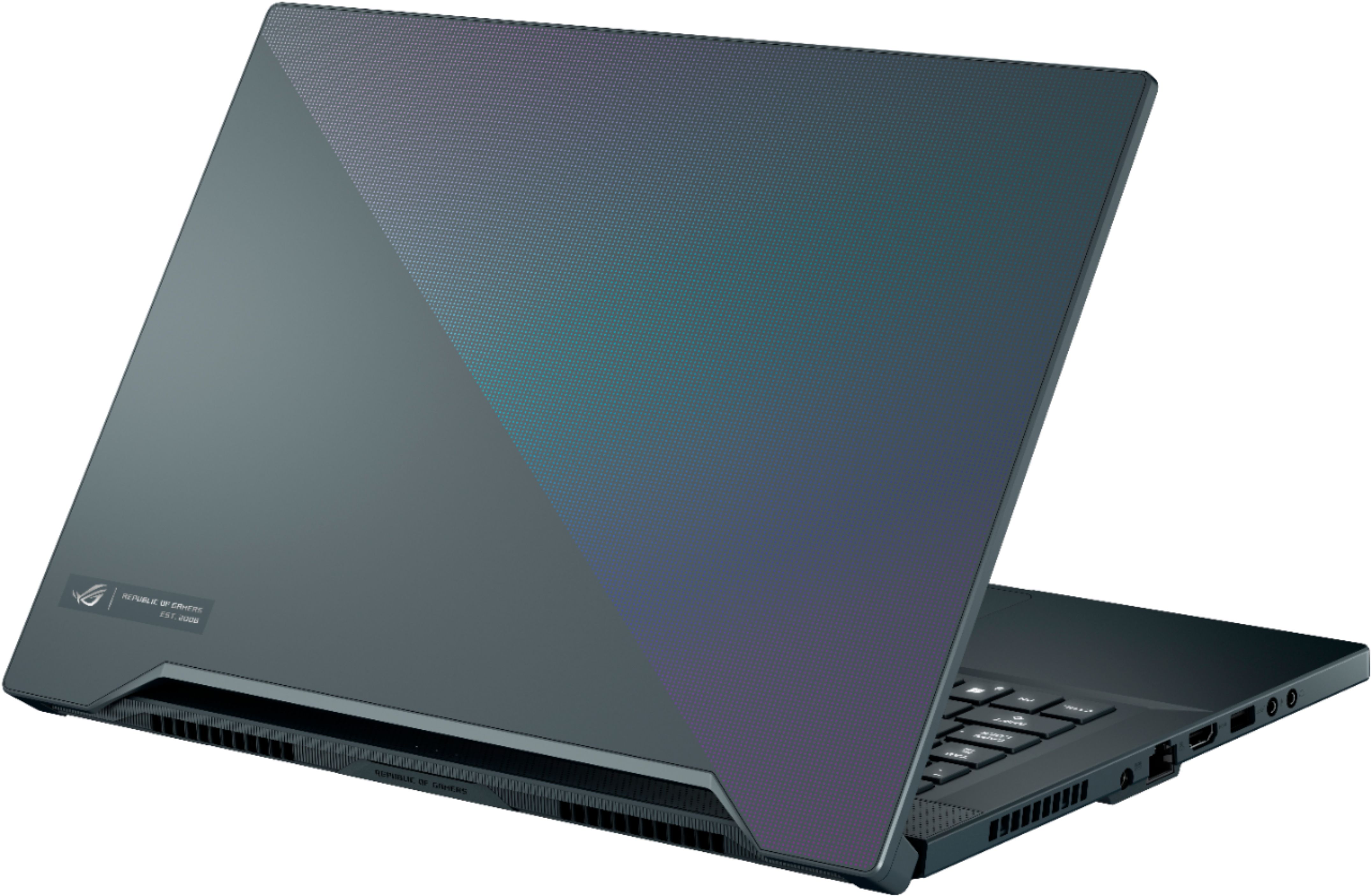
A:AnswerAll of the ports are USB 3.1 or higher. Their locations and specs can be found in the manual starting on page 21. https://dlcdnets.asus.com/pub/ASUS/GamingNB/GU502LWS/0409_E16072_GU502LWS_LVS_LU_LI_A.pdf
A:AnswerBattery endurance will depend on screen refresh rate and brightness, along with the applications used. Lowering the refresh rate will increase battery life.
A:AnswerThis laptop features a 6 core, 12 thread CPU. https://ark.intel.com/content/www/us/en/ark/products/201837/intel-core-i7-10750h-processor-12m-cache-up-to-5-00-ghz.html