Questions & Answers
Page Showing 1-7 of 7 questions
Q: QuestionHow many devices can this router handle
Asked by Anonymous.
- A:Answer The router can connect approximately 250 devices simultaneously.
Answered by ASUS Answers

Q: QuestionDoes this router support VLAN tagging? I am looking for a router that is compatible with CenturyLink gigabit service. Thanks!
Asked by KateG.
- A:Answer Yes, it supports VLAn tagging and is compatible with CenturyLink Gigabit services.
Answered by ASUS Answers

Q: QuestionCan WiFi be turned off and use it only to route NDI via ethernet?
Asked by Pakomonroy.
- A:Answer Yes, you can turn off WiFi and use this router via ethernet.
Answered by ASUS Answers

Q: QuestionDo you need a ethernet cable for this to work, and do you need to pay monthly?
Asked by Anonymous.
- A:Answer Not don't necessarily need an ethernet cable, you can connect to this device via wifi or ethernet. however, you do need an ethernet cable to connect this router to a modem. You don't need to pay monthly for this router.
Answered by ASUS Answers

Q: QuestionDoes this work with fiber internet?
Asked by Anonymous.
- A:Answer The ASUS RT-AC67P is a dual-band wireless router that supports AC1900 Mbps speed. It does not have a built-in fibre optic modem, so you will need a separate device to connect it to your fibre optic internet service provider. You can use the router's WAN port to connect to the modem's LAN port with an Ethernet cable.
Answered by ASUS Answers

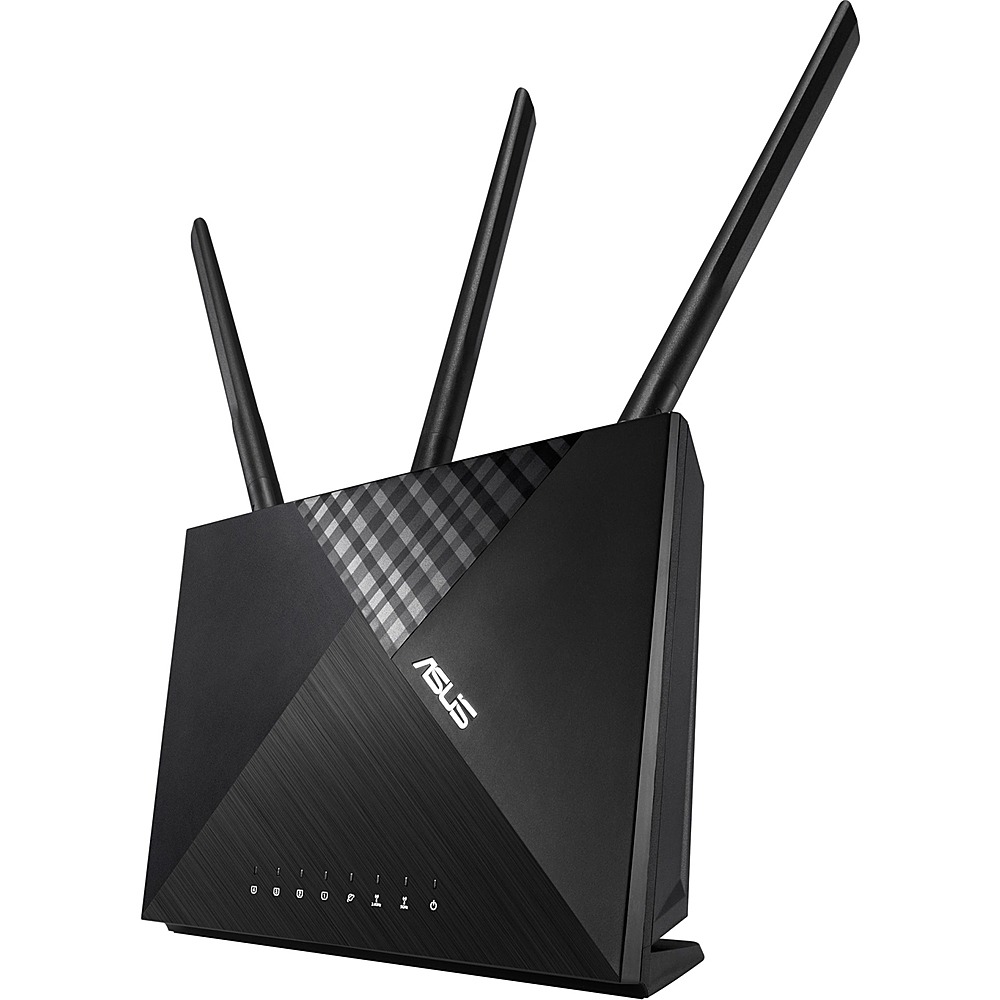
Q: QuestionCan I use the USB port in ASUS - RT-AC67P AC1900 Dual-Band Wi-Fi Router with Life time internet Security - Black to connect it to a 3G/4G USB modem for internet access?
Asked by Ashok.
- A:Answer No, you can't. It has a USB port but the firmware does not allow the selection of the USB as the WAN port. (see attached image). RTAC86U has this option although is much more expensive. (see attached image
Answered by gabrielcor
Q: QuestionCan you use this router as an extender with an rt-ac3000 router? If yes, will it allow seamless roaming?
Asked by Harry.
- A:Answer Yes, the router cannot be setup as an extender.
Answered by ASUS Answers

Page 1, Showing 1-7 of 7 questions
Most-viewed items
- $149.00$149.00The price was $399.00
- $329.99$329.99The price was $469.99
- $159.99$159.99The price was $179.99
- $122.00$122.00The price was $129.99
- $449.99$449.99The price was $649.99
- $59.99$59.99The price was $169.99
- $129.95$129.95The price was $199.99










