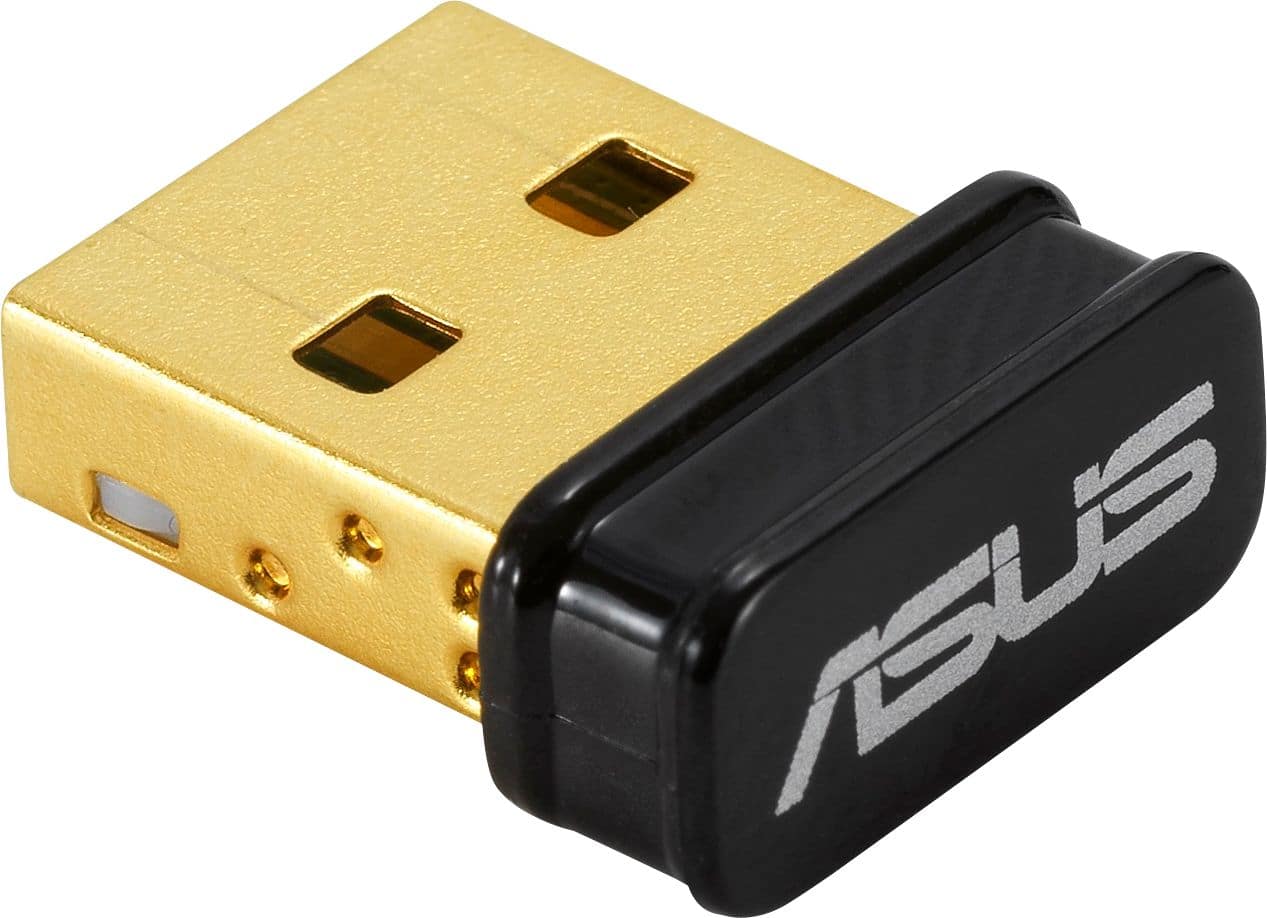
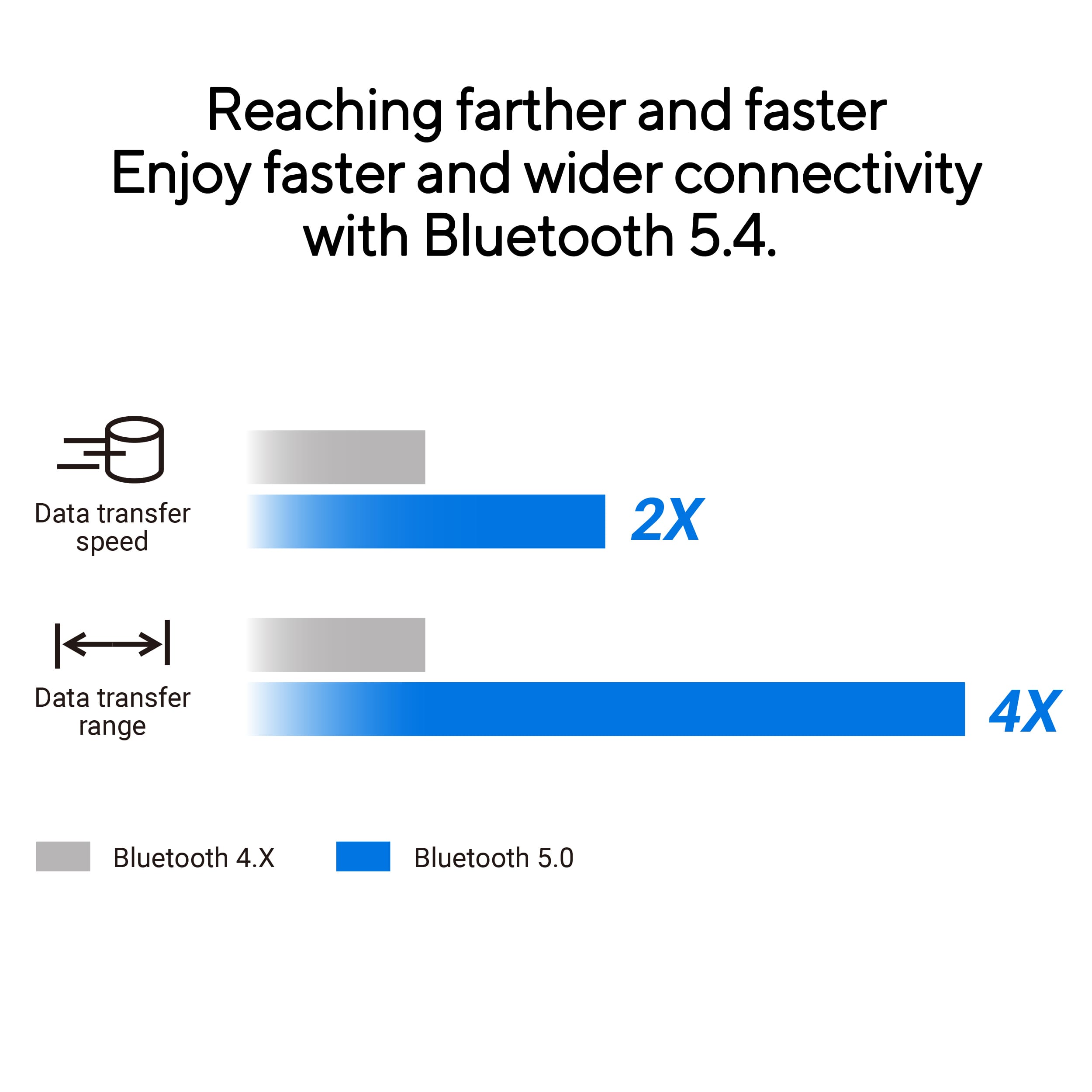
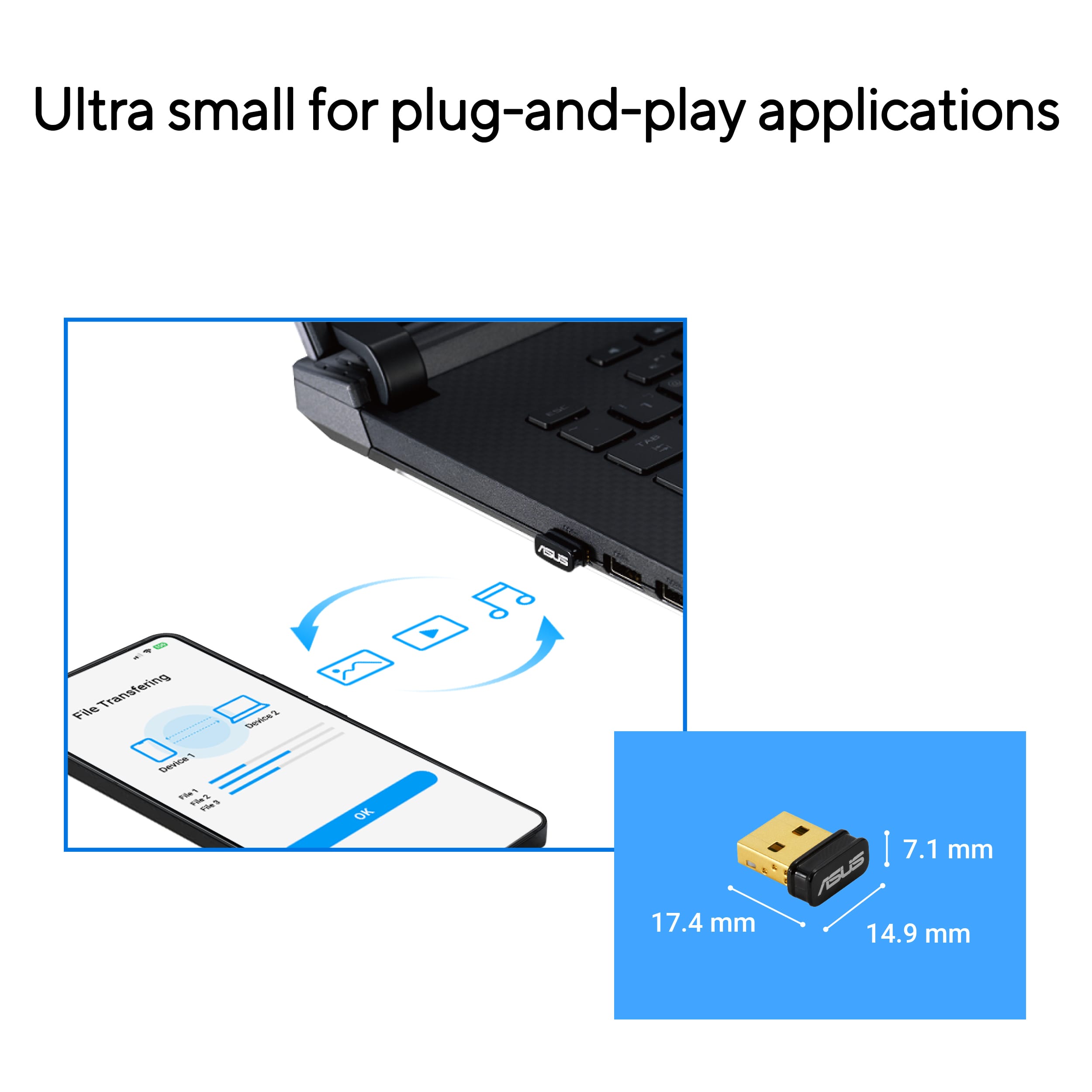
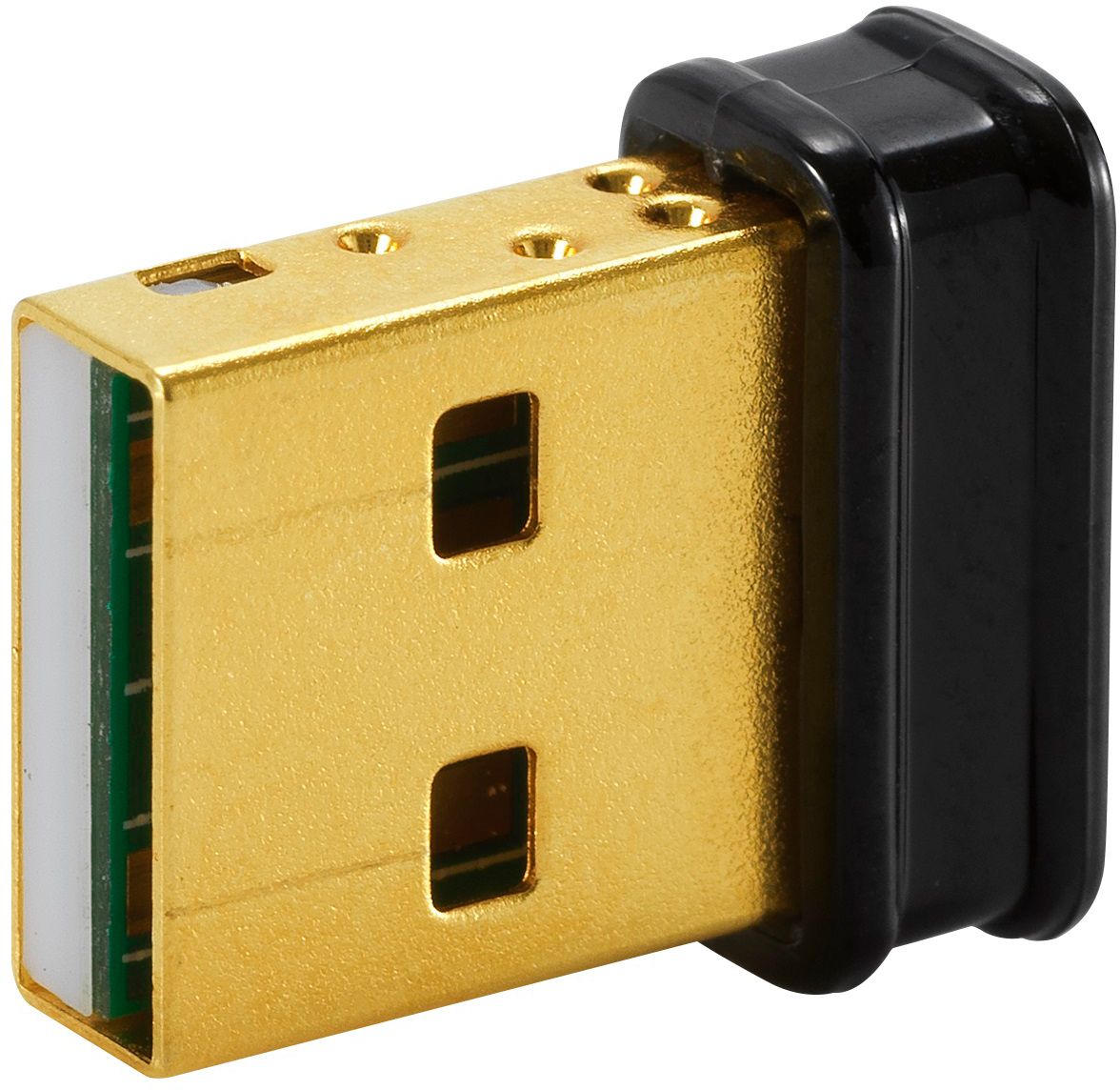
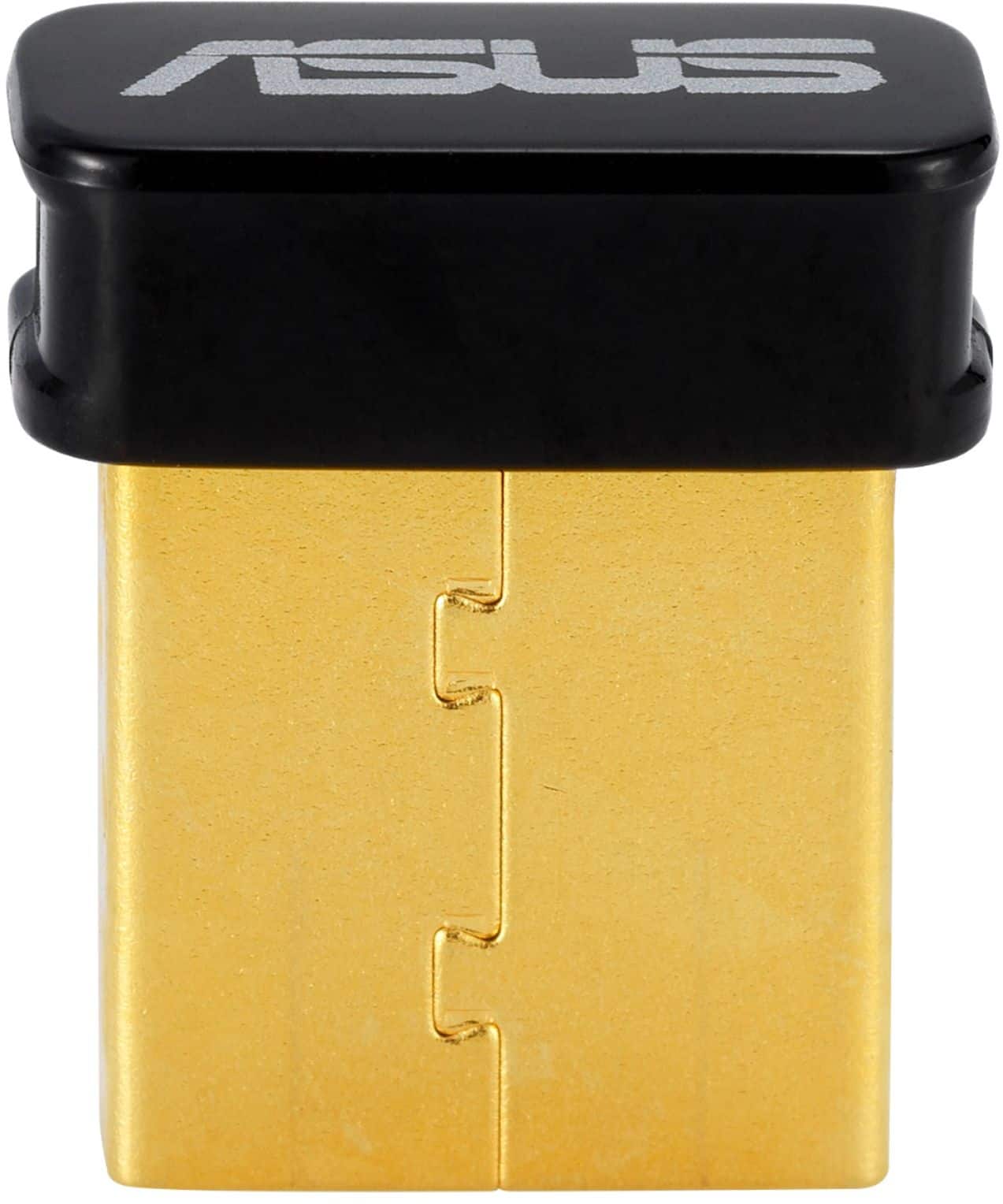
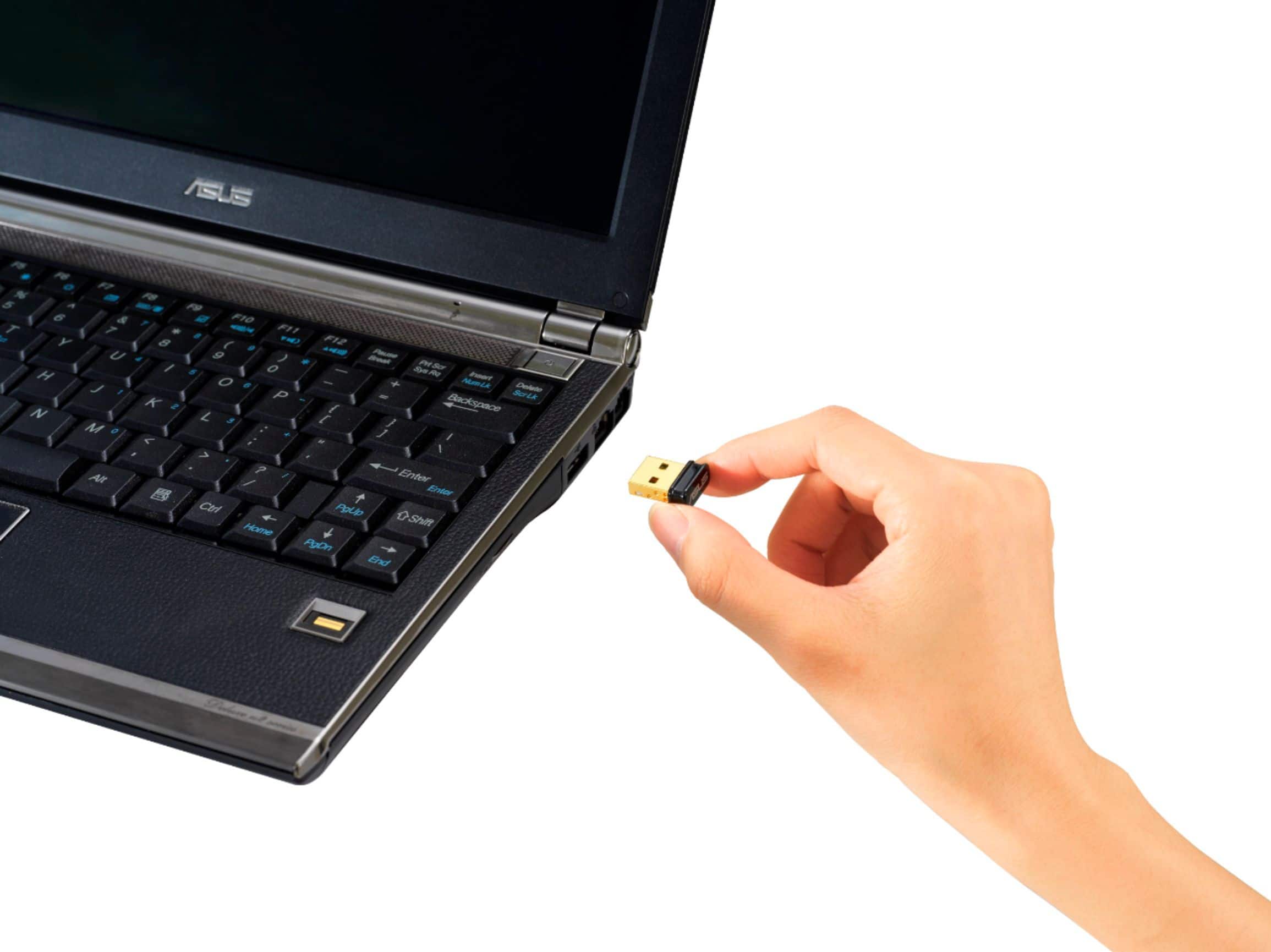
A:AnswerThe ASUS USB-BT500 Bluetooth adapter supports Bluetooth 5.0, but it does not specifically mention support for Bluetooth LE Audio, a feature typically found in newer Bluetooth versions like Bluetooth 5.2.
For compatibility with your hearing aid and Cochlear Implant, you might want to check if your devices explicitly require Bluetooth LE Audio and if any other Bluetooth adapters or newer laptops that support Bluetooth 5.2 or higher.
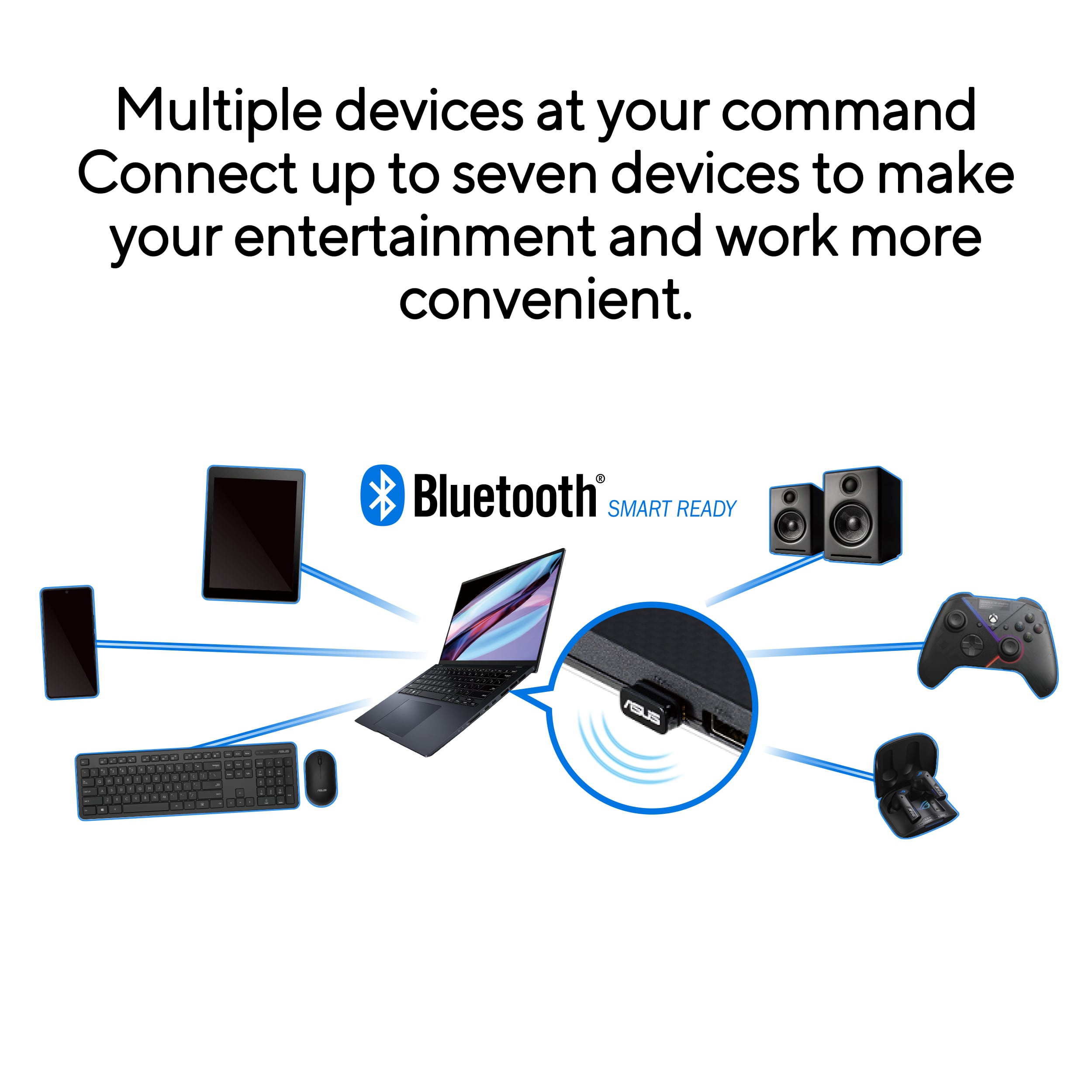
A:AnswerMy older laptop lacked "Bluetooth" ability. Connecting the USBBT500 Bluetooth Smart permits connection to my Beats Studio wireless headset.
"connect a xbox x controller" to your windows PC is entirely technical application.
The option is to purchase the product & try. BEST BUY has an excellent return policy.
A:AnswerIt should since the purpose of this is to enable Bluetooth functionality for a computer. You are then able to go into the Control Panel and do a search for Bluetooth supported devices. If you cutter is Bluetooth and it has a pairing mode it should connect no problem.
A:AnswerThis would be excellent for pairing an Xbox controller to your Windows 10 PC. For latency concerns, I recommend contacting Microsoft customer service for more information.
A:AnswerYes, you should be able to choose the Bluetooth Adapter you would like to use. For further advice, please reach out to our support team here: https://www.asus.com/support/callus