Questions & Answers
- Model:
- V500MVC-I51TB
- |
- SKU:
- 6613706
Highly rated by customers for: Overall Performance, Speed, Size
$599.99$599.99
Page Showing 61-68 of 68 questions
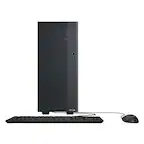
Q: Questiondoes it come with mouse and keyboard?
Asked by Anonymous.
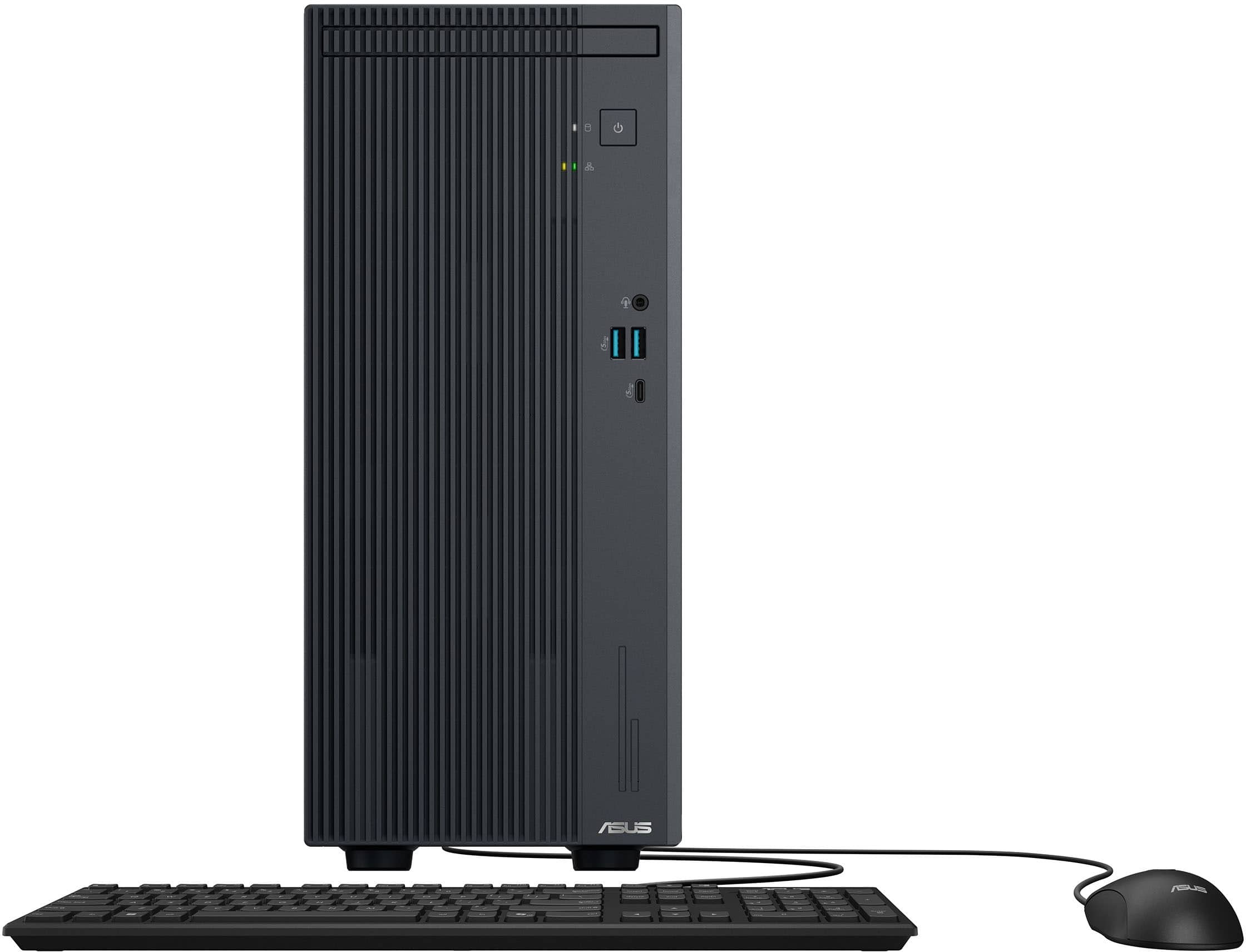
- A:Answer The ASUS V500MVC package includes a wired keyboard and a wired optical mouse (USB).
Answered by ASUS Answers

Q: QuestionWeb camera included ? Speakers included?
Asked by Derryl.
- A:Answer The ASUS V500MVC (V500 Mini Tower) does not include a built-in web camera or integrated speakers.
Answered by ASUS Answers

Q: QuestionWill the run multiple displays?
Asked by DB.
- A:Answer Yes...only 1 HDMI. I use 1 HDMI and 1 display port without issue
Answered by STUR
Q: QuestionWhat is the manufactuers warranty?
Asked by Beachcomber.
- A:Answer The ASUS V500MVC typically comes with a 1-year manufacturer's warranty for both parts and labor.
Answered by ASUS Answers

Q: QuestionDoes this PC support dual monitors?
Asked by Anonymous.
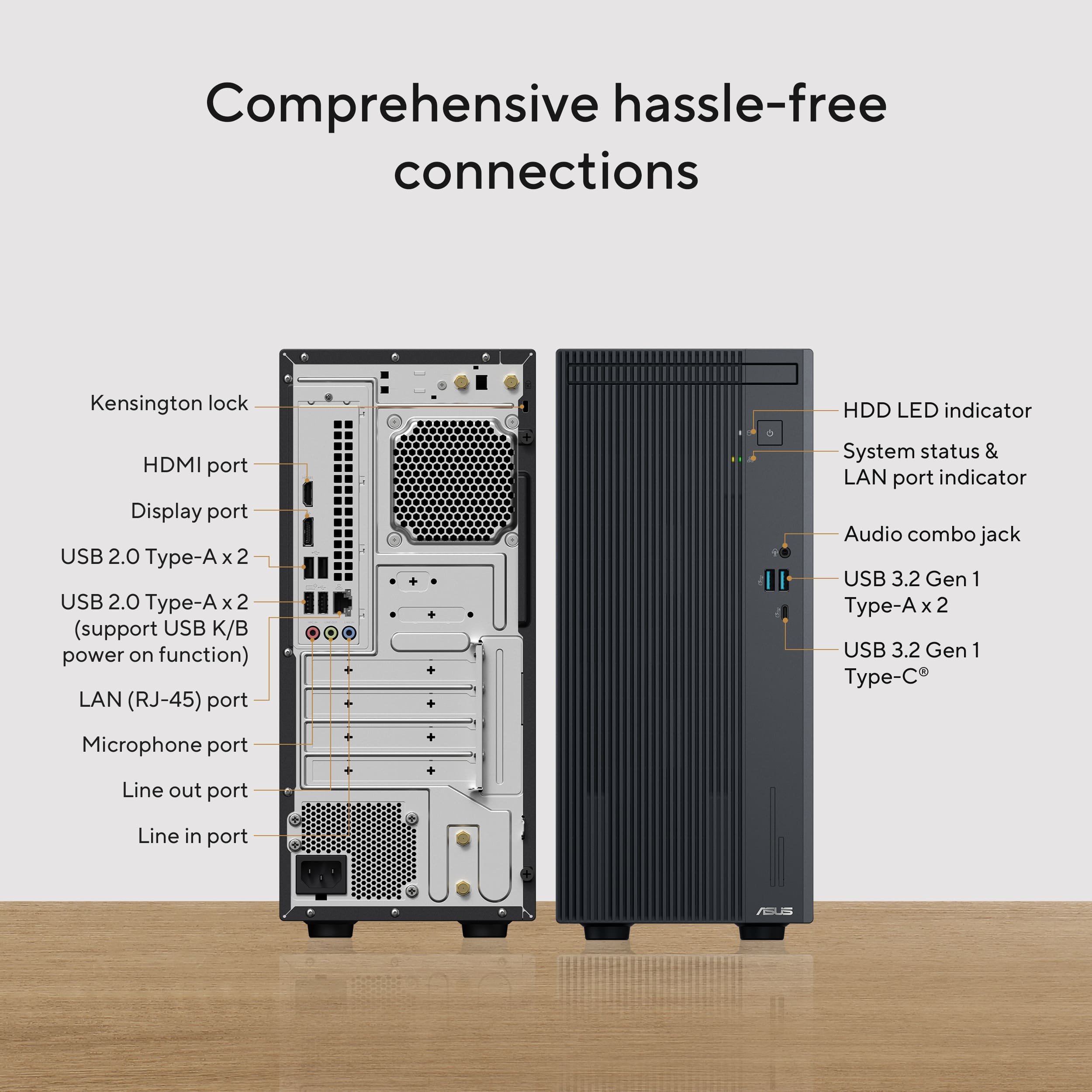
- A:Answer Yes, the ASUS V500MVC desktop supports dual monitor setups. You can connect two displays using its HDMI 1.4 and DisplayPort 1.4 outputs.
Answered by ASUS Answers
Q: QuestionCan I add a PCI-E Oculink card to this PC then attach an Oculink eGPU with a 9070XT to this to get this system to game at 3440x1440p?
Asked by LinsHawk.
- A:Answer This Desktop PC is being sold as a complete system, it is not intended for hardware customization/ modification. Additionally, we(ASUS) doesn't provide this kind of support, please do it at your own discretion.
Answered by ASUS Answers
Q: QuestionWhat software is installed on this computer
Asked by Teri.
- A:Answer The ASUS V500MVC typically comes with pre-installed software like MyASUS, which provides system optimization tools, customer support access, and device settings customization.
Answered by ASUS Answers
Q: QuestionI just bought this PC, and when I go to turn it on, it flashes white for like five seconds, then flashes yellow/orange three times.
Asked by steve.
- A:Answer If the monitor just flashes white, then flashes yellow/orange three times, disconnect any external USB devices and load optimize default inside the BIOS setup page. Check if your monitor and video cable are working properly and connected securely to the video-out port on the PC.
Answered by ASUS Answers
Most-viewed items
- $959.00$959.00The price was $1,409.99
- $819.99$819.99The price was $1,289.99
- $1,449.99$1,449.99The price was $1,989.99
- $1,039.00$1,039.00The price was $1,249.99
- $879.00$879.00The price was $949.99
- $879.99$879.99The price was $989.99
- $1,299.00$1,299.00The price was $2,049.99
- $429.99$429.99The price was $619.99