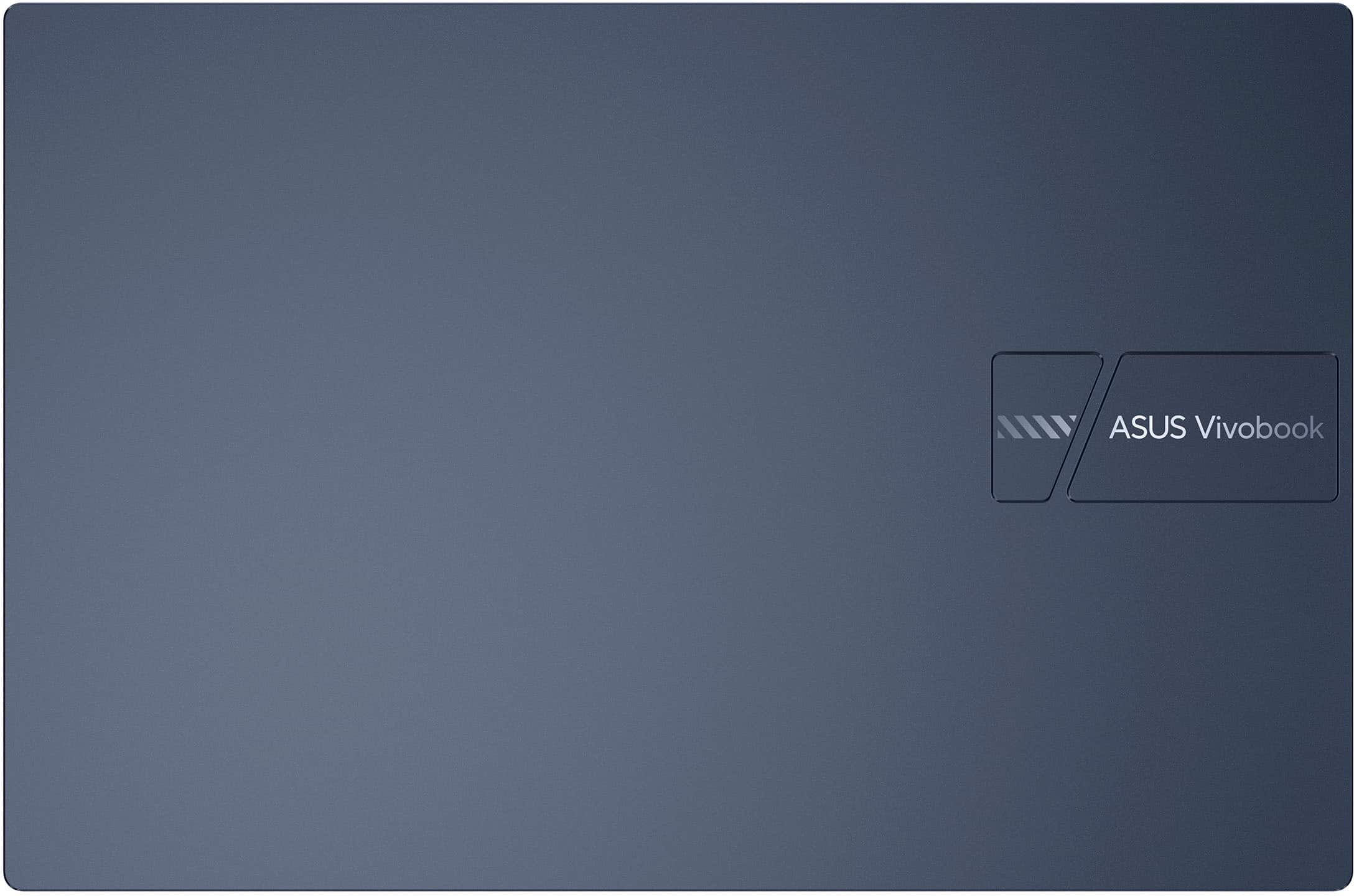
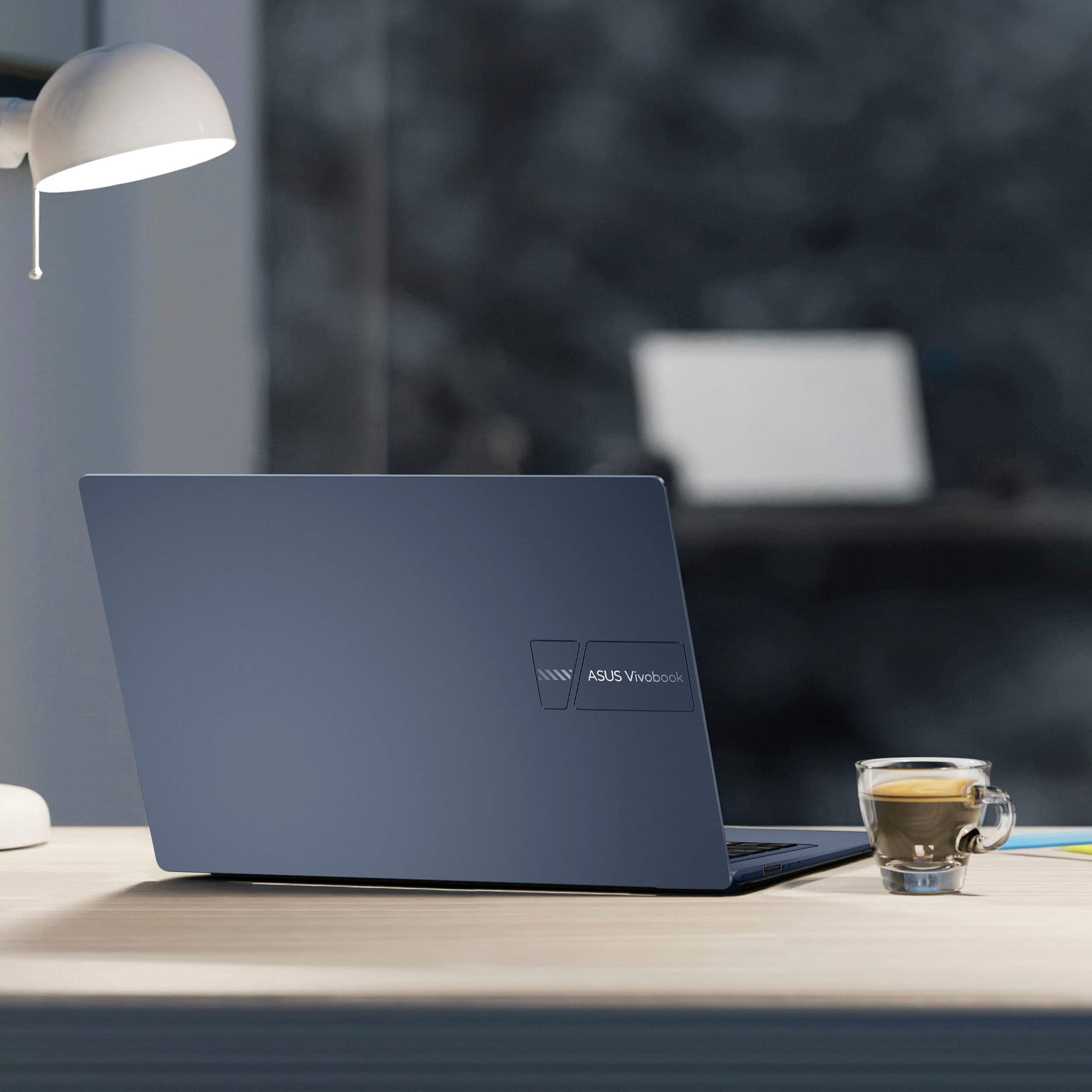
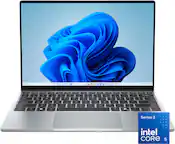
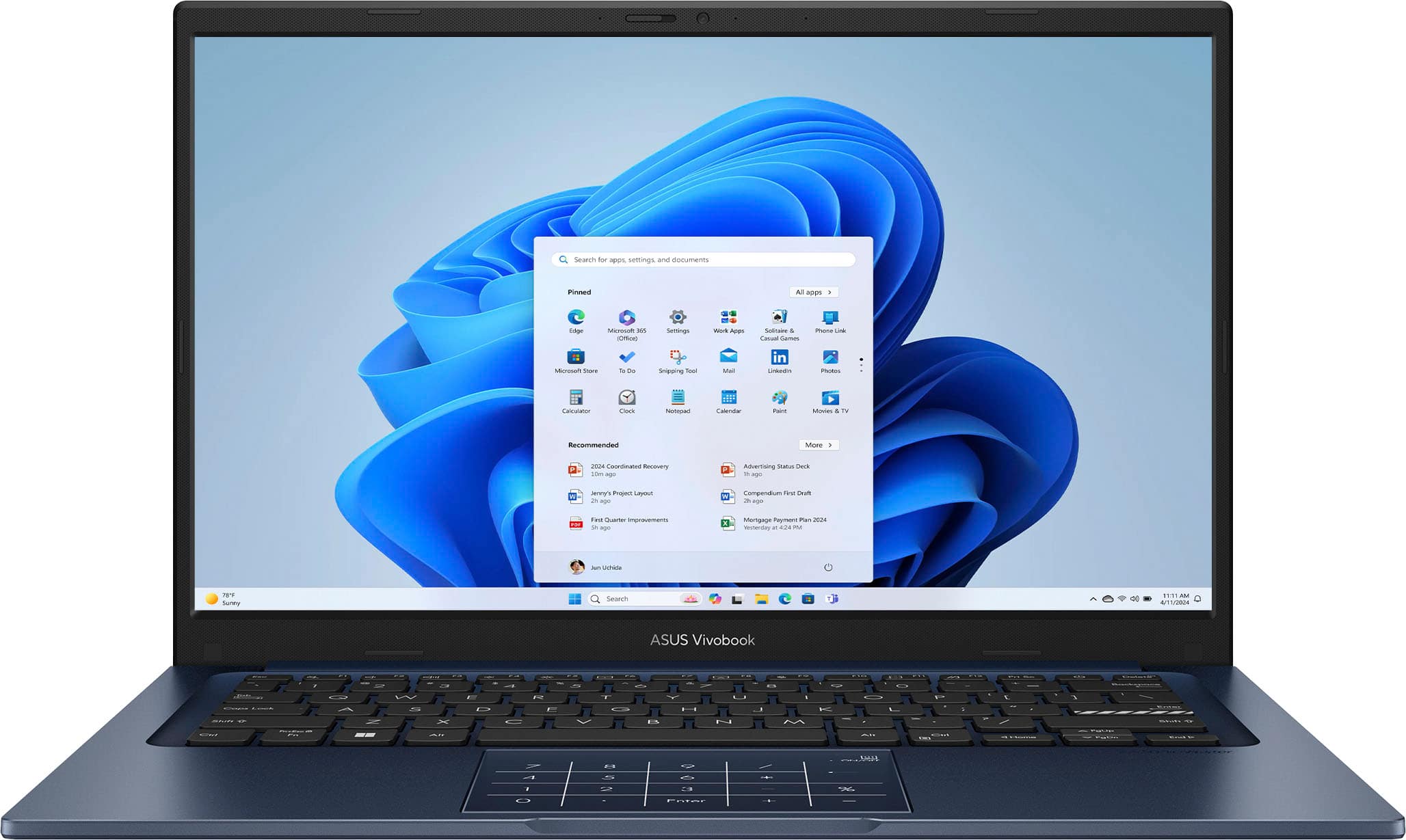
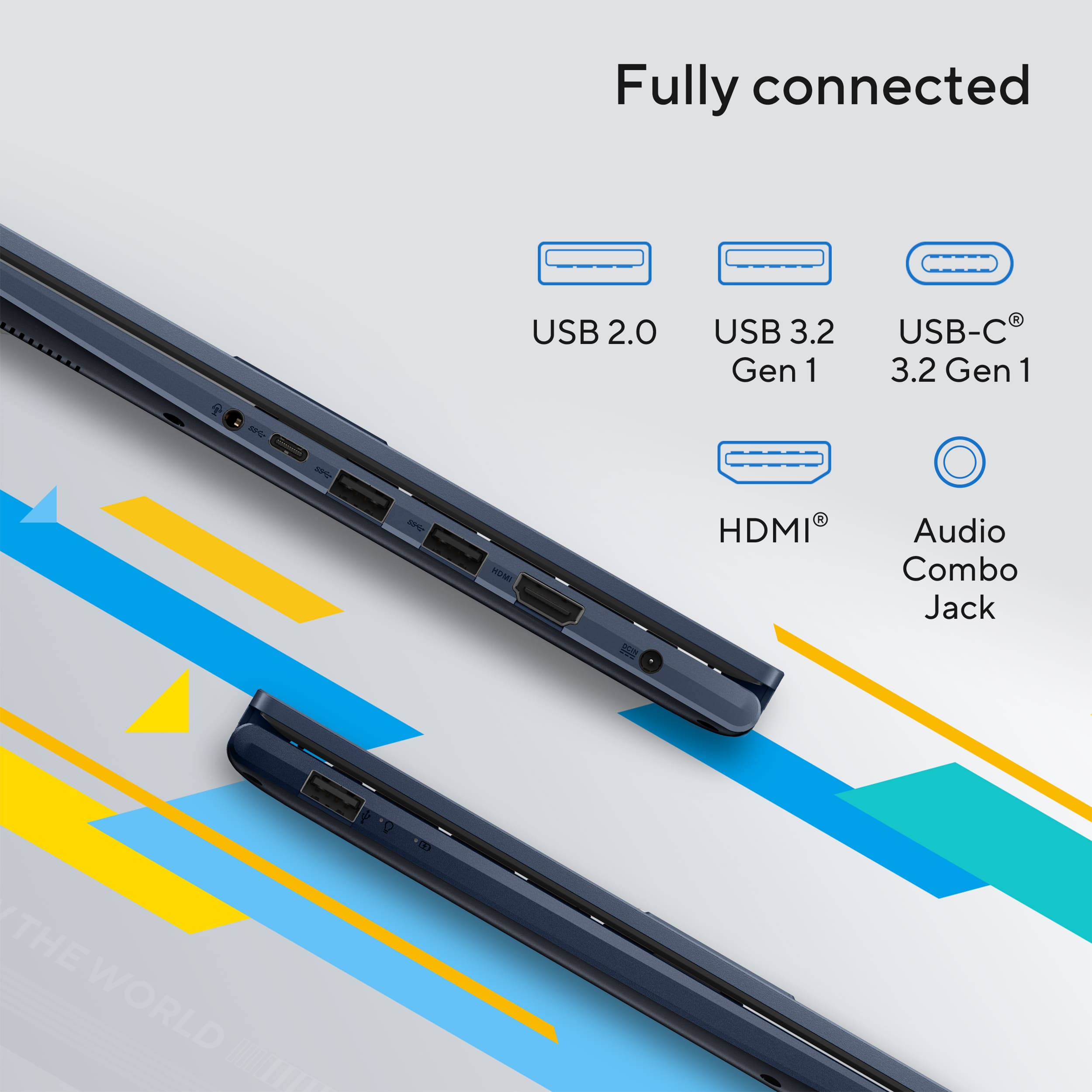
A:AnswerThe ASUS X1404VA provides four USB ports (1× USB‑A 2.0, 2× USB‑A 3.2, 1× USB‑C 3.2), offering a balanced mix of modern and legacy connectivity.
A:AnswerThe ASUS X1404VA does not have a built‑in optical drive, but you can add a portable external DVD/CD RW player by connecting it through the laptop’s USB ports.
A:AnswerThe ASUS X1404VA laptop can be used in Bangladesh. Its power adapter supports 100–240V, 50/60Hz, so it is fully compatible with the local 220V/50Hz supply. You may only need a plug adapter to match the outlet type.
A:AnswerThe ASUS X1404VA laptop includes a 1‑month trial of Microsoft 365 for new customers. For security, the device comes with Microsoft Defender Antivirus built into Windows 11, offering real‑time protection.
![ASUS Vivobook Esc 2 F1 F2 F3 F4 F5 F6 F7 FB 8 F9 F10 F11 F12 Prt Sc and Delete - & I 1 Q 2 # 3 $ 4 % 5 A 6 & 7 * 8 I 9 - O - I + = Backspace Tab Q W E R T Y U I O P I [ ] | / Ctrl Lock A S D F G H J K L : : I Enter Shift Z X C V B N M V ? / Shift Ctrl Fn Alt Alt Ctrl Home A PgUp PgDn End b ON/Off SonicMaster 7 8 9 / 4 5 6 * 1 2 3 I % 0 Enter + =](https://pisces.bbystatic.com/image2/BestBuy_US/images/products/8785ef94-8fa8-4d9a-bfb8-9c161c09ab91.jpg)