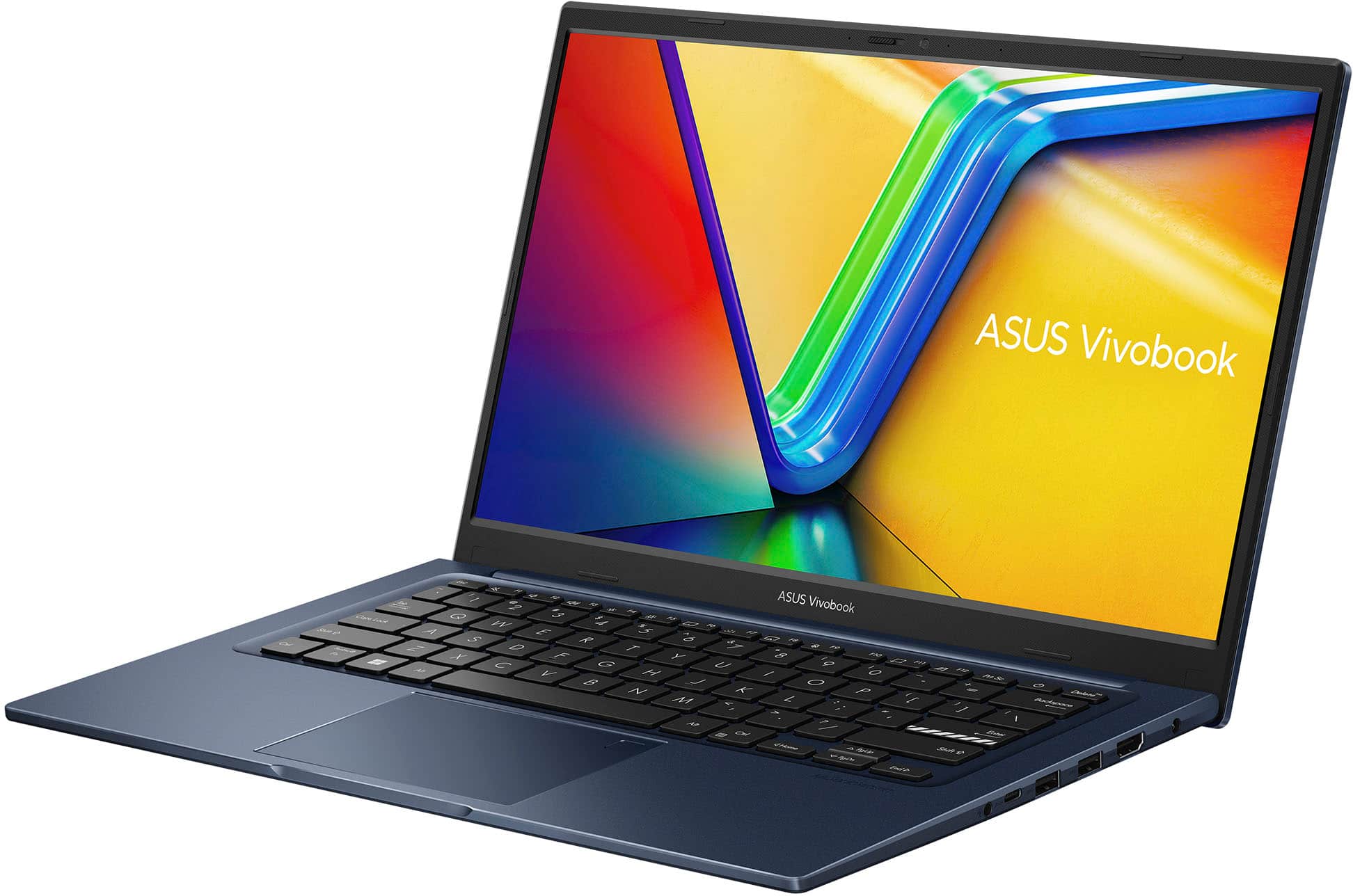
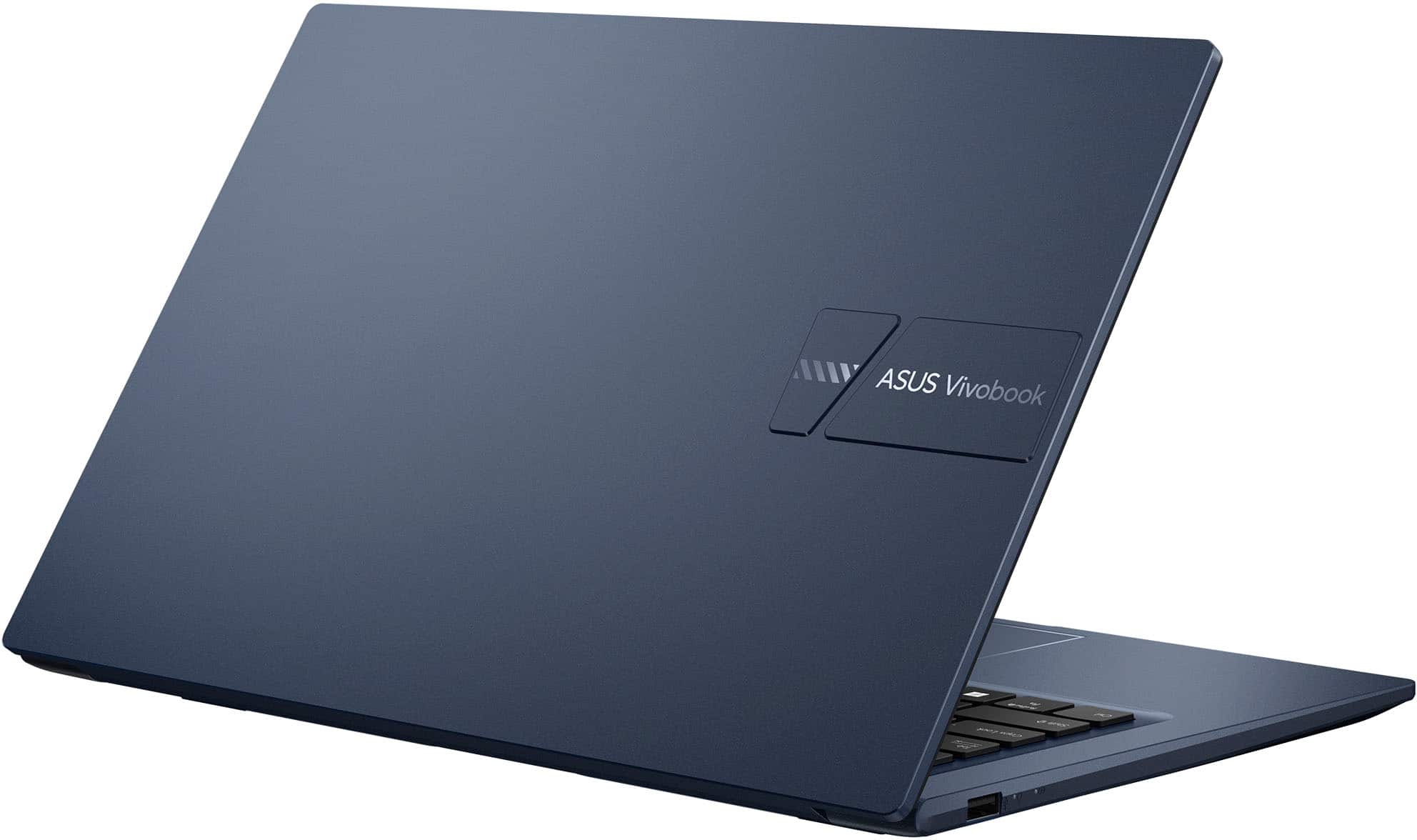
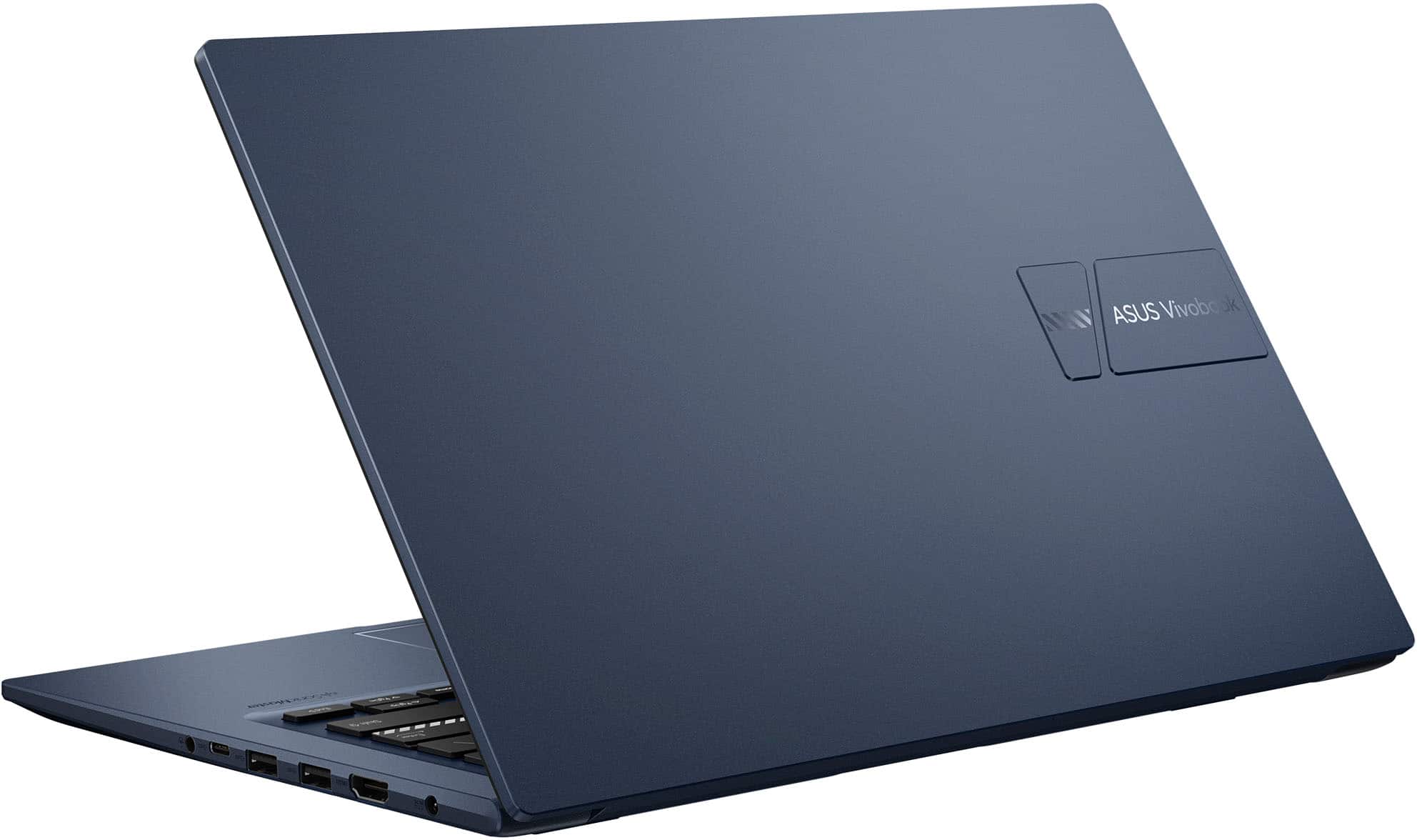
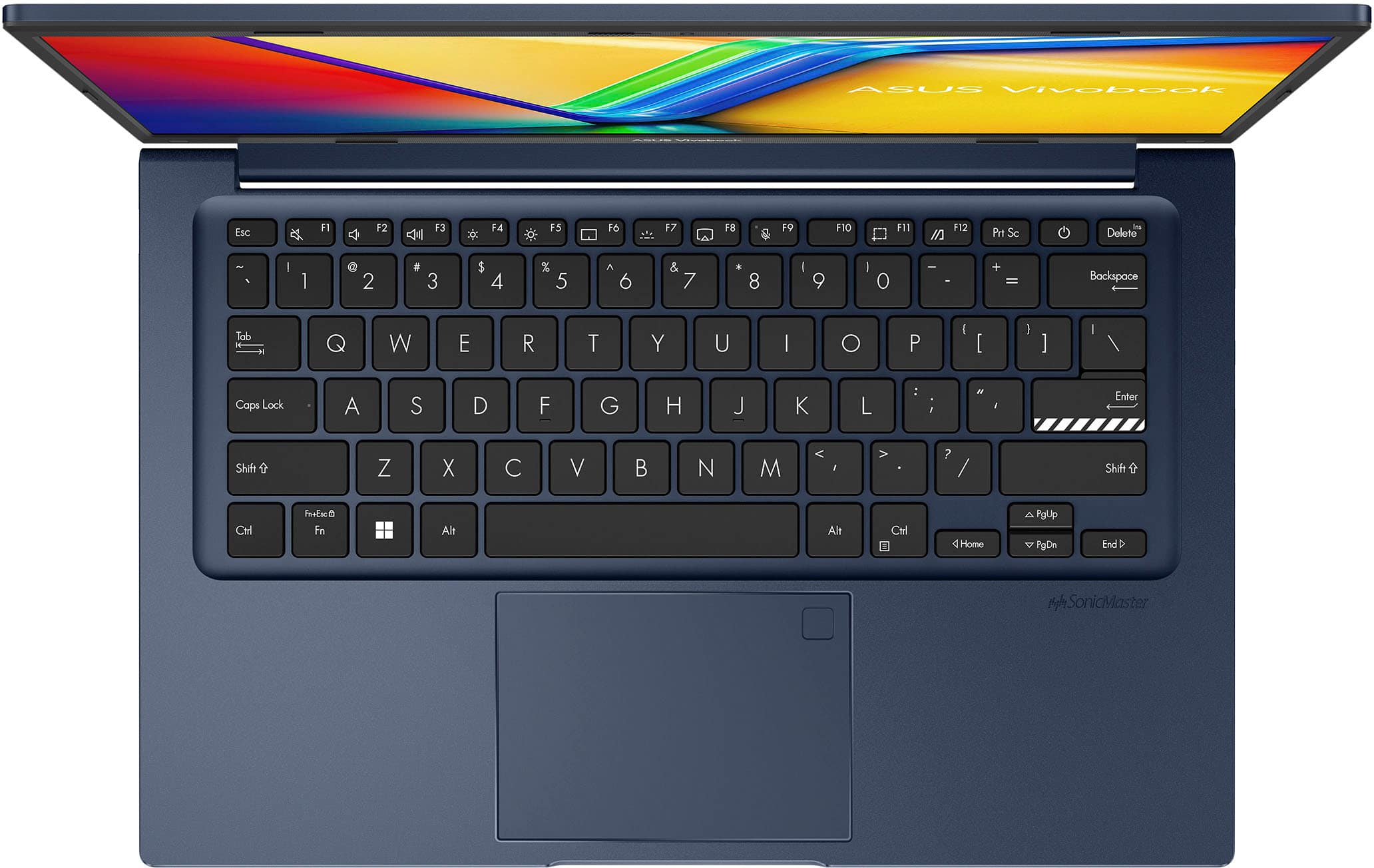
A:AnswerThe maximum RAM size this laptop supports is 24GB. There is an 8GB RAM soldered on the motherboard and a empty RAM slot that supports a maximum size of 16GB.
A:AnswerI recommend it, especially for music! I have yet to find a laptop that produces sufficient reproductive faithfulness to sound quality for any kind of extended listening: everything sounds "tinny."
A:AnswerThe ASUS Vivobook 14 (X1404ZA) does not come with Microsoft Office tools pre-installed, such as Word, Excel, and PowerPoint. However, the laptop should have a one-month trial for new Microsoft 365 customers.
A:AnswerYes, you can swap the drive with any pcie m.2 2280 ssd.
Most (if not all) drives will include cloning software and the process is simple. You would also need an m.2 to usb adapter to clone it
It wouldn't have much affect on the os. To improve speed, a memory upgrade would do more in that respect
A:AnswerIf you look at the main heading (top, far right), and it doesn't say "refurbished," or similar, it will be a new item. If you then look slowly downward, you will get to a link that allows you to connect to "More Buying Options," which can include different levels of "Open Box" prices.
A:AnswerBasic college work (internet use, writing papers, email, etc.) is all covered. However, if you are in a specialized program, such as coding or engineering, you might need something with more power. In that instance, it is always best to verify with you instructor(s), syllabi, and possibly administration for recommended computer specs.
A:AnswerThey can.
There are different levels and types of support, depending on whether you want what is basically an extension of your warranty, one-time activity. type of activity, length of contract, etc., what they call Tiers of Service. At the bottom of all BB pages are links for "Support & Services" that you can use as a starting point. I think their most expensive and comprehensive service is their "My Best Buy Total" plan, $180/yr., which includes discounts on products (like a Costco or Walmart membership), and their cheapest is $50 for basic setup.
A:AnswerYes. Contact them they directly for prices on different types of service (see links at the bottom of BB pages, under Support & Services."
Or you can DIY--it's not terribly hard.
A:AnswerUnfortunately, there is no standard method of measuring battery life, the way there is, for example, CPU performance. This means it is impossible to compare one company’s computer’s battery use vs. another. Some manufacturers do provide details on how they measured it, but this is a rarity. The best way to find this information is to search out reviews by trusted tech publications, where they give detailed explanations of their procedures, as well as comparisons to comparable models.
As a real-world example of the problem, I recently used Best Buy's Compare feature (always available at the bottom of any item they sell) to compare four different laptops. Two were MSI brand. One of the MSIs was rated at 40 hours, while the other one was 1 hour. I really doubt that there was such a great difference between two similar laptops from the same company; they were obviously measured under two radically different sets of conditions, and therefore essentially meaningless.