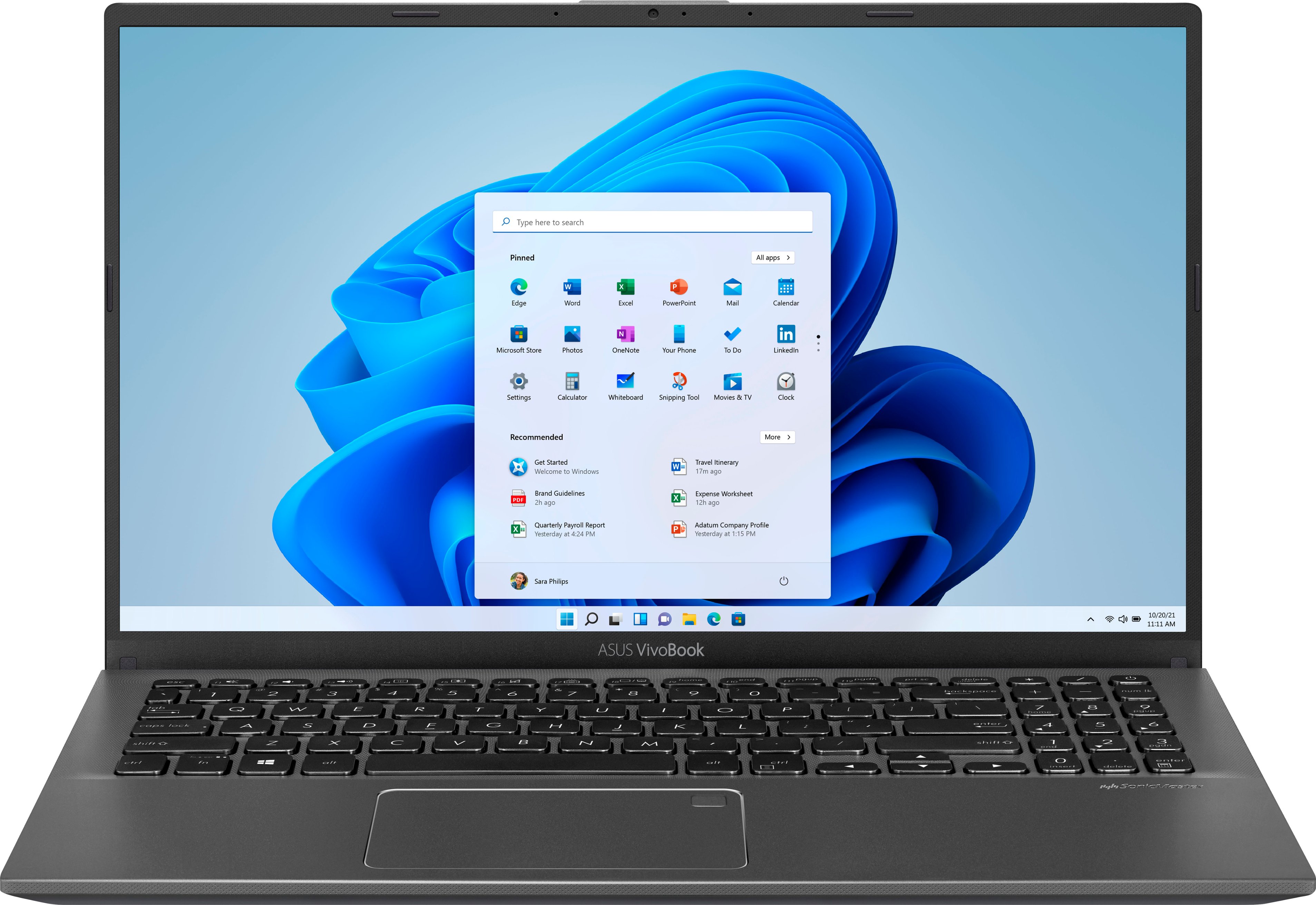
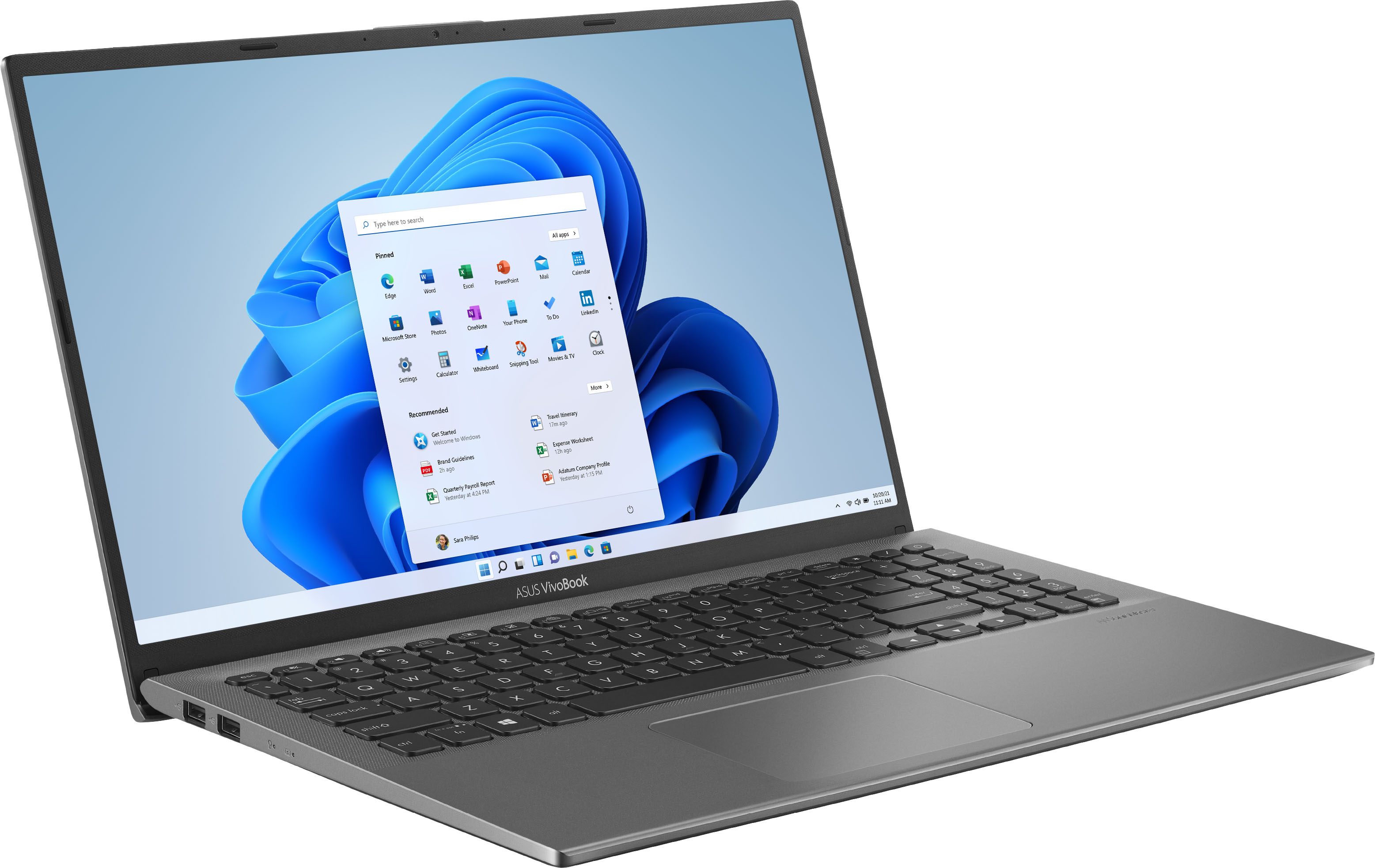
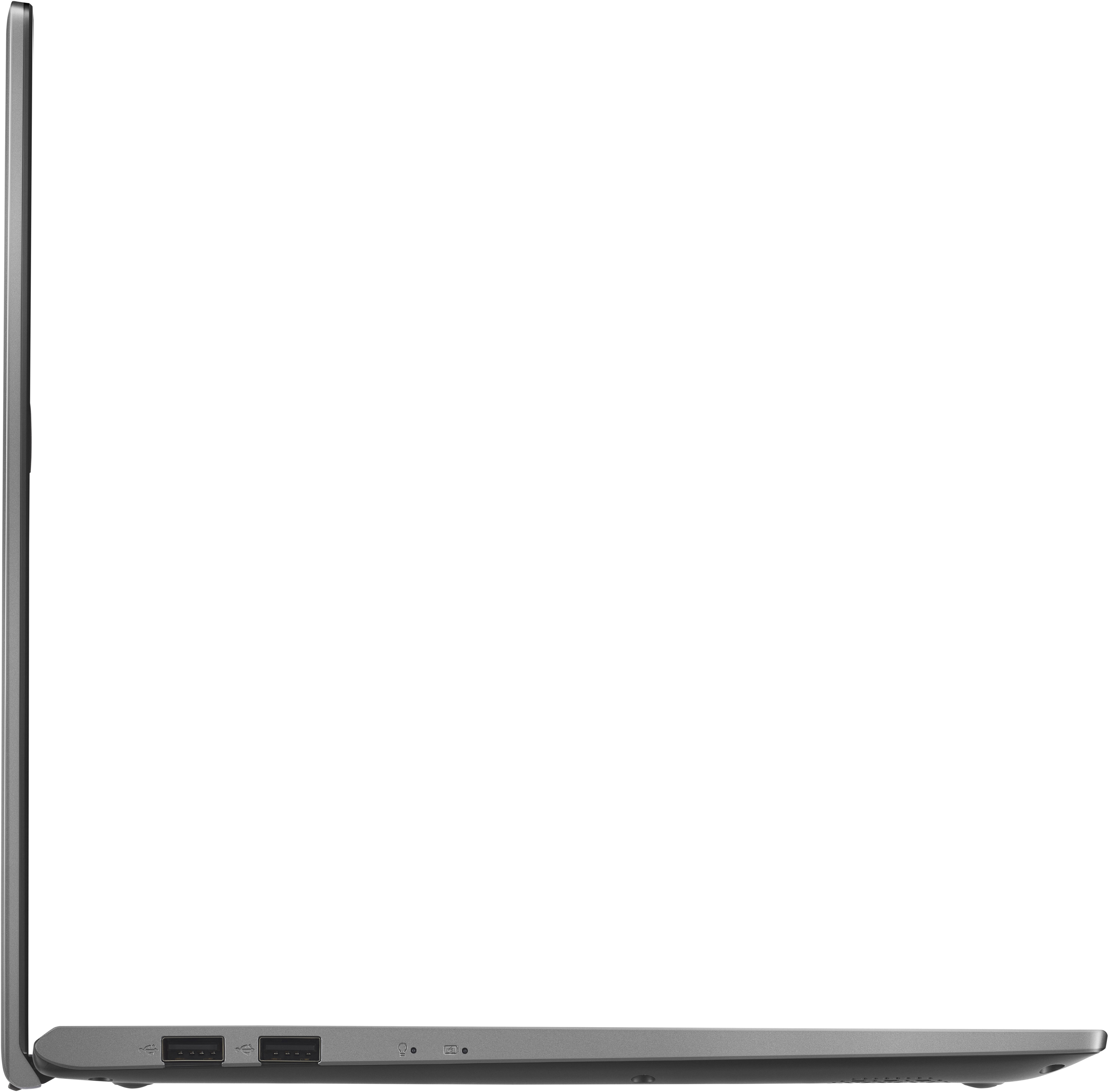
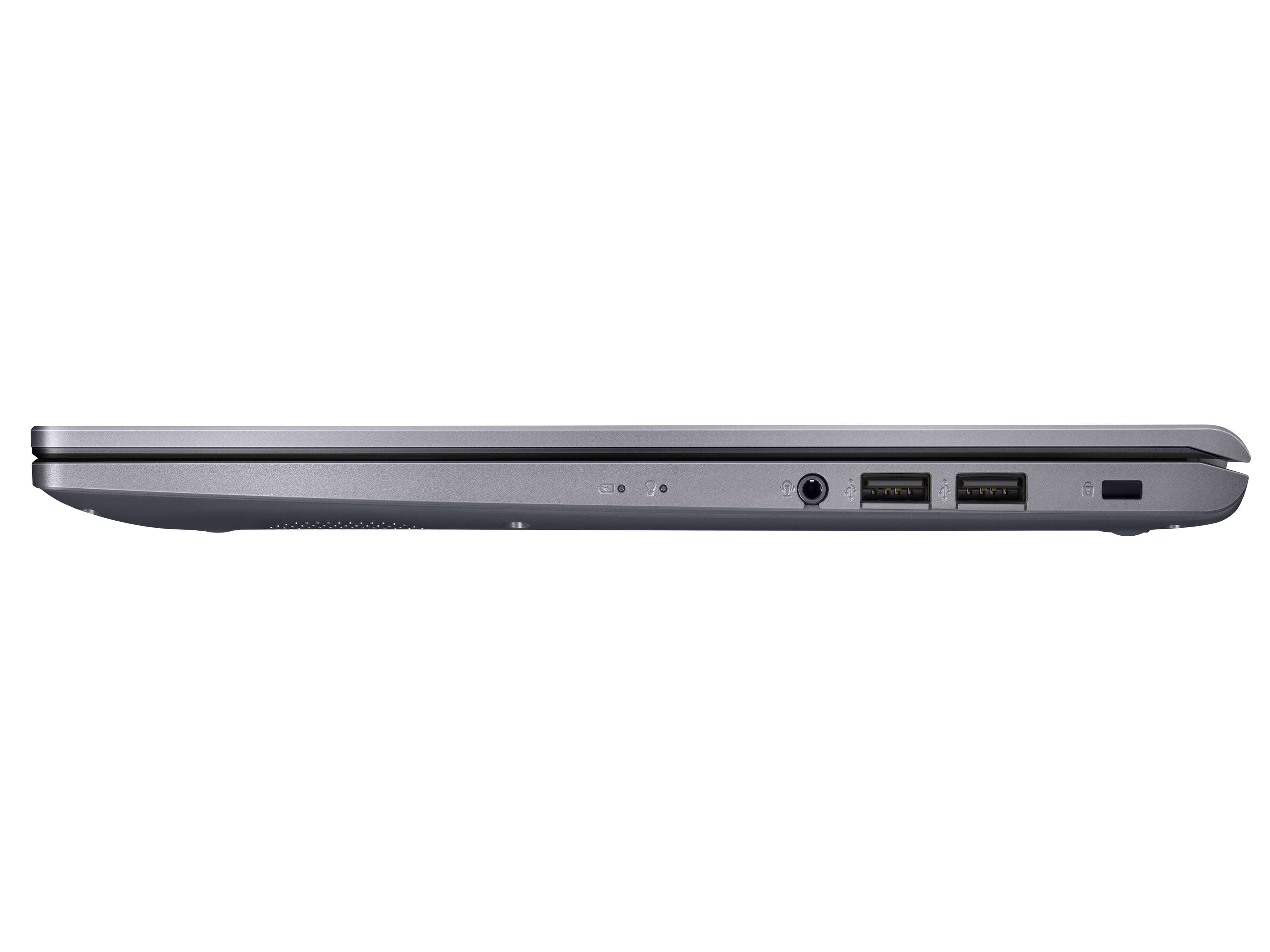
A:AnswerThere are two small speakers in the bottom of the unit. They are adequate for an inexpensive laptop, but certainly not room-filing high fidelity. You can add an external speaker via 1/8" stereo jack, or Bluetooth.
A:AnswerNot sure but I would highly not recommend this laptop. I usually buy HP or Dell but decided to try this based on reviews. You get what you pay for. It’s cheap quality and performs as such. I’ve had it only three weeks and it is constantly freezing up. You can’t have too many tabs open or else it is drastically slower.
Invest a little bit more into a laptop and so you’ll have quality or saving a few bucks.
Highly would not recommend!
A:AnswerThis model comes with 2 cores. Please review further specs here: https://ark.intel.com/content/www/us/en/ark/products/196588/intel-core-i31005g1-processor-4m-cache-up-to-3-40-ghz.html
A:AnswerYou can use the USB port for connectivity, but if you need wireless, you will need a printer server. Anyone with more-than-basic PC skills can install one. However, they aren't cheap, so it actually might be worthwhile getting a new printer.