A:AnswerYou’ll want an Nvidia or Radeon dGPU for BG3. While the game is well optimized across many gpus you’ll still want a dedicated gpu (dGPU) not an igpu (Intel / AMD Vega). With those you’ll like be playing low graphics sub 60.
A:AnswerIt is, but you just have to head to to the MS Store or Settings to get off S mode, it's pretty intuitive. If you're still not sure there has to be a quick YT video out there.
A:AnswerNo, you will not need to install anti-virus software if you switch out of S mode. Windows 11 comes with it's own anti-virus that functions fine with or without S mode enabled.
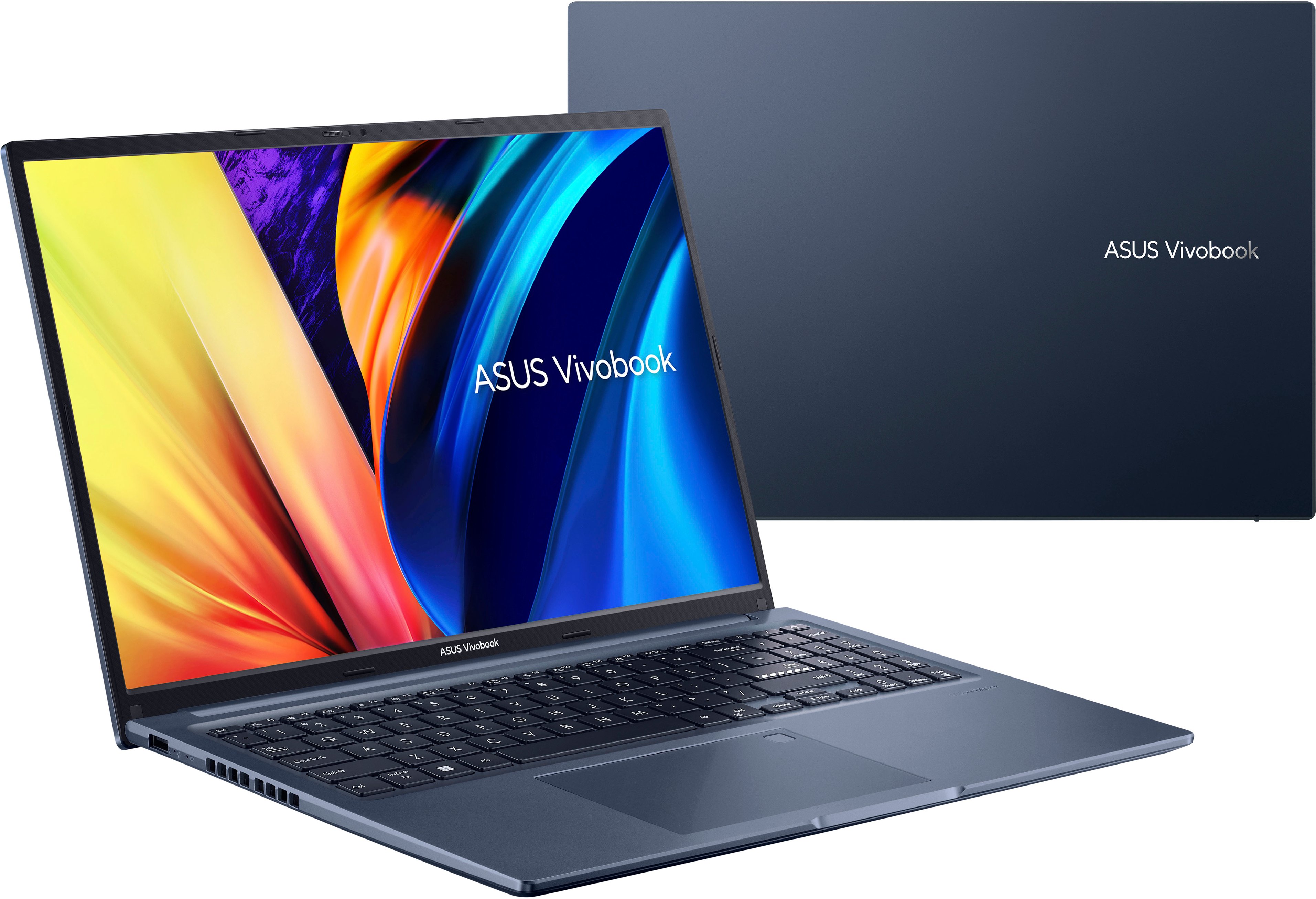
A:AnswerThe ASUS M1603QA supports a maximum of 16GB of RAM. It comes with 8GB of DDR4(3200MHz) DUAL Channel soldered RAM, you can only add an additional 8GB stick to reach the maximum capacity.
A:AnswerNo. Most laptops don't come with a DVD rom drive but you can purchase one the plugs into USB very inexpensively. I think the one I bought was about $25 bucks.
A:AnswerYes. All adobe software is compatible with this computer. I purchased adobe photoshop and the image quality is crystal clear and functioning is good as well. The computer has good storage but, I’d suggest external hard drive or usb drive for more space especially if you have a lot of files.
A:AnswerYes! It works really well. This computer works through Microsoft so you’ll have access to various Microsoft softwares like PowerPoint, excel and word. You can also add your add ons through the store if you’d like. Or if you prefer google services you can use that instead.