A:AnswerYes, the RAM is upgradeable on this laptop. Thank you for your feedback, we will contact the appropriate department in order to make the necessary correction on the CPU information.
A:AnswerYou can purchase a backup or secondary 200 watts AC adapter or charger from Best Buy, or from the ASUS online store at: https://www.asus.com/us/accessories/adapters-and-chargers/rog--republic-of-gamers/filter?Series=ROG--Republic-of-Gamers,ASUS-Adapters-and-Chargers .
A:AnswerYes, this laptop model was not designed for gaming, however, it will run games like, The Finals, Fortnite, and Call of Duty smoothly. This is a better laptop since it has a discreet or a dedicated Nvidia GeForce RTX 3060 GPU.
A:AnswerYes, the ASUS Q543MJ meets the system requirements for Serato DJ software and is capable of running Serato DJ Pro or Lite reliably. Its hardware supports smooth performance for DJing and live mixing.
https://www.asus.com/us/laptops/for-home/everyday-use/asus-vivobook-pro-15-oled-q543/techspec/
A:AnswerThe ASUS Q543MJ includes an integrated NPU (Intel AI Boost) capable of up to 11 TOPS of AI performance. It’s designed to accelerate tasks like background blur, voice enhancement, and other AI features efficiently.
https://www.asus.com/us/laptops/for-home/everyday-use/asus-vivobook-pro-15-oled-q543/techspec/
A:Answerhe ASUS Q543MJ (Vivobook Pro 15 OLED) features a 16:9 aspect ratio on its 15.6-inch FHD OLED display.
https://www.asus.com/us/laptops/for-home/everyday-use/asus-vivobook-pro-15-oled-q543/techspec/
A:AnswerIt lasts a long time. I work with heavy 3D tasks, and it usually holds up for almost 4 hours of continuous use. One tip: I leave the sleep mode on auto because it has a fast face recognition reader. A simple tap on any key wakes it up instantly, reads your face, and brings you right back to where you left off — all without wasting battery while you’re away.
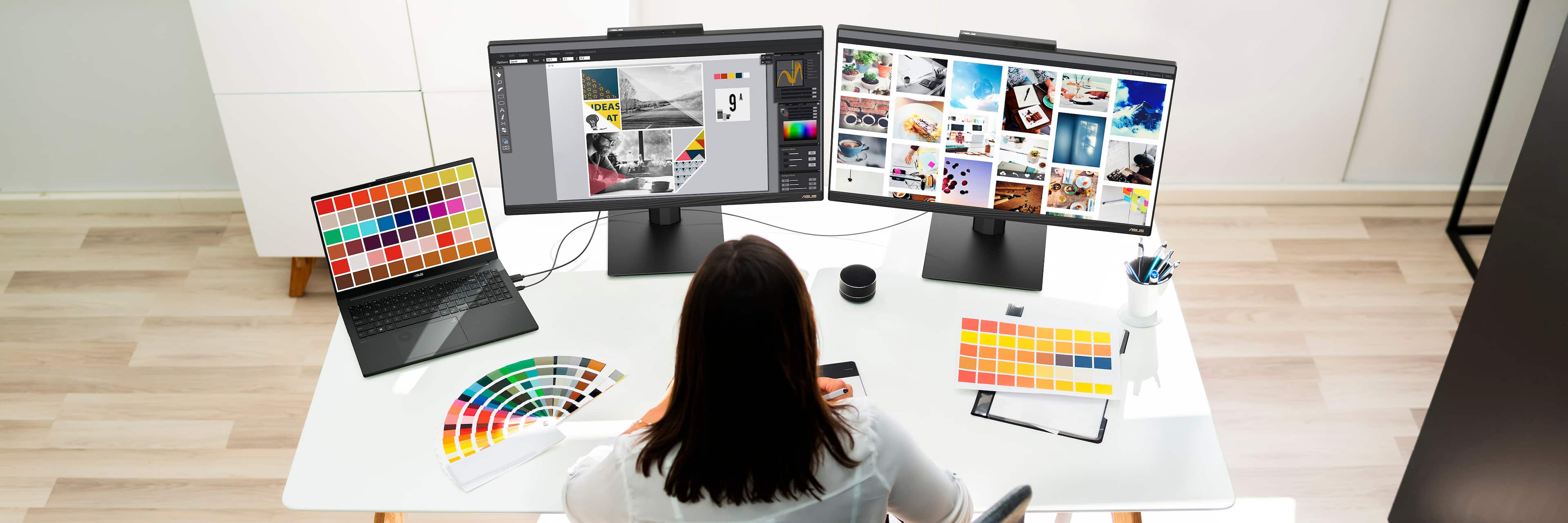
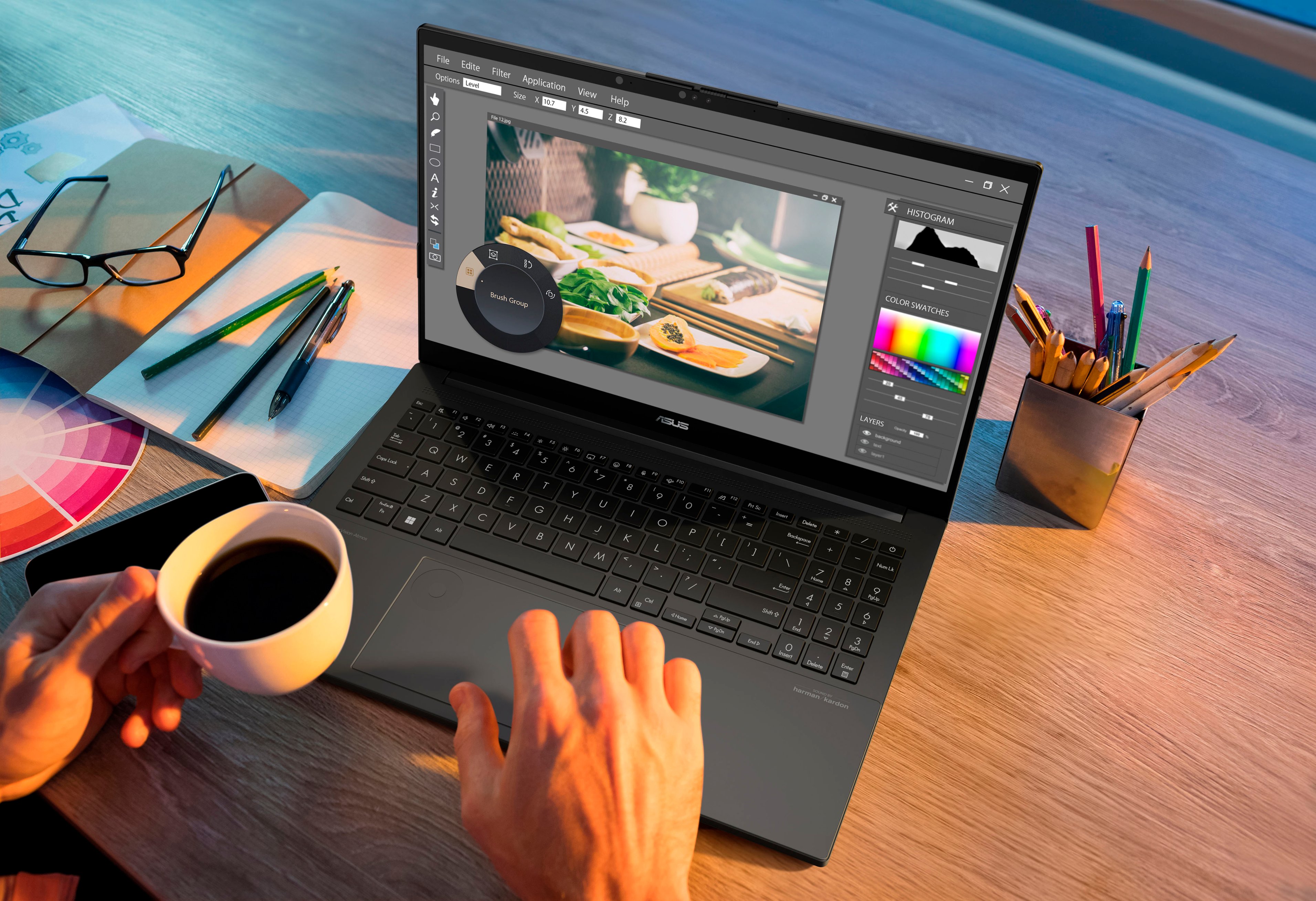
A:AnswerThe ASUS Q543MJ is a good option for Photoshop creativity with its fast processor, strong graphics card, and high-quality OLED display, all ideal for editing and multitasking. For other ASUS options, the ZenBook Pro 16X OLED excels in advanced creative tasks, while the VivoBook Pro 15 OLED is a budget-friendly alternative with solid performance.