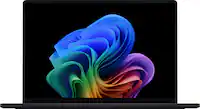
A:Answer If the recent Windows update corrupted the audio driver, try to perform a System Restore. For helpful tips on how to initiate a System Restore, please visit the Microsoft Knowledge Base at: https://support.microsoft.com/en-us/windows/system-restore-a5ae3ed9-07c4-fd56-45ee-096777ecd14e . Or update the audio driver in the Device Manager. The most current audio driver is posted at: https://www.asus.com/us/laptops/for-home/zenbook/asus-zenbook-14-oled-q425/helpdesk_download?model2Name=Q425MA .