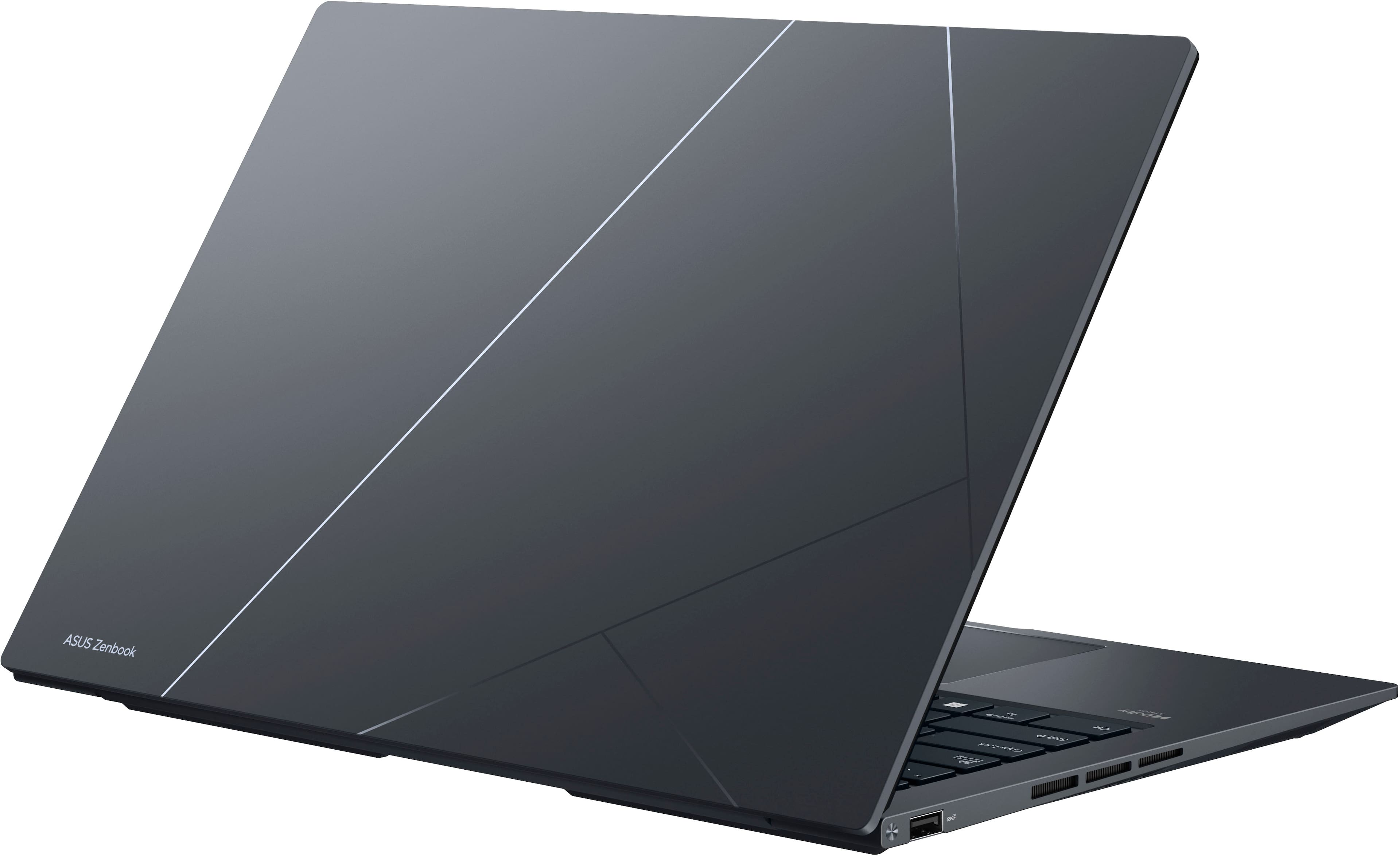
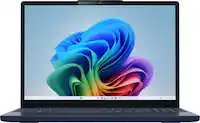
A:Answer I'll edit this if I demo/purchase the laptop and have a more definitive answer, but in the meantime: The Q420 - which you can find on their website by Googling "Zenbook 14X OLED Q420" - has several references to "Intel Evo"; it's even in the model number: Q420VA-EVO.I7512.
Intel Evo - which you can find by searching "Overview of Intel Evo" - is a certification that Intel provides to laptops to make it easier to find the commonly desired "premium" features. One of these is Biometric logins through Windows Hello (fingerprint, facial, OR bluetooth proximity).
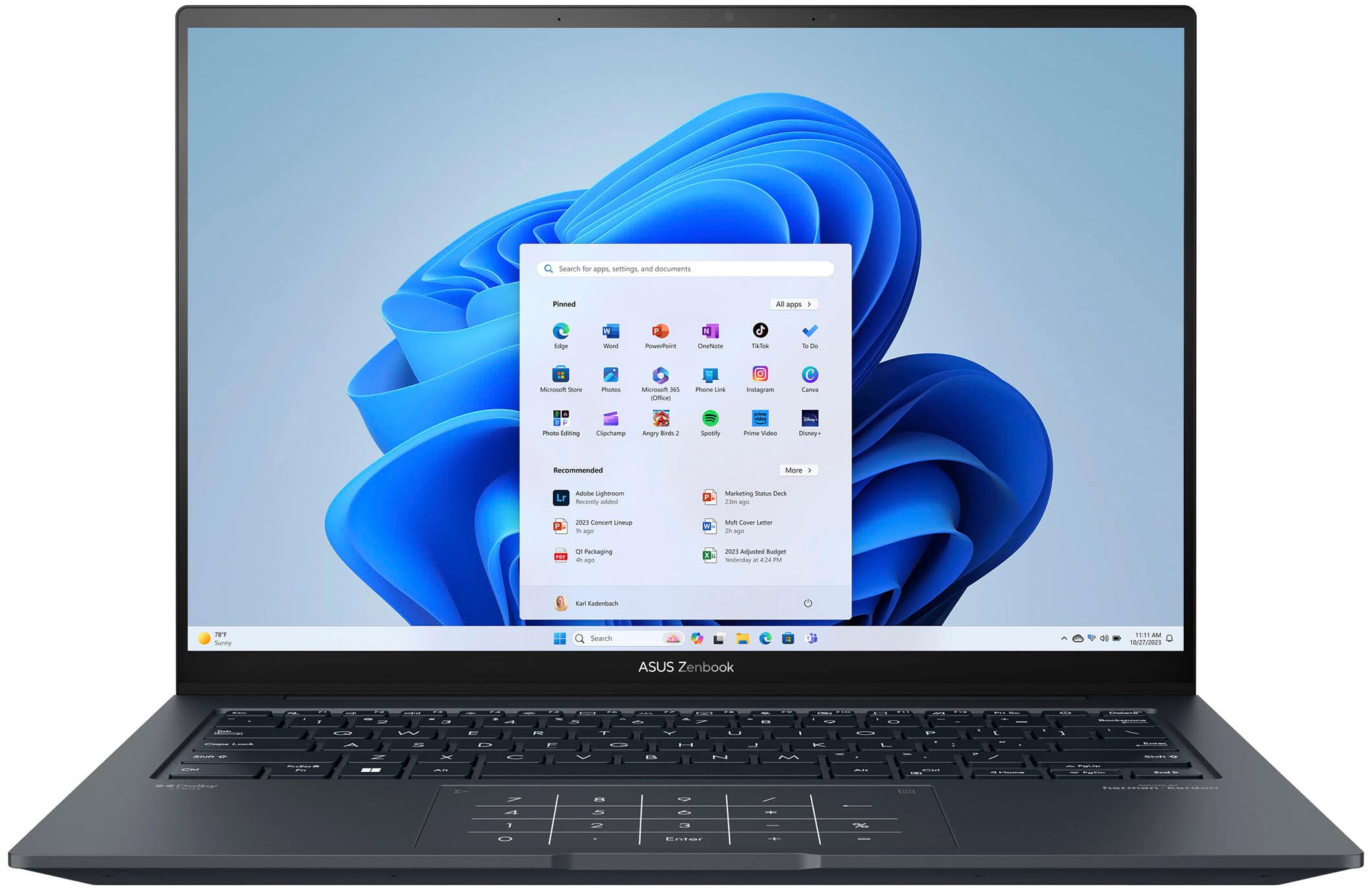
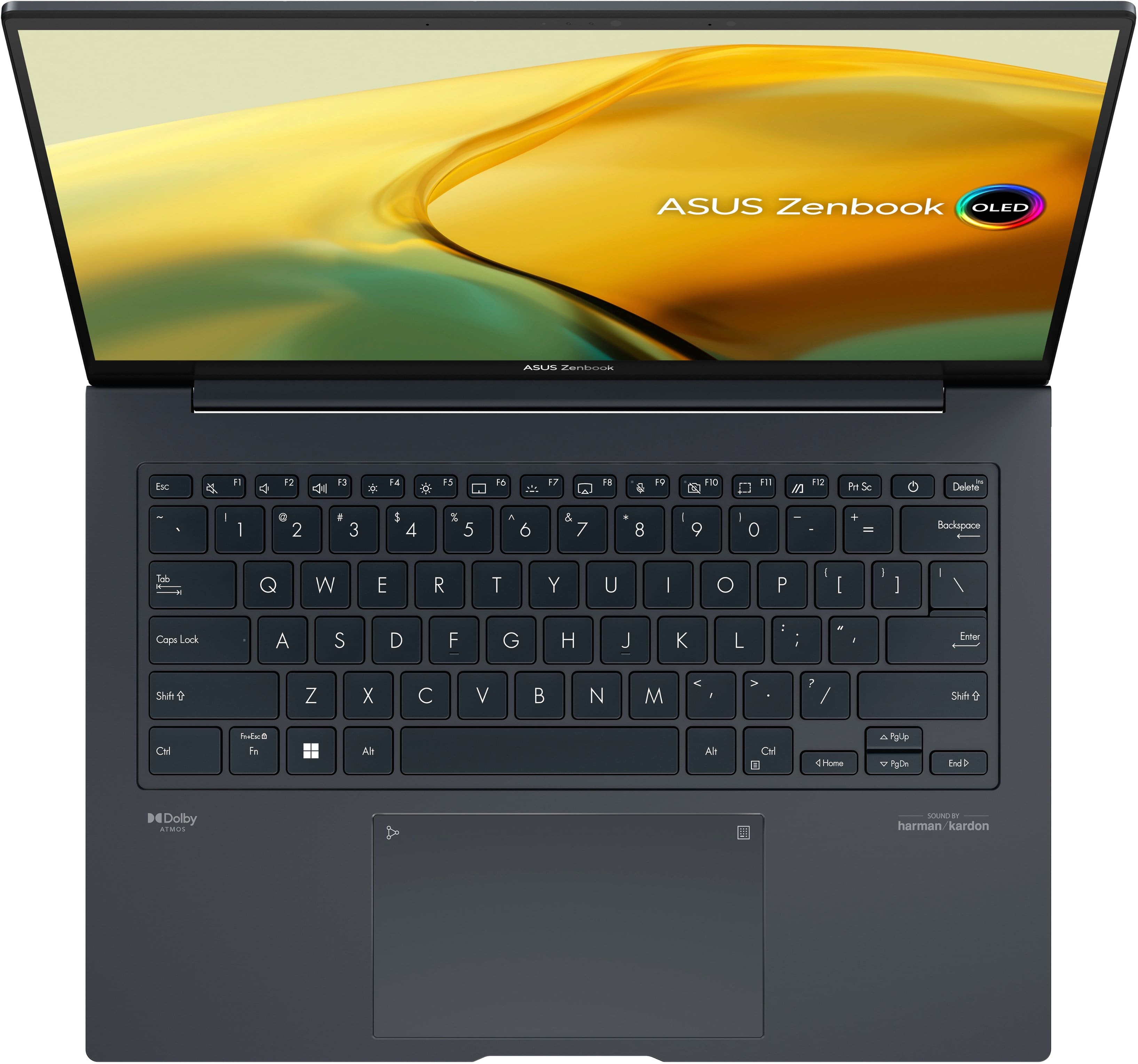
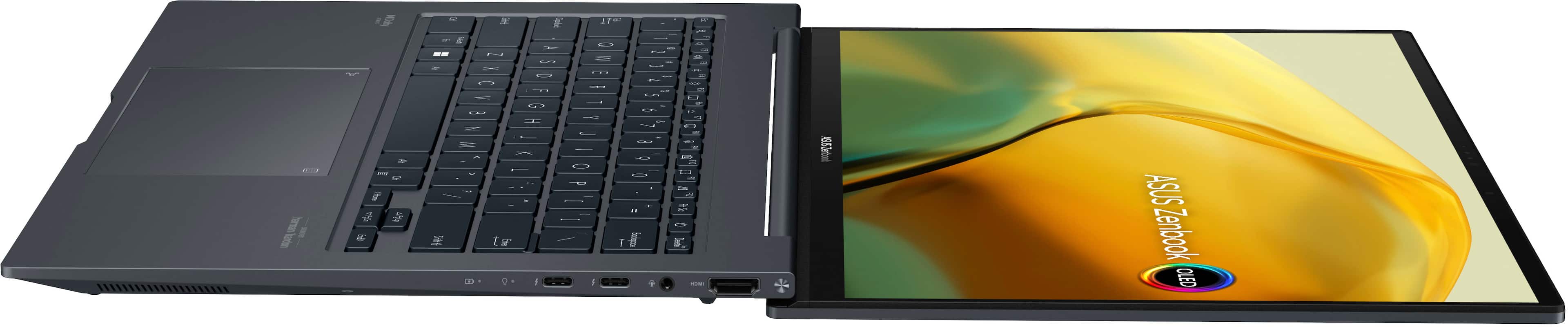
Unfortunately, it's hard to tell where it is to confirm through pictures. The later lines of laptops now offer it on the power button or under the trackpad without the little square they used to have. The 14X website talks about the IR facial recognition, the 14 website talks about it's fingerprint scanner. But given Intel Evo, some confirmation it does, and then the 14 having one - it stands to reason the 14X probably has one too.