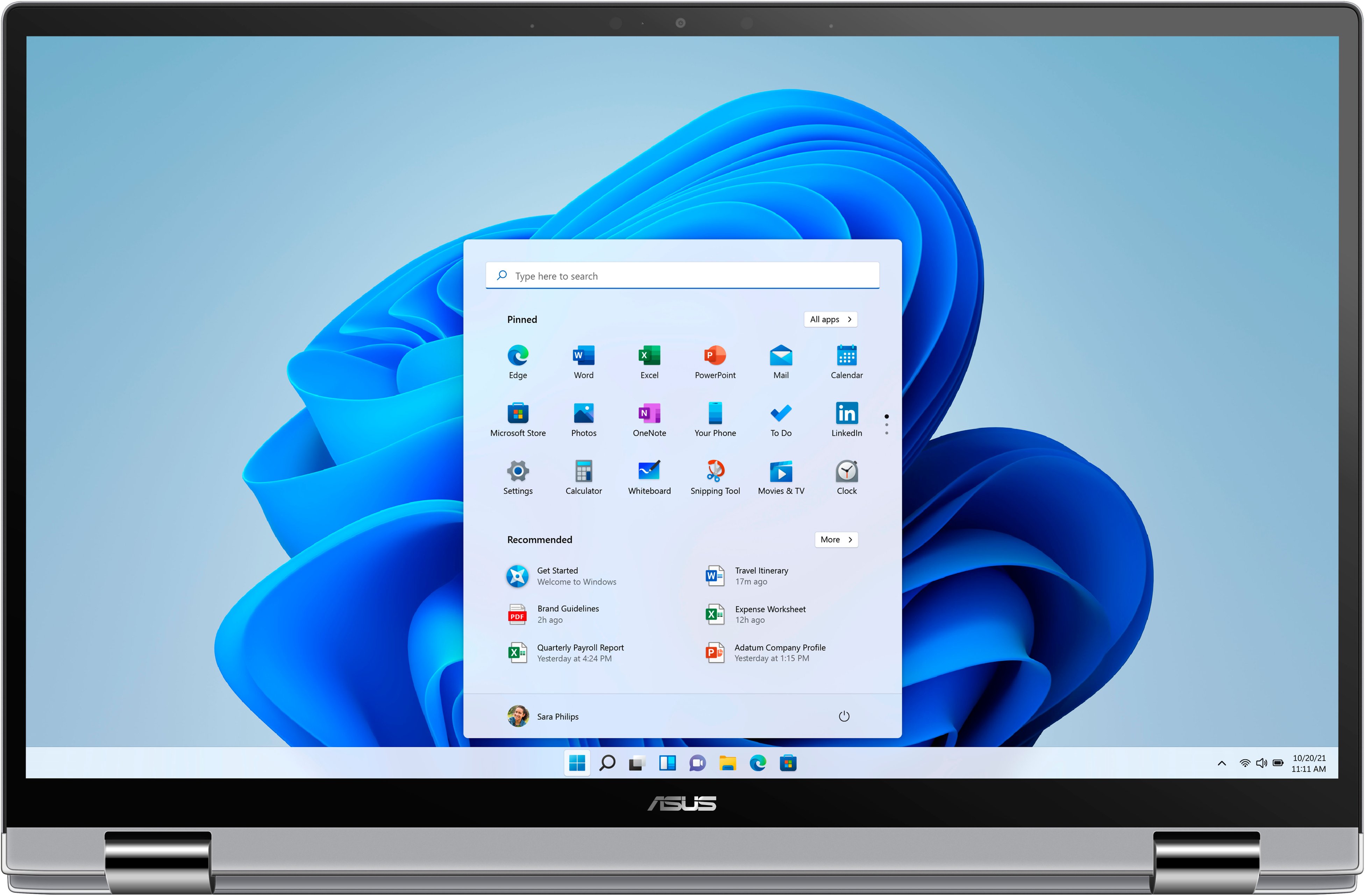
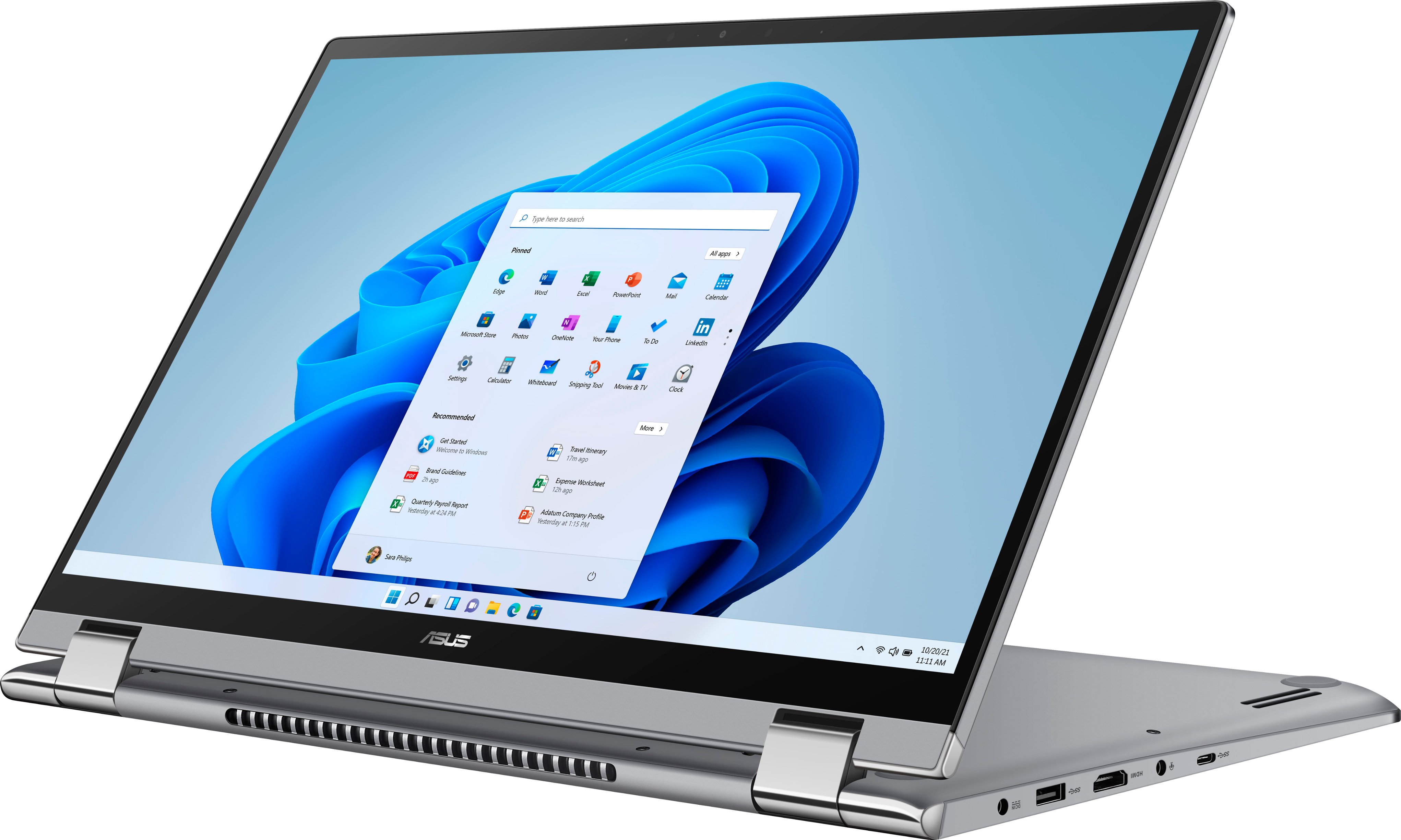
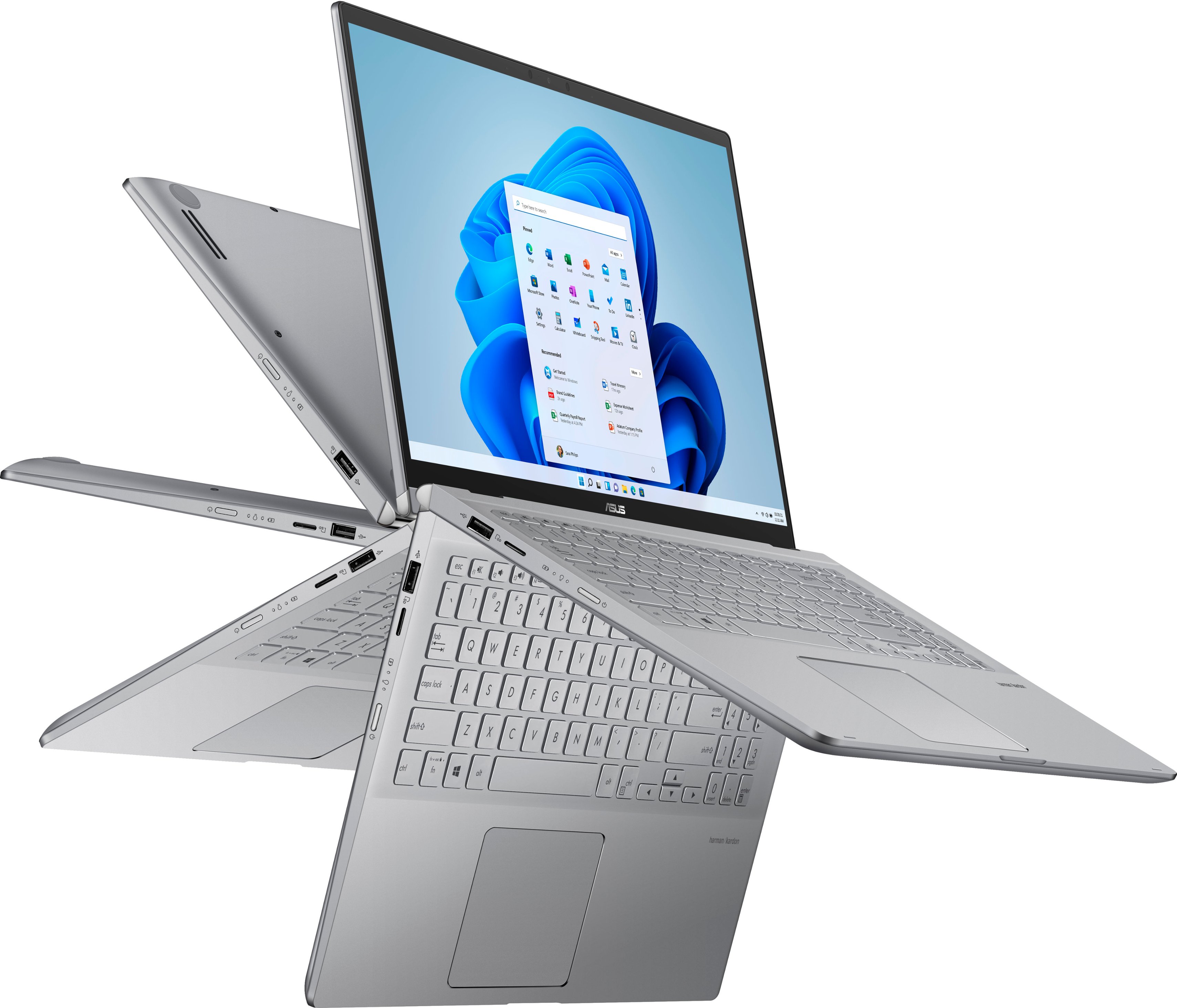
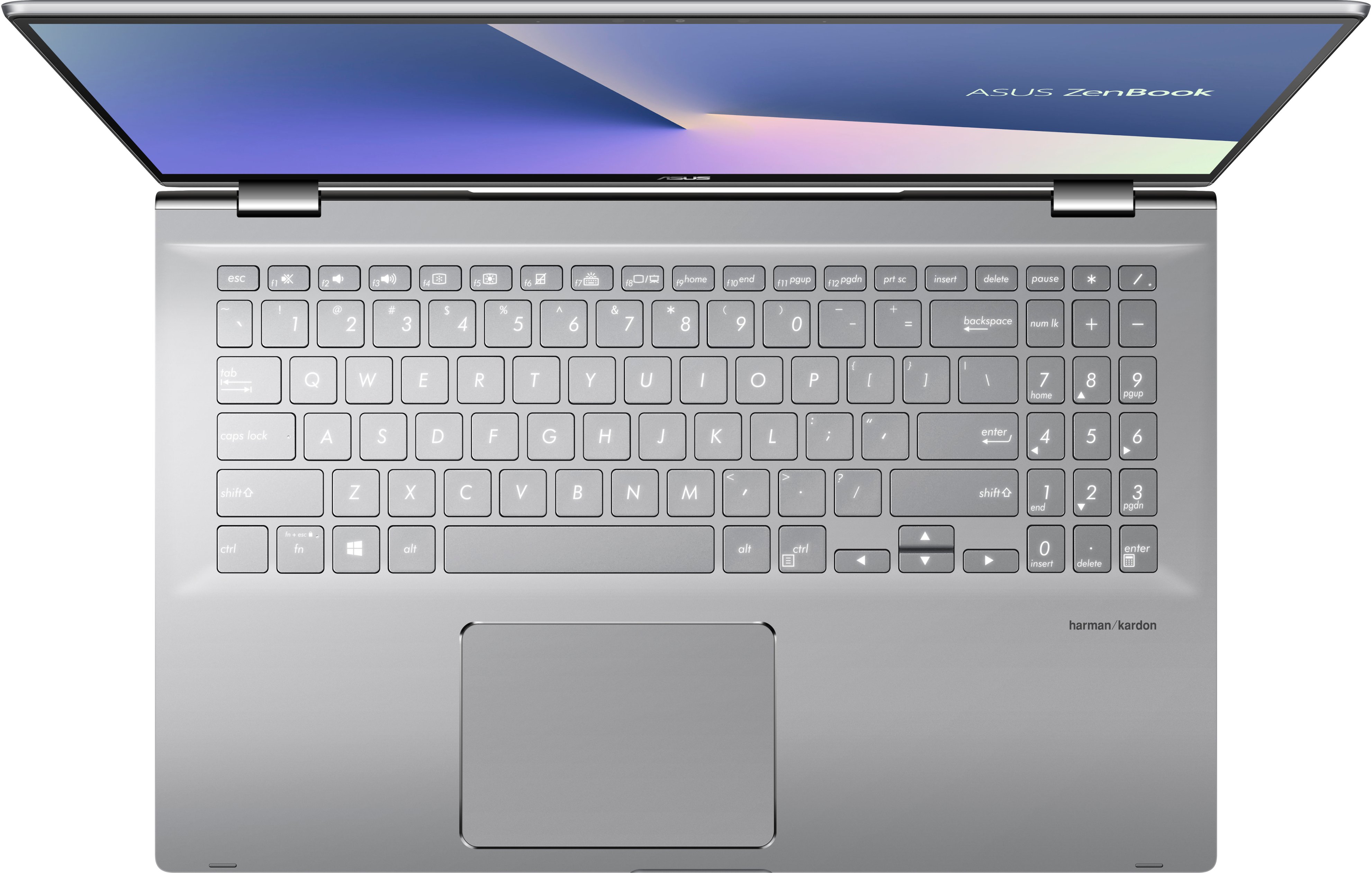
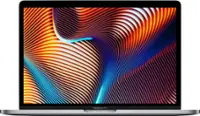
A:Answer Yes it is a 2 in 1. Earlier I said this laptop is not a 2 in 1 laptop. That was a mistake. It’s definitely is a 2 in 1, meaning it’s a traditional laptop, but the keyboard also flips around and becomes a tablet. I had no idea until I purchased the laptop myself. I apologize for the earlier incorrect response.