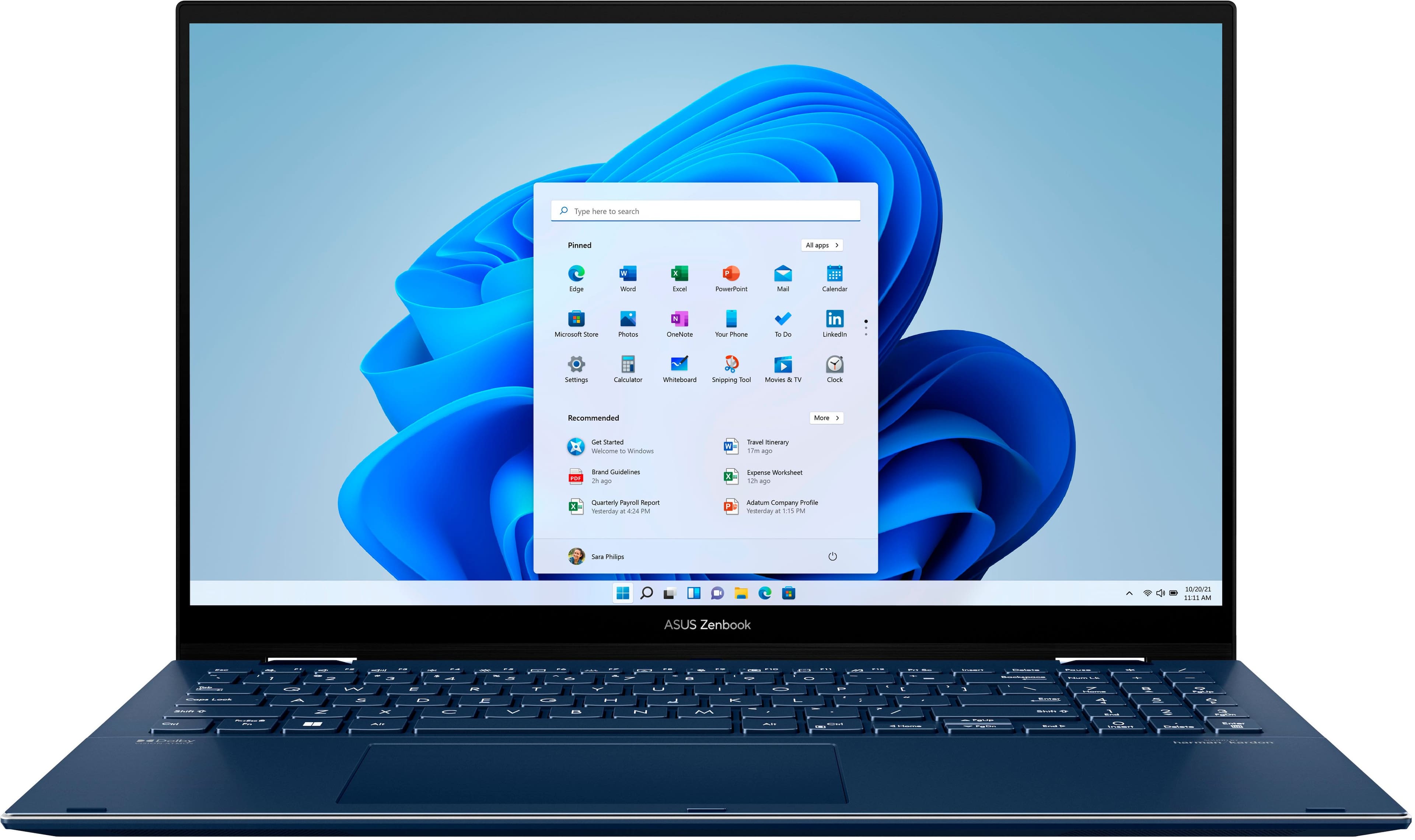
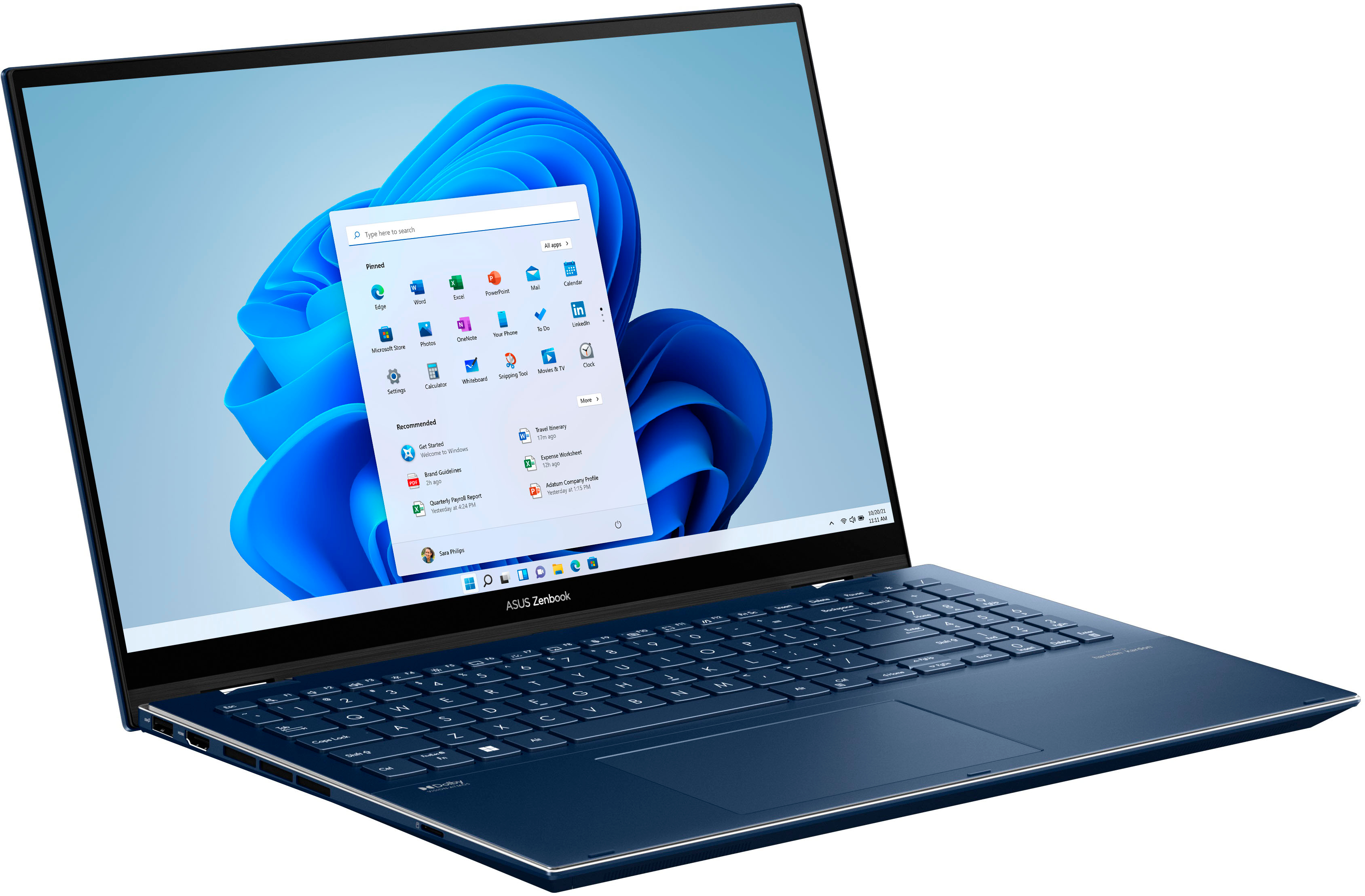
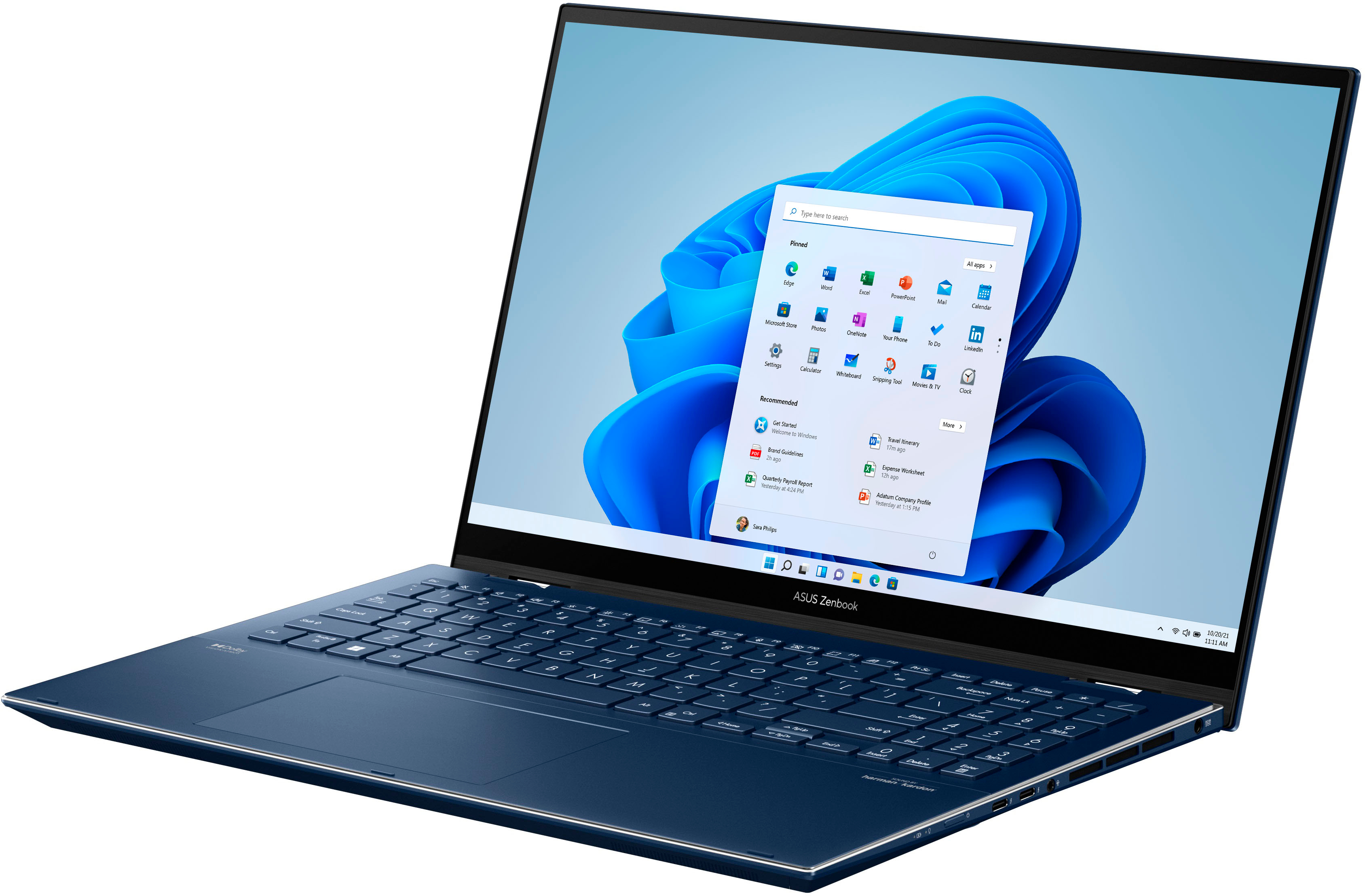
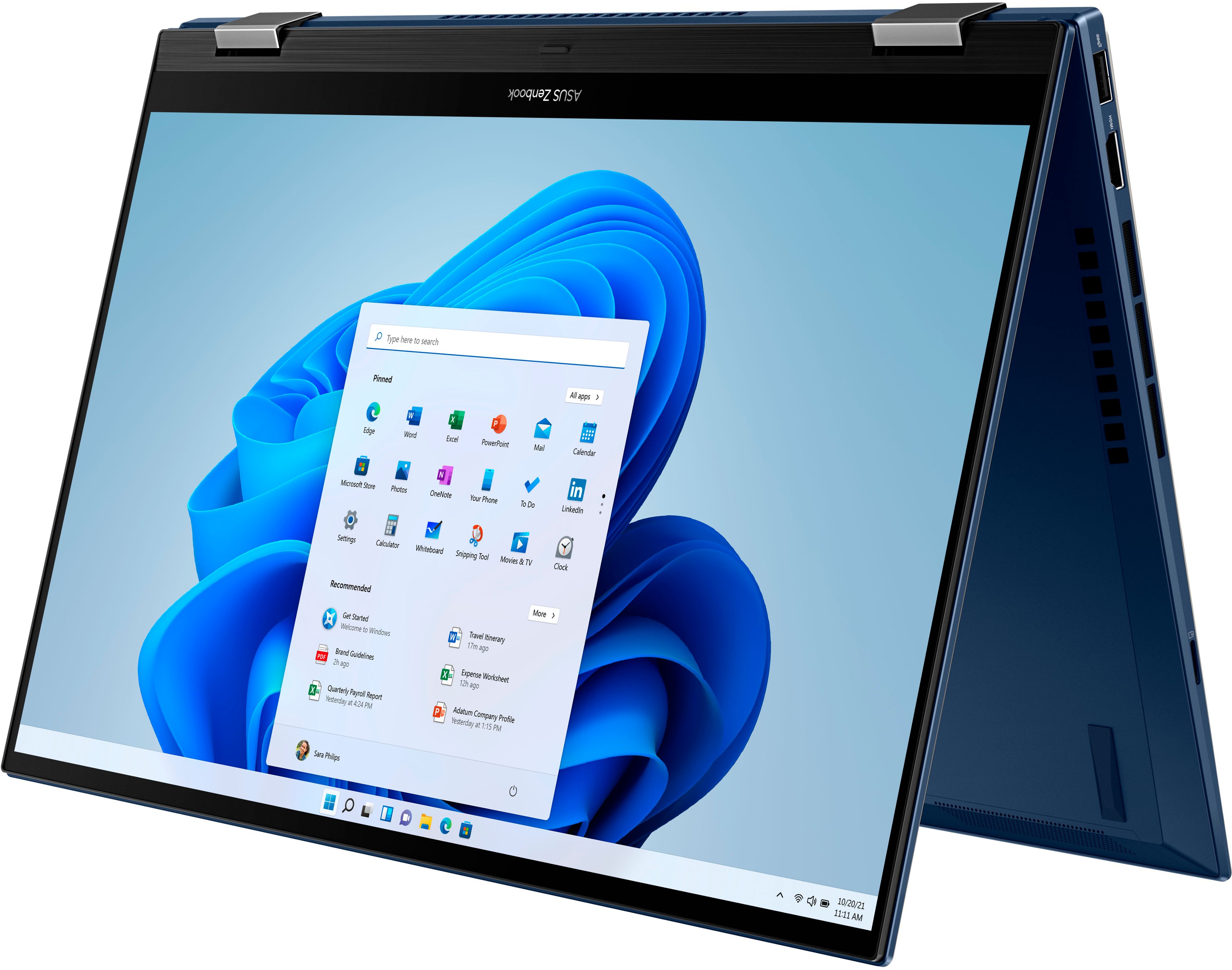
A:Answer OLEDs are still subject to burn-in. The potential and time before artifacts are produced depend entirely upon how you use the computer. If you often have images on your screen of static objects, for example the windows toolbar, that has a very high potential to burn-in. If you are often switching between applications of different layouts and colors, this is less likely to cause burn-in. Also, if you practice good computer hygiene with a quick to act motion-based or screen-off screen saver and run pixel refresh programs and/or videos, this will help prevent, and in some cases, reverse lite burn-in.
I personally have 2 OLED TVs, one for more than 3 years with zero burn-in...and I watch a ton of TV :-)