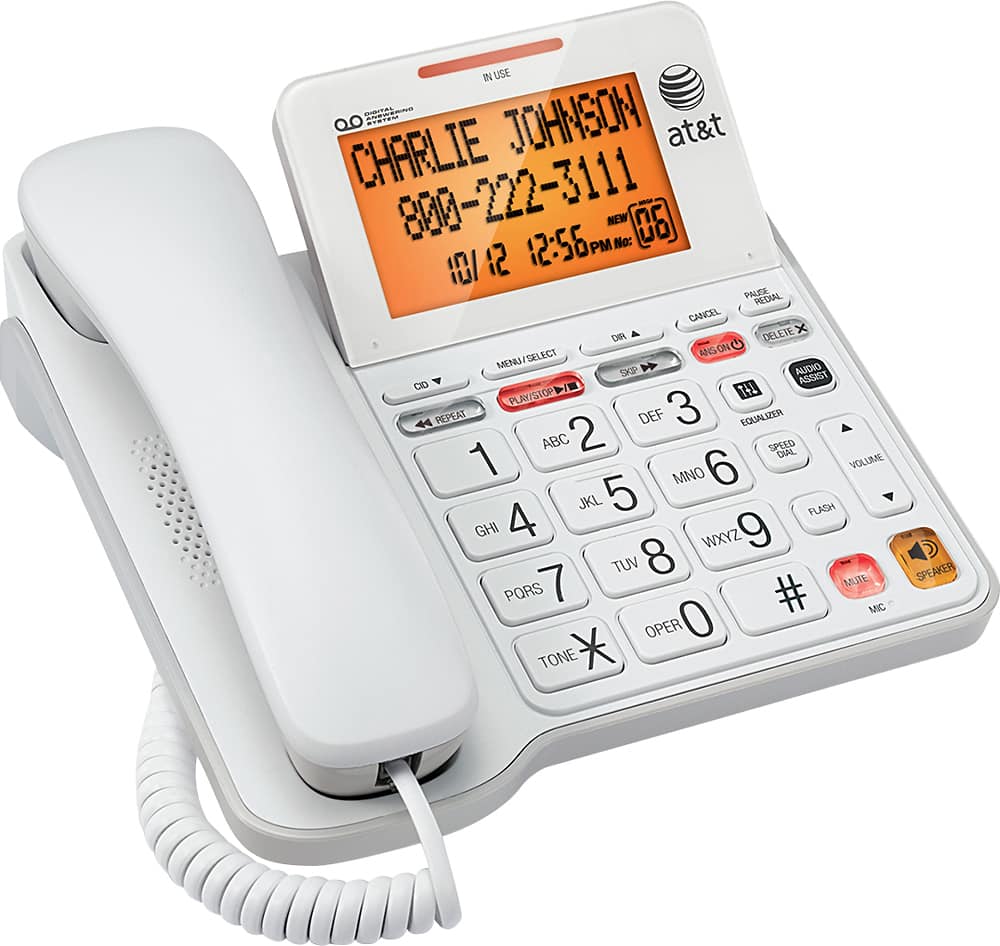
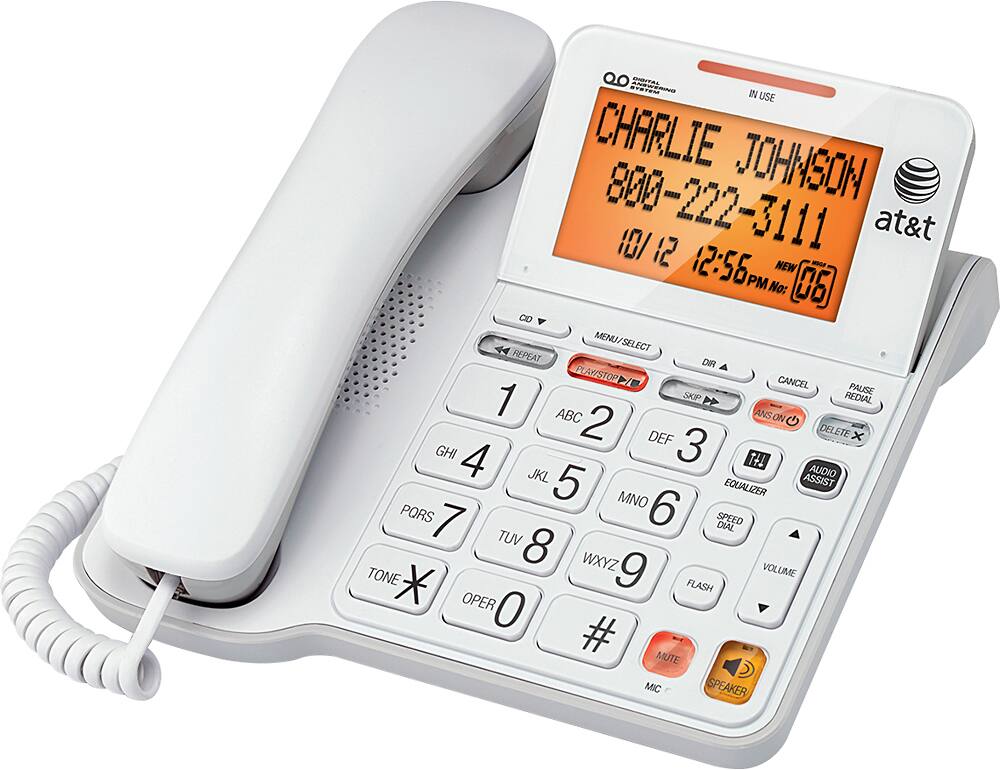
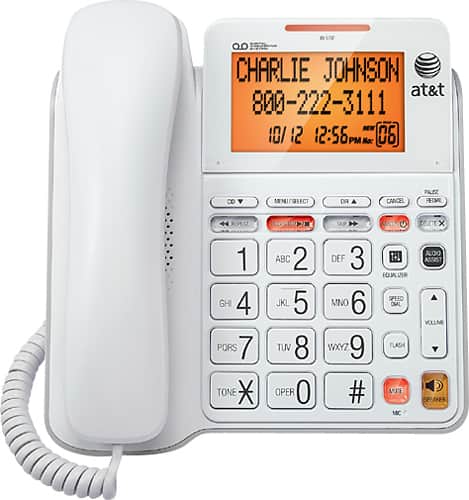
A:Answer Here is the instructions directly from the instruction manual for the CL4940
To delete your outgoing announcement:
When the telephone is in idle mode, press MENU/SELECT to enter the main menu.
Press MENU/SELECT again to select Answering sys.
Press MENU/SELECT again to select Announcement.
Press CALL LOG or DIRECTORY to scroll to Play current, then press
MENU/SELECT.
While the announcement is playing, press DELETE X to delete the announcement.
The screen shows Deleted and the system announces, “Deleted” followed by “Hello, please leave a message after the tone.”