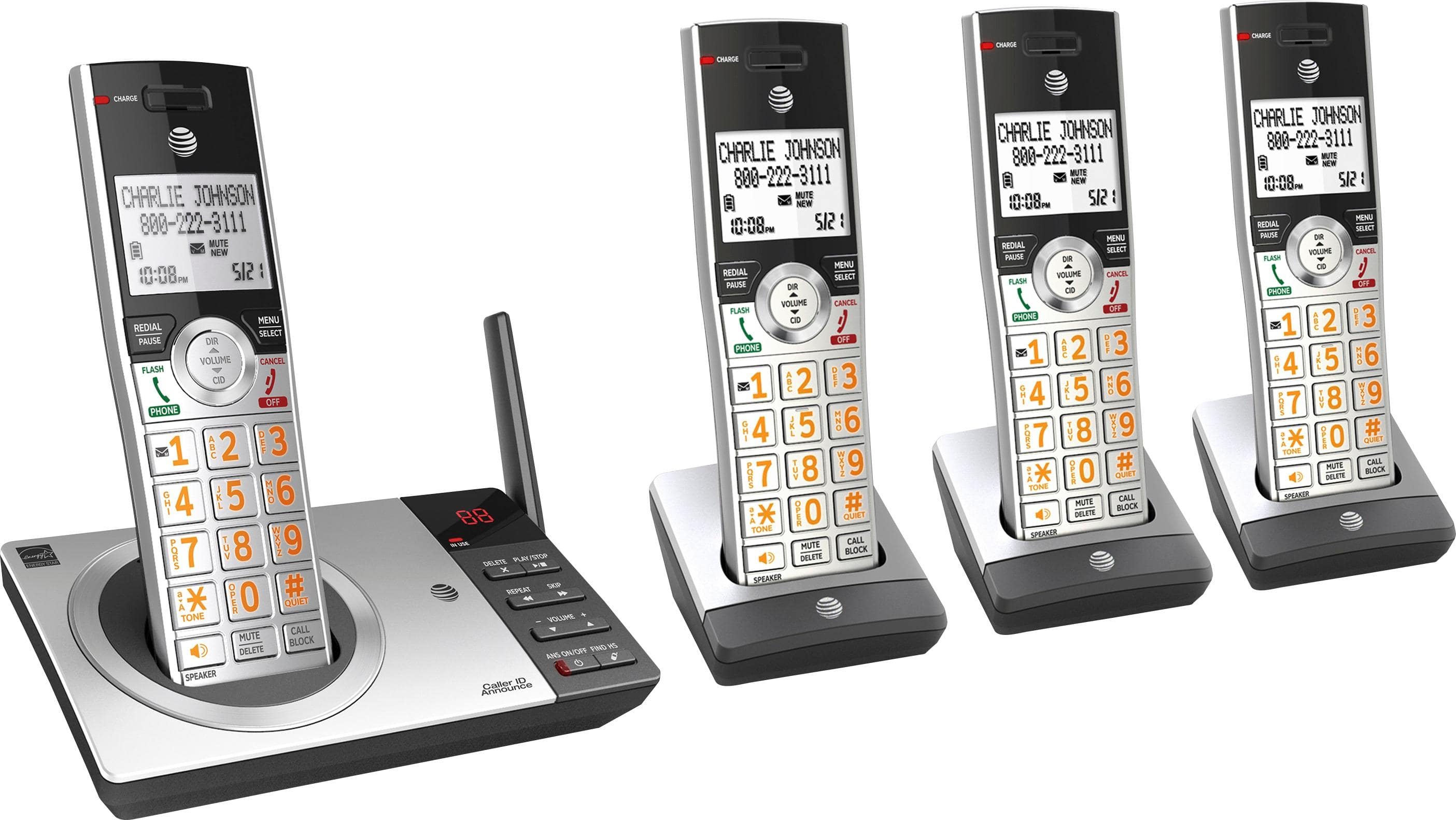
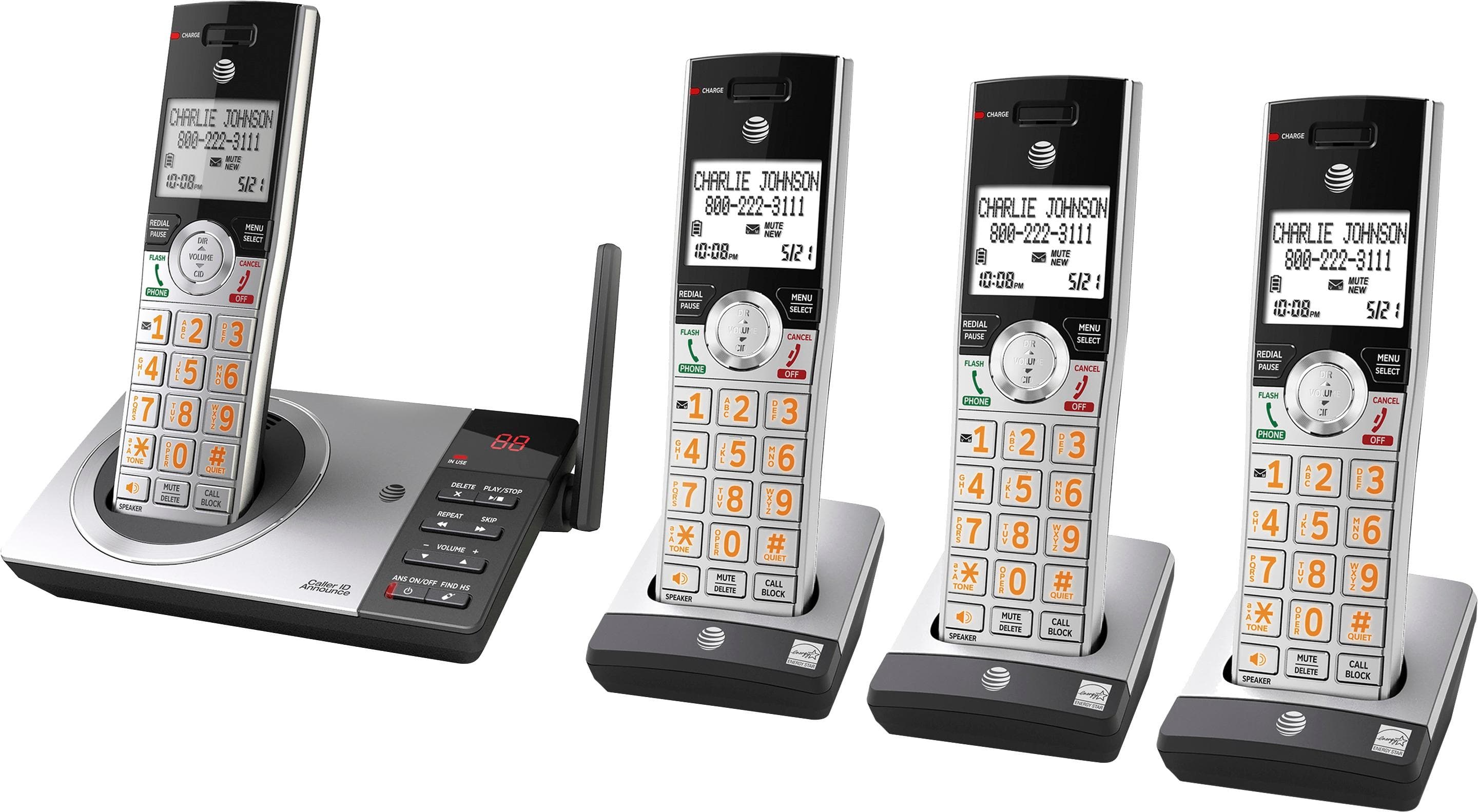
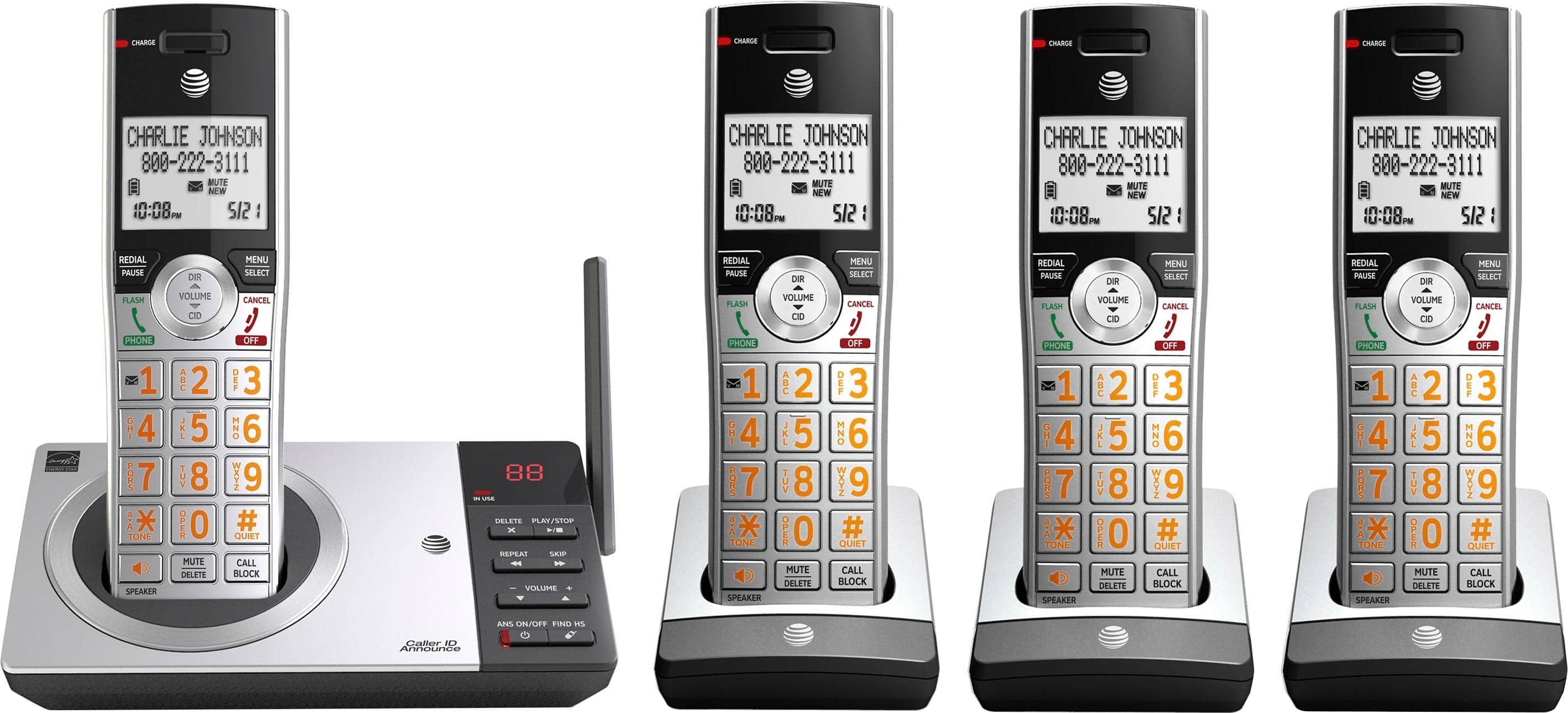
A:Answer The noise is line noise. It usually is not your equipment. But you can adjust your audio by pressing the Green button. You will hear your dial tone. Now press the menu button and the Equalizer command shows. Press select to adjust your audio while you hear your dial tone. Once you have finished, press the Red button to exit and a 2nd time to hang up. Much of our system is copper wrapped by various types of protection. The majority of these lines hang on poles, constantly exposed to the weather. And that which isn’t above ground is buried and connected at junction boxes also exposed. All these things need replacing because it hasn’t been serviced since the break up of AT&T. After decades of neglect, many of the independent service providers are working to repair this or contracting out the repair work. I hope this helps.