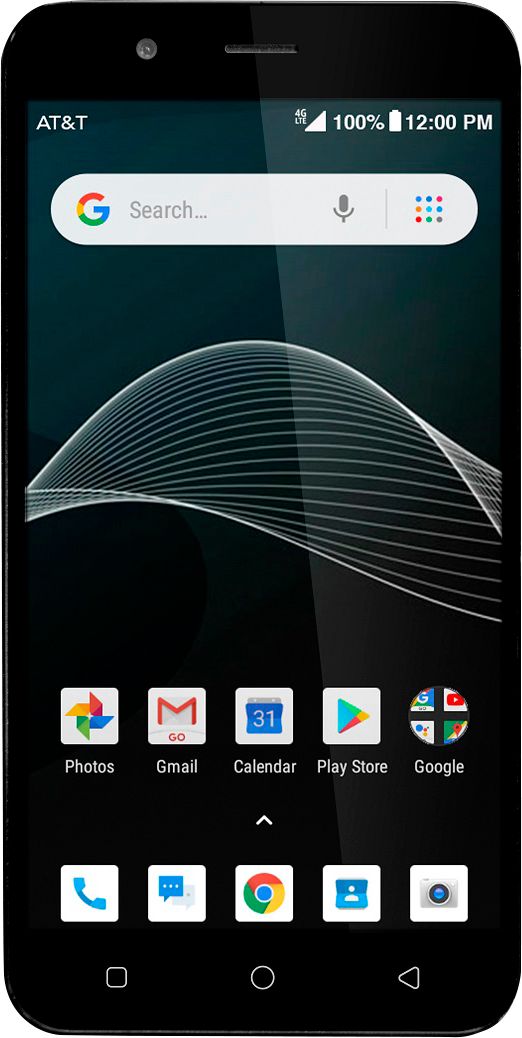
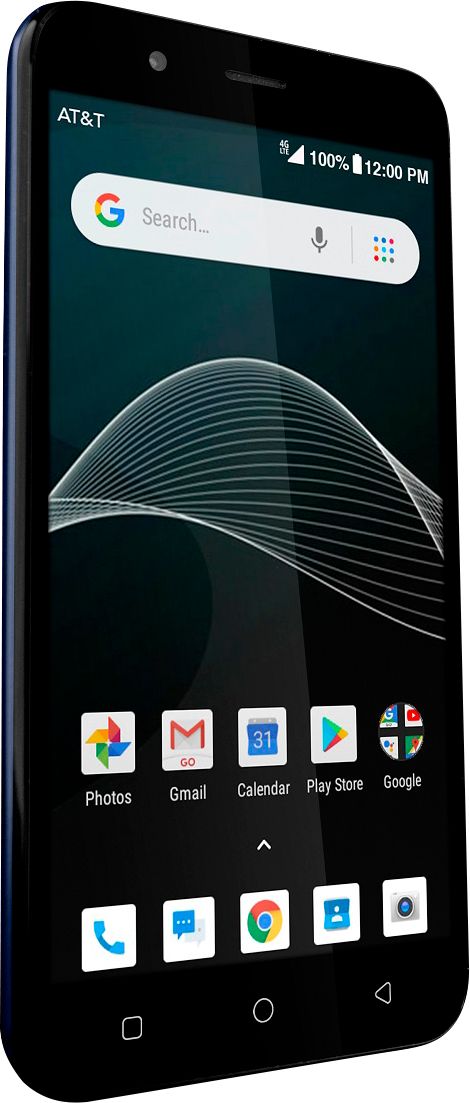
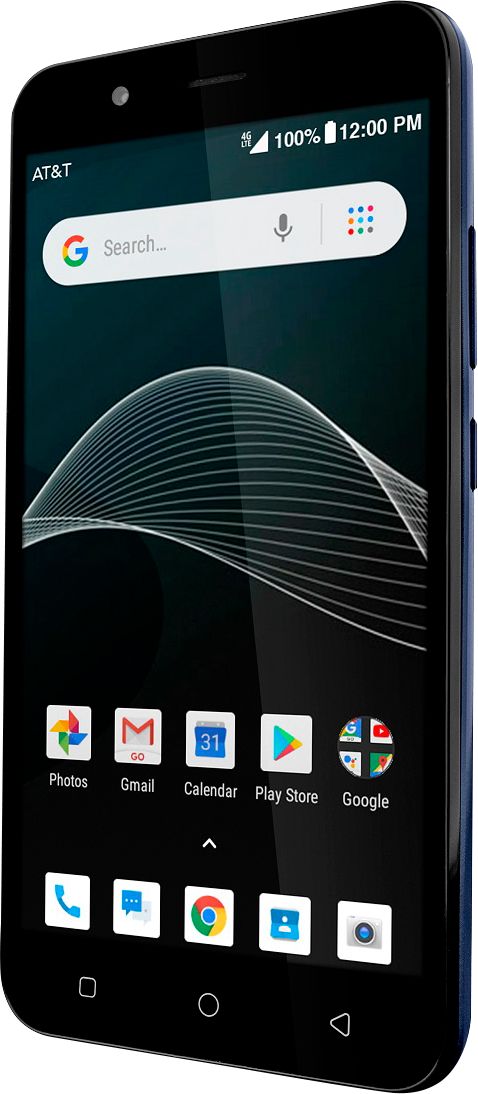
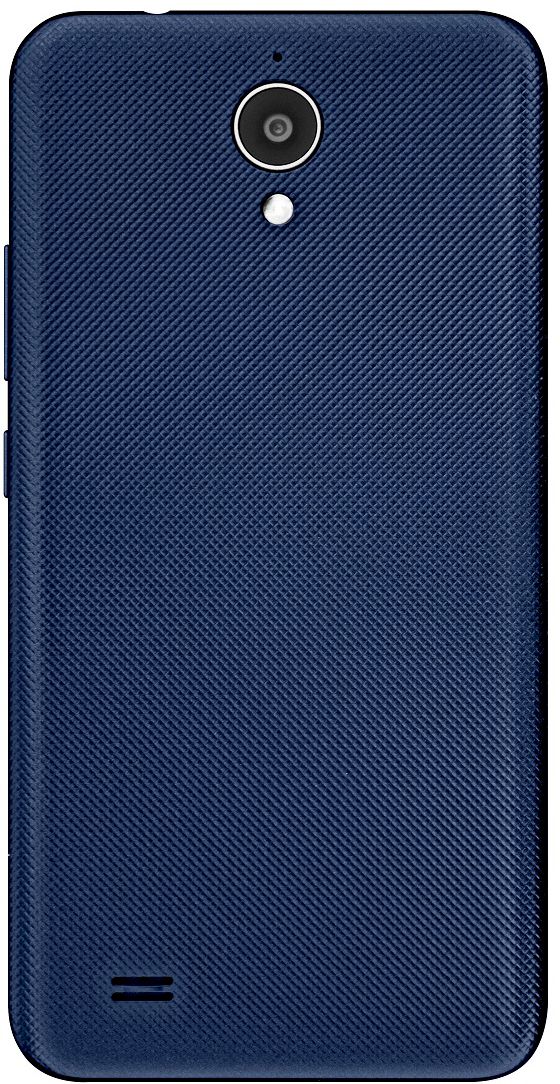
A:AnswerHi Sylvia,
Yes, it does. You can get a list of some of the phones that support HD Voice at https://www.att.com/ecms/dam/att/consumer/help/pdf/HD-Voice-Capable-Devices-on-ATT-Network.pdf
David, AT&T Community Specialist
A:AnswerBuy two of this ANKER USE ONE OF THEM AS A CHARGER dont touch until full charged
THEN when the first one stopped charging the cell phone use the second charger To start charging the phone up again, use the first charger to keep your phone charged up it will die but it will die slowly
A:AnswerTo delete your call list (call history as that is what i call it) you need to go to your call icon, then click the 3 dots but the mic at the top right, then click call history, then click the 3 dots again, and click Clear Call History
A:AnswerUnder the tab in the txt box theres a settings option to save the picture and all future pics. Or you can long press the pic and save / download the pic and save it.
A:AnswerIt should light up on ring. Go into your settings > notifications > phone > app notifications and make sure they are set to your liking. Then when it rings and lights up, swipe green icon upward to answer.