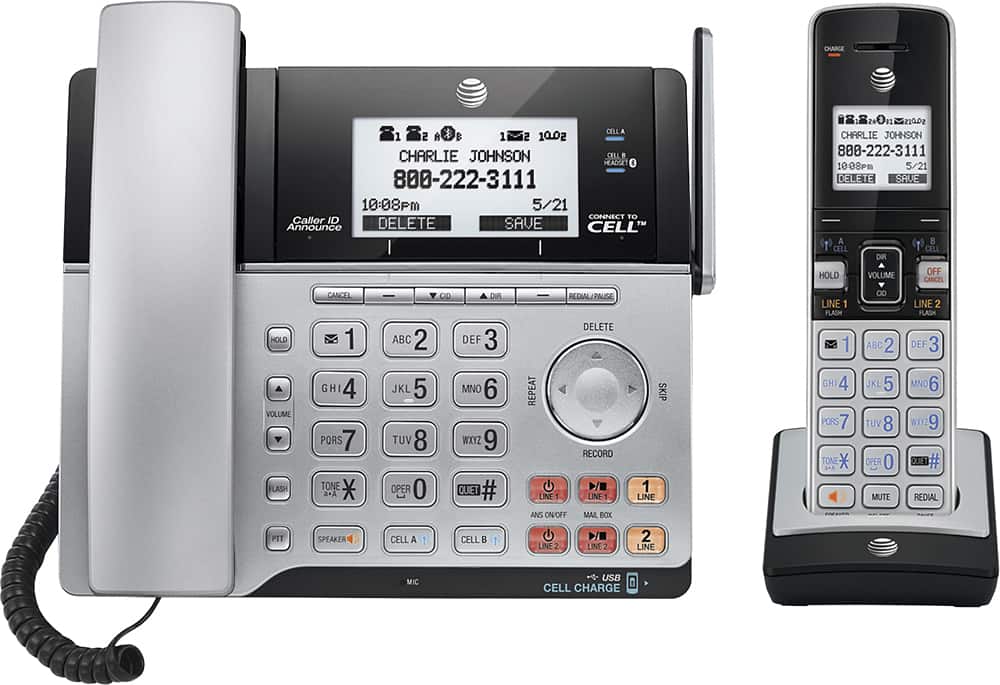
A:AnswerYES - I have an iPhone 7+ and a Samsung Galaxy 7 and both are paired with this phone. AT first, I thought I was having a problem but the problem was that I had not deleted the cell phones I'd paired before. Be sure to check the list of paired devices and to delete any other cell phones you may have paired in the past before you pair the ones you use now.
A:AnswerYes, however you must be on a call and then the word "mute" will be showing on the bottom left portion of the screen. You will then use the push button directly below the word mute to turn on and off this feature. This button has a dash printed in the middle. (----)
A:AnswerI would suggest that if you program a few phone numbers, the internal battery (as long as it is charged) would save that information. I can’t be sure every possible feature is backed up, so take it to the store and enter info bits at a time. Unplug after entering some data to make sure it is saved so that you don’t lose a bunch of data.
A:AnswerHi Greg,
I came to this page with the SAME problem. My iPhone 7+ didn't see the phone. I thought YOU would have an answer but then, when I read you have older phones that worked... that was the same for me. I saw DEVICE LIST on the AT&T phone and voila - the OLD phones I had were on the list and there is an option to delete them. SO I removed the older phones and started the pairing process again. It worked easily once I removed the old phones.
AT& T phone menu >>> . MENU>
On the phone menu it says ADD DEVICE but scroll dow to DEVICE LIST. You'll probably see your old phones still listed there. DELETE THEM.
Then start over and you should be able to add your iPhone 7 easily.
I hope it helps!