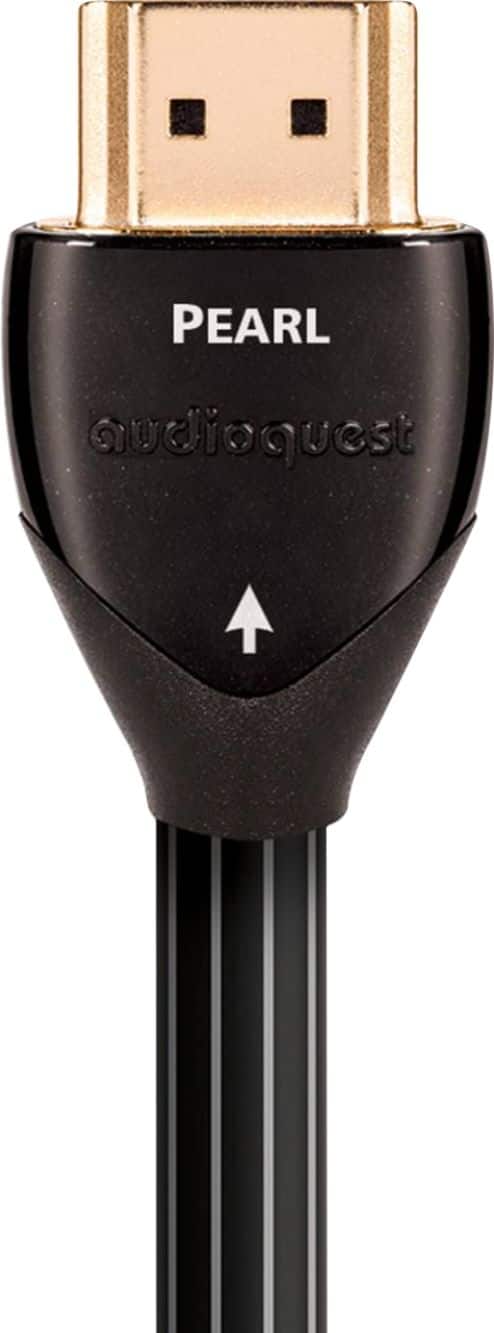
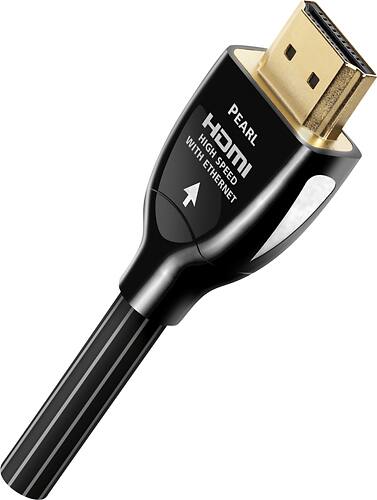
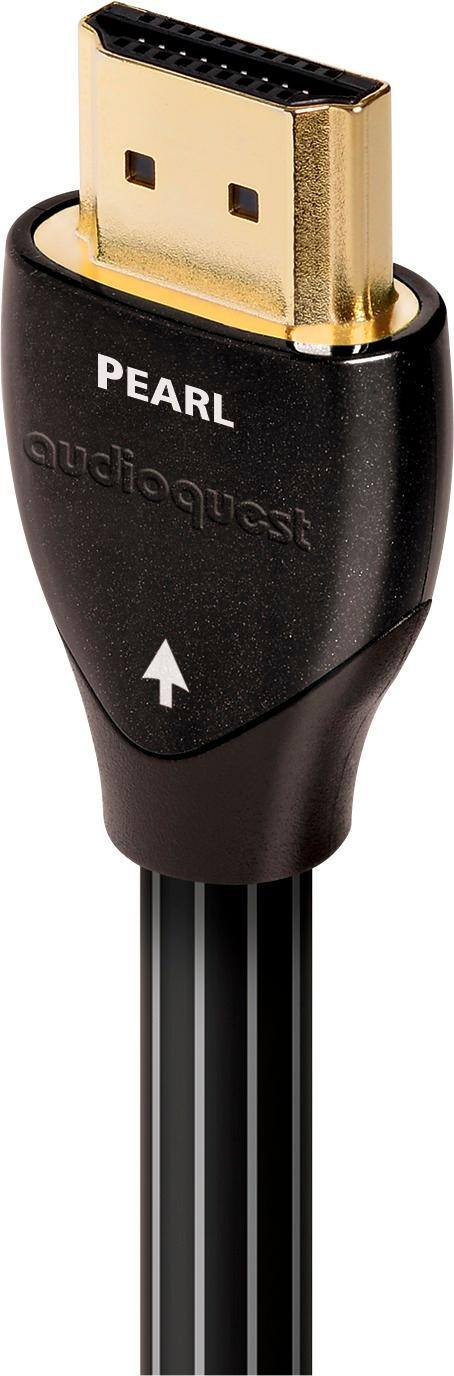
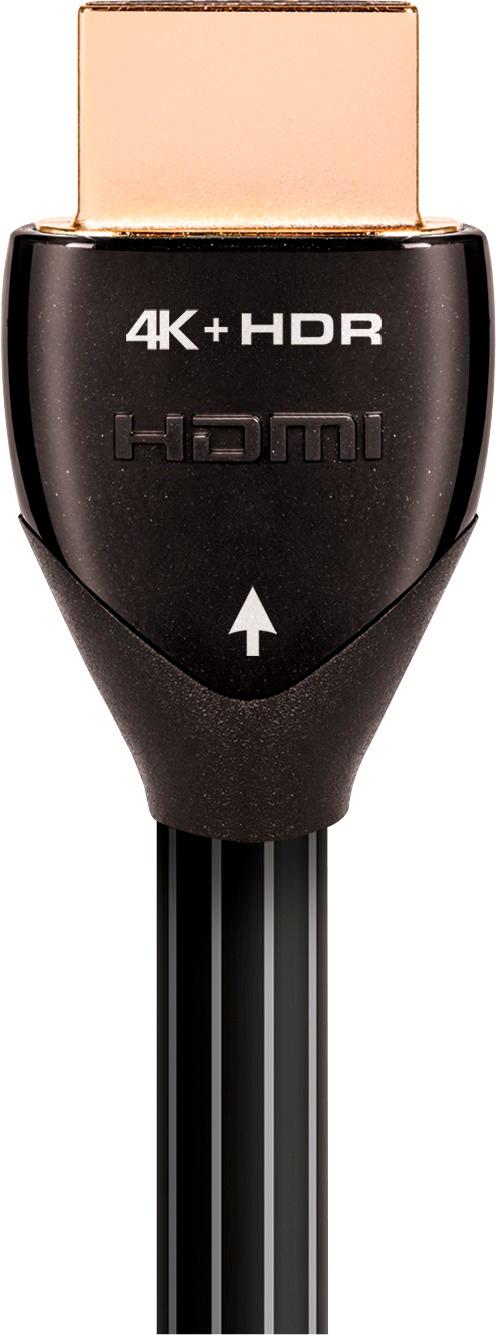
A:AnswerThink of the flow: signal comes into the cable box (probably a coax cable from the wall) and out to the TV: look at the arrows on the audioquest HDMI cable and plug the end with the arrow pointing out (away from the box) into the HDMI connection on the cable box, and the other end with the arrow pointing in (toward the TV) into the ARC HDMI connection on the TV.
A:AnswerYes it works perfectly for Dolby vision and Dolby atmos
It’s a great cord. You need a player and a tv that supports
Those modes. Dolby vision is better than hdr 10
A:AnswerYes. Upgraded my PS Pro cable with this cable. It enhanced picture and sound quality. Make sure you change your tv and game console setting to support this cable. Worth the money
A:AnswerYes. This cable is extremely durable! I have mine on a full motion mount that is twisted and rearranged regularly without any issues at all. It’s a great cable
A:AnswerIf you want a HD picture than you need a HDMI cable attached from your cable box to your TV. Note: you need a HD capable box from your cable provider
A:AnswerHello, I think you are asking about the difference between the AudioQuest Pearl and Cinnamon HDMI cables. The main difference is the metal that is used for the signal conductors inside the cable. Both cables will use solid conductors made out of Long Grain Copper. The Cinnamon HDMI cable then adds 1.25% silver plating to the outside of those conductors. Silver being a more conductive metal than even the very good copper is, will help reduce the number of errors in the signal path. This has a notable impact on sound quality and for video when passing higher resolution signals over longer distances.