Questions & Answers
- Model:
- AF700-BLK
- |
- SKU:
- 6471119
Highly rated by customers for: Ease of use, Product Quality, Video Playback
Page Showing 1-6 of 6 questions
Q: QuestionIs there a monthly fee.?
Asked by Sully.
- A:Answer No. There are zero subscription fees associated with Aura..
Answered by Aura Frames Team
Q: QuestionDo friends/family have to download the Aura app? How do they share their pictures to your frame (text, email, other)?
Asked by Auraquestion.
- A:Answer Using the free Aura app, you can easily invite friends and family to your frame. Invited frame members need to set up a (free) Aura account and they can then contribute to the frame via their own Aura Frames app, the direct email-to-frame upload option or the Web Uploader.
Answered by Aura Frames Team
Q: QuestionDoes this frame work with 5G internet. Ou aura frame purchased several years ago doesn’t.
Asked by toolman.
- A:Answer Aura Frames require a constant 2.4GHz WiFi connection in order to operate and does not connect with 5HGz WiFi. If you would like further assistance please get in touch with Aura's Customer Care here: https://auraframes.com/help-request.
Answered by Aura Frames Team
Q: QuestionIs there a WIRELESS wifi photo frame???? I want to be able to move the frame around.
Asked by roma.
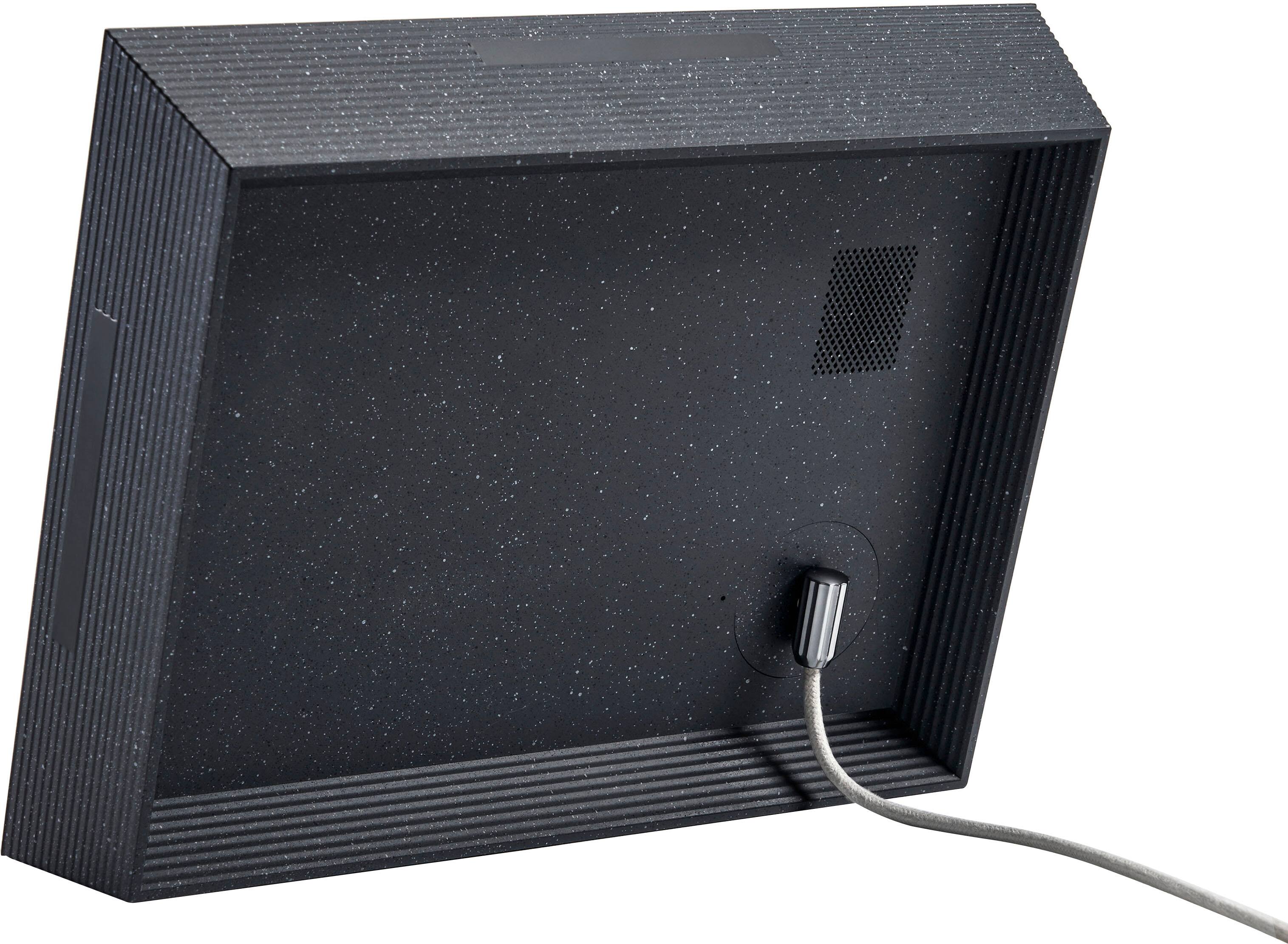
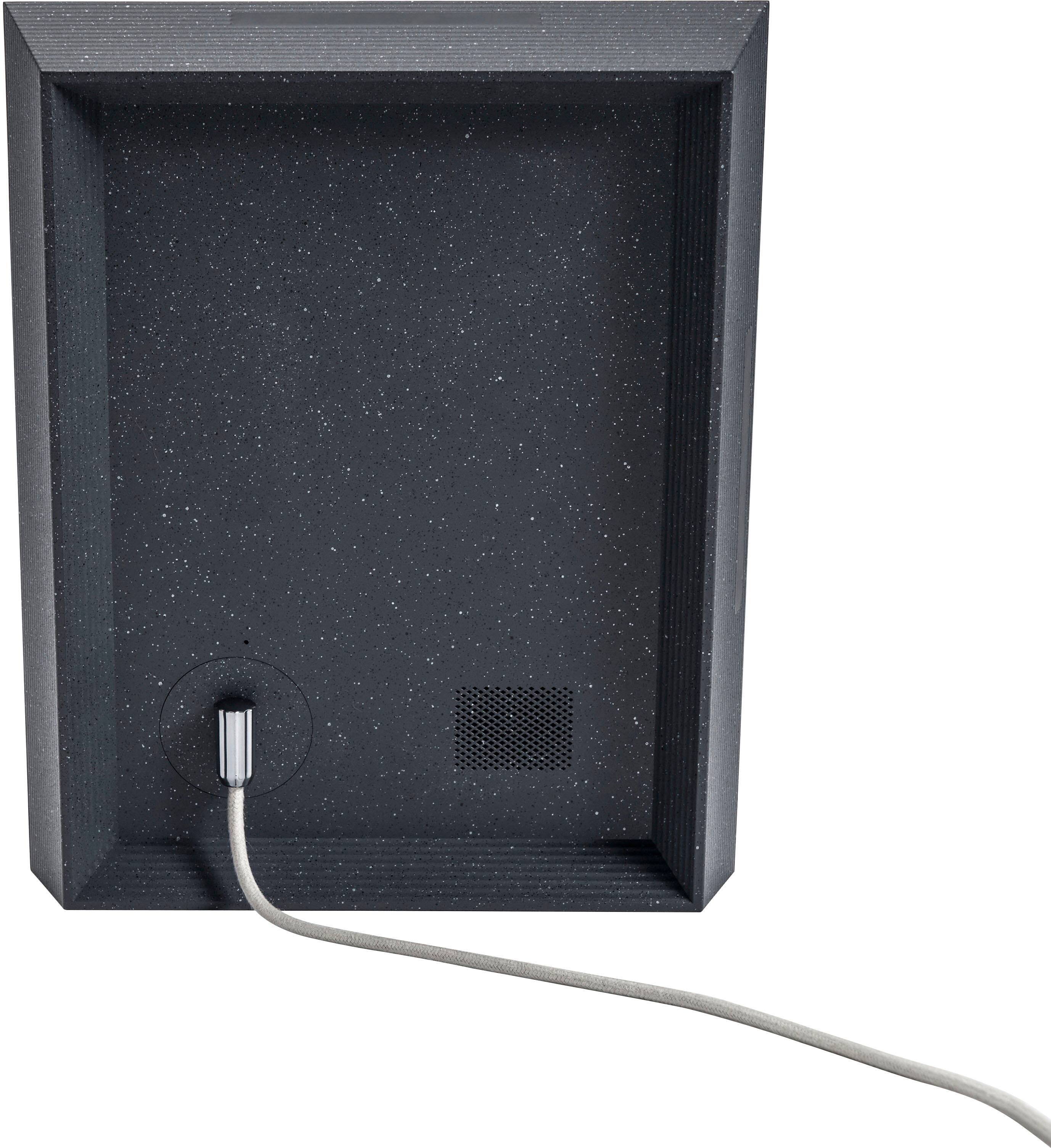
- A:Answer Aura frames needs to be plugged into a power outlet and constantly connected to a WiFi network to operate and receive new photos. There is no wireless version available.
Answered by Aura Frames Team
Q: QuestionWHY DOESN'T YOUR HOW TO VIDEO WORK?
Asked by LAURA.
- A:Answer You can view Aura's 'How To' videos on YouTube here - https://youtu.be/zOEw0fjj7dQ
Answered by Aura Frames Team
Q: QuestionCan I set this up ahead of time so that my 81 year old dad can view the pictures without the need to connect to his home wifi?
Asked by MustangMama.
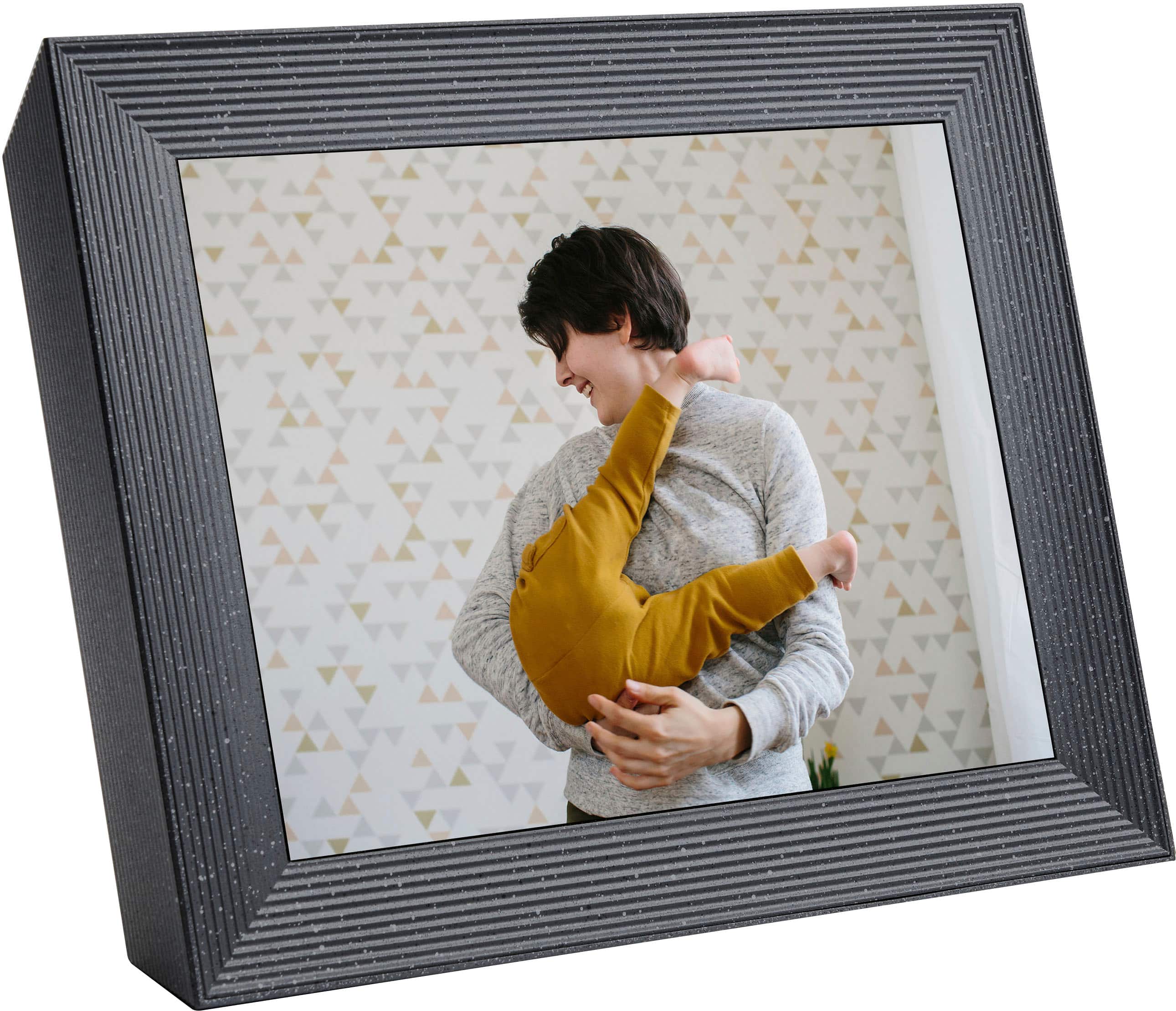
- A:Answer If you know your Dad's WiFi network name and password, you can use this option to pre-set it on the frame so it automatically connects to his network. This option is great if the frame recipient doesn’t own a smart device. Note: If you input the details incorrectly, an invited frame member needs to use the Aura app to change the WiFi settings onsite.
Answered by Aura Frames Team
Page 1, Showing 1-6 of 6 questions
Most-viewed items
- $149.00$149.00The price was $399.00
- $329.99$329.99The price was $469.99
- $159.99$159.99The price was $179.99
- $59.99$59.99The price was $169.99
- $129.95$129.95The price was $199.99
- $19.99$19.99The price was $25.99
- $122.00$122.00The price was $129.99