Last-Minute SavingsLimited quantities.Shop now

Skip to content
Gift Ideas
Main Content

Questions & Answers

Your price for this item is $139.99
Page Showing 21-38 of 38 questions
  • QuestionWill it work with a Ryzen 7 CPU and a Navi 5700XT Graphics Card?

    Asked by Stratt.

    • Answer You'll need a windows or mac computer with the minimum requirements. For streaming you'll need to meet the recommended graphics requirements, otherwise you'll need to record to the mini-sd card. The streaming software provided by Avermedia is a memory hog and because it's only a USB 2.0 device, it does a lot of the processing and compressing on your computer when you live stream. When recording to the Mini SD Card, it does the processing and compressing on the actual device. Operating system: Windows® 10 / 8.1 / 7 / Mac OS X (Support UVC Protocol) For 1080p60 Desktop: - Intel® Core™ i5 CPU i5-3330 or comparable (i7 recommended) - NVIDIA® GTX 650 / AMD Radeon™ R7 250X or above are recommended - 4GB RAM Laptop: - Intel® Core™ i7-4810MQ - NVIDIA® GeForce® GTX 870M - 4 GB RAM (8 GB recommended) Operating system: Mac OS X (Support UVC Protocol) For 1080p60 Desktop: - 2.9GHz quad-core Intel Core i5 processor - NVIDIA GeForce GT 750M graphics processor with 1GB of GDDR5 memory - 16GB of 1600MHz DDR3L onboard memory Laptop: - 2.5GHz quad-core Intel Core i7 processor - NVIDIA GeForce GT 750M with 2GB of GDDR5 memory and automatic graphics switching - 16GB of 1600MHz DDR3L onboard memory

      Answered by SellerThink

  • QuestionWhen is it going to restock??

    Asked by RESTOCK.

    • Answer This area is not for that, call your local best buy store, or contact their support. This area is for asking about the functionality of the device itself, specs not listed, and other things.

      Answered by SirGouki

  • QuestionCan this record Gameplay and Webcam at the same time?

    Asked by Adam.

    • Answer No. But you shouldn't need to if your using OBS or OBSSL your webcam just goes direct into your PC

      Answered by BredGaming

  • QuestionAm I able to throughput a 2k 144hz signal?

    Asked by Anonymous.

    • Answer no. 1080 or 4k, no in between :( you will need to get the Live gamer Ultra instead.

      Answered by Adrian97c

  • Questionhow do you use it generally like what do you do to make it work :0

    Asked by chano.

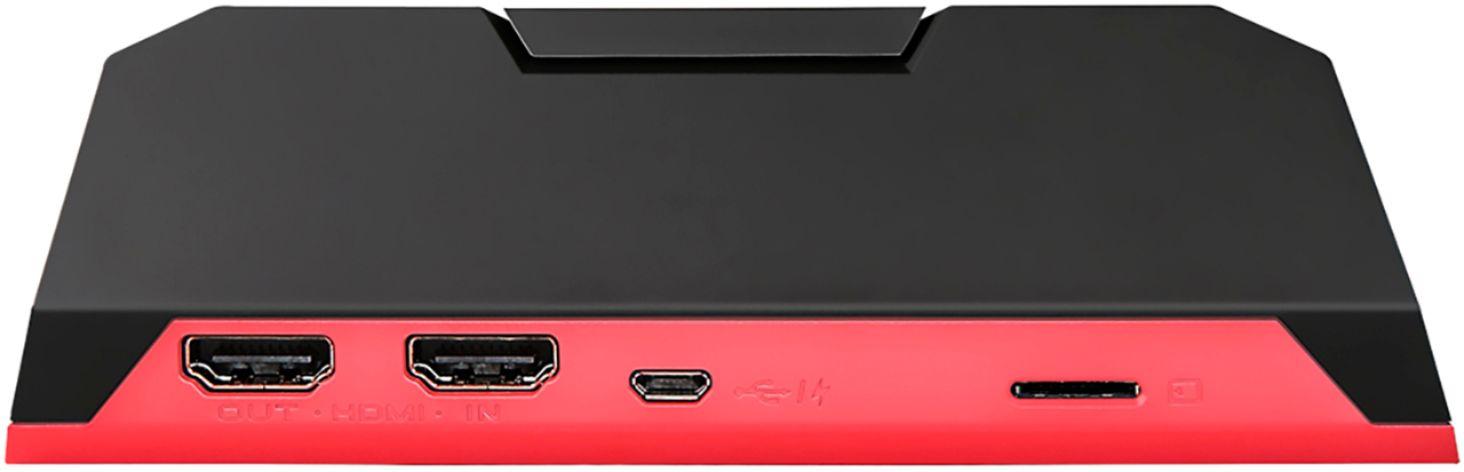
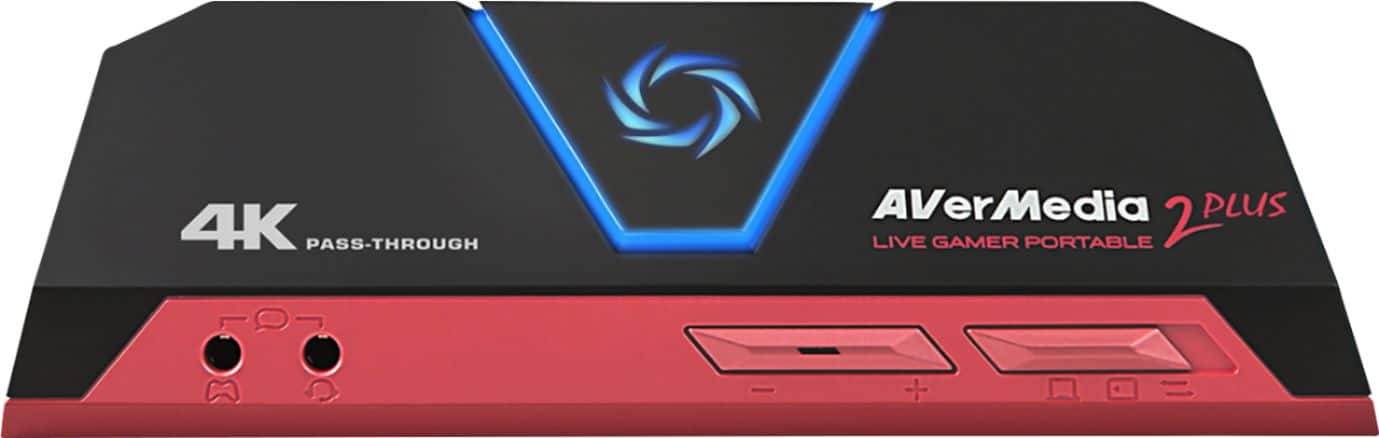
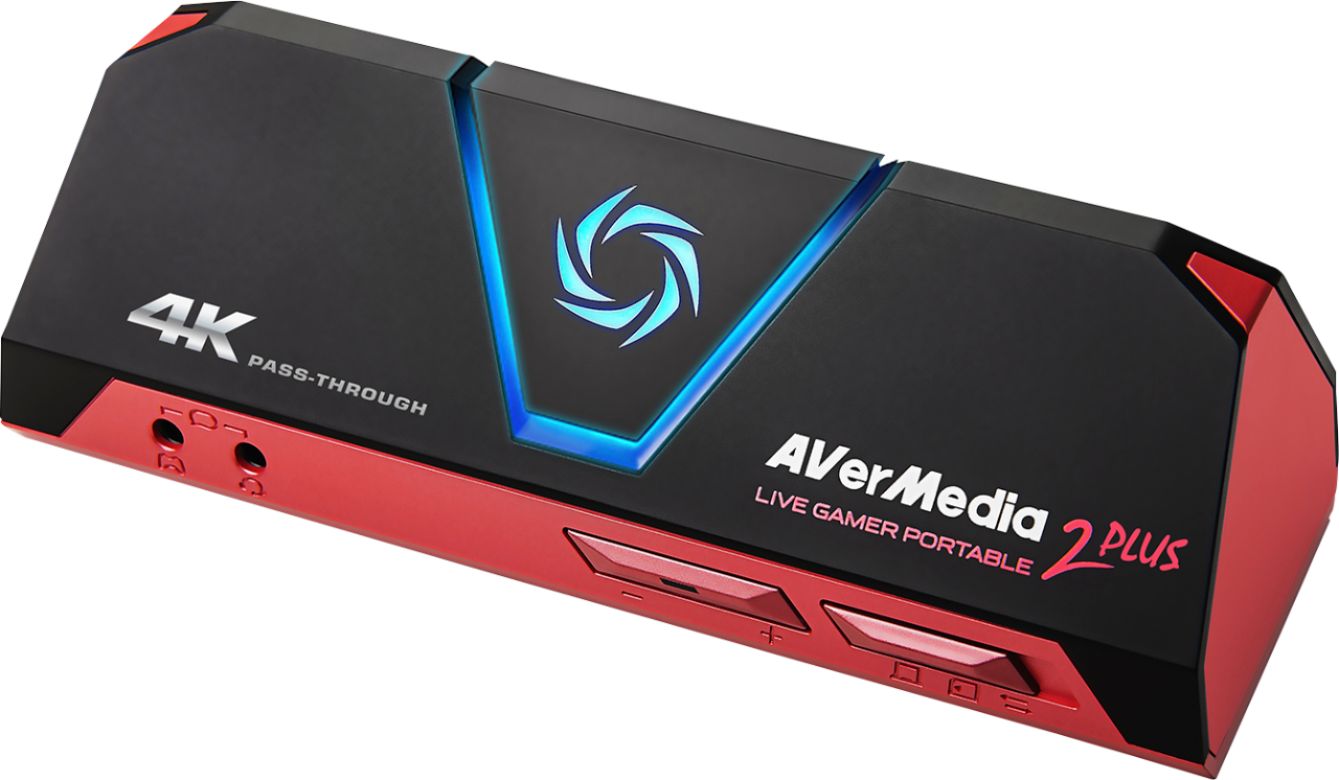
    • Answer This depends on what you're trying to do. For using OBS, you plug in an HDMI from the Console/pc you're recording, plug in an hdmi to the display you want to see everything on, and then plug the USB into the computer you're using for recording. The first time you plug it in, windows *should* detect the device and install drivers for it. If not, you should be able to find the drivers on their website. Once the drivers are installed, you go into the sources part of OBS, add a new source, and select the device as the source. Make sure the selector on the device itself is set to the PC option (looks like a laptop, on mine, it's all the way to the left). Then you click on start recording/streaming in OBS. For the alternate method, you still plug in all the things I mentioned, but you move the selector to the middle option on the device and it will record to the sd card in the slot provided you've placed on in there, but it will still output to whatever display is currently hooked in to it.
      Answered by SirGouki

  • QuestionWould it work on Macbook pro?

    Asked by jo.

    • Answer yes here is a youtube link for you https://youtu.be/M8h_zp1Xl0Y

      Answered by AlThePal78

  • QuestionWill it accept a 132 GB micro SD card?

    Asked by rk.

    • Answer Their website says the maximum card size it can hold is 128gb so I would say no - (copied from their website) Notes: 1. LGP2 PLUS does not support viewing/recording/streaming of HDCP protected signals 2. Micro SD Class 10 card is required for PC-Free recording, Micro SD card is not included. 3. Micro SD maximum capacity support: 128GB 4. Micro SD Supported formats: FAT32 format / exFAT format - When using the "FAT32 format" microSD card, Due to the specification of FAT32, movies are divided and saved every 4 GB (about 25 minutes). - Continuous recording is possible when using "exFAT format" microSD card

      Answered by Roberr

  • QuestionCan I use it on MacBook Air with 10.10.5 system? Do I need to buy an extra converter?

    Asked by Apple.

    • Answer It records in quicktime (.MOV) file format. You can use it with a computer or without. The product does not explicitly state it will work with Apple OS (only mentions Windows). You could record to MicroSD and then transfer from the MicroSD to your Mac.

      Answered by ForkKnifeGamer

  • QuestionDoes this operate with a 2.0 usb

    Asked by TH87.

    • Answer Yes

      Answered by Bear

  • QuestionCan you drag the footage over to phone iPhone

    Asked by Chris.

    • Answer Yes and no. So you can record the footage straight to a micro as card which could go in most android phones and should read the files. For most scenarios, record the footage to your pc, then move it to your phone manually, for iPhones there is a trick with VLc that you can do. This is where I recommend YouTube

      Answered by Bryan

  • QuestionIs this device is compatible with the Switch? And, if so, could I hook this up to my Switch, connect a mic, record a video, and then take the device to my computer, connect it and transfer the recording to my computer to upload?

    Asked by Kurisa.

    • Answer Yes it’s compatible with the switch, but this device doesn’t record. You connect it to your computer through USB and switch with HDMI to a monitor so you would directly record through your PC.

      Answered by VladChaos

  • Questiondoes this capture card uses a USB 3.0 cable to hook up and record on your computer or does it uses a 2.0 USB cable?

    Asked by Christopher.

    • Answer According to the Product Datasheet/Brochure (PDF), (link is https://files.bbystatic.com/kbVryanZFgNbVfJr0ehqvw%3D%3D/c5113ca3-d1ee-45c8-8b1c-a5bf0b25e30e.pdf ), it connects through a "Powered USB 2.0 port,"

      Answered by luislast

  • Questioncan i record games and watch it later

    Asked by Anonymous.

    • Answer You should be able to. It is capable to record to a micro sd card and if you have a computer or something else like a laptop, you can in theory be able to watch it in file form. Hope this helps!!

      Answered by Lgiggie

  • QuestionWill this work for Xbox one

    Asked by Igottaquestion.

    • Answer Works with Xbox One, but a previous answer said it would stream in 4k, and it will not. It also will not record in 4k. It will pass-through from your XBone and display on a TV or monitor in 4k, but will record or stream in 1080p/60. You can see the link below for diagrams of display, recording, or streaming situations and capabilities. https://www.avermedia.com/us/product-detail/GC513

      Answered by WickedSmaht

  • QuestionIf I am gaming at 1080 120hz, is this able to capture the image at 1080 60hz and push to OBS? I figure it would if it had HD pass through but need to make sure before I buy.

    Asked by H1GGi.

    • Answer So from my experience recently streaming using it it works pretty well when it comes to obs. I personally use streamlabs alongside it and ive never had an issue with my stream lagging or anything which is shocking because my Cox internet is garbage with speed. I think it should be able to work easily with OBS but i would also look up other places for answers. Im not the most experienced with the tech i just thought id help.

      Answered by TheKirbz