A:AnswerBeats are made to work with most devices, including iOS and Android. Remember to install the latest software updates on your device. The inline remote/mic may have limited functionality with devices that don’t run iOS. Functionality may vary by product. Please review this resource for product compatibility: https://www.beatsbydre.com/support/info/product-compatibility
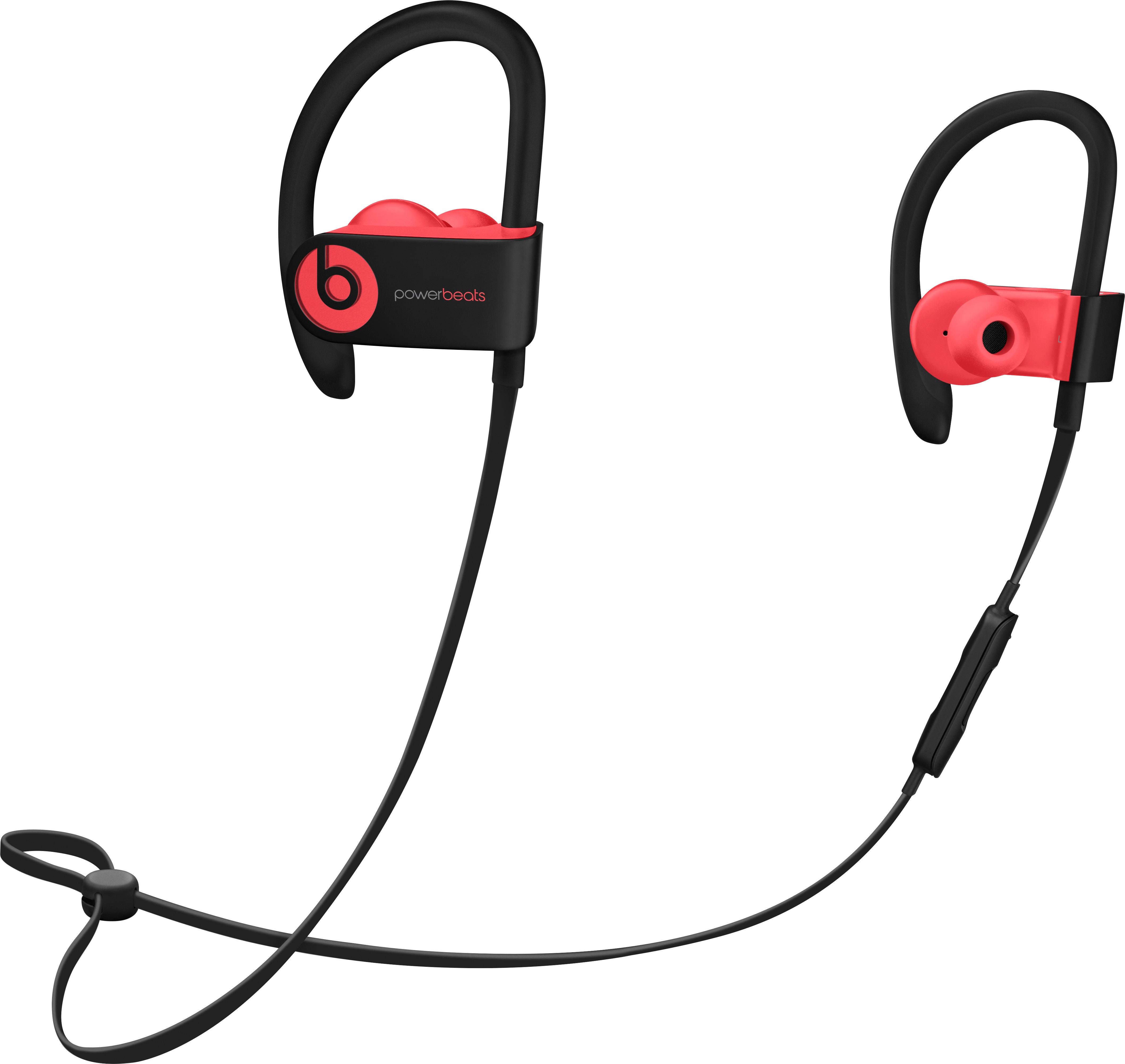
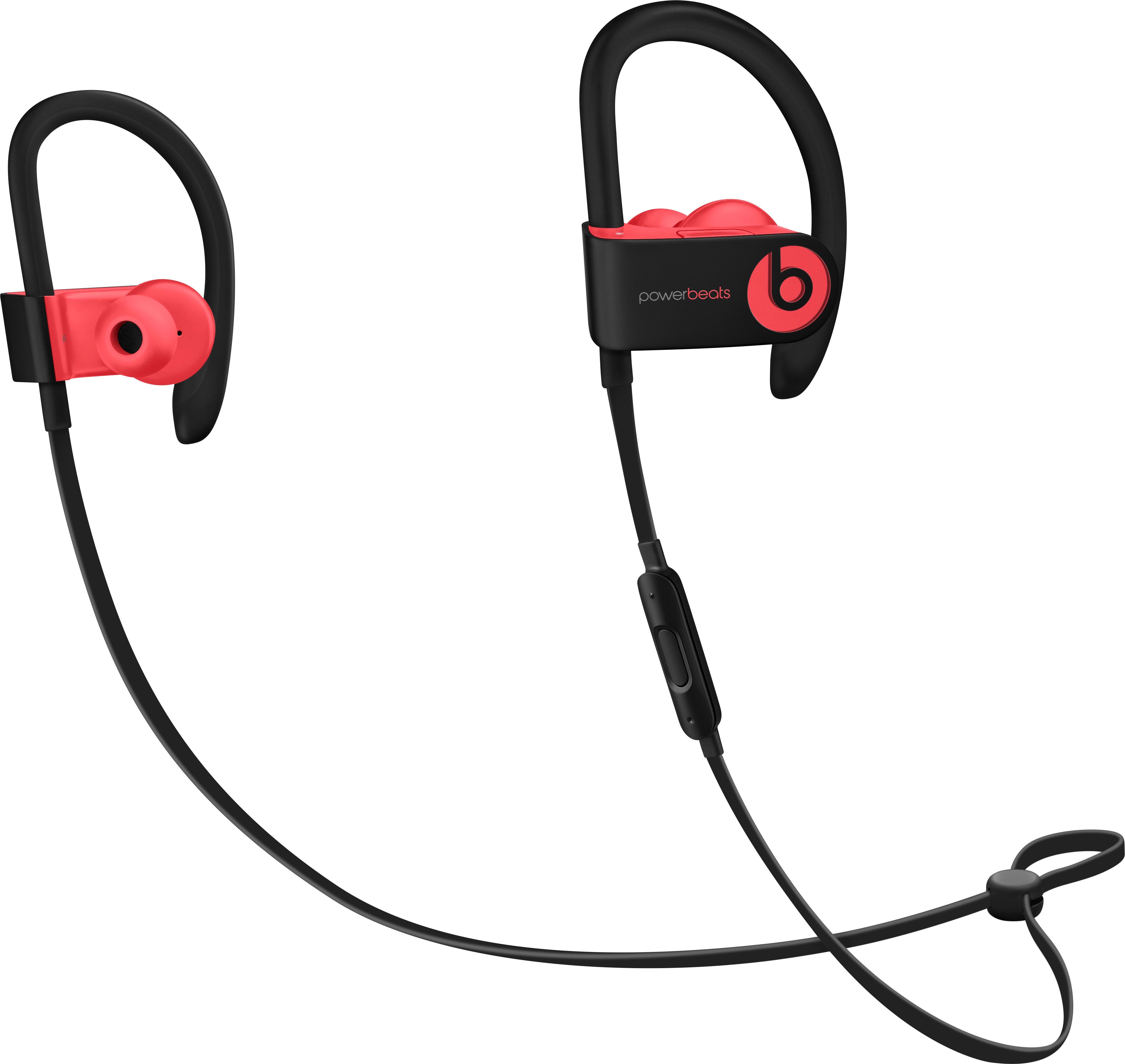
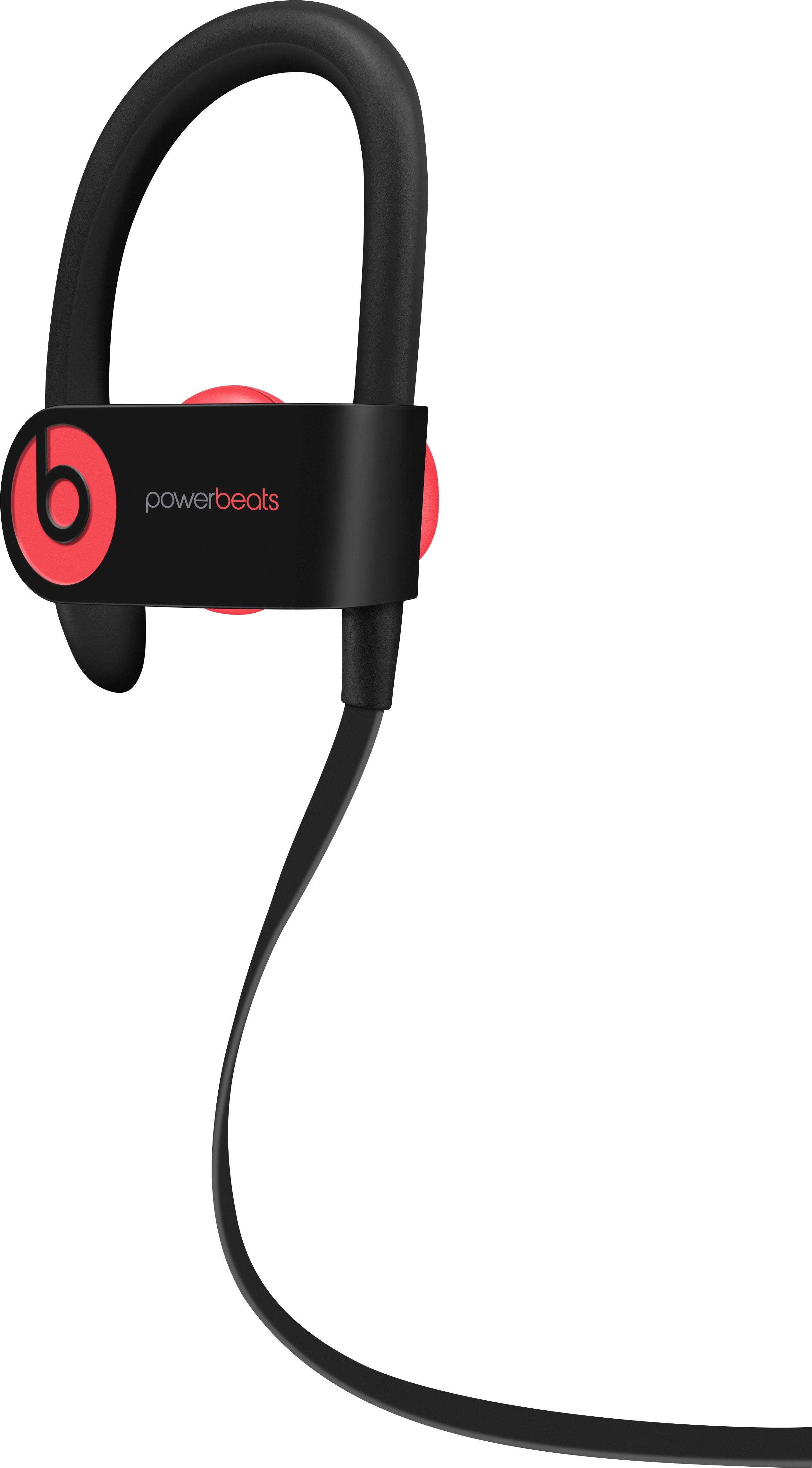
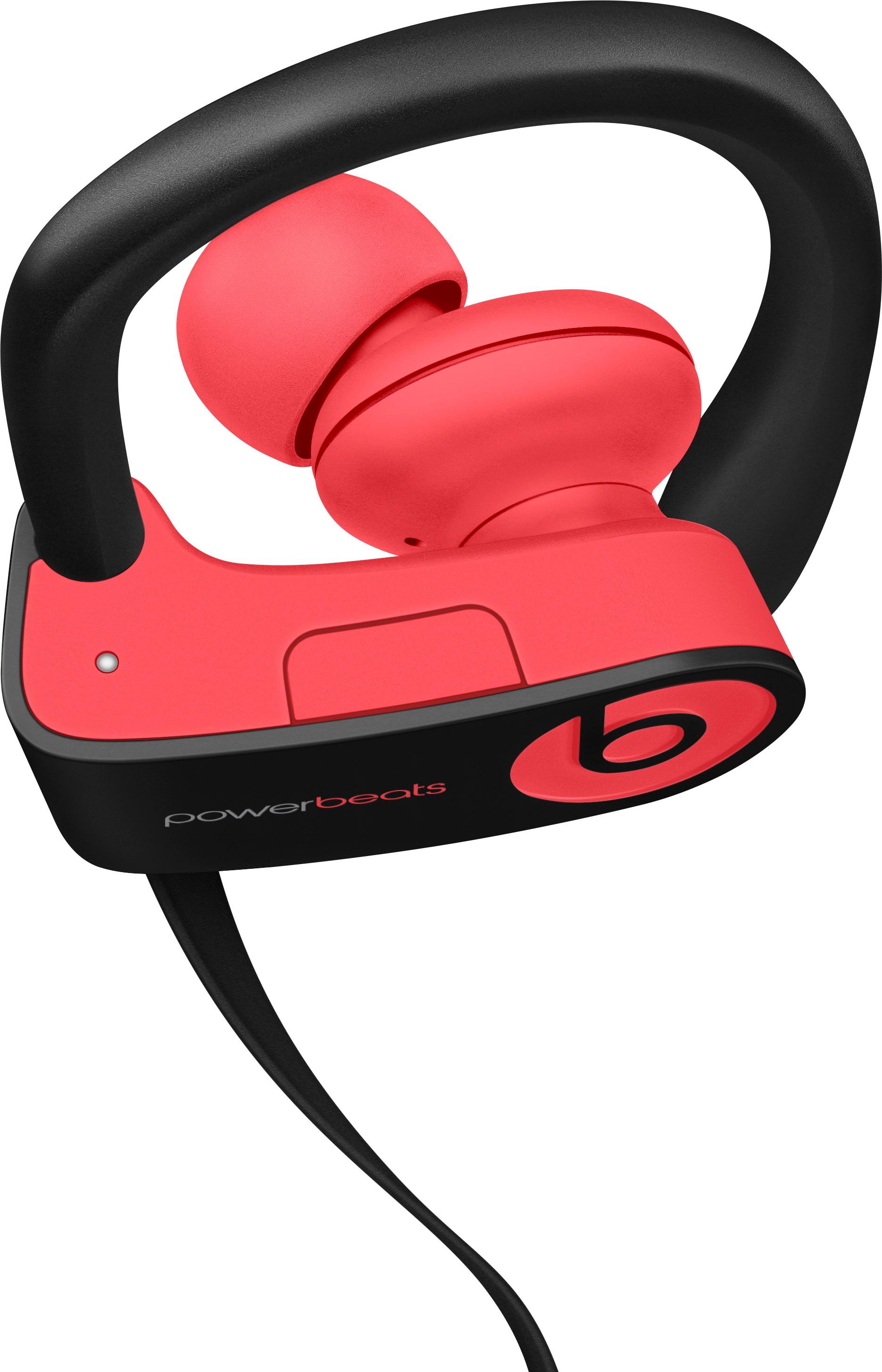
A:AnswerBefore you buy - If you're having any doubts or concerns, your best bet is to reach out to the retailer or seller. Ask about their return policy, what accessories are included, and whether or not they are new - used - refurbished - or authentic Beats. Included accessories for refurbished product may vary. Review this resource to learn more about Powerbeats 3 Wireless Earphones and what comes in the box of a new, authentic product: https://www.beatsbydre.com/earphones/powerbeats3-wireless
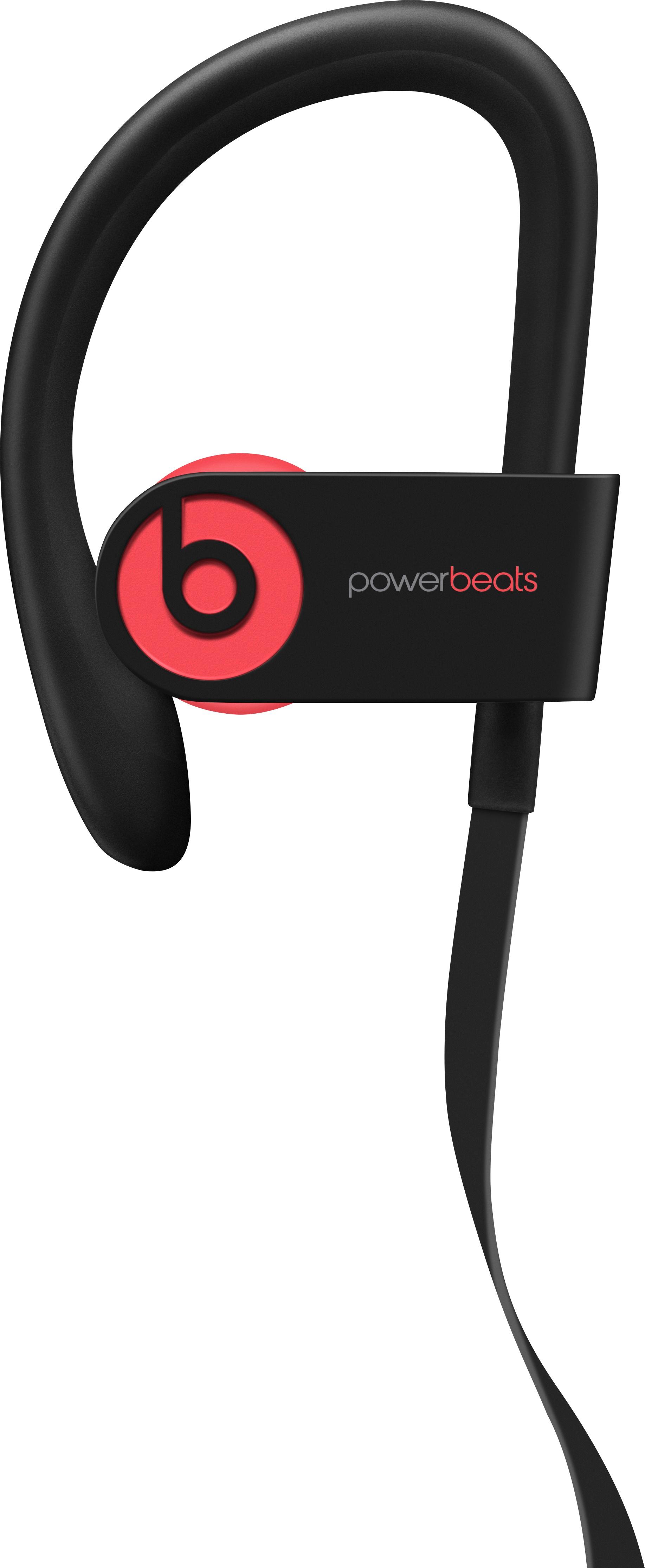
A:AnswerYes. Wireless Beats by Dr. Dre Headphones and earphones work with bluetooth enabled devices. For iOS customers - once paired, your headphones automatically pair with your other iOS devices that are signed in to iCloud and using iOS 11 or later, macOS Sierra or later, or watchOS 3 or later and you can switch between devices connected to iCloud without having to re-pair.
A:AnswerYes, they seem to be. But they say they are refurbished, but I in my past experiences, I would have to say they lightly check them. I can wear them for about 1/2 hour before they start acting up.