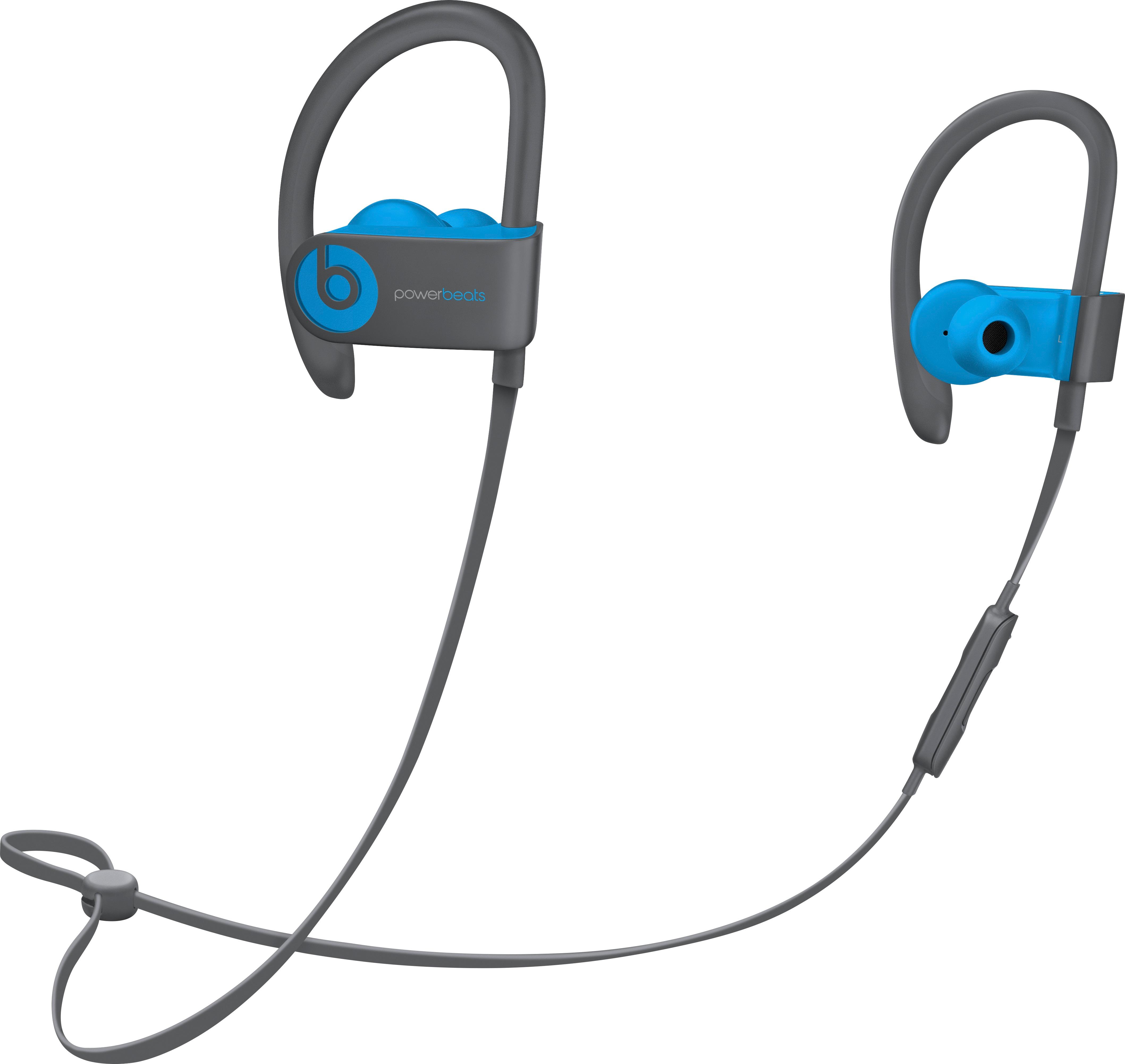
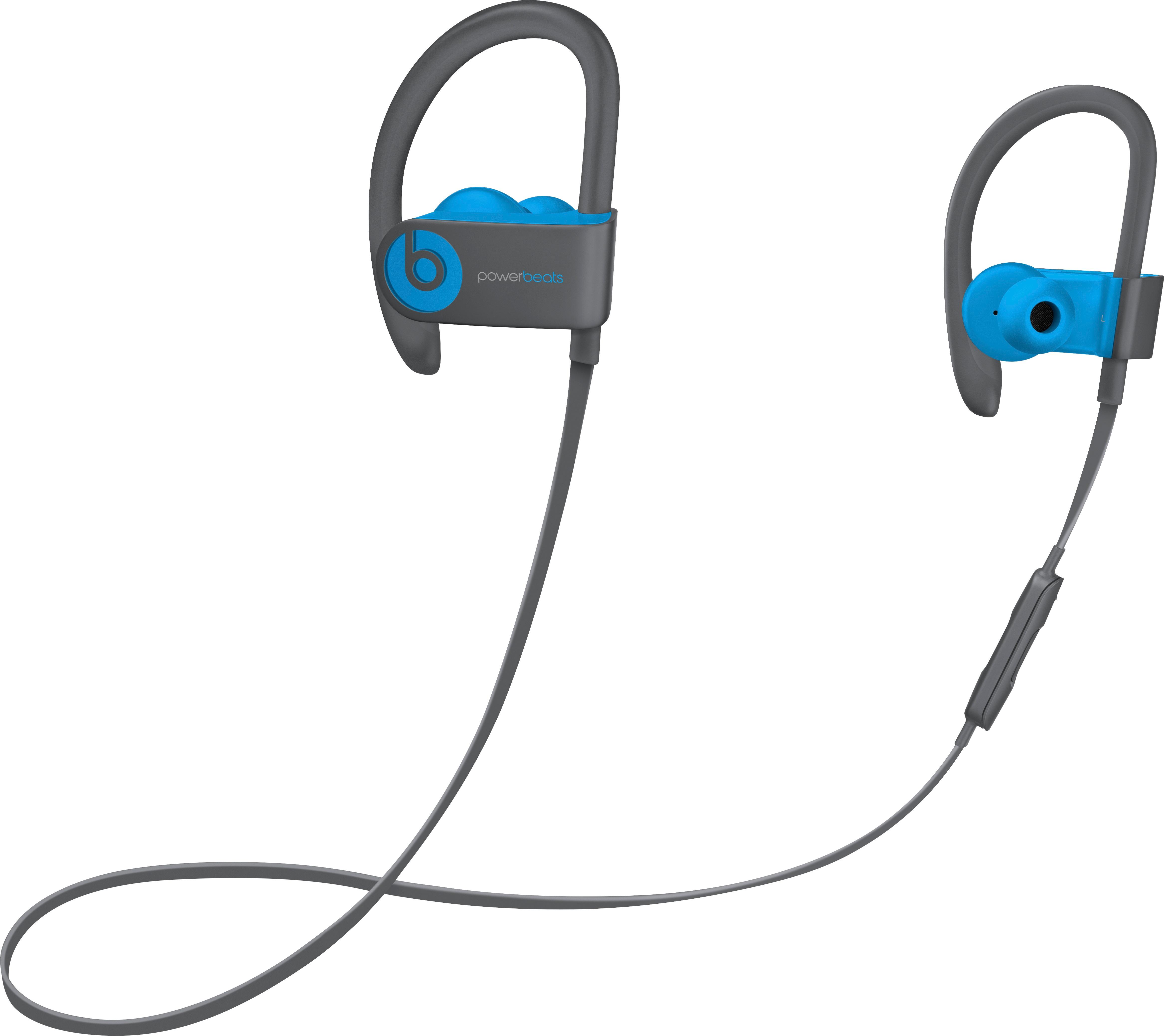
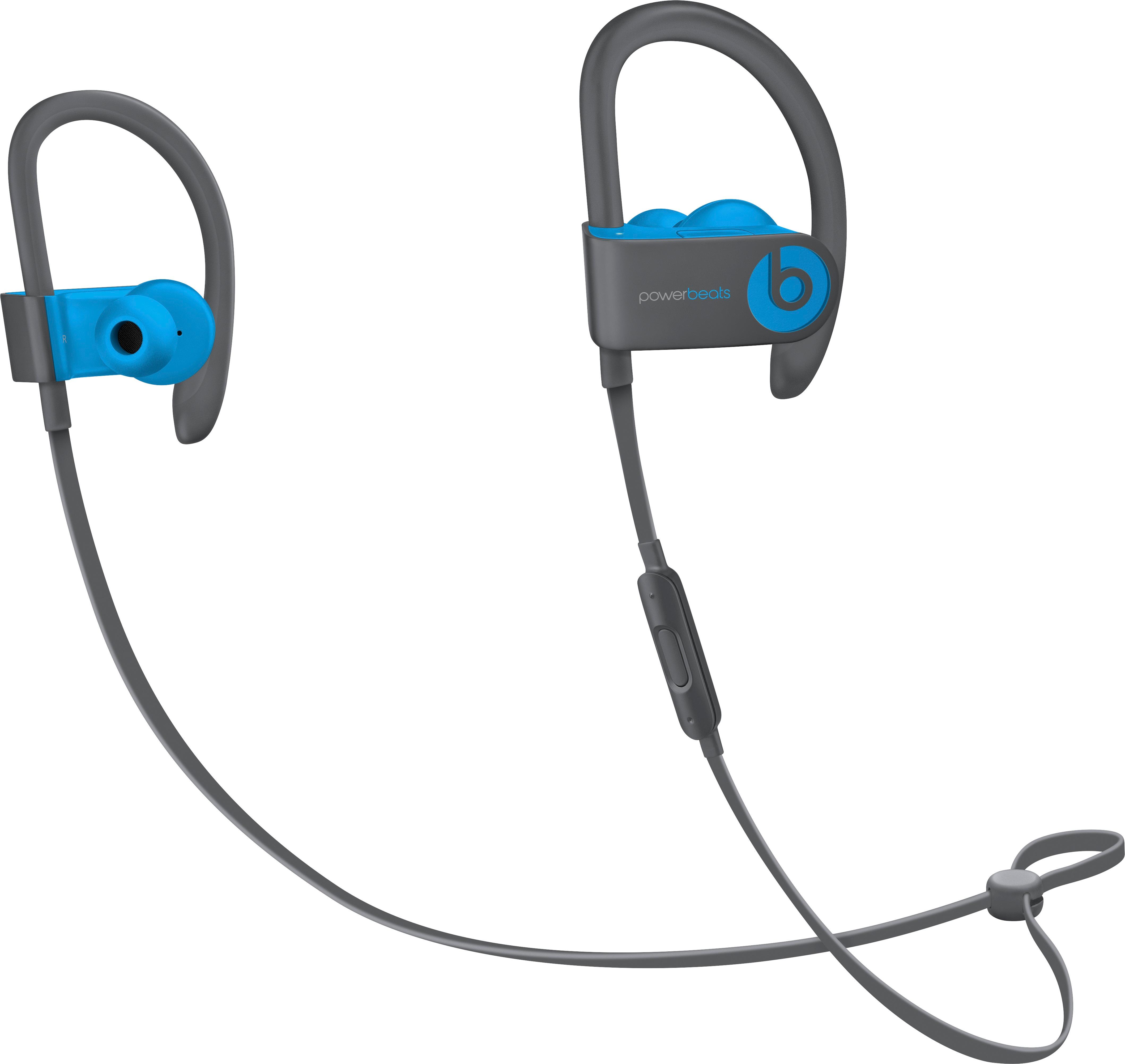
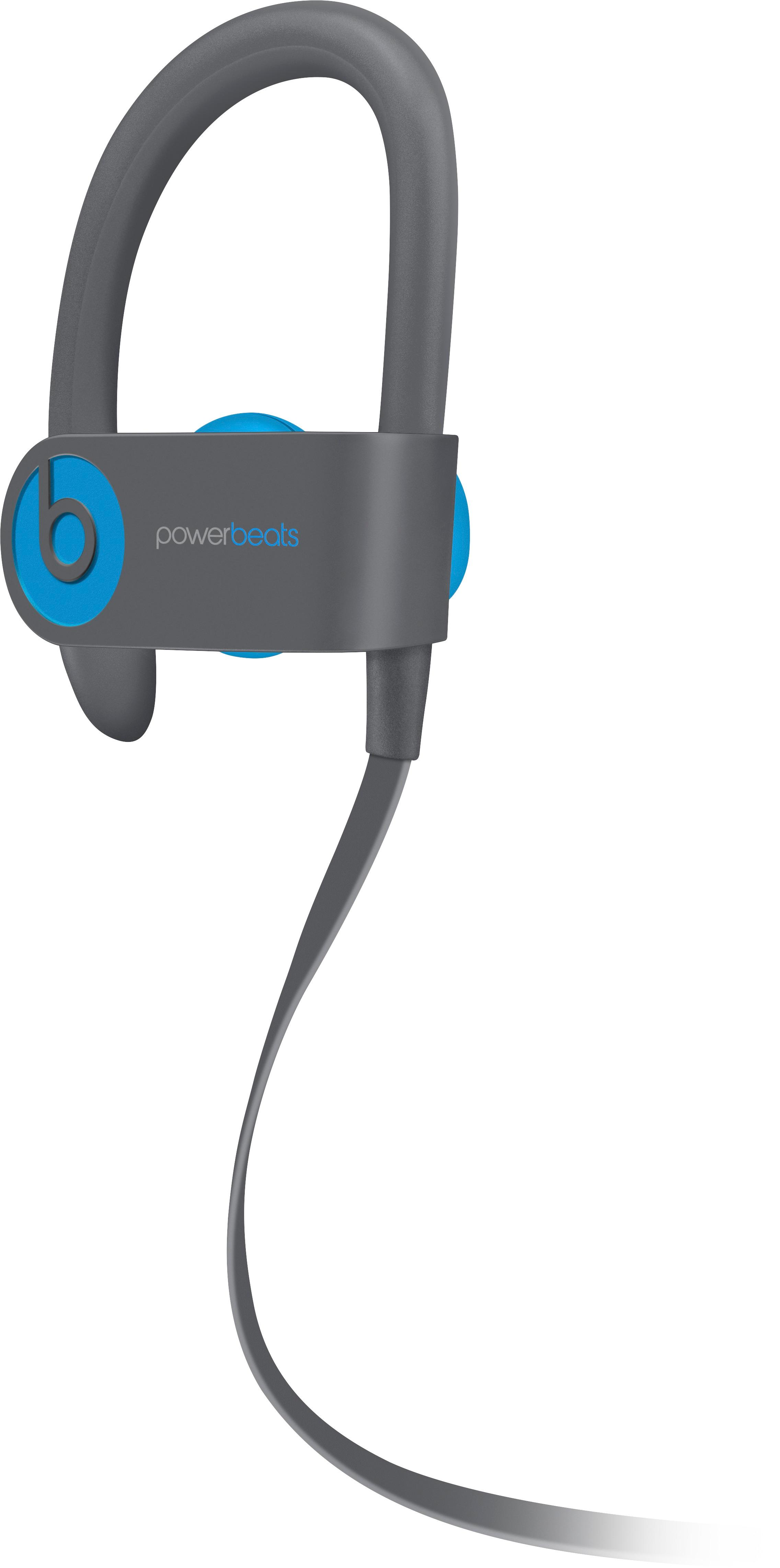
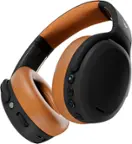
A:AnswerPowerbeats 3 Wireless are bluetooth earphones that connect to other bluetooth enabled devices. Simply open your bluetooth settings and pair using standard bluetooth connectivity steps.
A:AnswerYes. You can connect through your Bluetooth settings menu. If your iPhone is operating on iOS 10 or above, you can also pair by pressing and holding the power button on your Powerbeats 3 Wireless earphones until the LED light flashes and the icon appears on your iPhone. Then tap to connect on your phone screen.