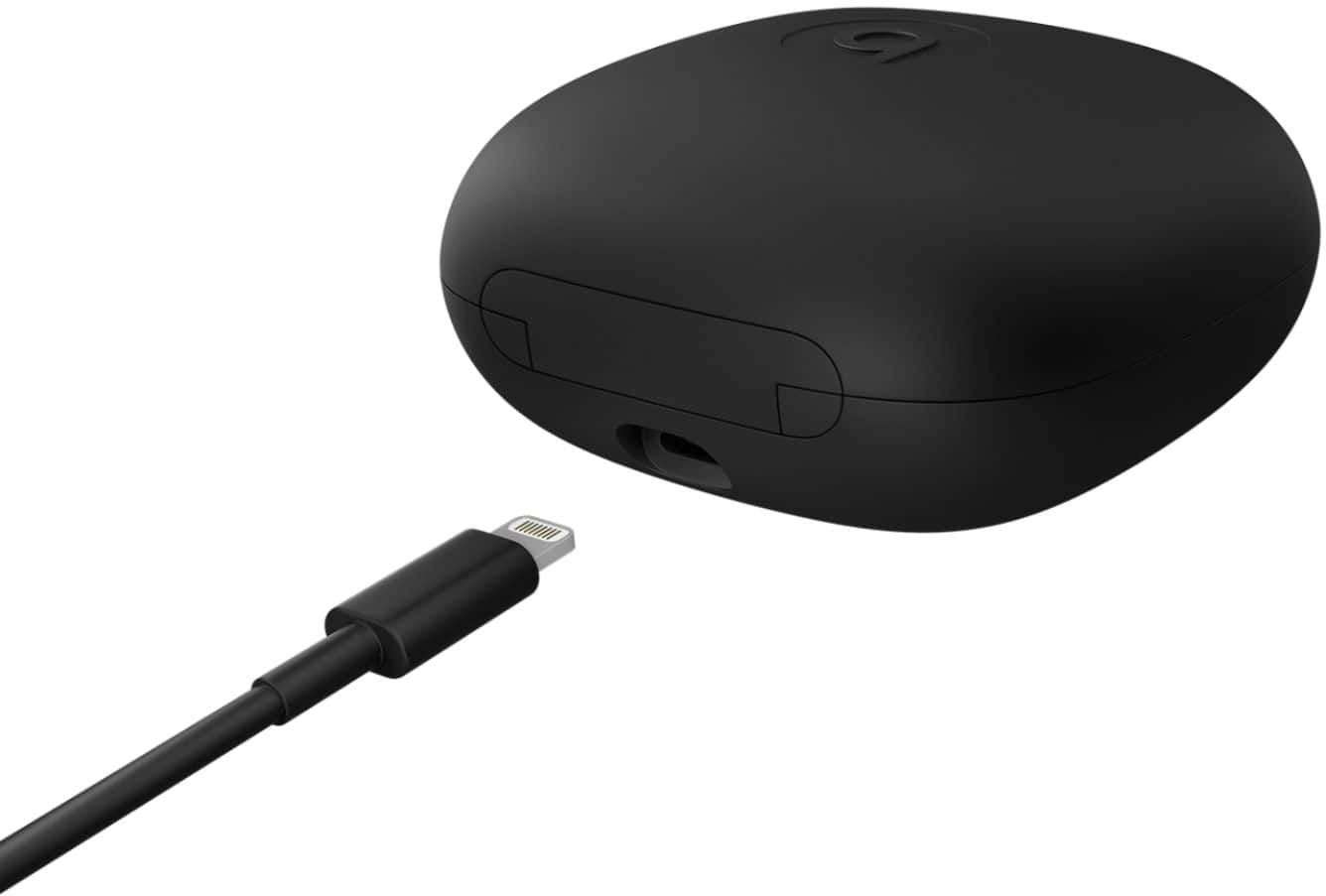
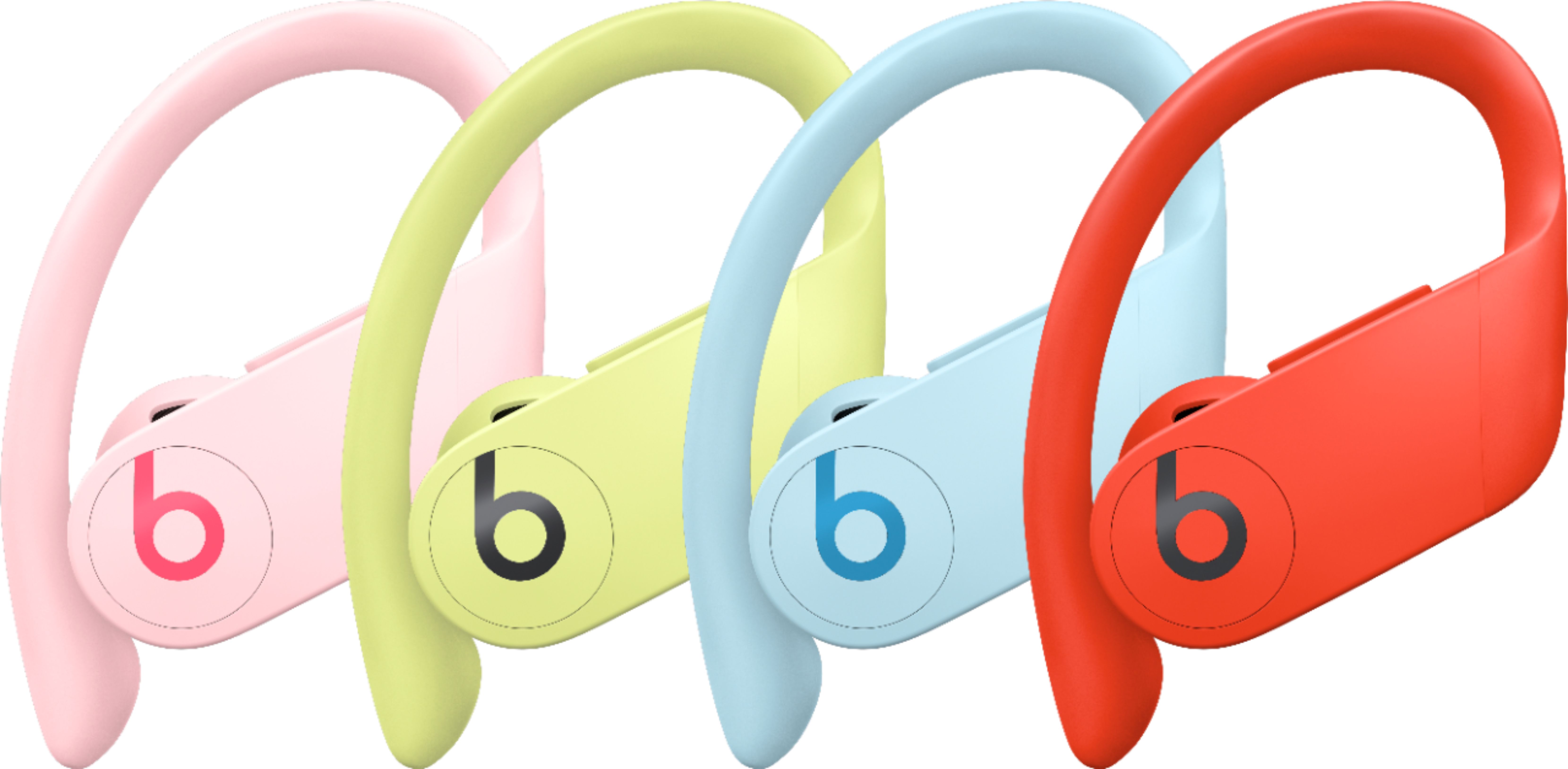
A:AnswerIt’s not specific to the platform. If they can control volume And other functions to your phone then it can control the app.
Ie I listen to Pandora and YouTube and skipping/pause/play all work
A:AnswerNope idk what happened but ever since Apple acquired beats no option for Apple car or any protection plan has been offered on beats products in like 3 years smh.
A:AnswerThey can found depending on where they were misplaced. However, they don't have a location sound like most phones where you can call to locate it; so you must be careful when not at home because locating them outside such as the gym, store, park, etc can be difficult.
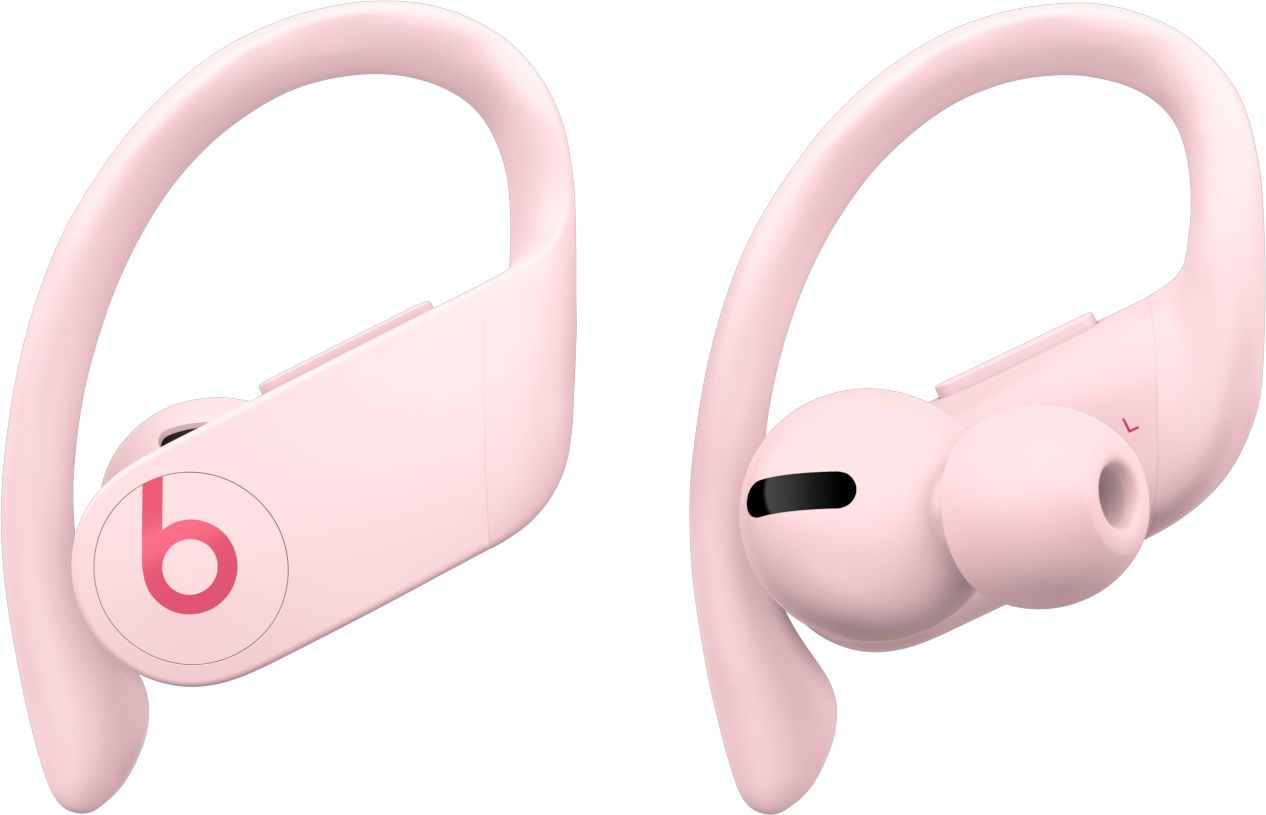
A:AnswerProBeats are so comfortable and convenient that you will forget that you re` wearing them regardless of masks, glasses or any other item that you wear.
A:AnswerPlace both headphones in the case and hold the little button until it starts blinking, then afterwards forgot Bluetooth and set everything up again. Other than that it might be low battery. Best of luck!!
A:AnswerPlacing it in the ear should turn it on automatically. I have had to place mine in the hard case, close it, then put them back in to get them to work. I guess sometimes they need a reset.
A:AnswerDownload the Beats app from the Google Play store, then use it to pair your Beats products with your Android device. After you pair your Beats, you can view and adjust settings in the app.