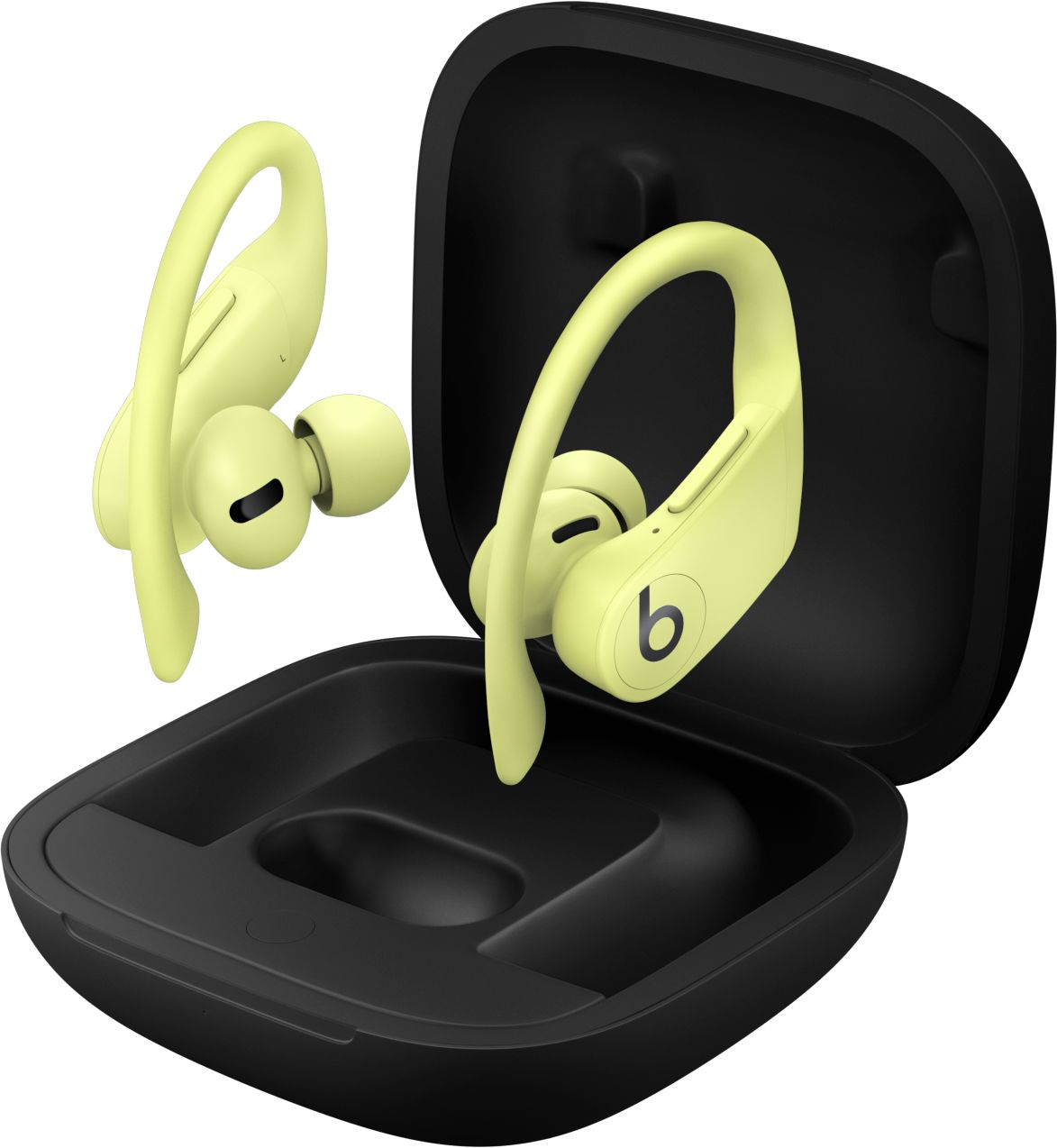
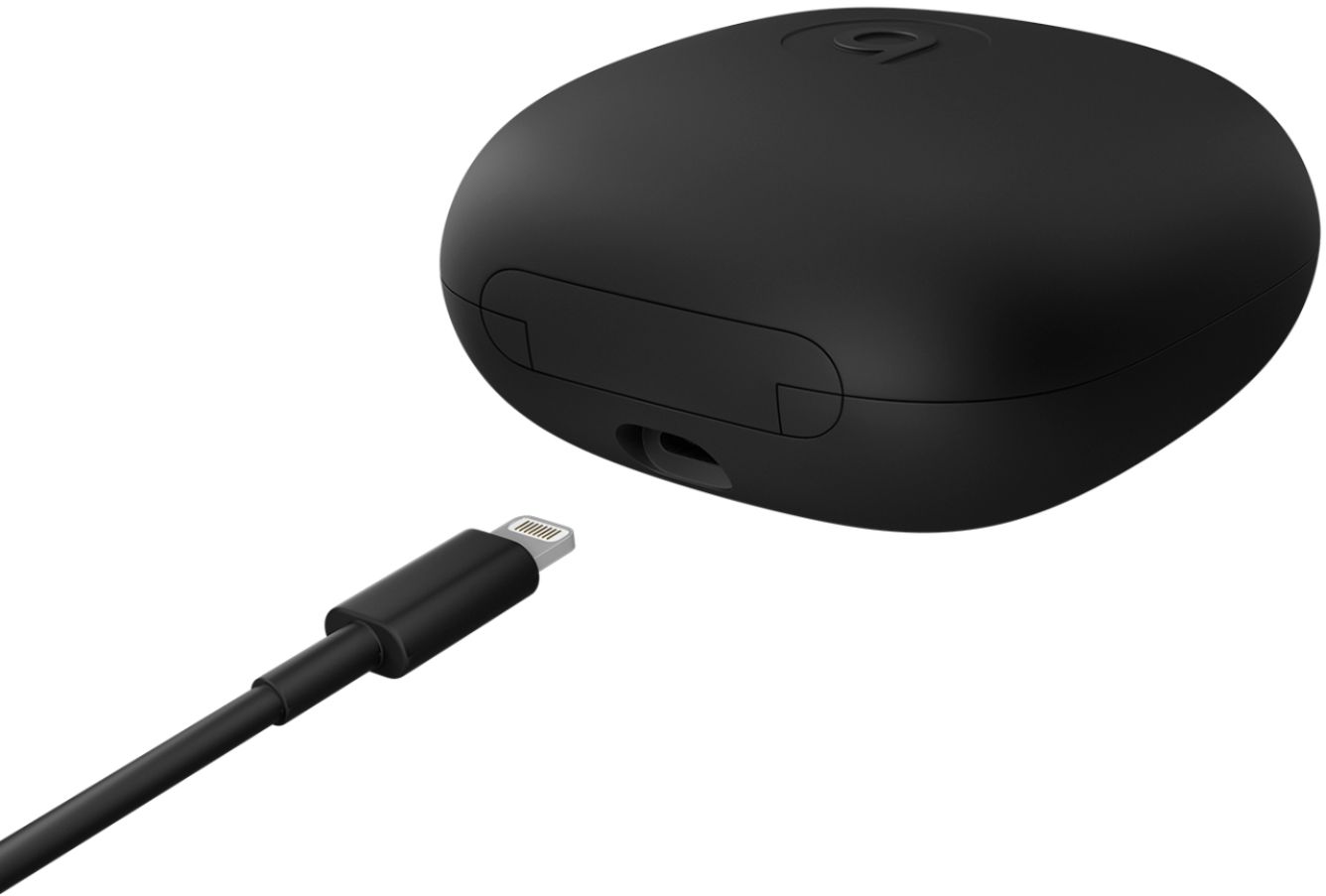
A:AnswerCharge the beats with the cable provided.. put them in together... open the case and leave the earbud in the case and hold the little circle thats in the case for 5 seconds...
This should reset them.
Turn on your phone and go to bluetooth..
it should appear there are Powerbeats Pro.
Youre welcome
A:AnswerNo just open them and press the small button located in the front and they will pop up on your phone and connect. They won’t be attached to your iCloud or “find my phone”.
A:AnswerThese should work with about anything bluetooth but you will get the best performance out of an AppleTV or AppleTV 4K due to the H1 chip. Regular bluetooth loses quality quickly and randomly drops as you distance yourself even about 8 ft from a TV but the connection is a lot stronger with these earbuds and an AppleTV.
A:AnswerPut in original charger box and hold the little button in there with both earphones connected to the box not your ears and they will reset
After this you should be fine if not YouTube it or contact support for help
A:AnswerIf you mean use one side on your phone while using the other on your tablet at the same time? No. Having these PAIRED to two different devices and use them separately, yes.
A:AnswerI bought these for my wife. I have a black pair and love them. I only use one at a time and the people I talk to have no idea I am on a headset. These are great an well worth the money.