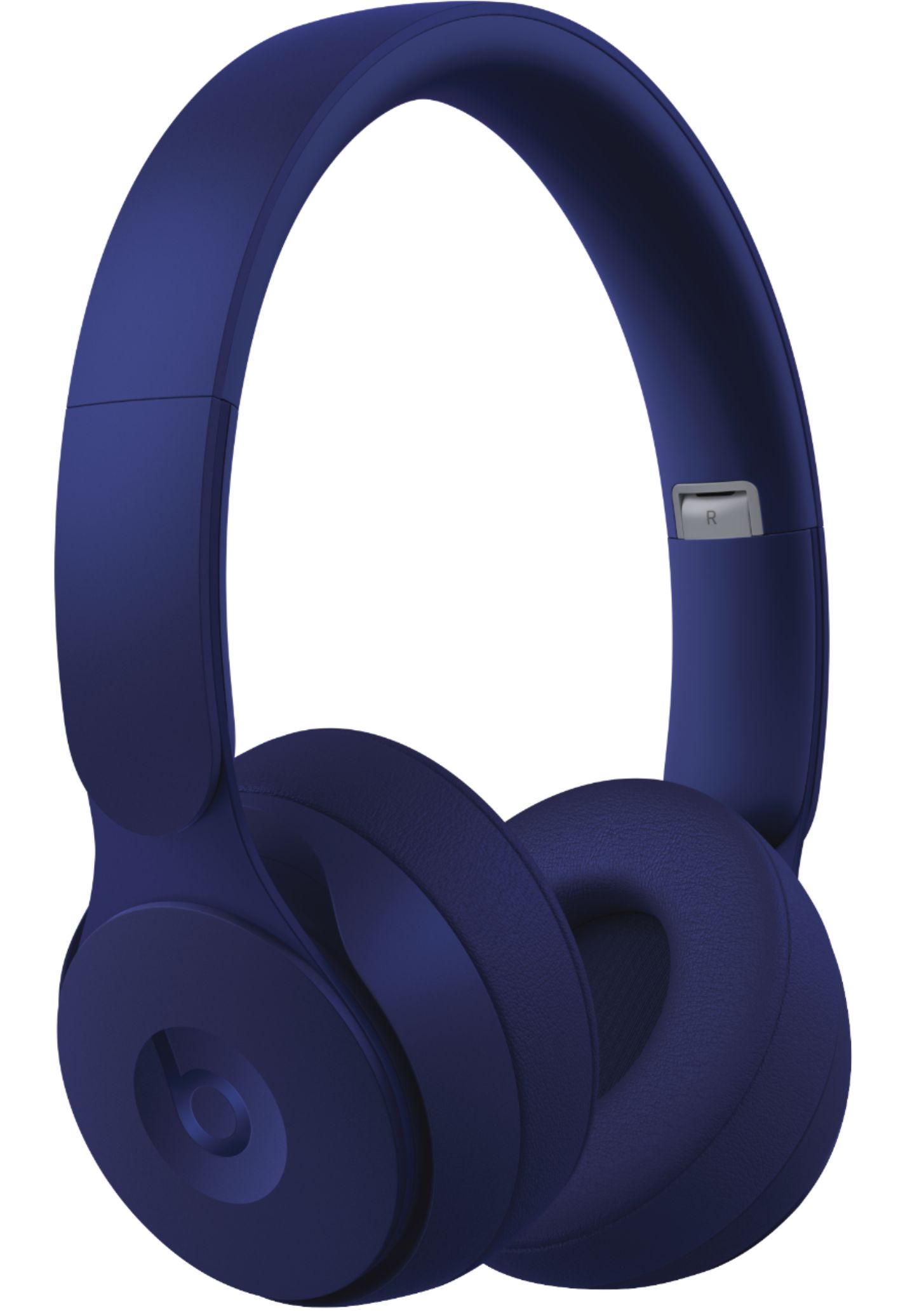
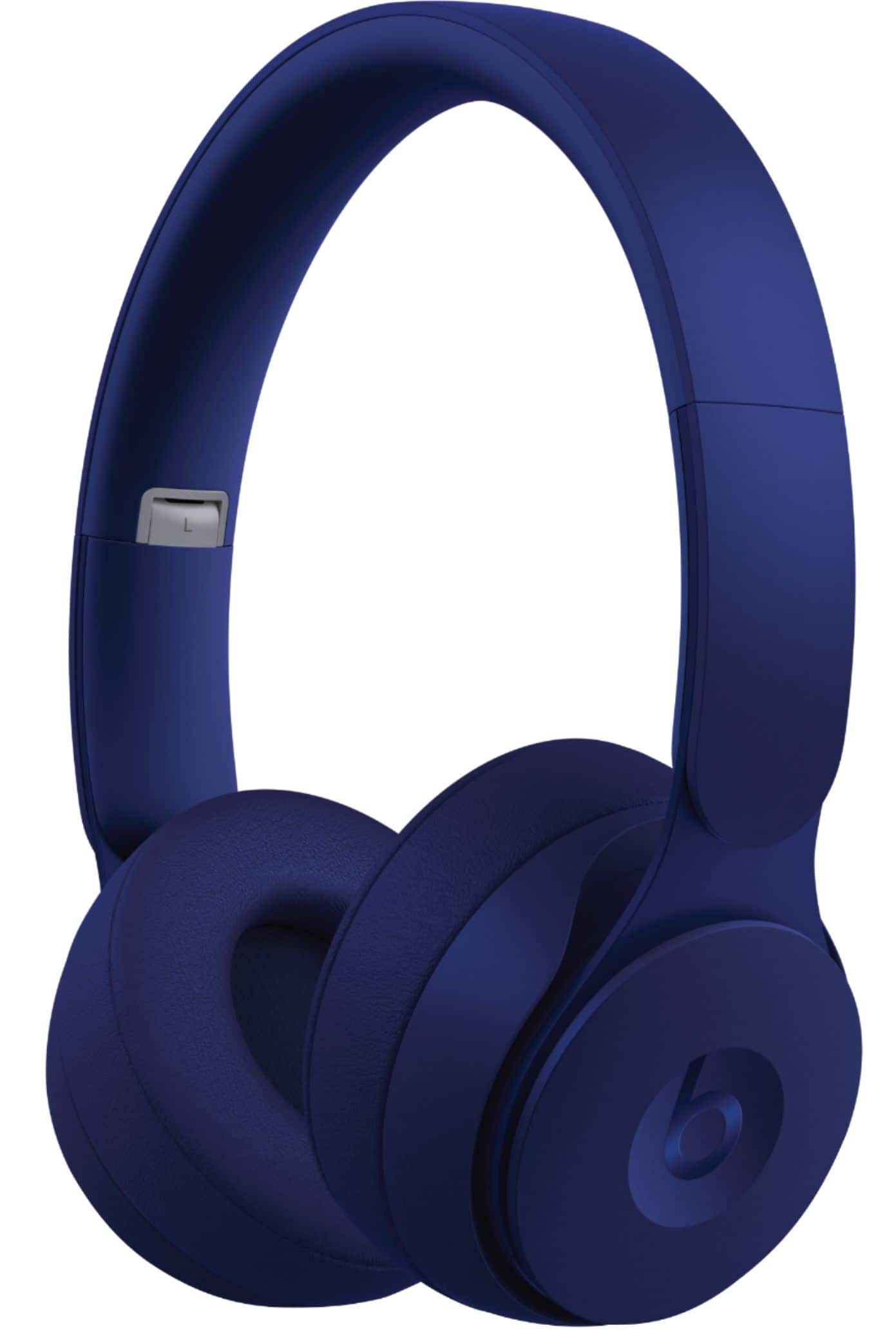
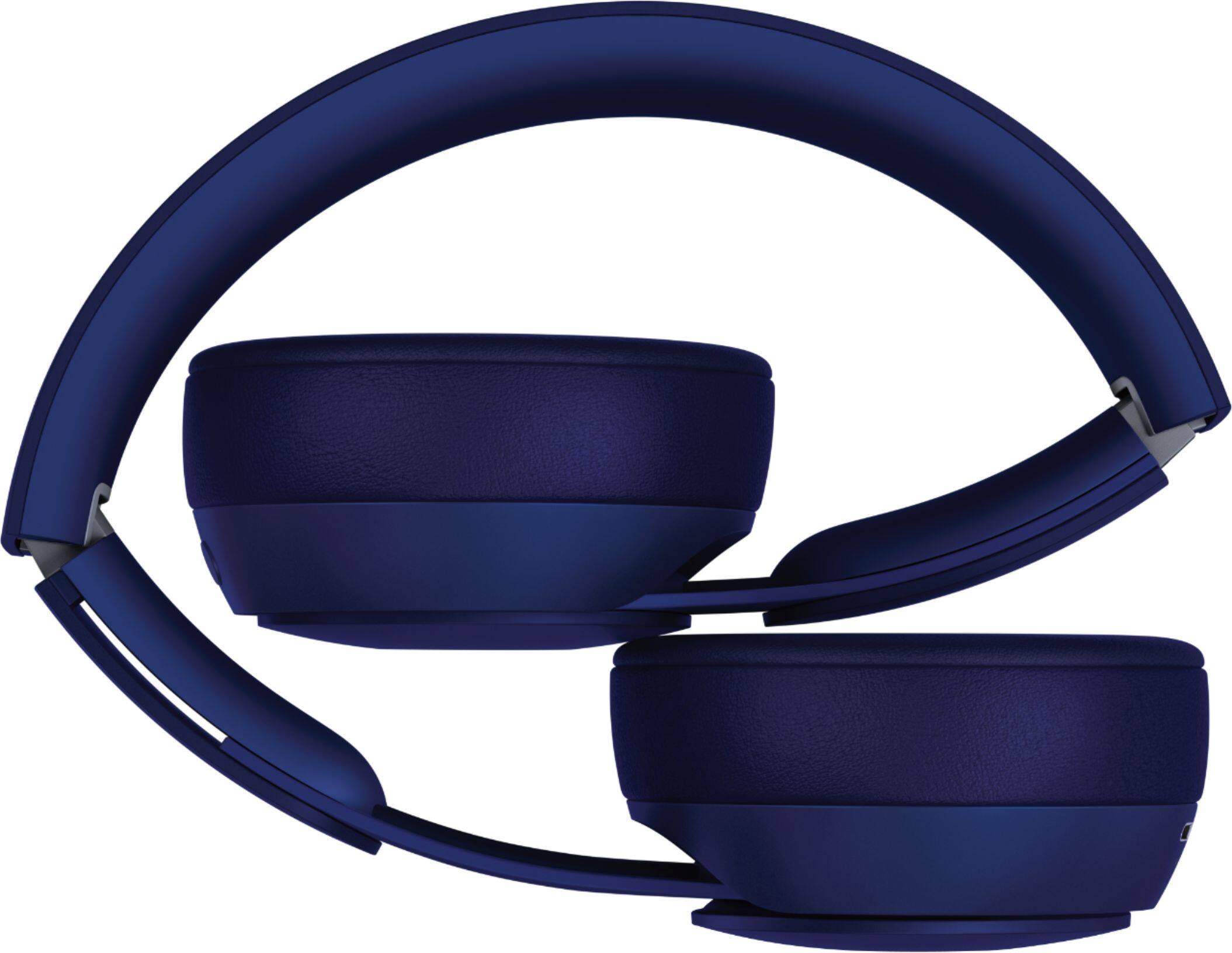
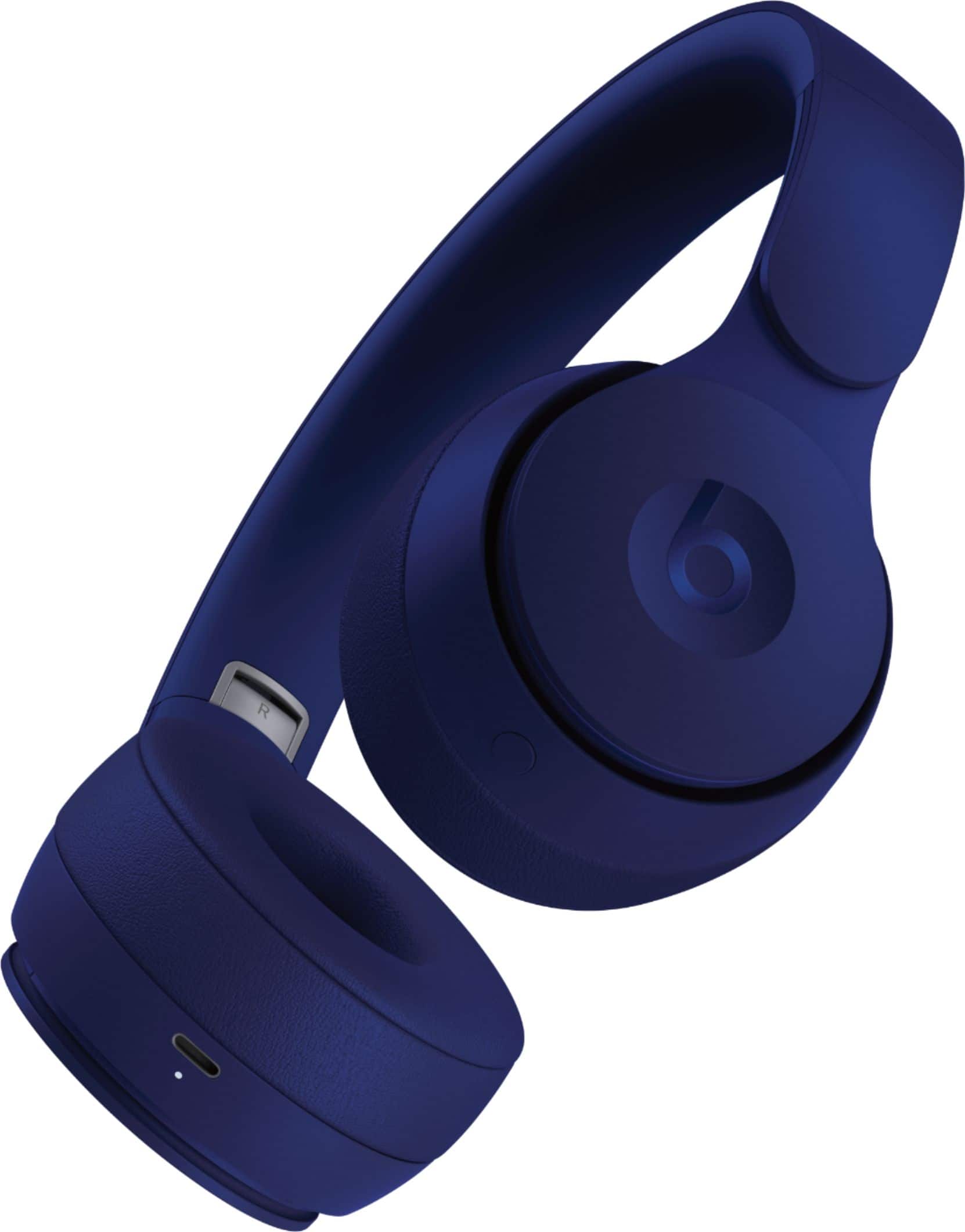
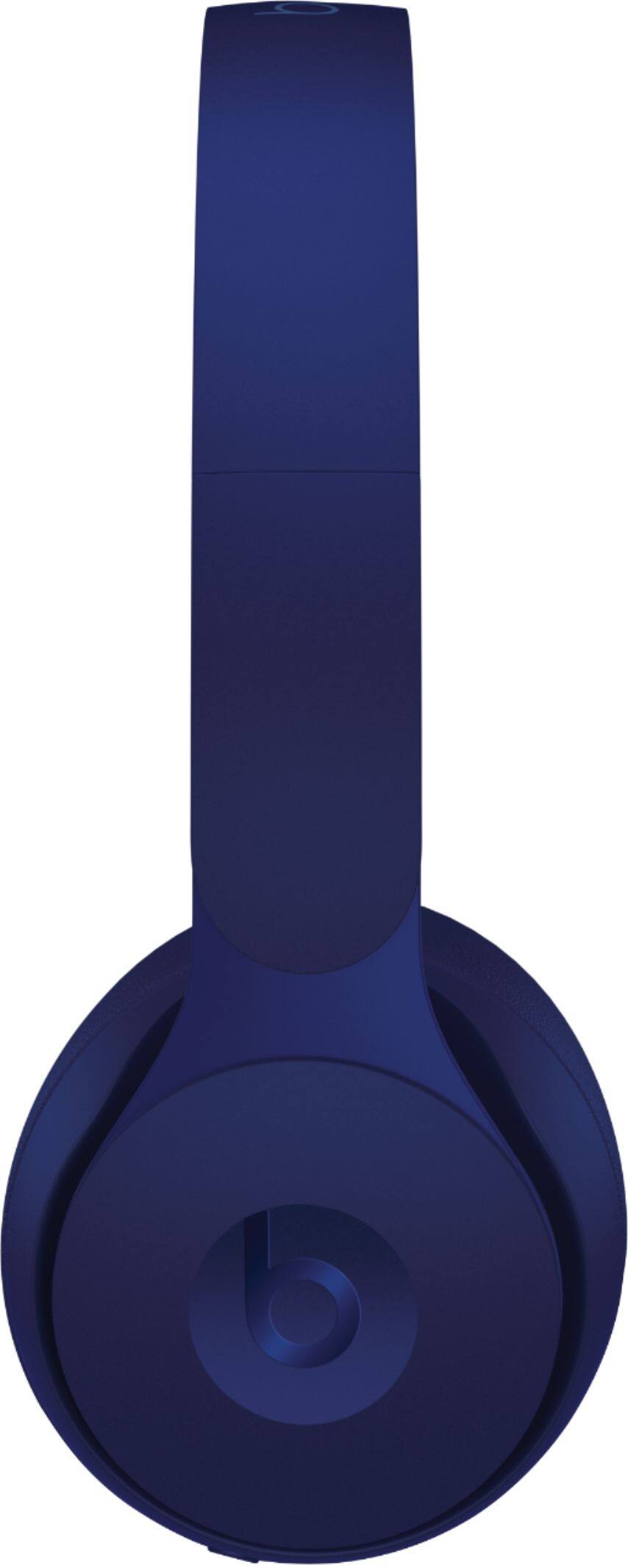
A:AnswerIf your tv supports Bluetooth find it in settings and set to discover devices. On the Beats, unfold them to power on then press and hold the noise cancellation button until the light starts blinking. Wait for them to appear on your tv and connect. I have a Samsung TV (2016 model) and it took me quite a few tries to get the TV to recognize/discover them. So be patient if the tv doesn’t find them the first time around.
A:AnswerYou can attach a bluetooth transmitter to your TV. https://www.amazon.com/gp/product/B01H6I3YGK/ref=ppx_yo_dt_b_search_asin_title?ie=UTF8&psc=1
A:AnswerI believe this are the official pair not refurbished or anything like that if it doesn’t say refurbished then that means this are the official pair
A:AnswerThese do NOT include 3mm cable or jack for wired listening vs other beats. Can be purchased separately if you feel like you need it. You will need lightning to 3mm jack adapter
A:Answerif you sync it to apple tv yes, or if you use regular bluetooth for samsung tv there will be a lag...connects well to fire stick and have non noticeable lag.
A:AnswerNo not really. You Can still hear. You have to have something active playing. There’s the noise canceling mode and regular to hear people talking when playing music.