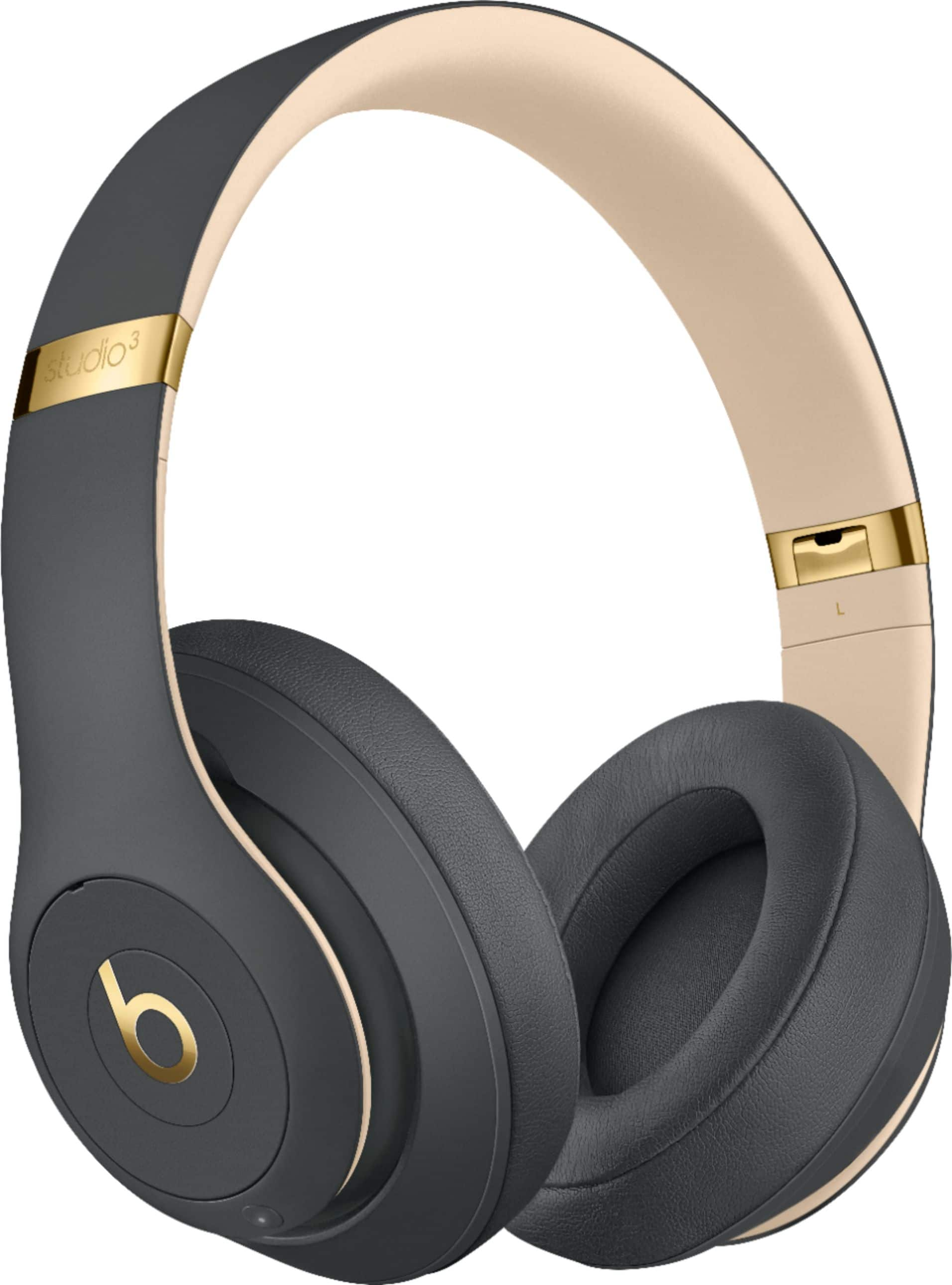
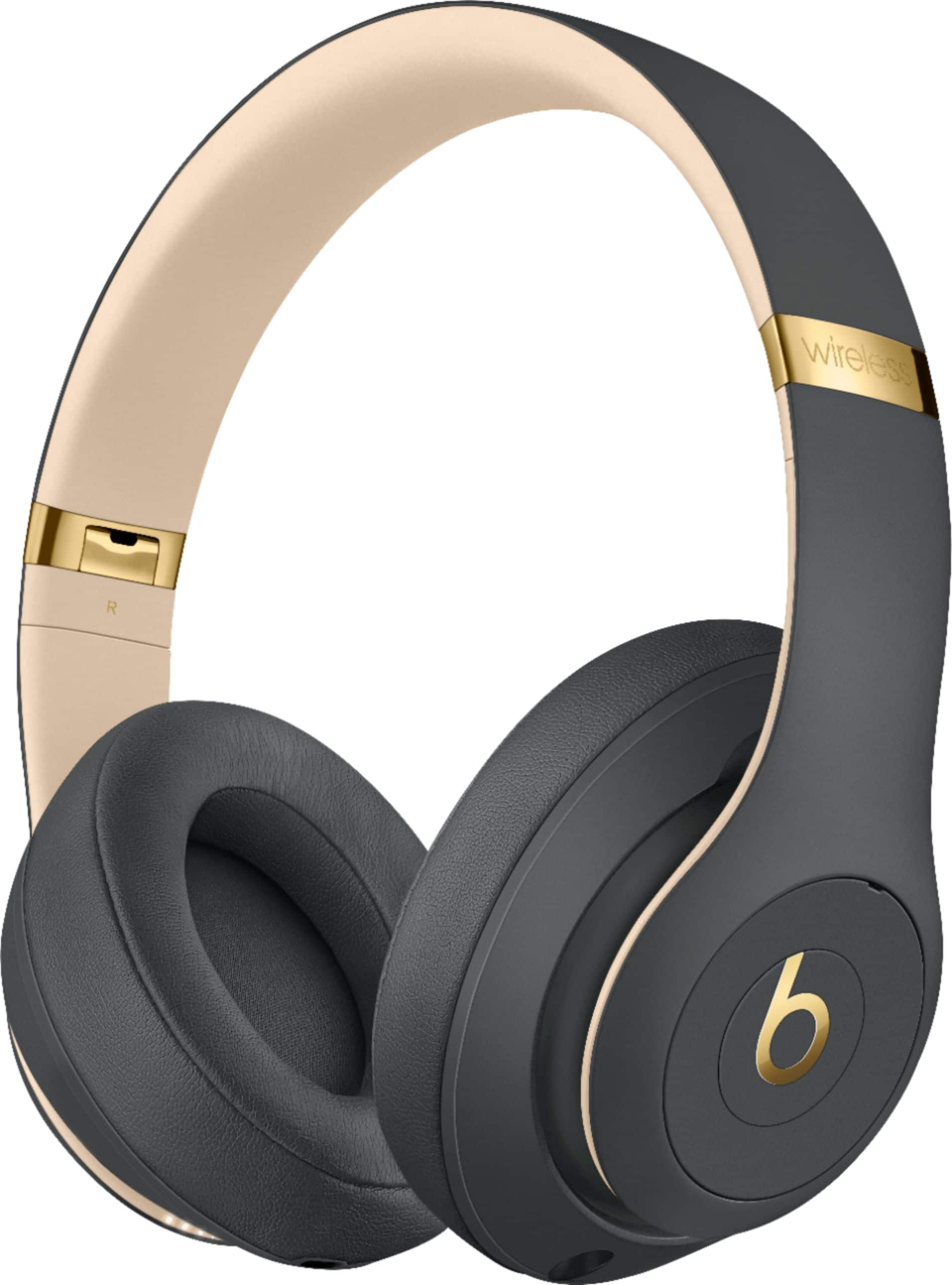
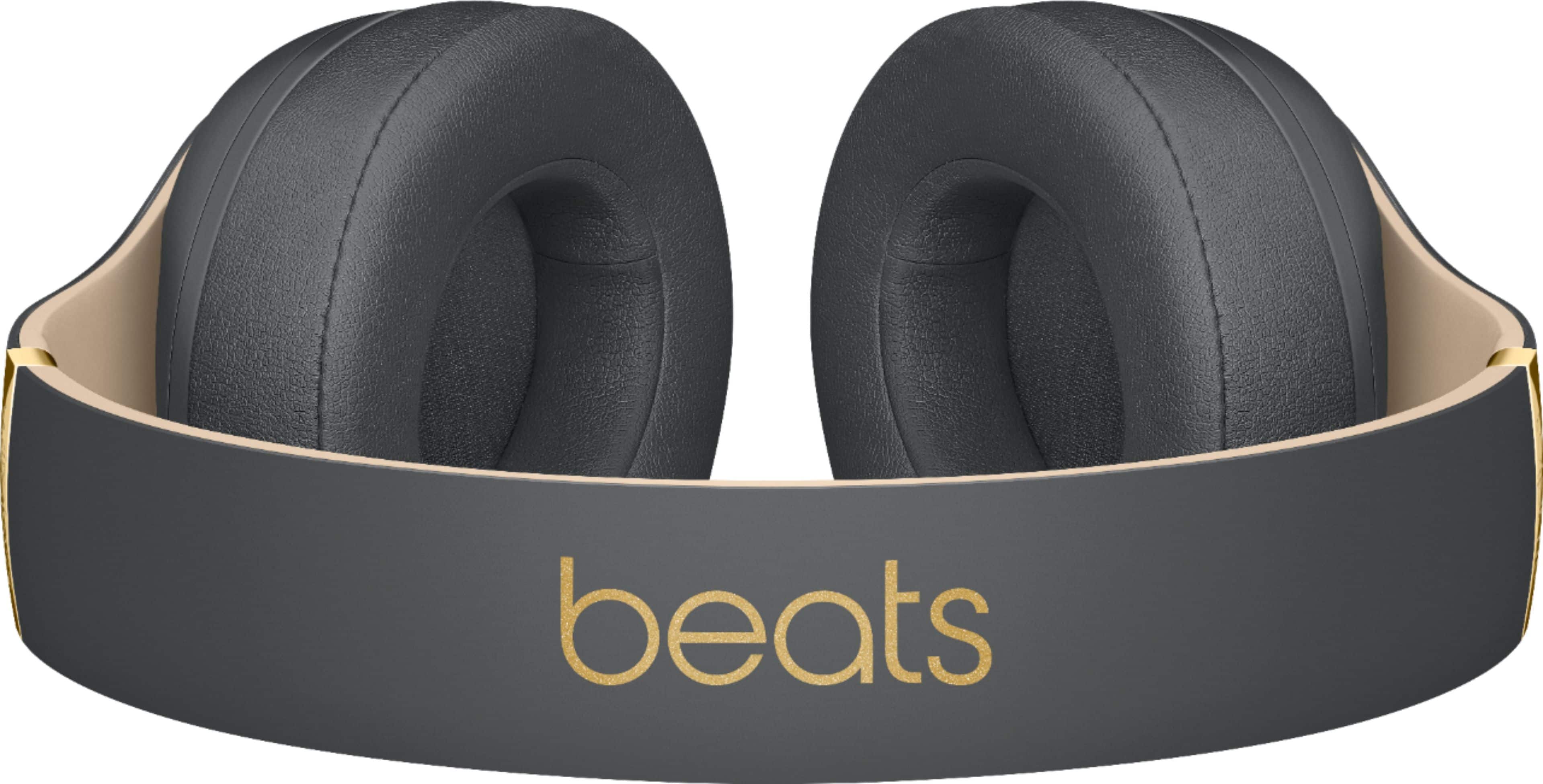
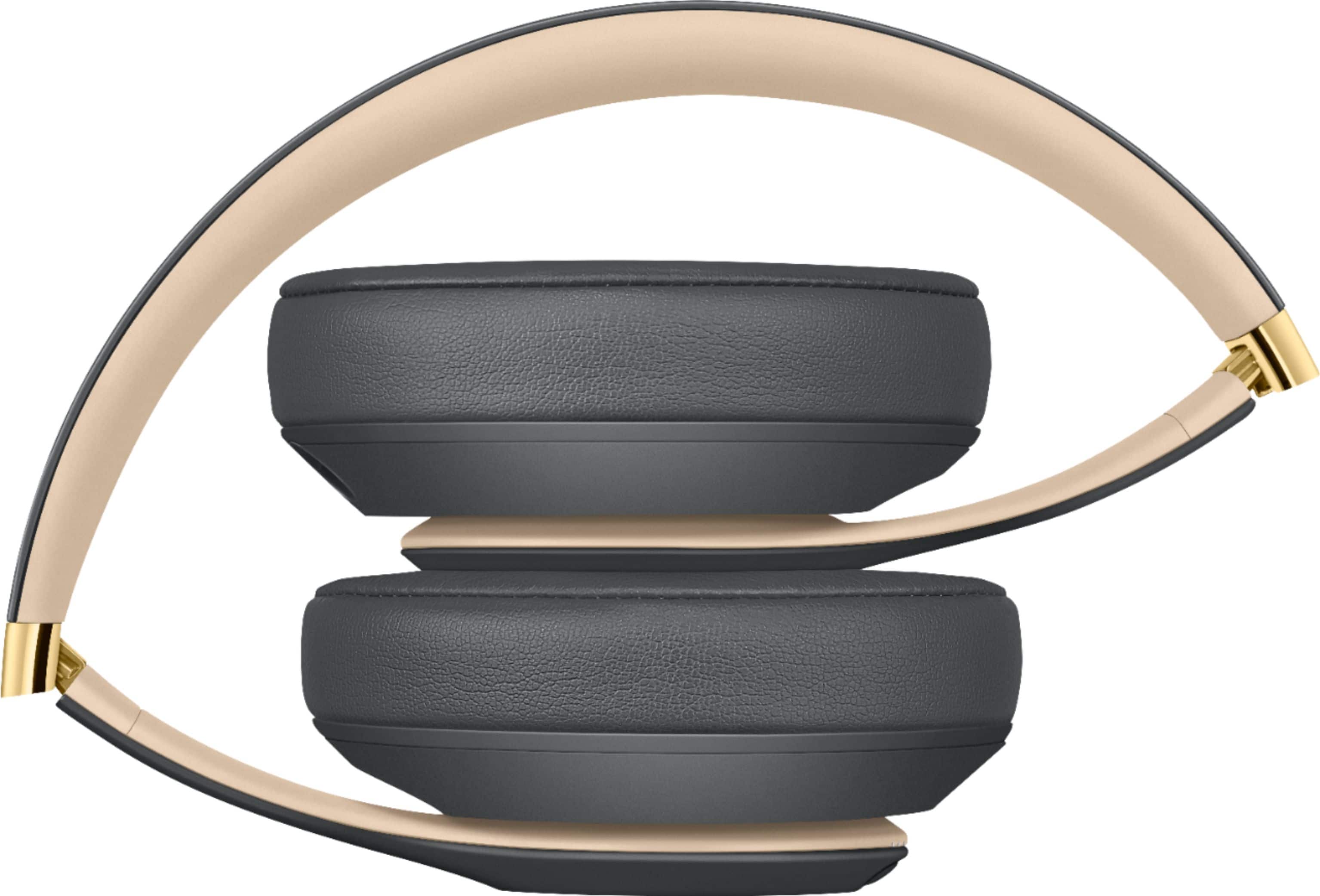
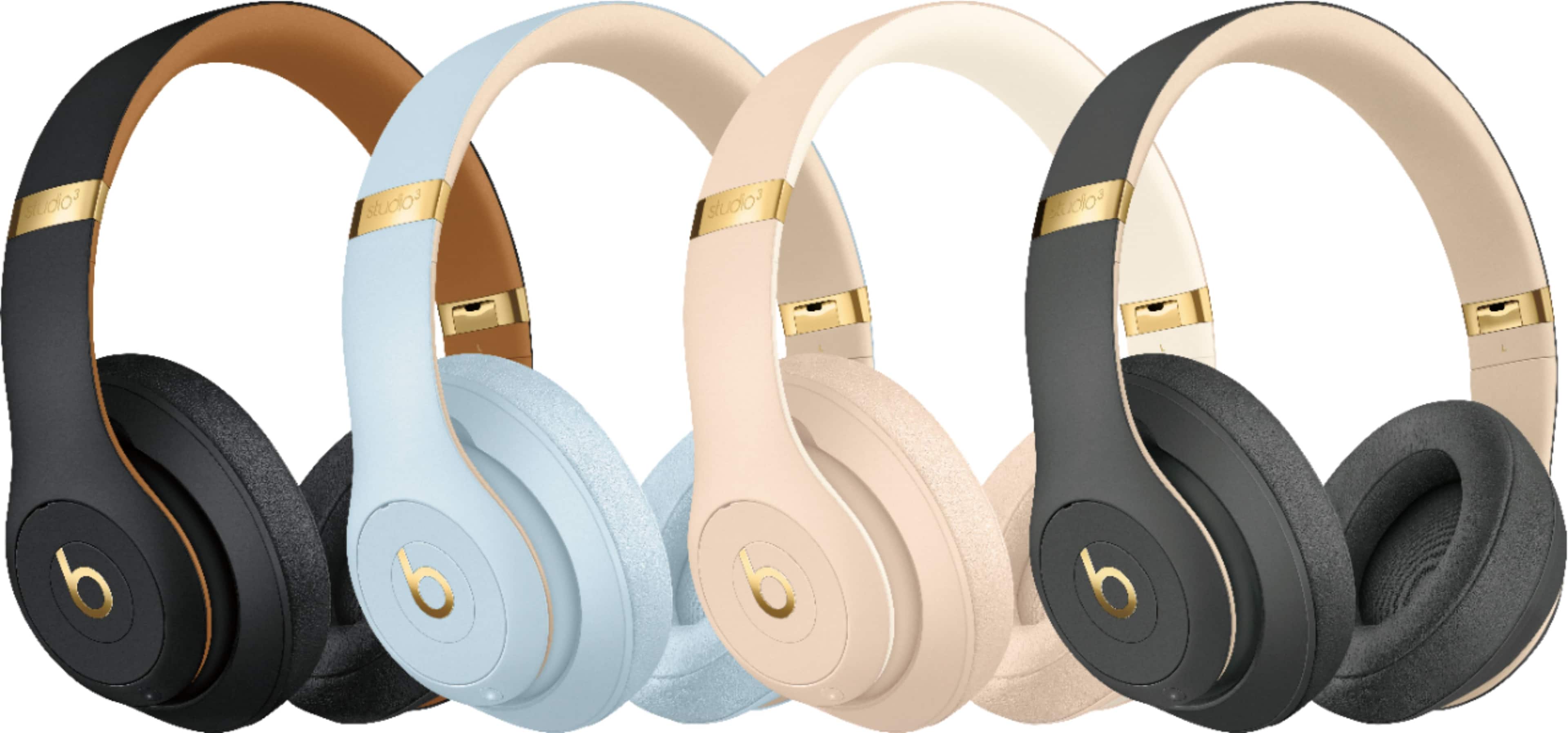
A:AnswerRemove the small box that's comes with the headphones inside and then remove the bottom part like you did first when you opened the box and is under with the USB charging cable and it comes with another cable.
A:AnswerThey should be able to connect to the any TV or streaming device that supports Bluetooth. They will actually connect to an Apple TV over wifi, which does mean more audio information can be sent to the headphones for better quality sound.
A:AnswerThe Xbox controller uses the standard that Android phones use (CTIA). What that means is that the mic and ground wire are flipped. So when you plug in your beats headset into the controller you will be able to hear others but your mic won't work or it will just make noise. You would need to get an OMTP to CTIA adapter.
A:AnswerThey can connect to any device that has the Bluetooth feature. We use them to watch content in any streaming platform on the TV or mobile device.