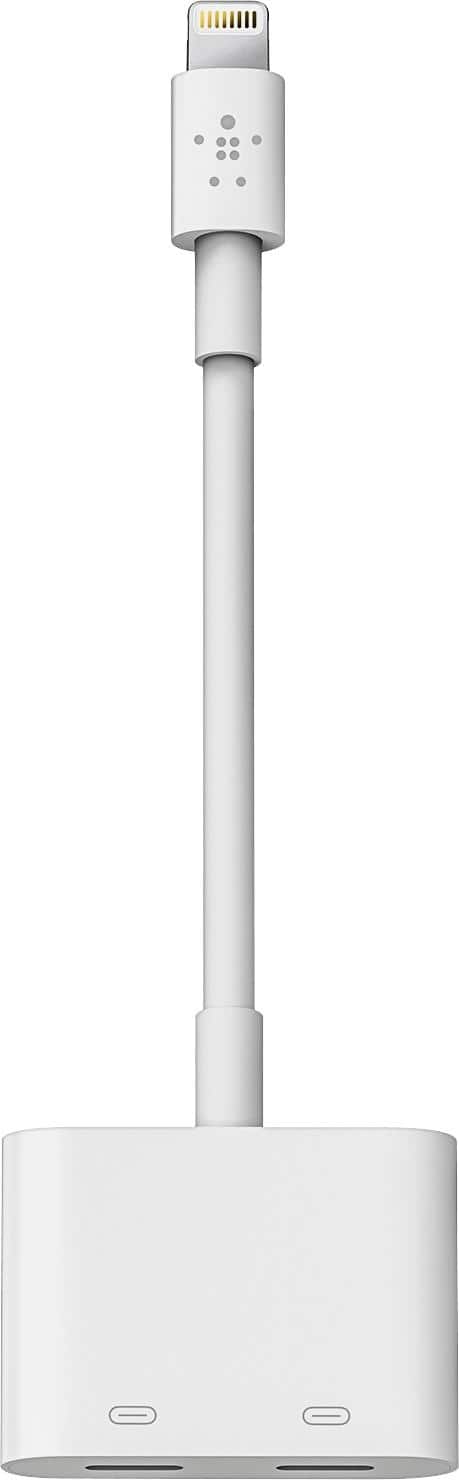
A:AnswerHi Lore. The Belkin F8J198btWHT adapter is not compatible with a 3.5mm aux cord. It only supports charging and audio through its Lightning ports.
A:AnswerHi. As long as your iPad has a Lightning port for audio, then it should work fine. For more details, check out this link: https://www.belkin.com/p/lightning-audio-charge/P-F8J198.html.
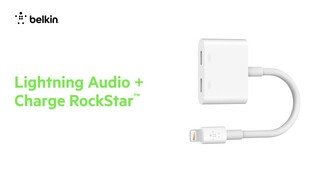
A:AnswerHi, Ljmcm845. The adapter has not been tested to work in this setup. The Lightning Audio + Charge RockStar makes it possible to listen to Lightning Audio while charging your iPhone.
A:AnswerHi, Lil. Please be advised that the Belkin F8J198 adapter is not designed for a TV. The adapter only supports Lightning Audio. It delivers power in to your iPhone/iPad, and Audio out. It does not support syncing or any other USB data.
A:AnswerHi, RC. This adapter (F8J198) does not support support syncing or any other USB data, or similar protocol like Serial or UART. It only supports Lightning Audio.
A:AnswerHi, Cassie. This Belkin adapter only makes it possible to listen to Lightning Audio while charging your iPhone. Enjoy music or talk through Lightning Audio headphones while you charge. Use the RockStar anywhere; at home, at work, in the car or on the go.
A:AnswerHi, CKL. We want to investigate this further. Please email us at BelkinCares@belkin.com with your contact details, model and iOS of the affected phone, and the link to this post for reference.
A:AnswerThe adapter's main use is to charge a compatible device while utilizing audio. It will work with the iPad as long as it is running on iOS 10 or later.