A:AnswerThe keyboard is designed to work with iMac, MacBook, and Mac Pro, Erichammer. There shouldn't be a button that you need to press once it is paired with the computer. However, its compatibility with the MacBook Air could have caused this. Send us a photo of the instructions on the computer screen for isolation purposes via BelkinCares@belkin.com and indicate your phone number and the link to this post for our reference.
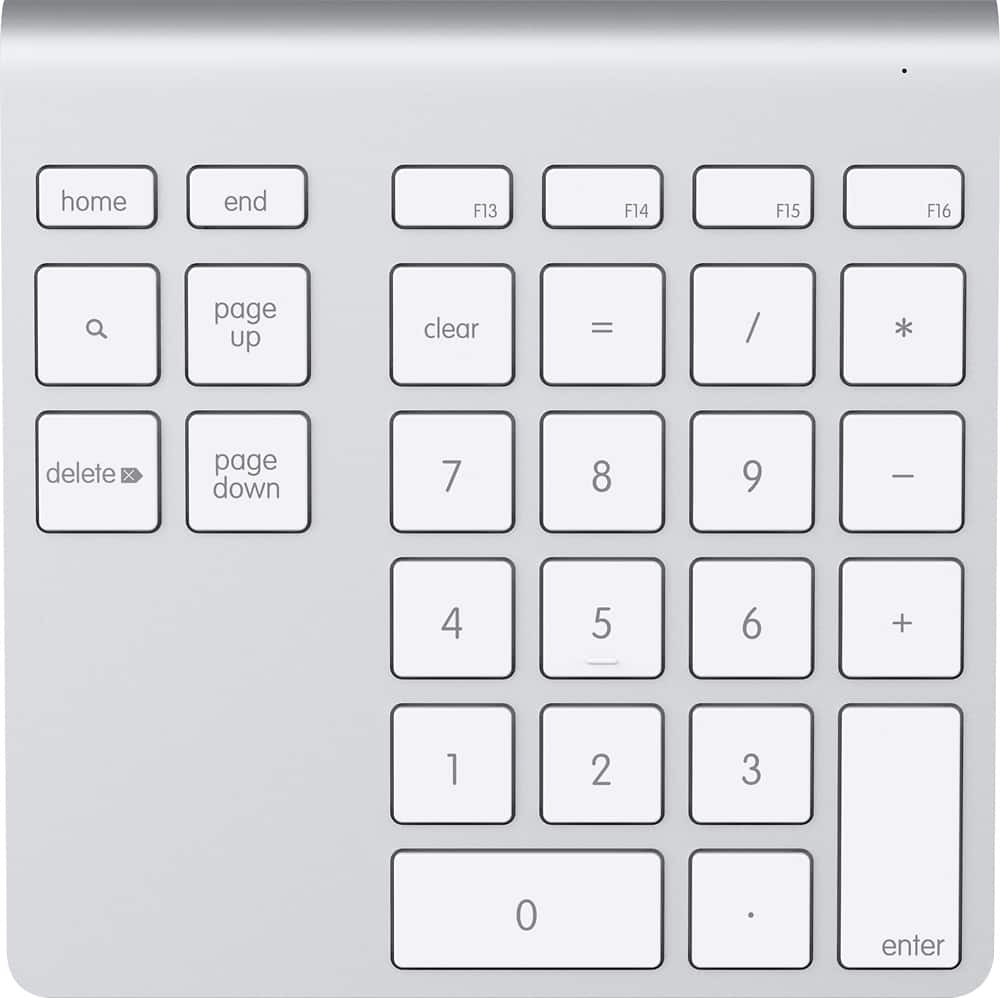
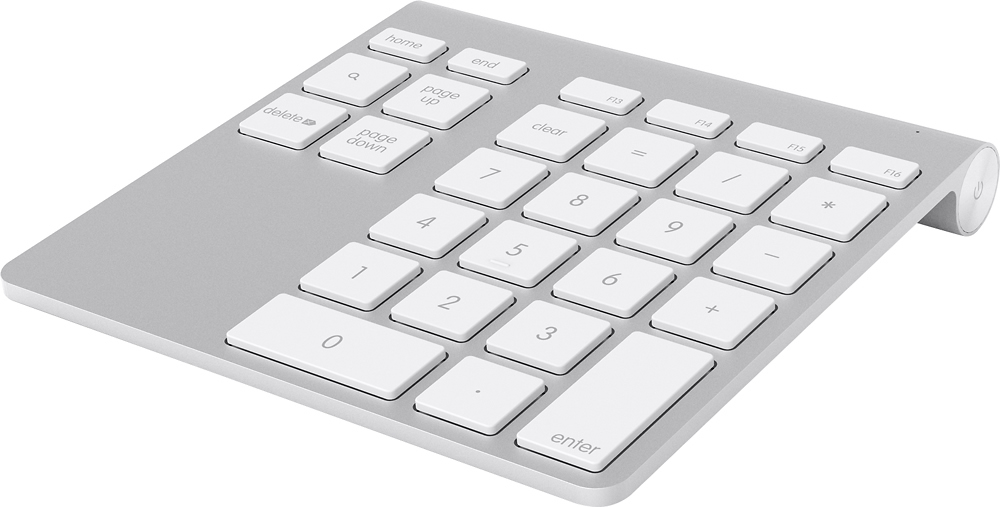
A:AnswerHi, aarteep. The keys only include figures 0-9, operation keys, hot-keys, page up / down, arrow up / down, delete, forward, enter, and search key.
A:AnswerHi. For us to better assist and check this out further, please send an email at BelkinCares@belkin.com with your contact details and the link to this post for our reference. Our Product Experts are eager to lend you a hand forward.
A:AnswerHi, tm. Please get in touch at BelkinCares@belkin.com so we can better assist forward. Indicate the link to this post and your contact details when you reach out.
A:AnswerI suggest that you try to change its batteries to optimize its current performance. Moreover, you have to use two AA batteries. This link should be of help: https://www.belkin.com/us/support-article?articleNum=8309
A:AnswerHi, SuKi. Try to delete the wireless keypad from the Bluetooth list and pair it again. If that won't work, get in touch with us at BelkinCares@belkin.com so we can continue to assist you from there. Don't forget to include a link to this review as a reference.
A:AnswerHi, matt. Try unpairing the YourType Wireless Keypad from your Mac's device list. After removing it, repeat the pairing process in connecting your units. Here's the link for the steps: http://www.belkin.com/us/support-article?articleNum=8309. If the setback persists, shoot us an email via BelkinCares@belkin.com. Provide your complete contact info + the link to this page for our reference.