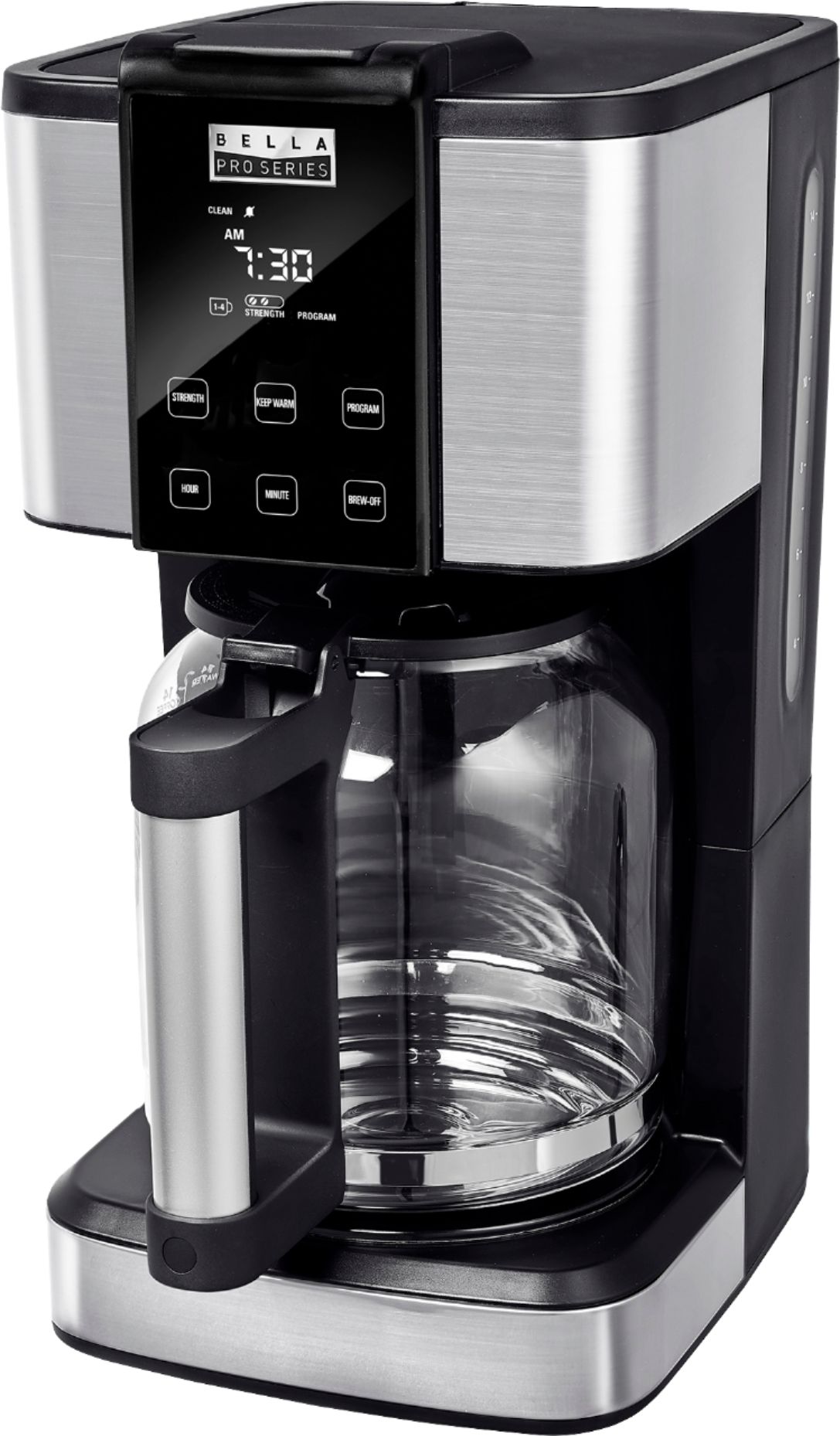
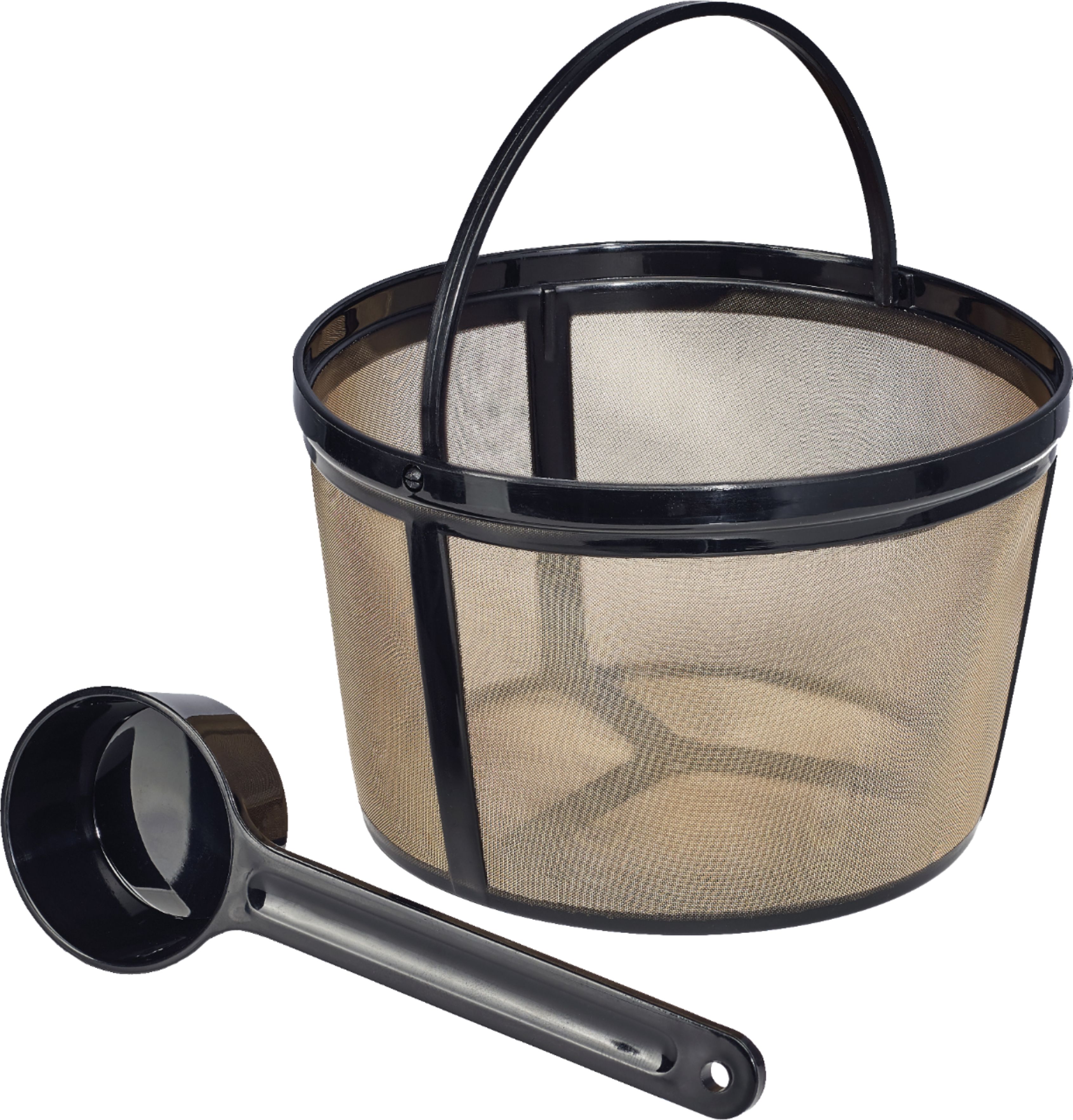
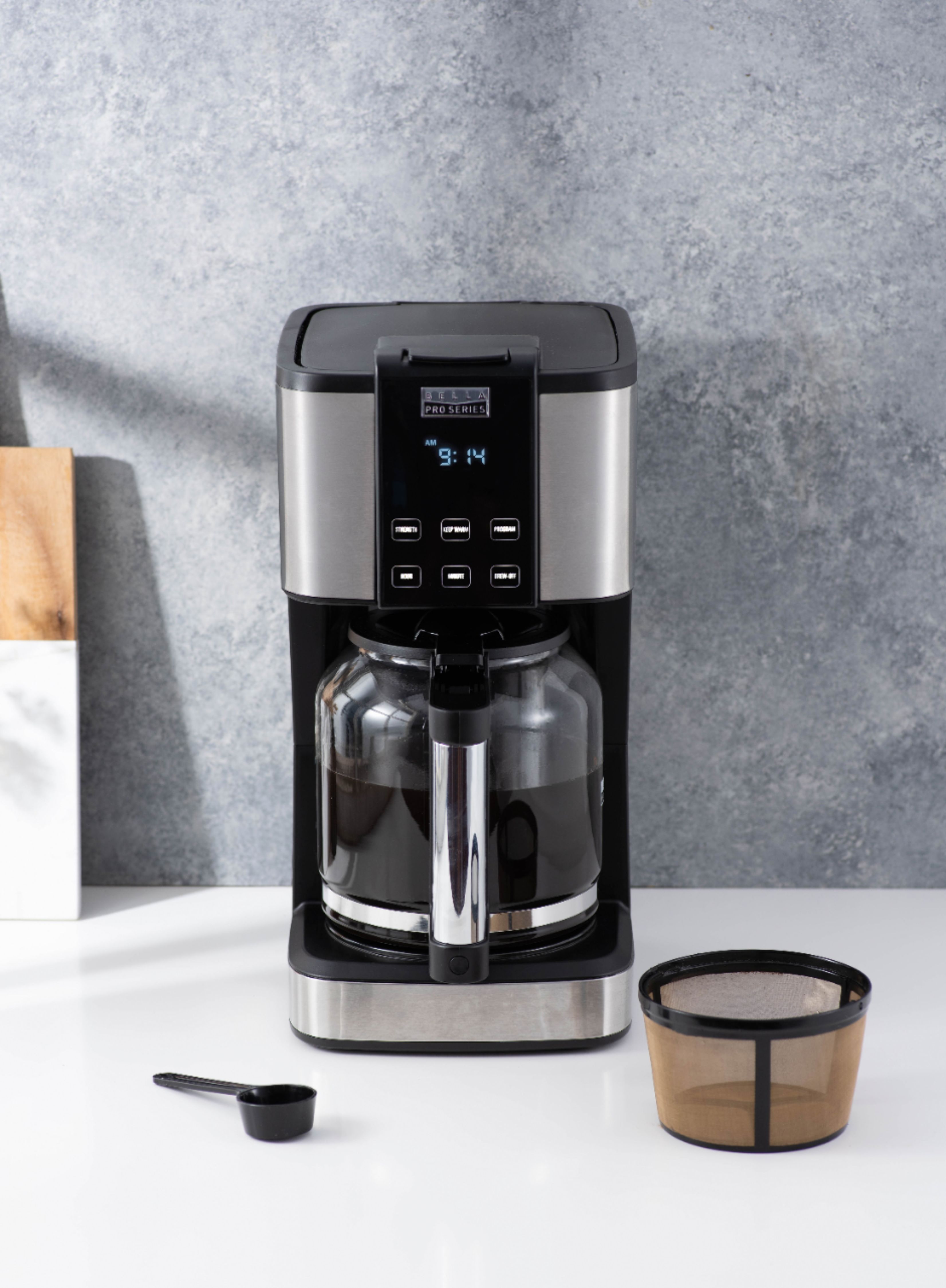
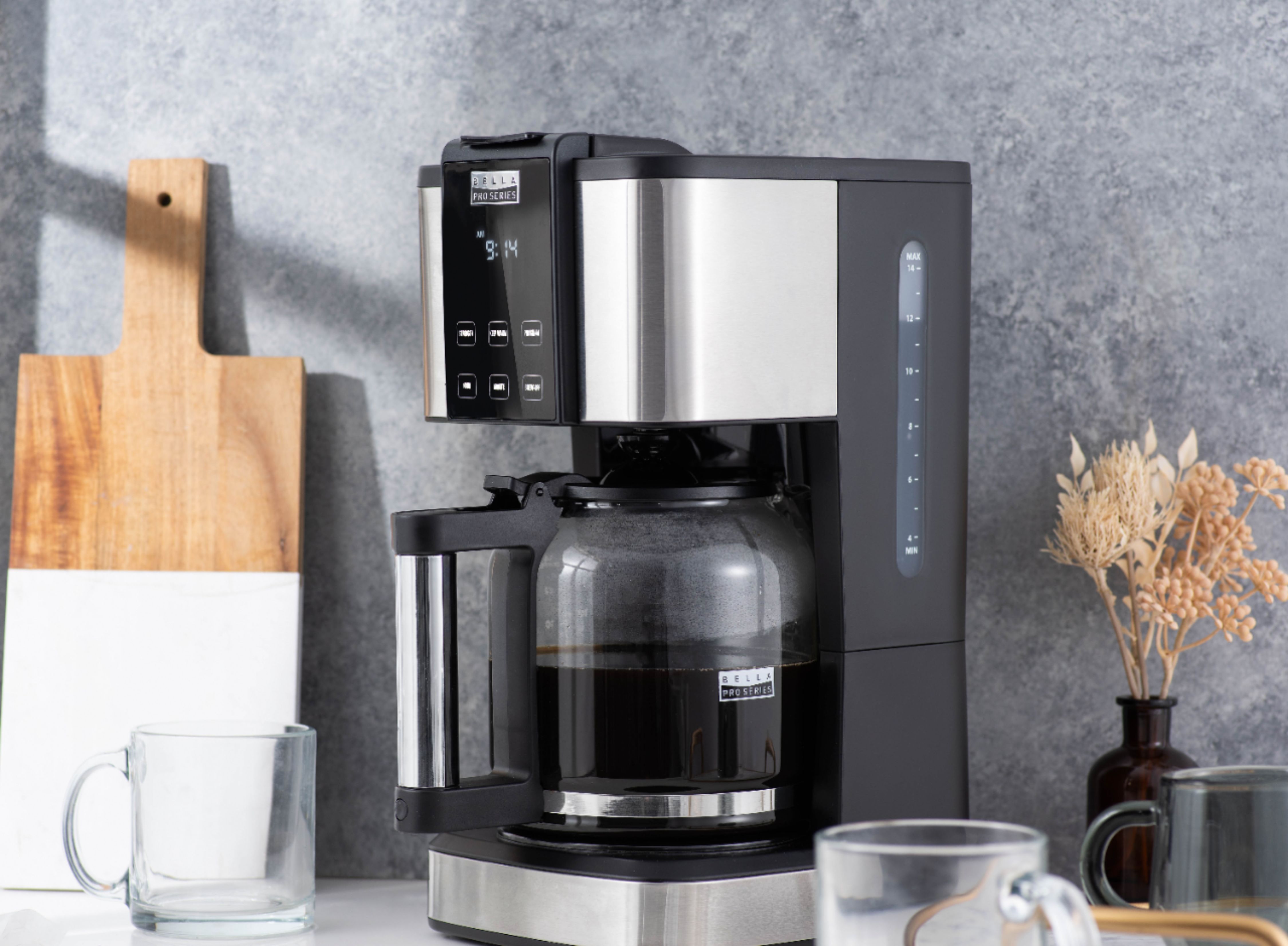
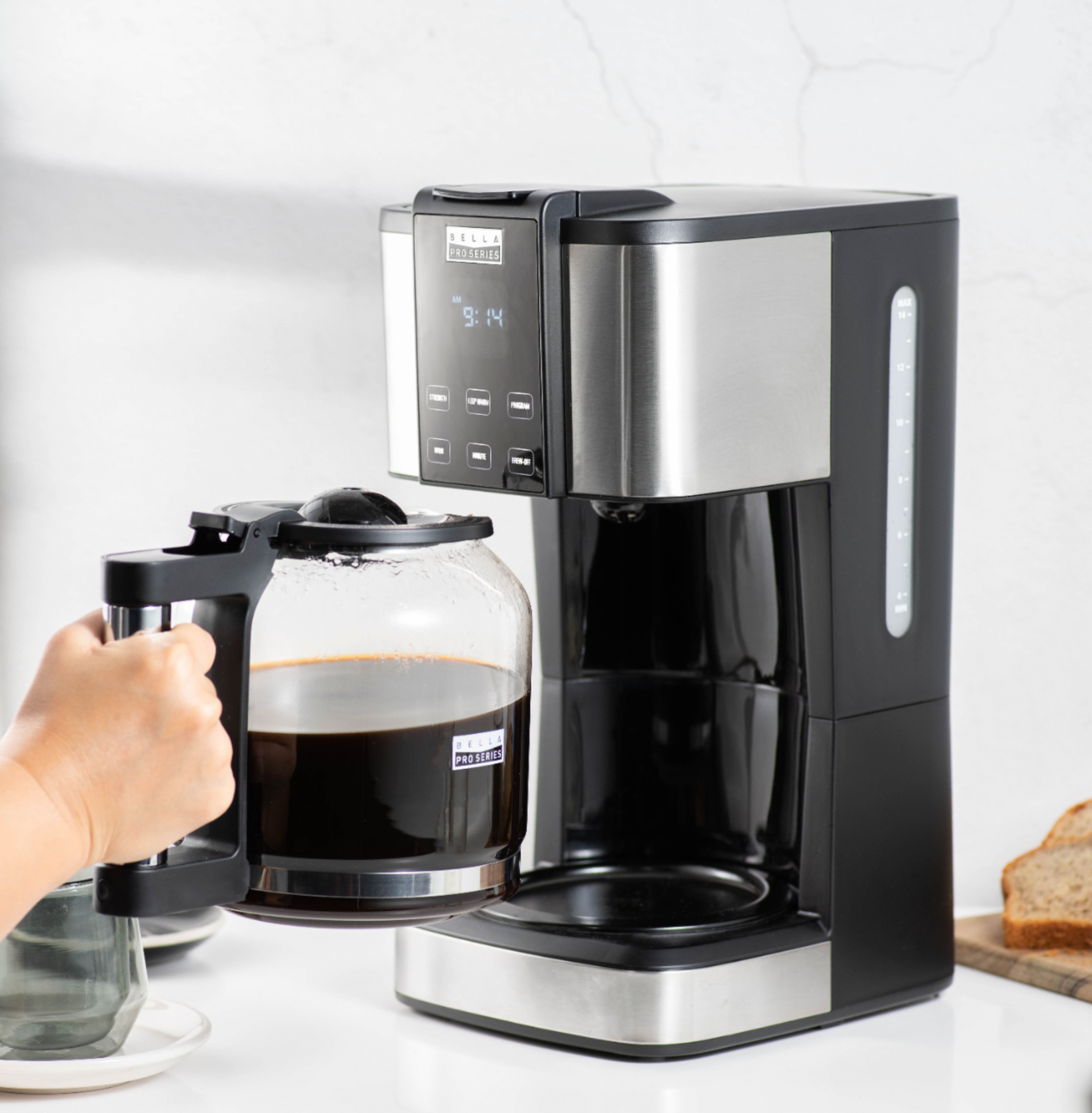
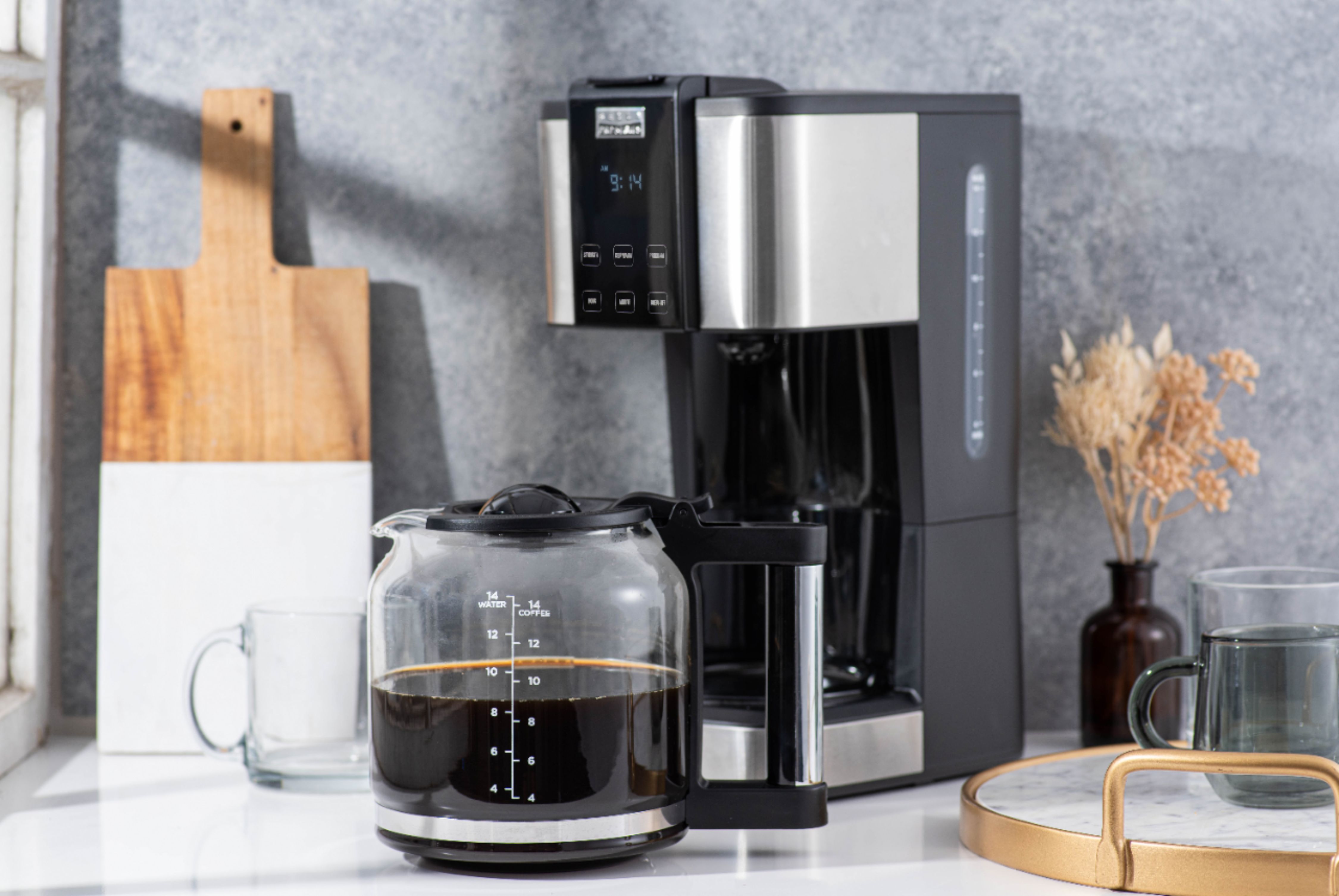
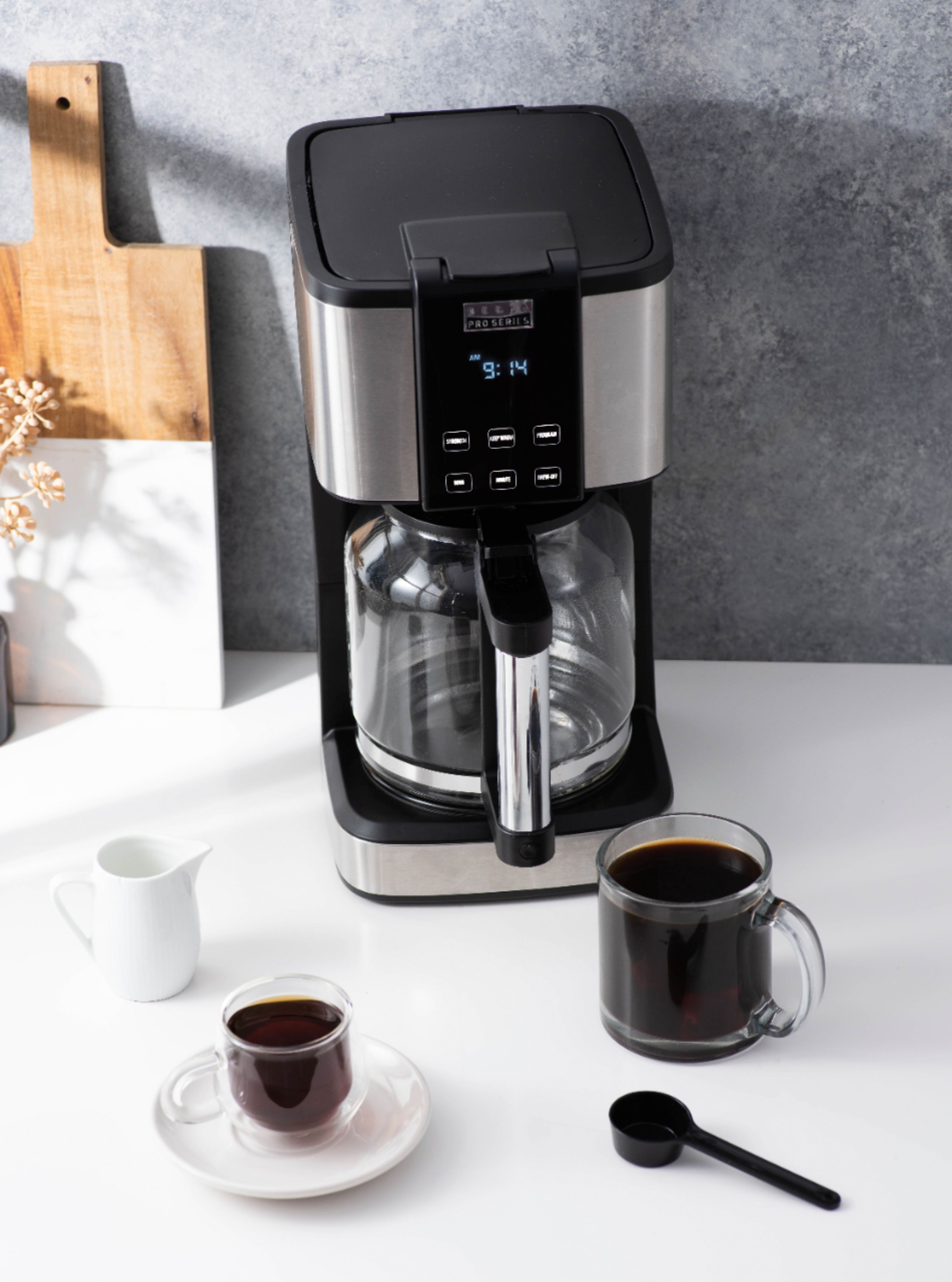
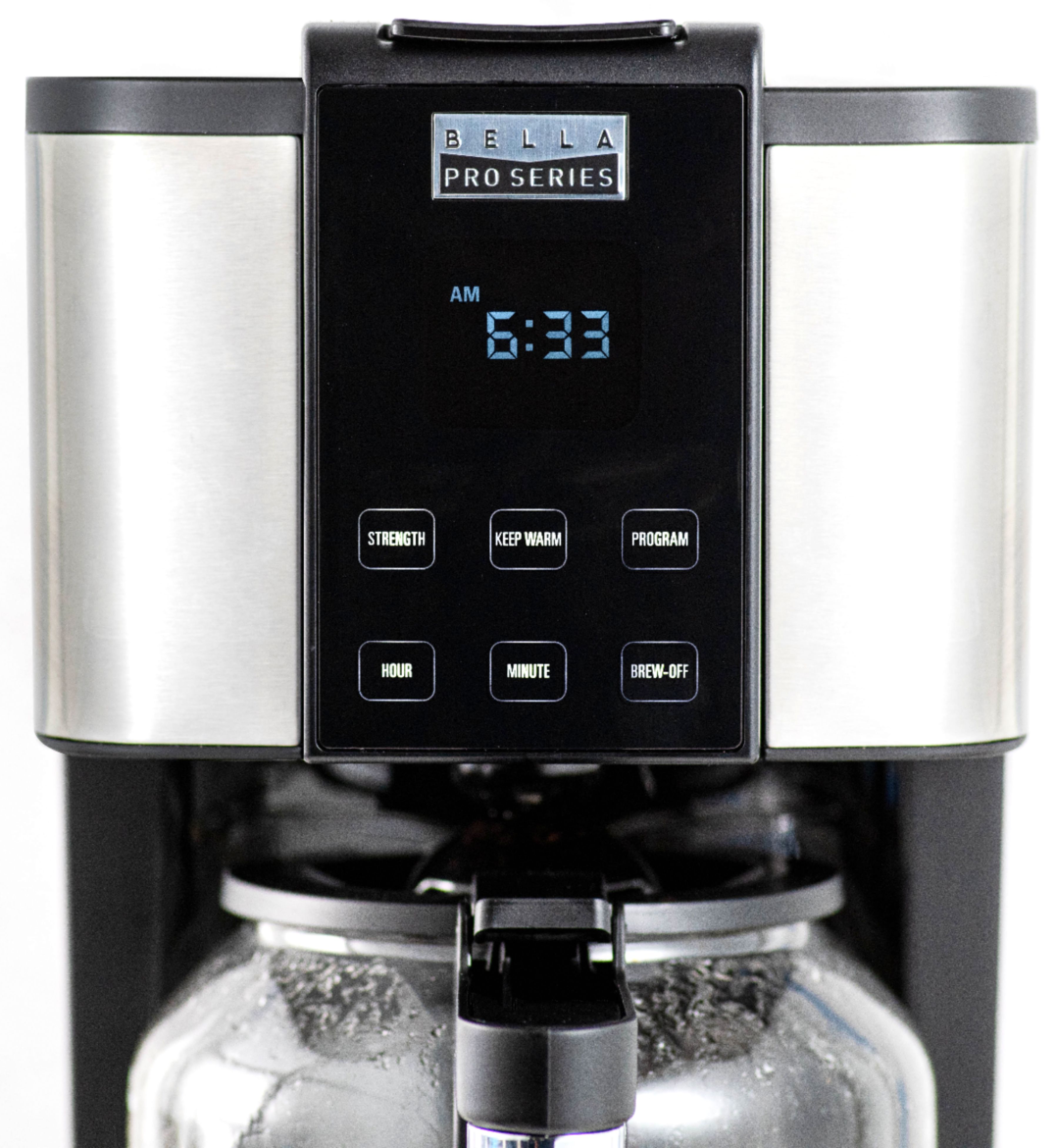
A:Answer Robert’s suggestion was great, but it took me a few minutes to understand the process properly. I wanted to add the additional steps since my Bella Pro Series touch screen operated a little differently.
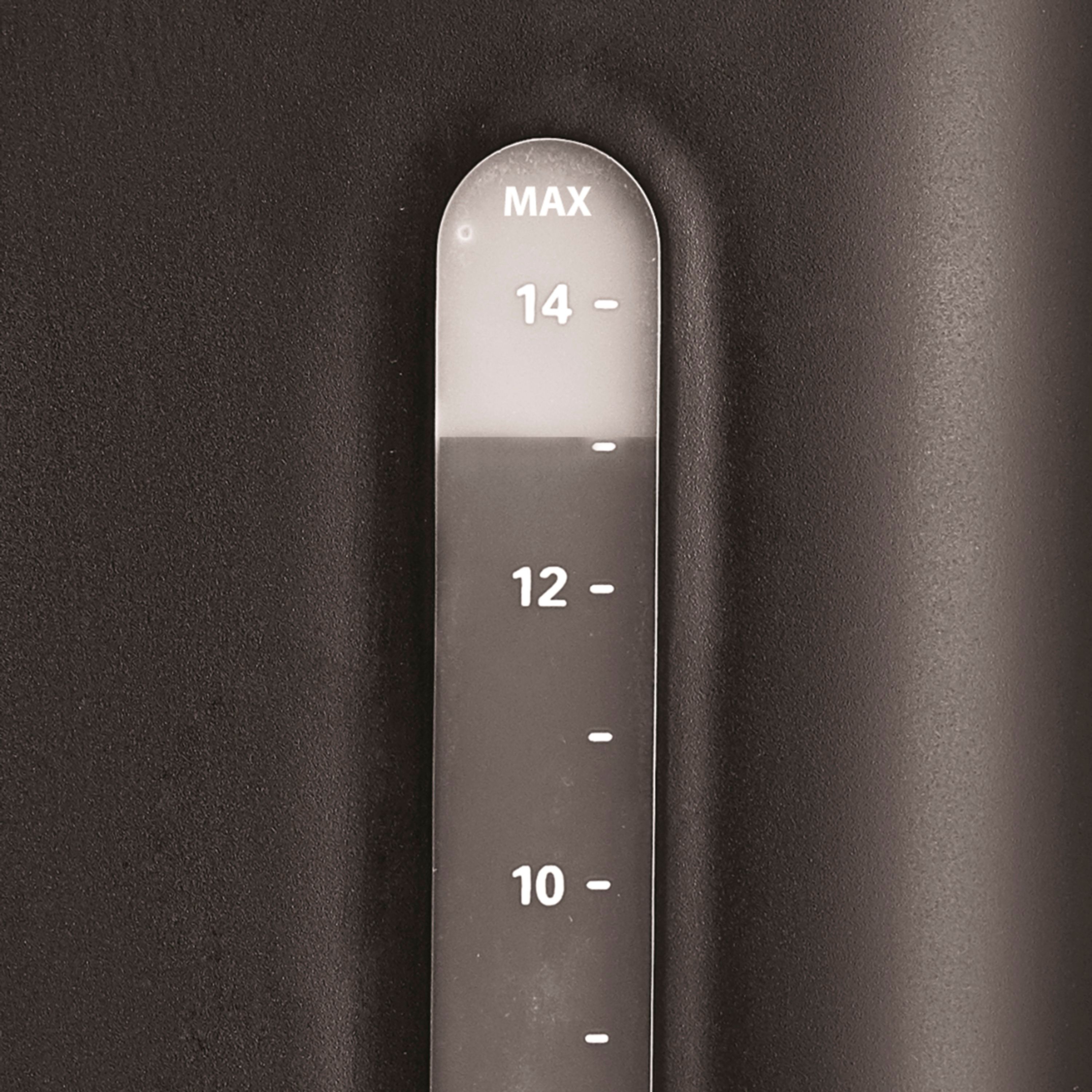
1. Fill the reservoir with a descaling solution (can be store bought or a homemade white vinegar/water mix).
2. Press the “Brew-Off” button to start the cleaning cycle. The “Clean” indicator will become steady (see picture #1).
3. Hold down the “Hour” and “Minute” buttons until it beeps and there is only the flashing “Brew-Off” remaining.
4. Allow the pot to brew your descaling solution. *Note: Brewing may slow down or pause repeatedly throughout the cleaning cycle. This will take a very long time compared to a typical coffee brewing cycle. This step should also clear the flashing “Clean” indicator (see picture #2).
5. Discard and repeat with descaling solution until discolored water runs clear. If you have done the cleaning cycle previous to this step, you may speed up additional cycles with a regular brew cycle. However, if it has been too long since a routine cleaning the descaling may not be as effective.
6. Repeat with clean water until you no longer smell solution. This is easy to detect if you are running a white vinegar descaling solution through your device. This rinse cycle can be done on a normal brew cycle since you are just ensuring any residual solution is purged.