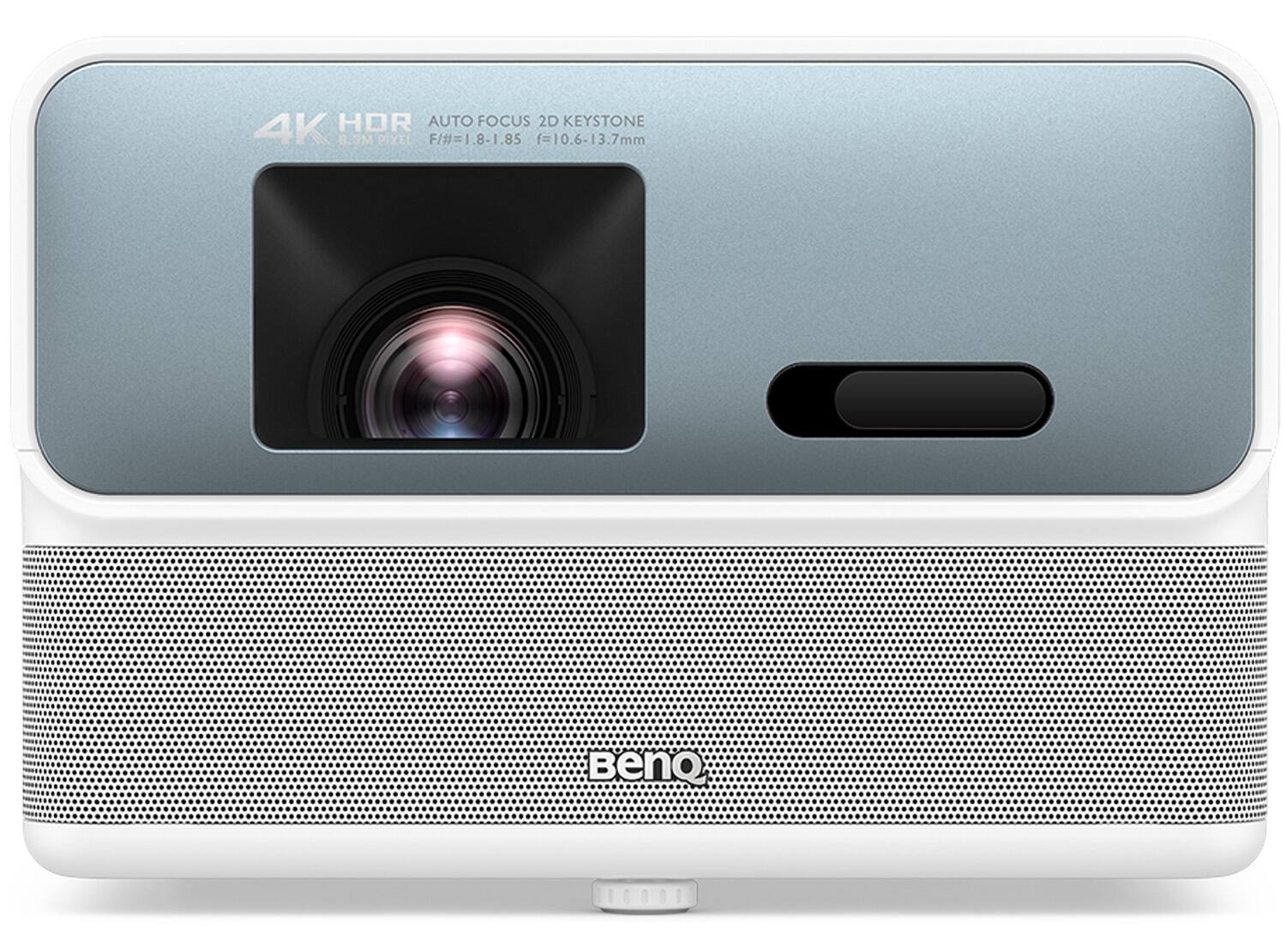
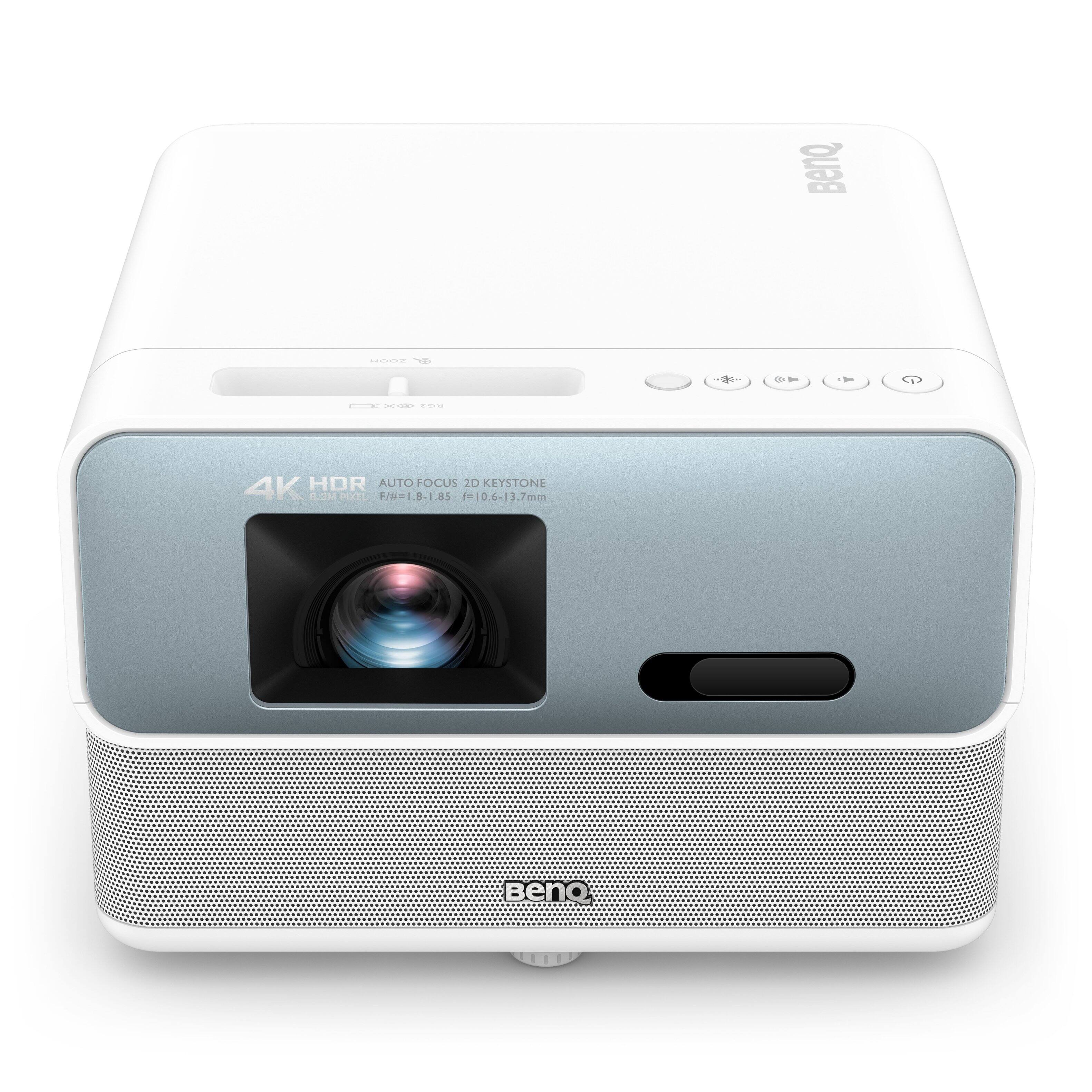
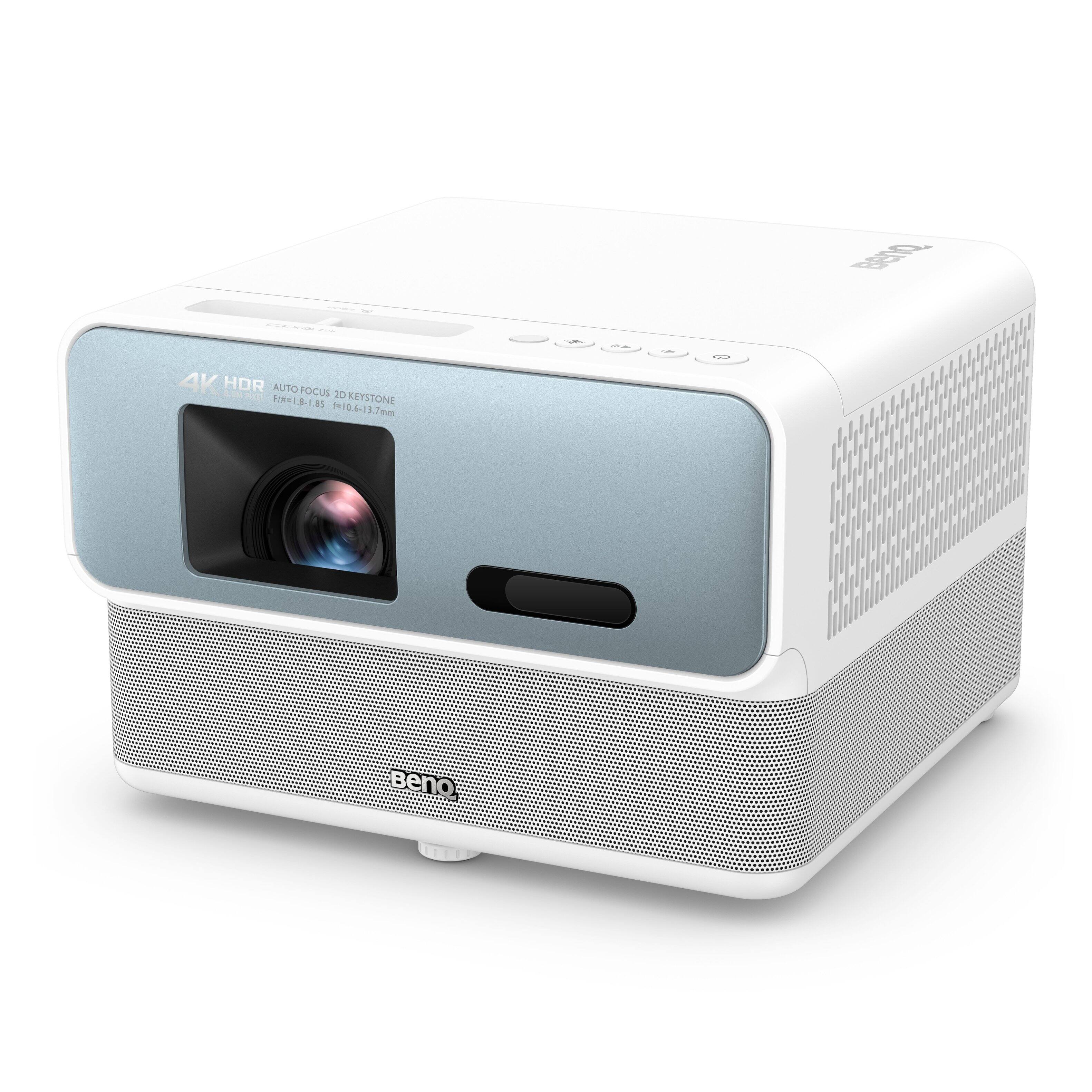
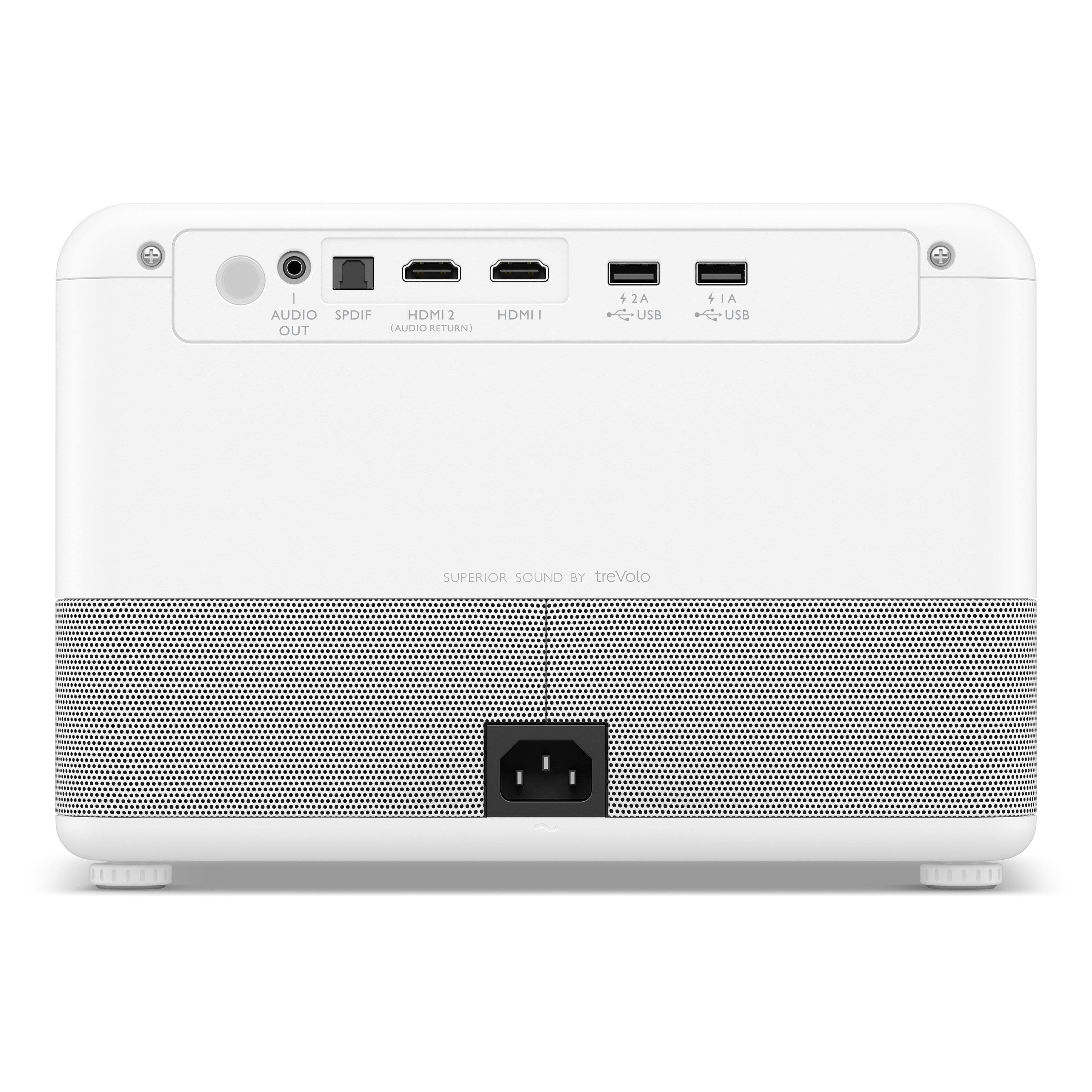
A:Answer Hello, Thank you for your question about our GP500 projector.
Follow these simple steps to connect your external Bluetooth devices to the projector:
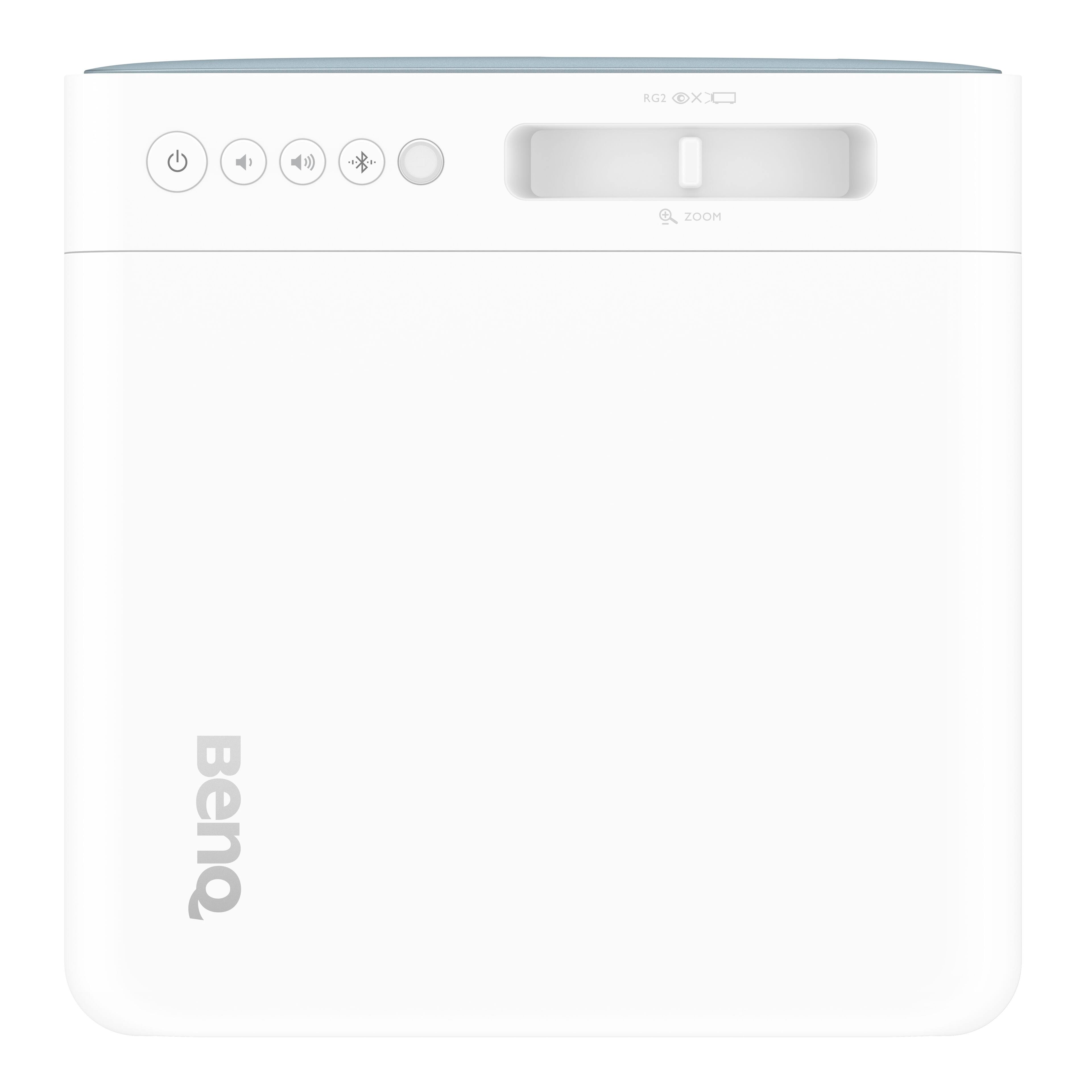
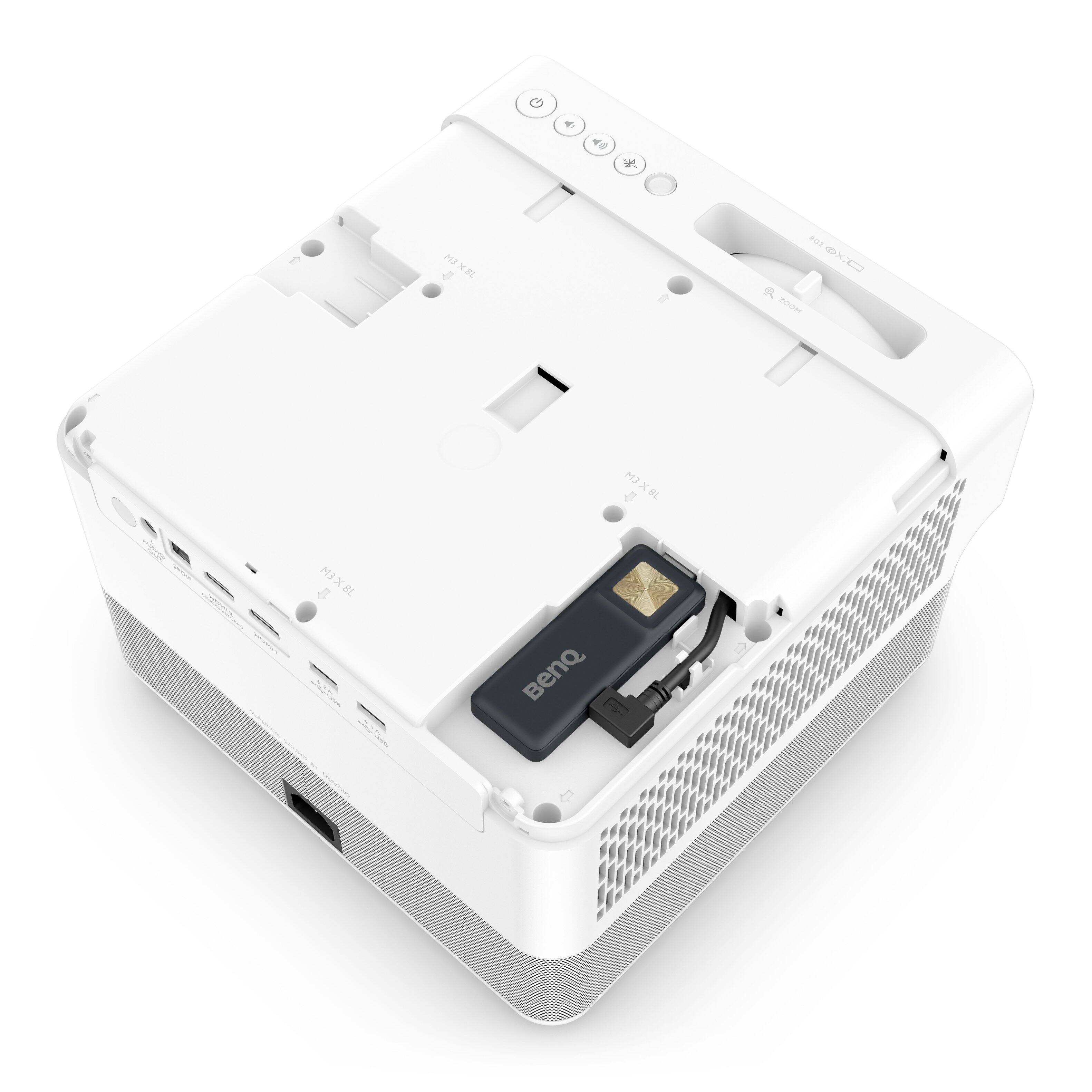
1. Ensure that the Android TV dongle is properly installed.
2. Turn on the projector.
3. Use the remote control or on-screen options to navigate to "Settings," then "Remotes & Accessories," and then "Add accessory."
4. Activate the Bluetooth pairing mode and select your desired Bluetooth device from the options displayed on the screen.
5. Click on "Pair" to complete the pairing process.
Please note that only one Bluetooth device can be connected at a time. If you connect external Bluetooth speakers or headphones, you may experience a slight audio delay of approximately 300ms. While this delay is acceptable for listening to music, you may experience minor latency while watching movies.
Warm Regards,
BenQ Support