

Black Friday is hereShop new DoorbustersShop now

Main Content

Questions & Answers

Page Showing 1-20 of 68 questions
  • QuestionWhere can I find this product?

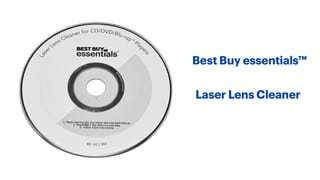
    • Answer You can find the Best Buy essentials Laser Lens Cleaner on BestBuy.com.
    This question and answer was generated by AI based on customer and product data.
  • QuestionWhy should I choose this lens cleaner?

    • Answer This lens cleaner is backed by Best Buy, ensuring quality and reliability you can trust.
    This question and answer was generated by AI based on customer and product data.
  • QuestionDoes this lens cleaner come with instructions?

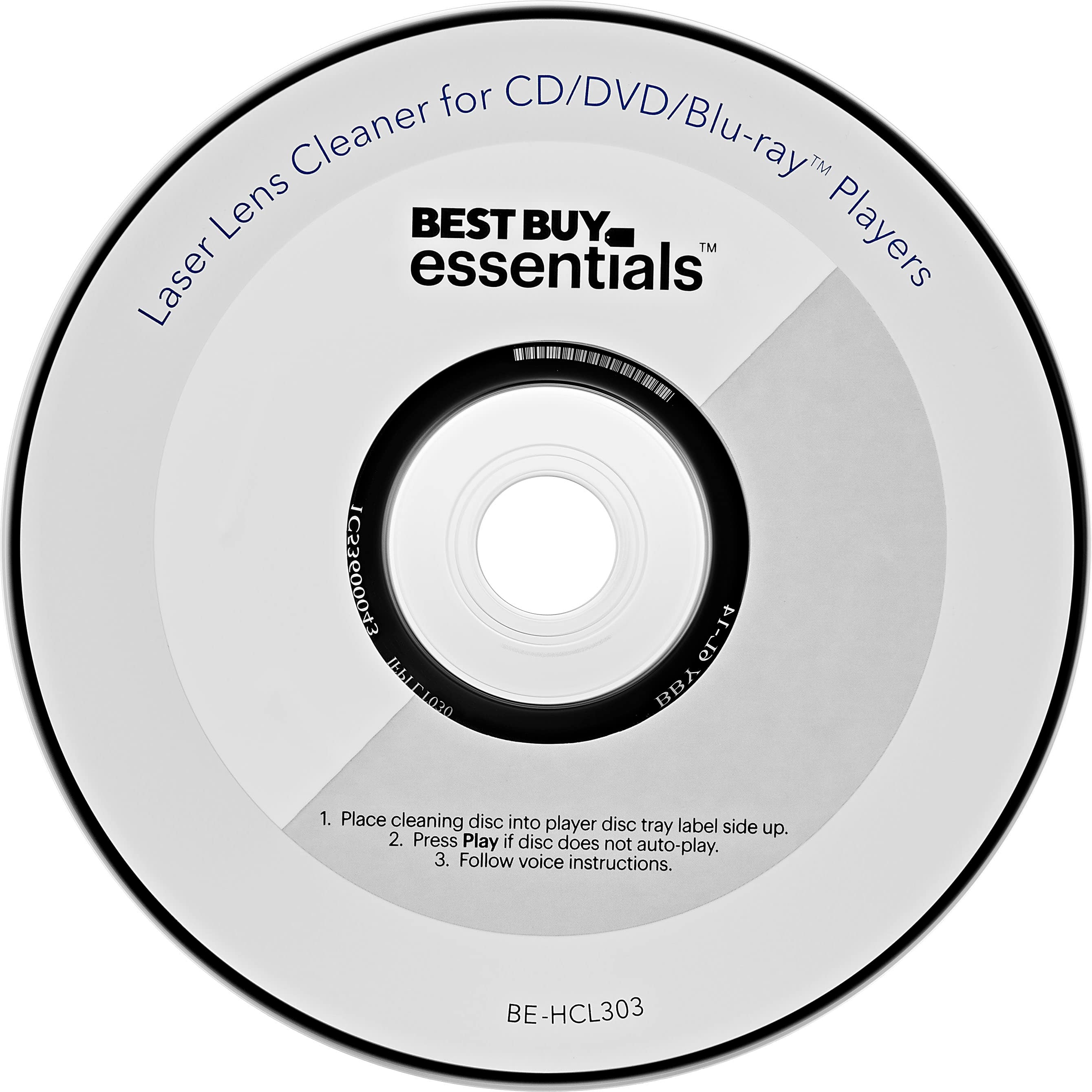
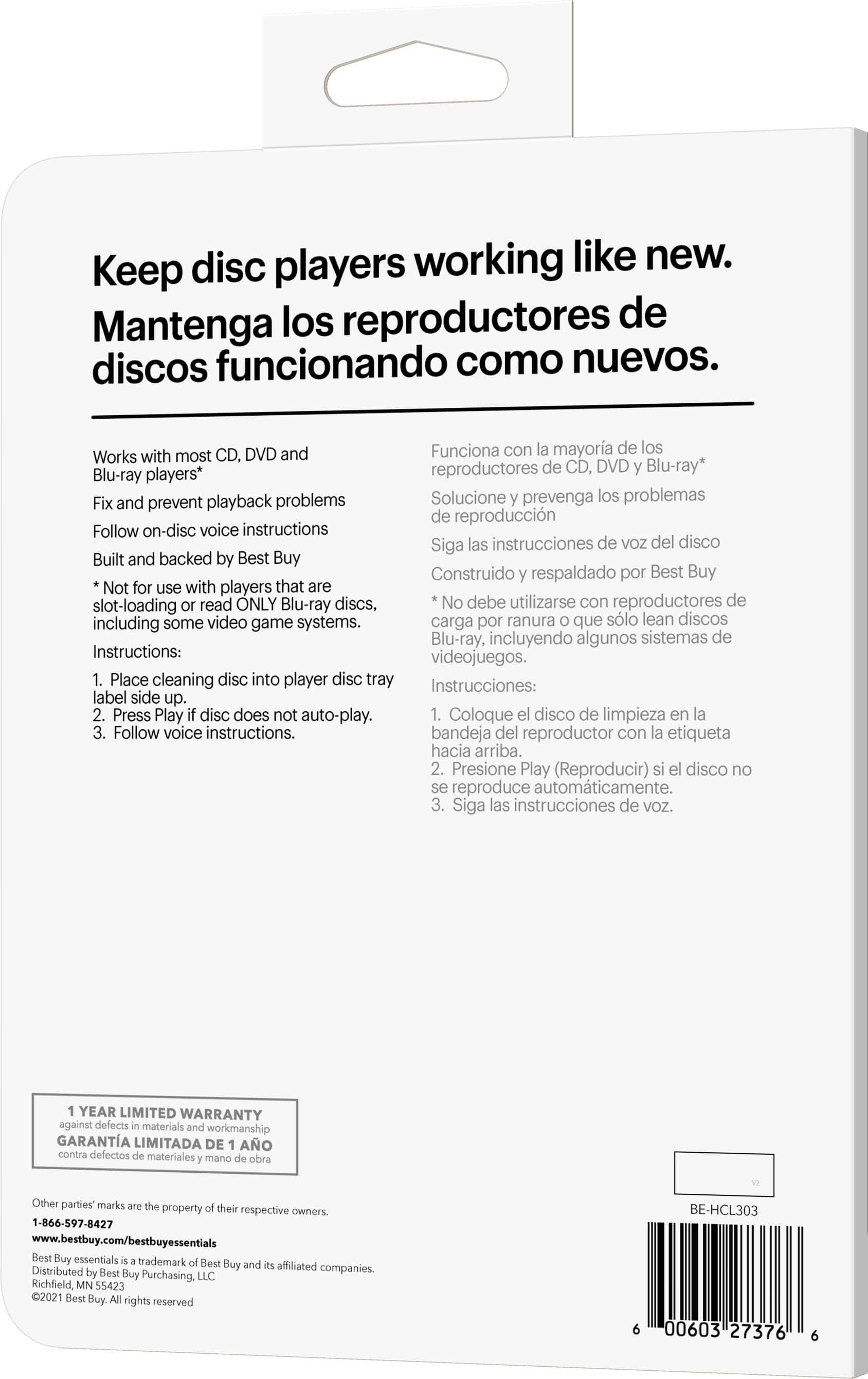
    • Answer Yes, the cleaner includes voice instructions directly on the disc for easy use.
    This question and answer was generated by AI based on customer and product data.
  • QuestionIs this cleaner compatible with Blu-ray players?

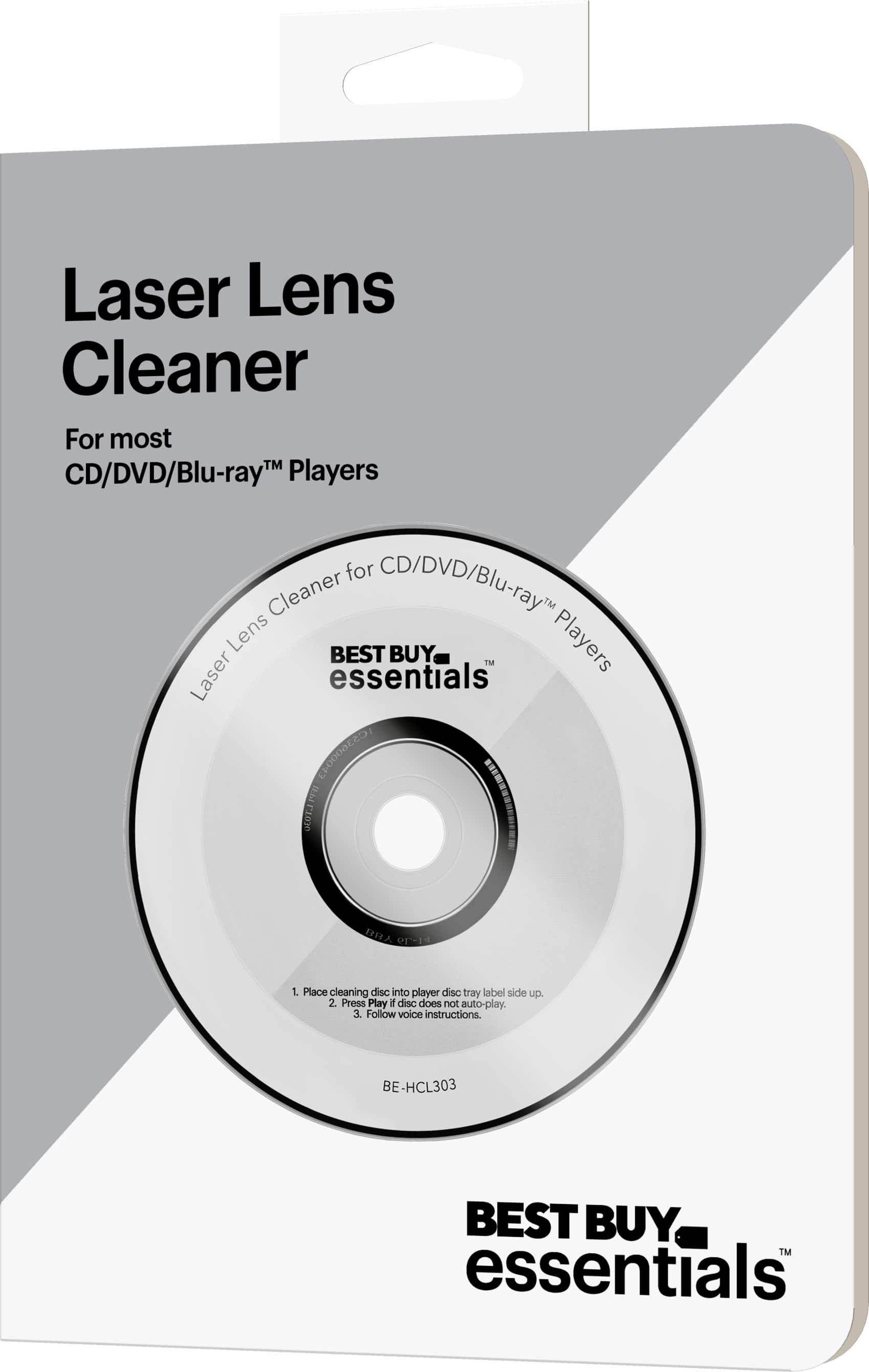
    • Answer Yes, this cleaner is compatible with most CD, DVD, and Blu-ray players.
    This question and answer was generated by AI based on customer and product data.
  • QuestionHow does this cleaner help with playback?

    • Answer The Best Buy essentials Laser Lens Cleaner fixes and prevents playback problems by removing dust and debris from the laser lens.
    This question and answer was generated by AI based on customer and product data.
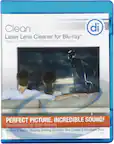
  • QuestionHow many brushes does this cleaner use?

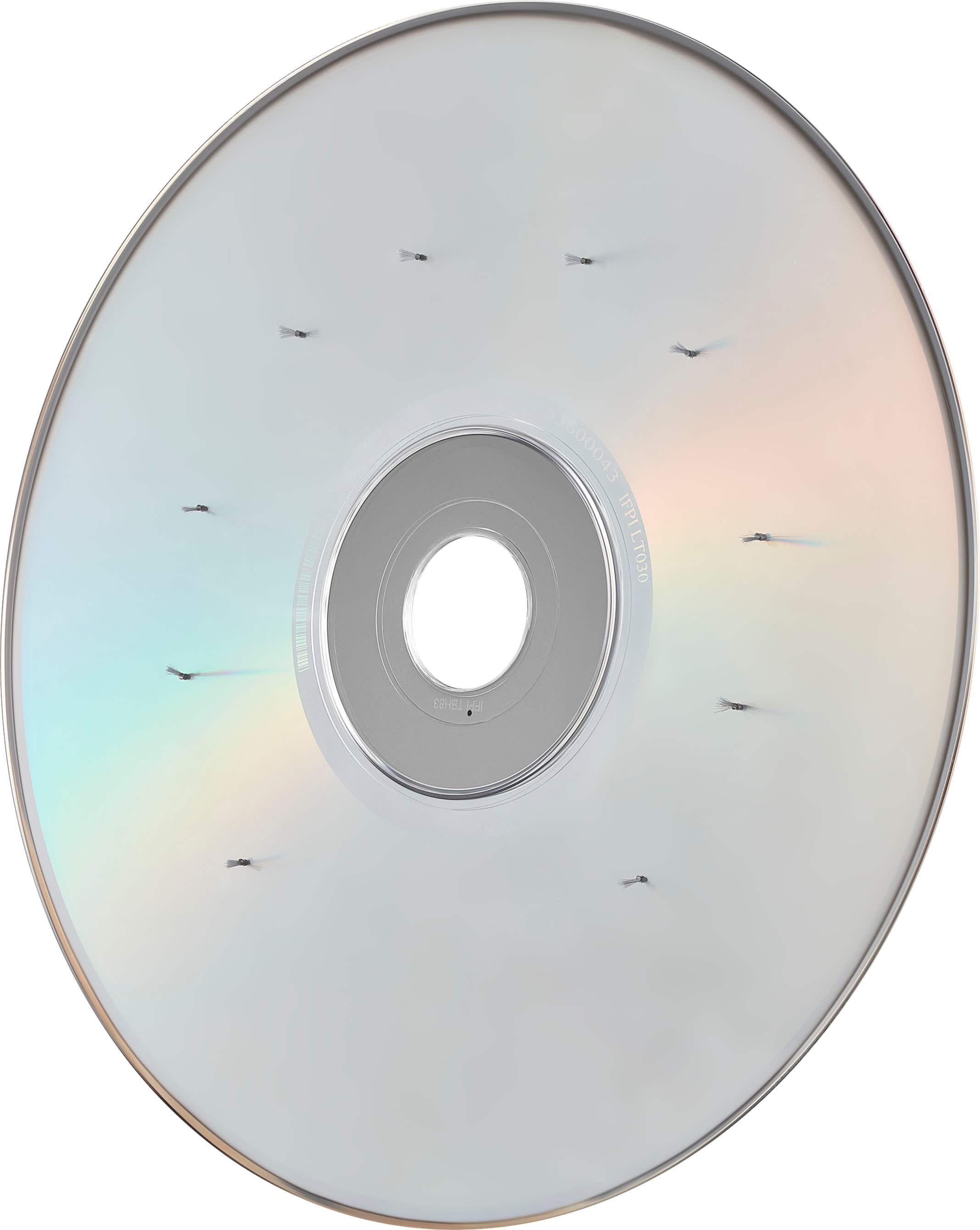
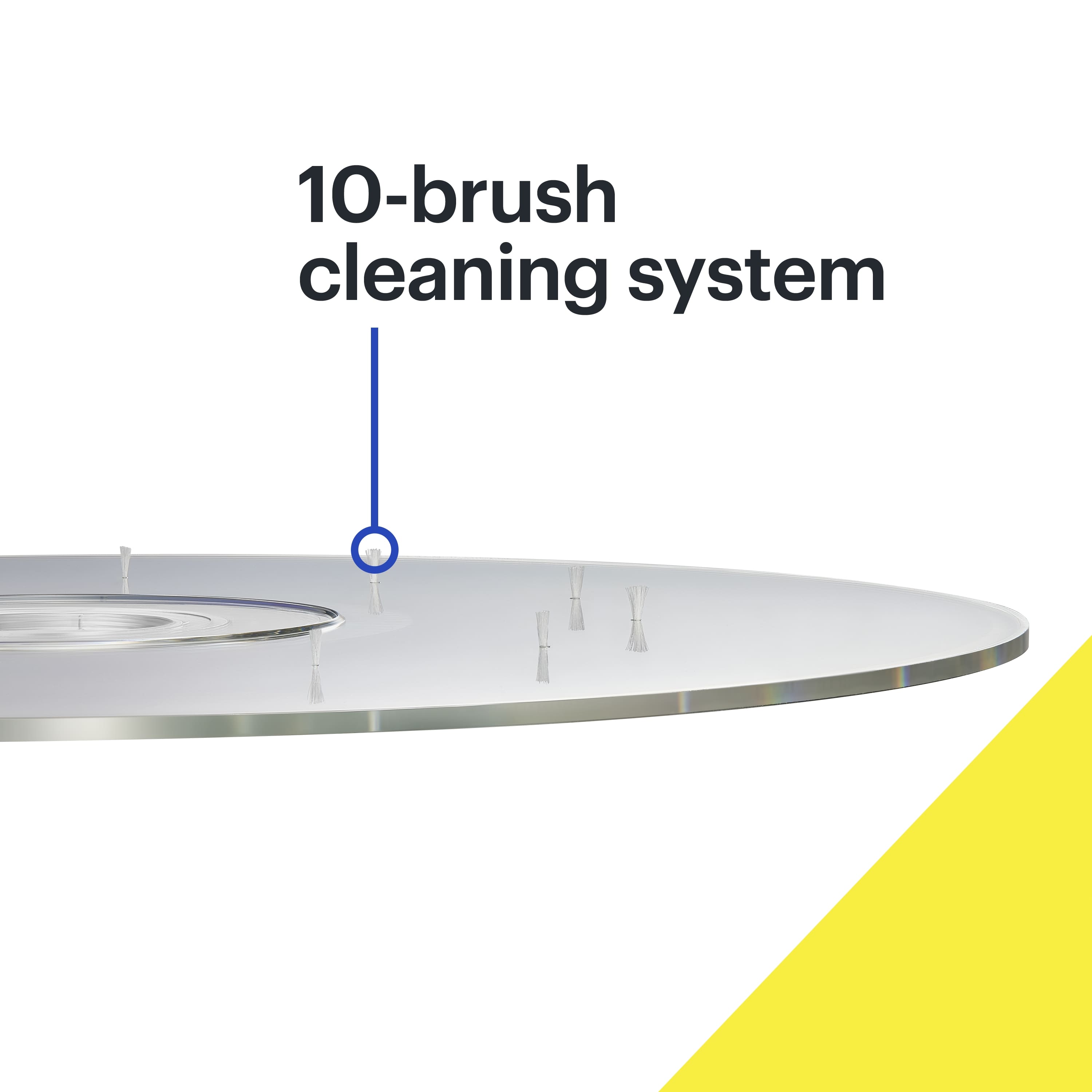
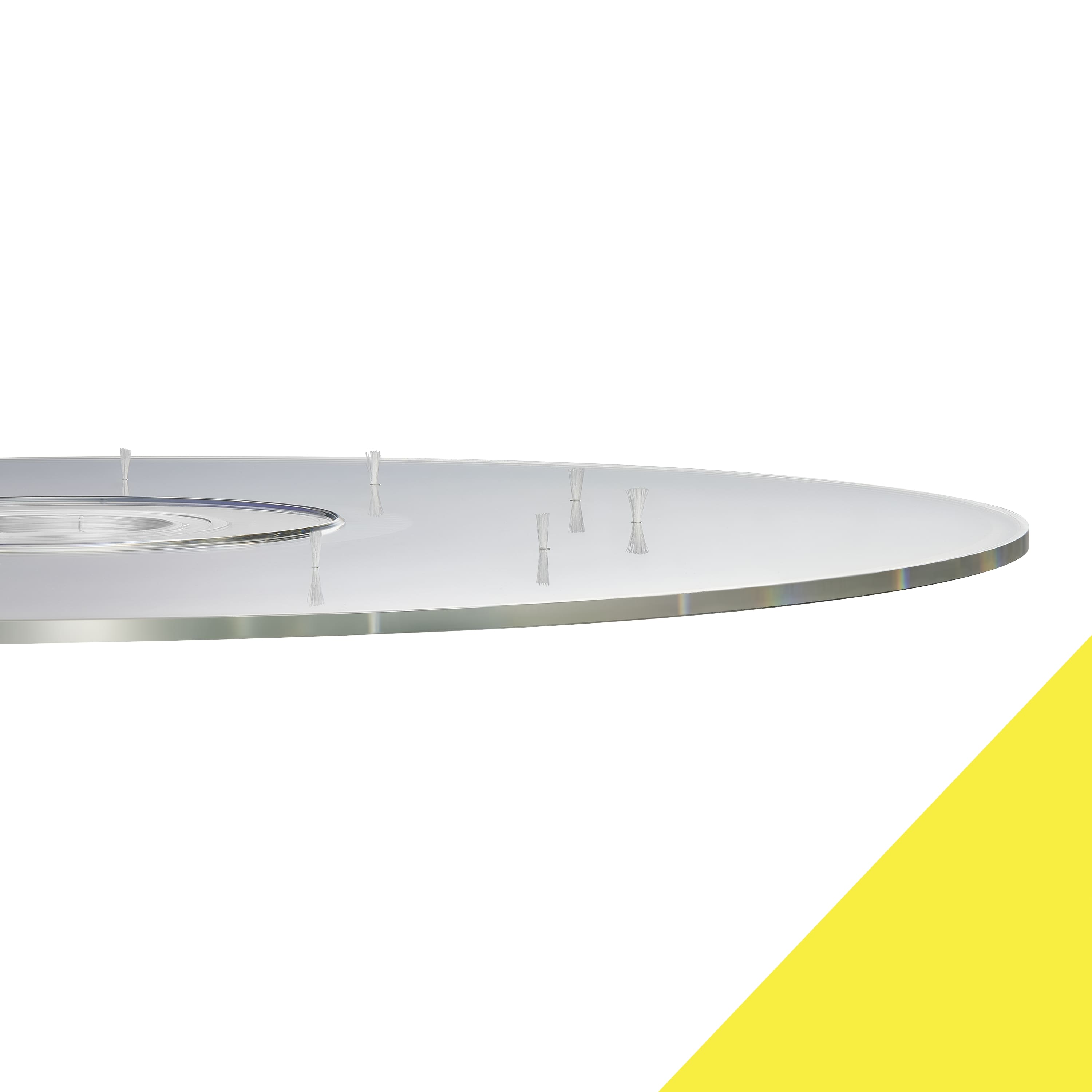
    • Answer This laser lens cleaner uses a 10-brush cleaning process to remove dust and debris.
    This question and answer was generated by AI based on customer and product data.
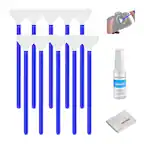
  • QuestionWhat does this laser lens cleaner do?

    • Answer This laser lens cleaner removes dust and debris from the laser lens of your CD, DVD, and Blu-ray players.
    This question and answer was generated by AI based on customer and product data.
  • QuestionI put the Lens Cleaner in and it said to press Track 2 for English. It didn't show any tracks for me to pick from. Started speaking in foreign Language.

    Asked by Lane.

    • Answer The lens cleaner will not make the player display anything when you insert it, I just pressed "2 for English " when the audio voice spoke it, & it played the English version. It did a good job of cleaning the lens, & it was the first time a lens cleaner was ever used in it.

      Answered by HP3packInkCarts

  • QuestionIs there a laser lens cleaner for slot loaded players. It's in my Subaru.

    Asked by Kitt.

    • Answer This Best Buy essentials™ - Laser Lens Cleaner - Blue/White will work for that. It will clean the laser lens regardless of how loaded i.e. slot, tray, magazine. It plays like a regular cd or dvd and has instructions as to what track to select and when it is finished. I have used this to clean home and mobile cd/dvd players and also a pro cd player and it works great.

      Answered by Mike

  • QuestionCan you use this to clean my car cd player. It say's not for use with slot-loading players.

    Asked by Virgo52.

    • Answer This Laser Lens Cleaner can be used only to clean units that have a disc tray.

      Answered by BestBuyEssentialsSupport Team

  • QuestionI own a Panasonic dp ub420 which is a 4k blu ray player and the product page doesn't say anything on it cleaning the lens for a 4k player. So I want to ask if I can use this on a 4k player and if I do there's not going to be any damage guaranteed.

    Asked by ISmith2006.

    • Answer Works on all TRAY and SLOT DVD and CD players

      Answered by HDfilmdoctor2024

  • QuestionHow many times can it be used for cleaning on different devices?

    Asked by Rubitz.

    • Answer As many times you want

      Answered by Bagda

  • QuestionCan I use this cleaner for a car CD Plyer?

    Asked by Anonymous.

    • Answer Hi! The Best Buy essentials™ Laser Lens Cleaner is compatible with most CD, DVD, and Blu-ray players. However, it is not recommended for slot-loading players, which are common in many car CD players. If your car CD player has a disc tray, you should be able to use this cleaner effectively. Jeth |Best Buy essentials™ Support.

      Answered by BestBuyEssentialsSupport Team

  • QuestionWhere are the WRITTEN instructions? I cannot get the disc to play, and therefore cannot listen to the instructions, so don't waste your time saying that. I need the WRITTEN instructions ONLY.

    Asked by User.

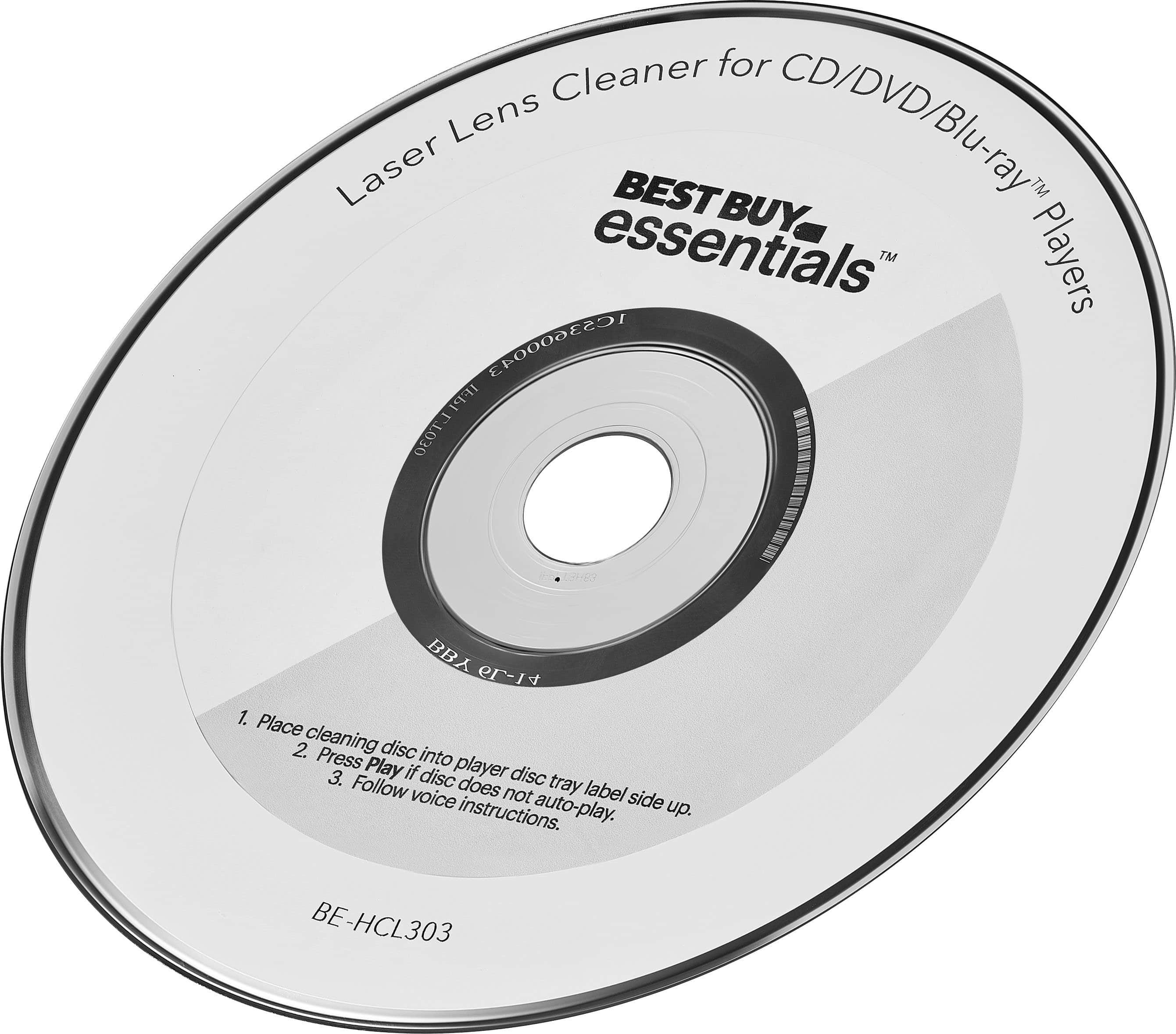
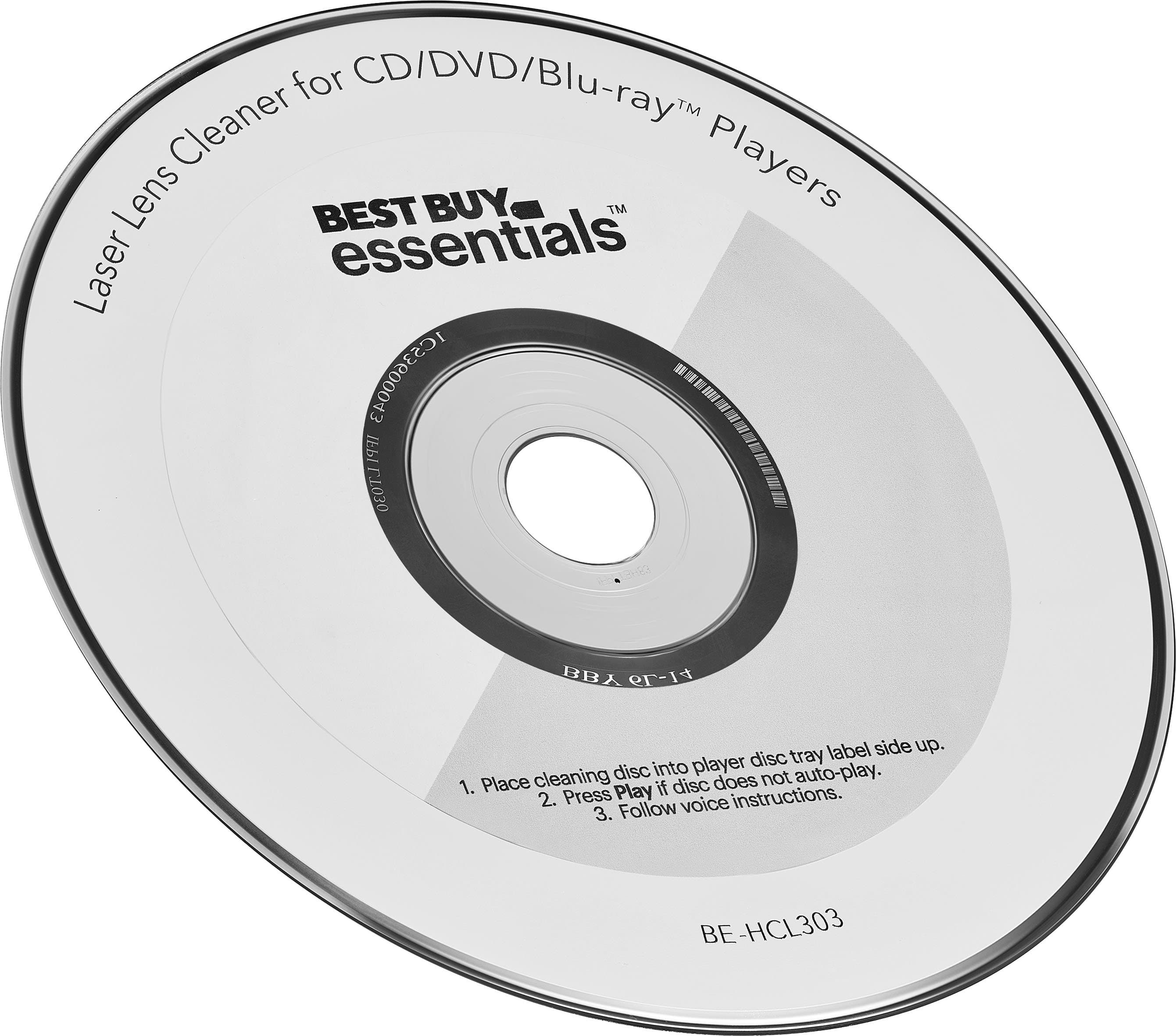
    • Answer I understand your frustration. Unfortunately, the Best Buy essentials™ Laser Lens Cleaner primarily provides instructions through the disc itself. However, I can guide you through the process with written instructions: 1. Insert the Disc: Place the cleaning disc into the player with the label side up. 2. Play the Disc: If the disc does not automatically play, press the play button on your device. 3. Follow the Prompts: The disc will provide voice instructions. If you can't hear them, try pressing the number "2" on your remote to select English. If the disc still doesn't play, there might be an issue with the player or the disc itself. In that case, you may want to contact Best Buy customer support for further assistance or consider exchanging the product. I hope this helps! Let me know if you need any more assistance.

      Answered by BestBuyEssentialsSupport Team

  • QuestionWill this work on a Wii u

    Asked by Frustrated.

    • Answer Yes, the Best Buy essentials™ Laser Lens Cleaner can be used to clean the laser lens of your Wii U. This cleaner is compatible with most CD, DVD, and Blu-ray players, including video game consoles like the Wii U. If you have any other questions or need further assistance, feel free to ask!

      Answered by BestBuyEssentialsSupport Team

  • QuestionAfter the music stopped I went to track 9 like instructed. Then what? How long is it suppose to run? Not sure when it's finished.

    Asked by Jbmissouri.

    • Answer Thank you for reaching out regarding your Best Buy essentials™ Laser Lens Cleaner. After the music stops and you navigate to track 9, the cleaning process will start automatically. The cleaning cycle typically runs for about 5 to 10 minutes. You’ll know the process is complete when the disc stops spinning and your player returns to its normal mode. If you have any further questions or need additional assistance, please don’t hesitate to ask! - Mae | BestBuy Essential Support | https://www.bestbuy.com/site/brands/best-buy-brands/pcmcat1596746025285.c?id=pcmcat1596746025285

      Answered by BestBuyEssentialsSupport Team

  • QuestionCan it be used to clean Wii?

    Asked by Rose.

    • Answer Yes, the Best Buy essentials™ Laser Lens Cleaner can be used to clean the laser lens of your Wii. This cleaner is compatible with most CD, DVD, and Blu-ray players, including video game consoles like the Wii. It helps remove dust and debris from the laser lens, which can improve playback performance. If you have any questions or need further assistance, please don't hesitate to reach out. - Mae | BestBuy Essential Support | https://www.bestbuy.com/site/brands/best-buy-brands/pcmcat1596746025285.c?id=pcmcat1596746025285

      Answered by BestBuyEssentialsSupport Team

  • QuestionCan this be used to clean Bose Wave cd/radio

    Asked by Pat08.

    • Answer Hi Pat08! Yes, the Best Buy essentials™ Laser Lens Cleaner can be used to clean the laser lens of a Bose Wave cd/radio. Just make sure to follow the instructions provided on the packaging for the best results. JC | BestBuy Essentials Support https://www.bestbuy.com/site/best-buy-essentials-laser-lens-cleaner-blue-white/6463814.p?skuId=6463814

      Answered by BestBuyEssentialsSupport Team

  • QuestionCan this be used on a blu-ray writer?

    Asked by prof2000.

    • Answer Hi there! This Laser Lens Cleaner can clean the laser lens of your existing CD, DVD and Blu-ray player, removing dust and dirt. It fixes and prevents playback problems with 10-brush cleaning, keeping your device functioning smoothly without causing any damage. Best Buy Essentials Support Angela https://www.bestbuy.com

      Answered by BestBuyEssentialsSupport Team

  • Questionis this good for a computer disc player

    Asked by PLAYER.

    • Answer Perfect for all disc players.

      Answered by DwayneB