A:AnswerHi there,
You do not need to purchase a monthly subscription to use the cameras. However, that is how you get cloud storage should you want it. There is another option to use local storage via a USB flash drive inside the sync module. To learn more about the storage options Blink offers please look at our site here: https://support.blinkforhome.com/en_US/before-you-begin/blink-storage-options
A:AnswerHi there,
The cameras do not record 24/7, but they can be ready to detect motion 24/7 if you keep them armed. A Blink subscription is not required, but provides you with cloud storage if you want that storage type. Local storage via a USB flash drive in the sync module is also available. The camera quality goes up to 1080p on the highest video quality setting.
A:Answer30 days free storage then if you don’t purchase a plan, the cameras won’t even record. You can just “tune in” and watch live. Charge is $3 per camera or $100 annual. For that, I wish I had paid the $50 more and gotten the Arlo (like I have for my own house) and there’s no charge unless you have more than 5 cameras.
A:AnswerYes, you need a sync module. With the sync module, you can link to your phone through either the Blink system, recording either to the Blink cloud or a USB drive inserted into the module. Be sure to get Sync module 2.
A:AnswerWe have 2 sets. One is at our cottage in Northern Michigan. We have had that for more than a year with no problems. There were days the temperature dropped below the normal operating range and the system worked fine.
A:AnswerA subscription is not required to use the Blink cameras. You can enjoy helpful features like live view, two-way audio and motion notifications. If you would like to record and save your motion clips you can opt for our monthly or annual Blink cloud Subscription Plans (new cameras come with a free trial of the Blink Plus Plan) or you can use the Sync Module 2 and USB flash drive for local storage and no additional fees.
A:AnswerWhen launching the app on additional devices, please use the sign in option to access the account you created on your first Blink connected mobile device. You will not have to go through the setup process again.
A:AnswerWhen using the local storage option only, the cameras will record to the USB flash drive automatically and continue to record motion clips until full and then we will notify you to either free up storage or insert a new USB drive so we can keep recording clips. We will not record over any clips or delete them to make room, once the USB is full we stop saving clips to it.
A:AnswerThe great thing about Blink is that it does not continuously record like other cameras. The camera only turns on when it detects motion or you turn it on to watch Live View, helping to significantly reduce data usage. A five second motion clip with audio takes up 750KB.
A:AnswerThe Blink Outdoor cameras utilize IR night vision in low light or no light situations. The Blink Outdoor cameras have a focus range of Fixed Focus (3' to infinity)
A:AnswerAssuming a fairly standard home (single building, no unusually dense construction materials), the Sync Module should be able to communicate with Blink camera units up to 100ft away in any direction. As far as how far away the system can be from the wireless router that would depend on the strength of your internet/WIFI, we recommend at least three bars of signal strength for optimal performance.
A:AnswerYou can but we did was hardwire all of them so we do not have to keep changing batteries, but not sure what your plug-in area around your house is but we purchased a bunch of long 25 feet USB cords and routed and hid them. It was a project but well worth it.
A:AnswerThe Blink system would theoretically work in Africa assuming you got the correct power adapter, however we do not currently offer a local server to support the system. This means that you could suffer from poor performance, lag time issues, and quickly draining battery life as a result. This would void the warranty as well.
A:AnswerThe Blink system would theoretically work In Africa assuming you got the correct power adapter, however we do not currently offer a local server to support the system. This means that you could suffer from poor performance, lag time issues, and quickly draining battery life as a result. This would void the warranty as well.
You are able to adjust your camera settings, view video clips, receive notifications, and access live view through the App on your compatible mobile device from anywhere as long as you have a WIFI or cellular connection. This is important to note for your cellular data plan, watching a five second motion clip without WIFI connection will use about 750KB of your data plan.
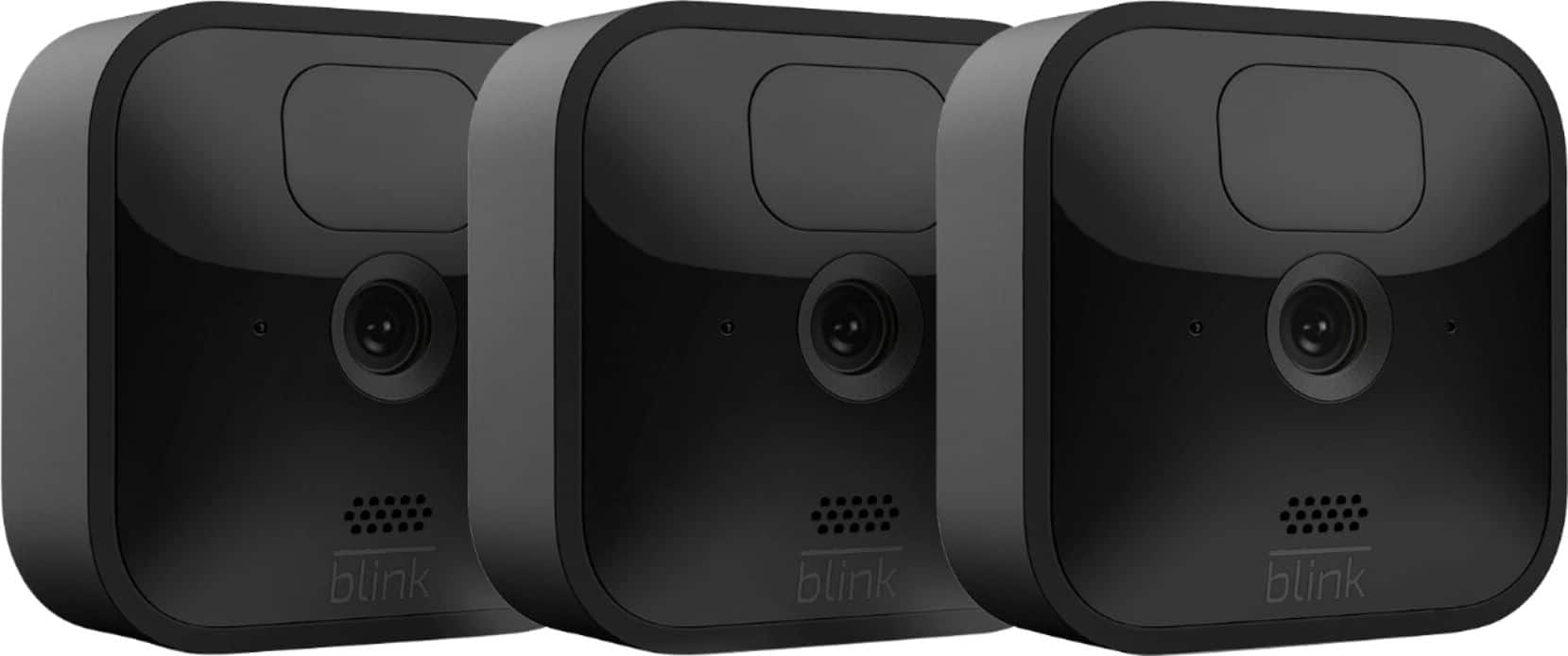
A:AnswerSuppose you could use adhesive with the mount if you wished however you would have to purchase separately, A recommend adhesive would be 3M outdoor double sided mounting tape