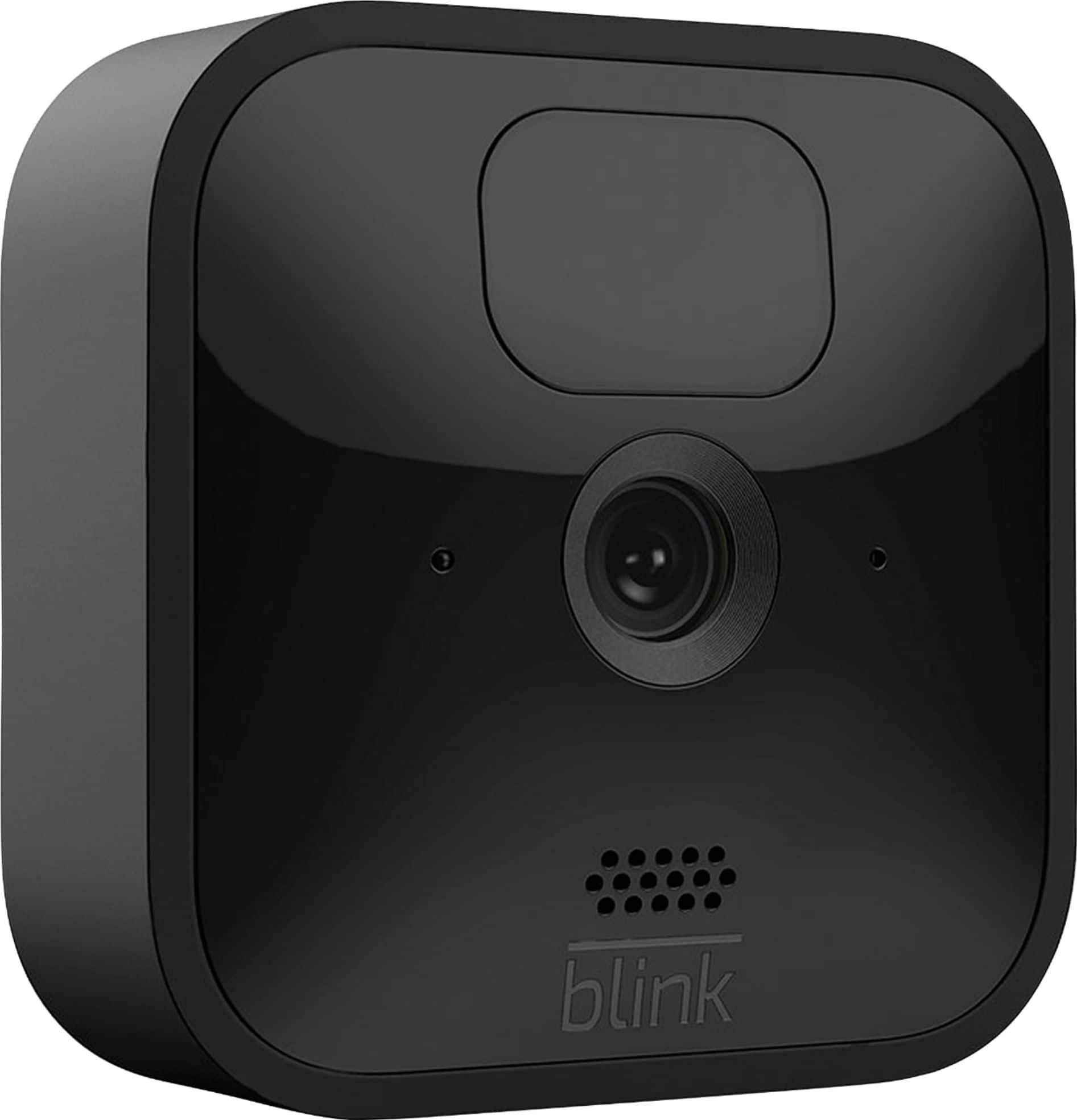
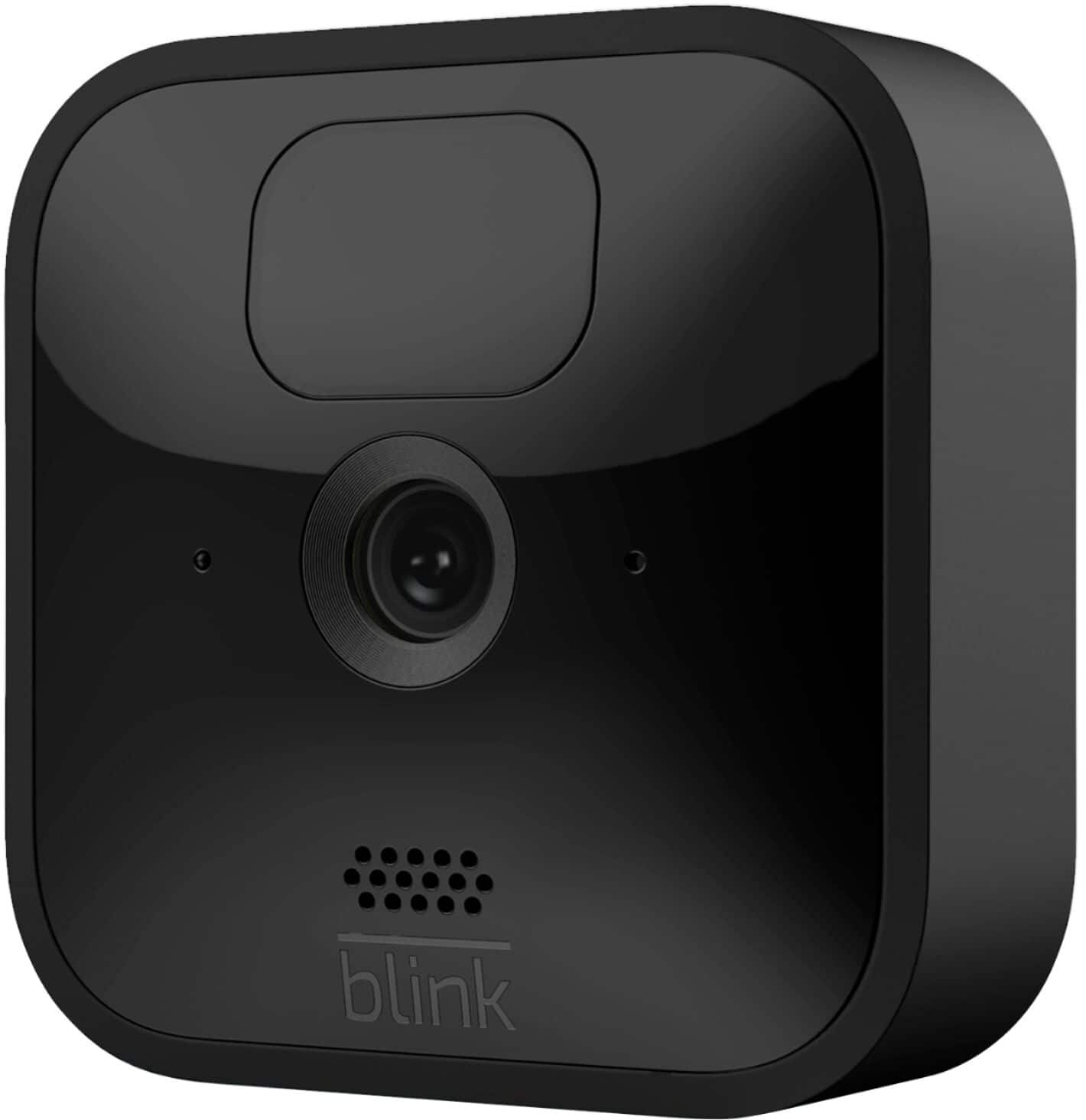
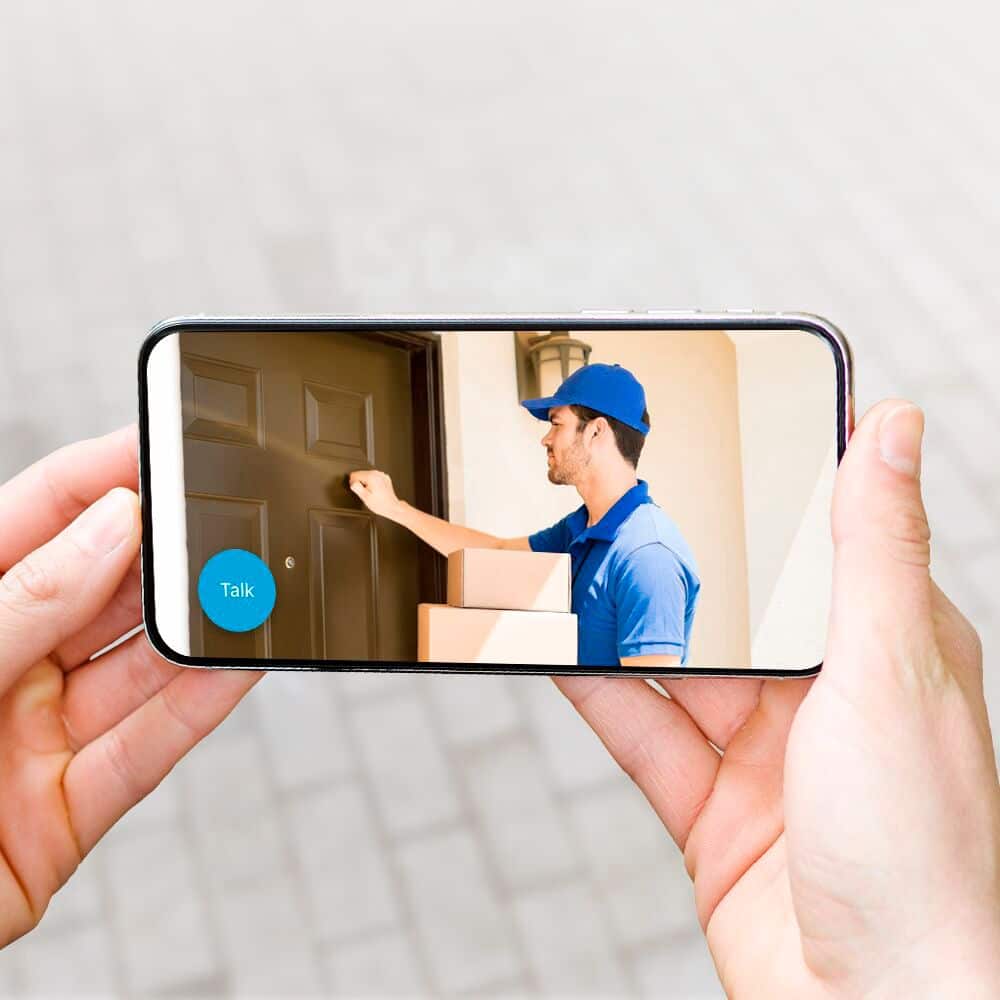
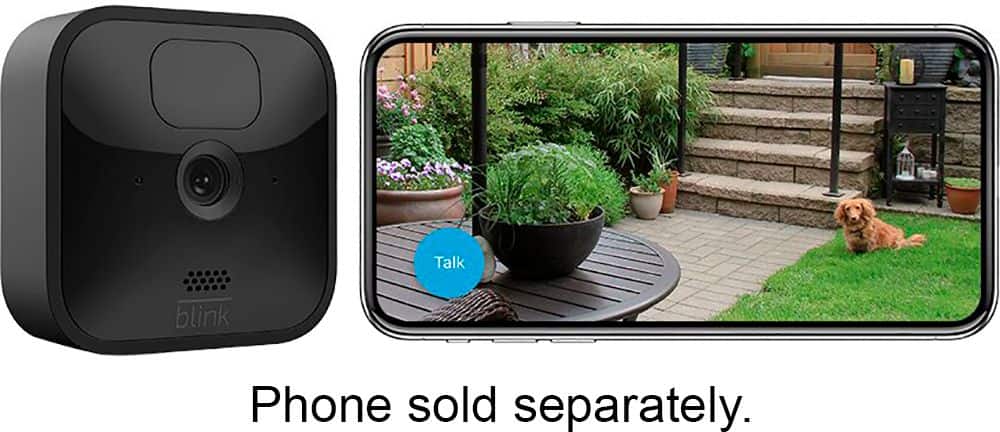
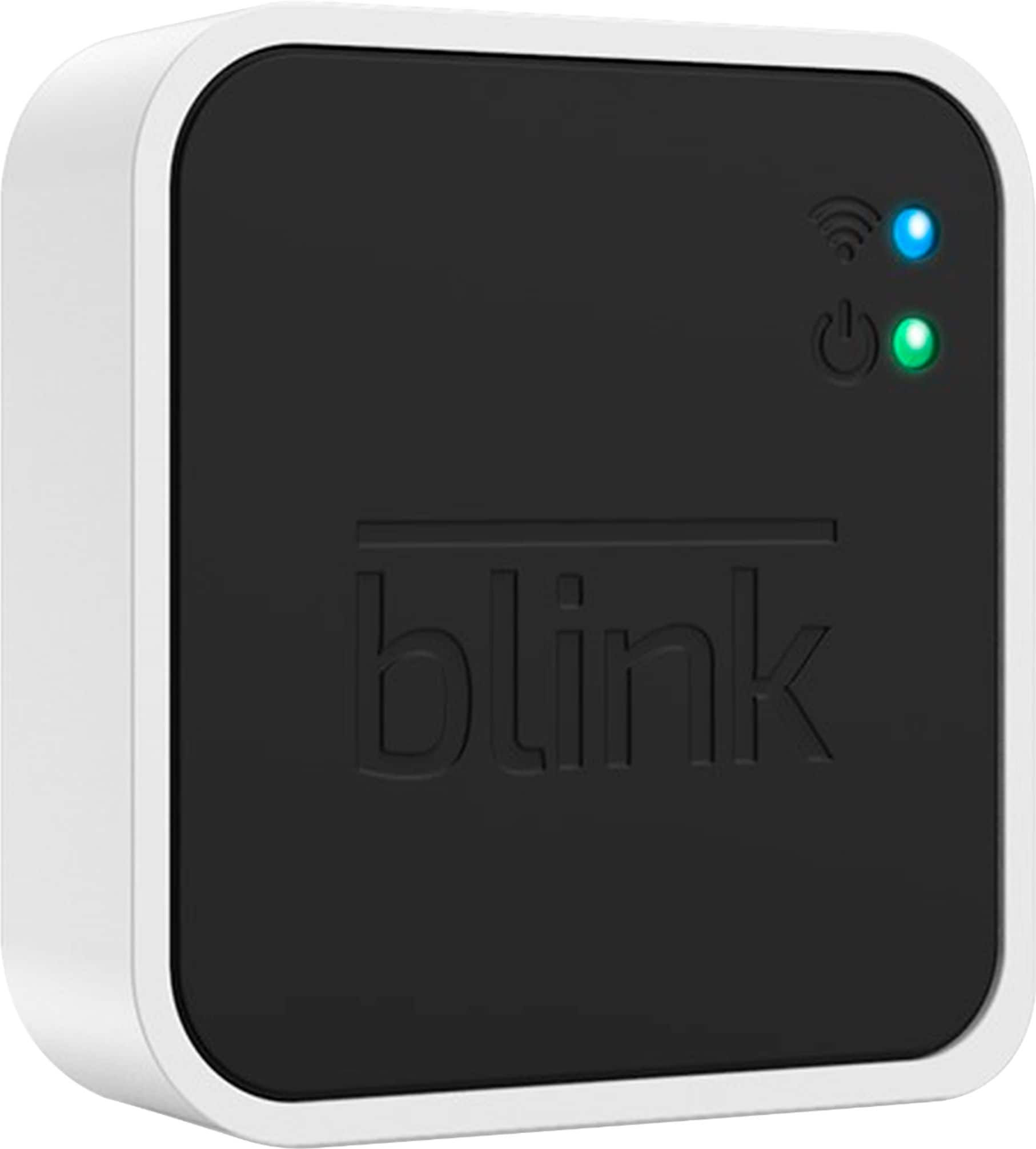
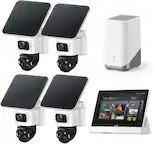
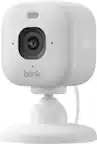
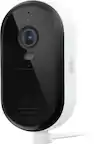
A:AnswerYou have to buy a sync module also. that's what interfaces to the internet and ultimately to your phone. Buy a starter kit with the sync module and outdoor camera. You only need one sync module. I have four outdoor cameras and three blink minis inside our home connected to one sync module. works well.
A:AnswerCheck with customer service in store, you can usually return for the correct unit which comes with the controller, or maybe just need to buy it.. like $45
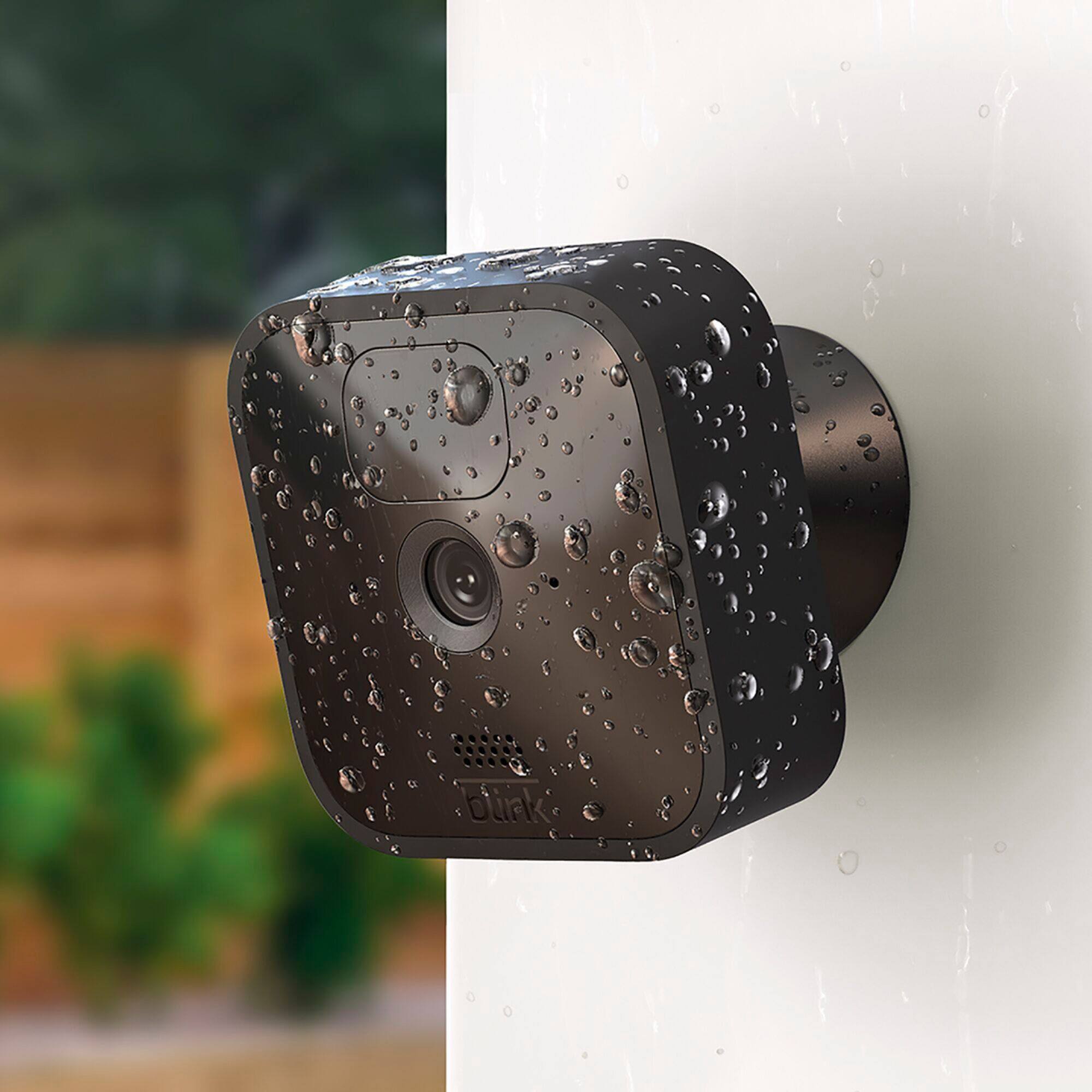
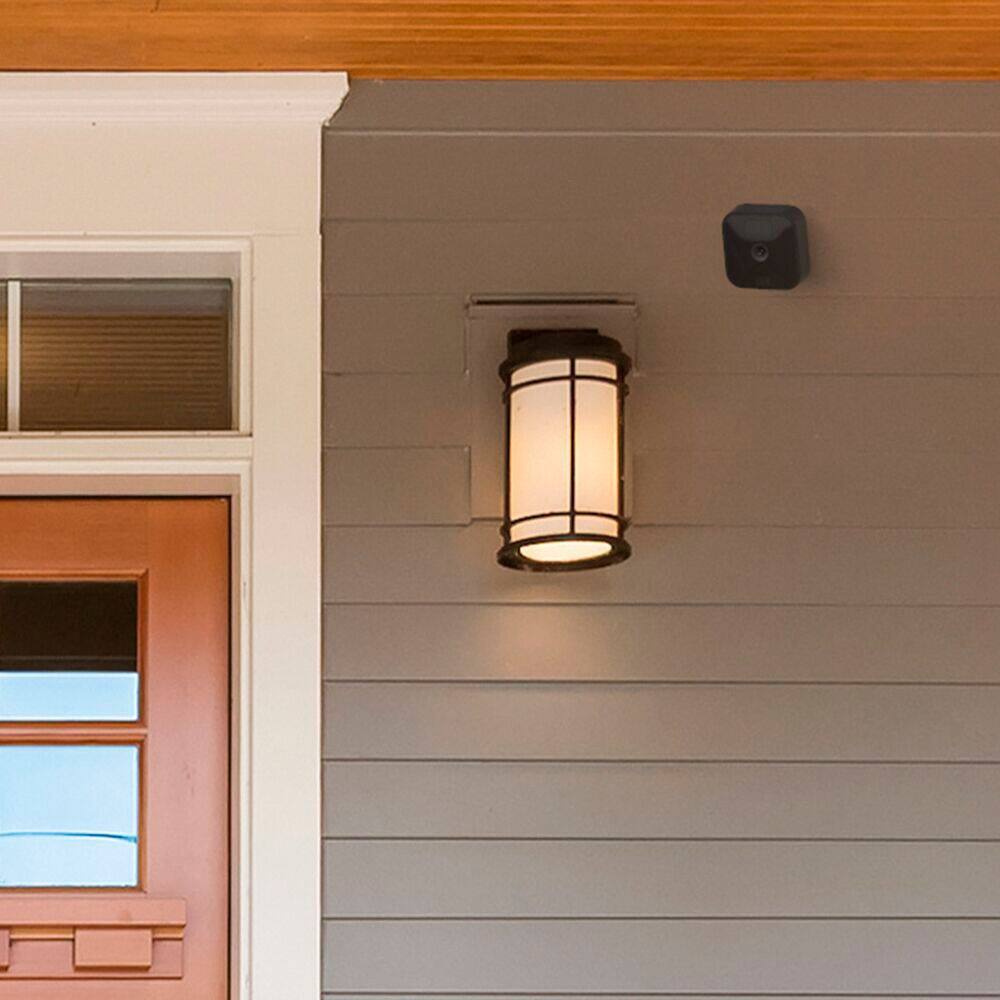
A:AnswerYes, I believe they are waterproof on their own, but I purchase the more protective mounting brackets separately at a very reasonable price - around $15 for 3) that shelters them from direct rain a little more since several of my cameras face west. The are also better for installing and are easier to adjust. Probably not necessary, just an extra precaution to protect my investment. If Best Buy doesn't have them, check Amazon.
A:AnswerYou are able to add the Blink Mini, Blink Outdoor or Blink Indoor to your existing Blink System. If you are adding the Blink Mini, Blink Indoor and Outdoor cameras to an existing Blink Account that has been activated on or before 4/15/2020, you will be grandfathered into your current free cloud storage model in the Blink app.
Blink accounts activated after 4/15/2020 will receive motion alerts and be able to enter Live View for free, but will require either local storage via the Sync Module 2 or a subscription for cloud storage to save videos for these newer cameras. A subscription is not required for local storage.
You can have up to 10 Blink devices per sync module as long as they are all within the 100ft operating range of the sync module in any direction. The cameras on the sync module can be in any combination.
A:AnswerWe would like to assist with any issues you may be having with your Blink camera, we just need a little more detail. Please kindly reach out directly with details of your experience so that we can work with you to find a solution. support.blinkforhome.com
A:AnswerYou are able to add the Blink Mini, Blink Outdoor or Blink Indoor to your existing Blink System. If you are adding the Blink Mini, Blink Indoor and Outdoor cameras to an existing Blink Account that has been activated on or before 4/15/2020, you will be grandfathered into your current free cloud storage model in the Blink app.
Blink accounts activated after 4/15/2020 will receive motion alerts and be able to enter Live View for free, but will require either local storage via the Sync Module 2 or a subscription for cloud storage to save videos for these newer cameras. A subscription is not required for local storage.
You can have up to 10 Blink devices per sync module as long as they are all within the 100ft operating range of the sync module in any direction. The cameras on the sync module can be in any combination.
A:AnswerYes, you can arm and disarm the cameras for any amount of time. I have 8 cameras around my house with the ability to manually arm and disarm all or only specific cameras for whatever time I need simply using the Blink app. You can also setup an arm/disarm schedule through the app that will automatically arm/disarm the cameras.
A:AnswerCurrently Blink integrates with IFTTT and the Amazon Alexa-enabled devices: Echo, Dot, Tap, Show, Spot, FireTV, Fire TV Cube, Fire TV Stick and Fire Tablets.