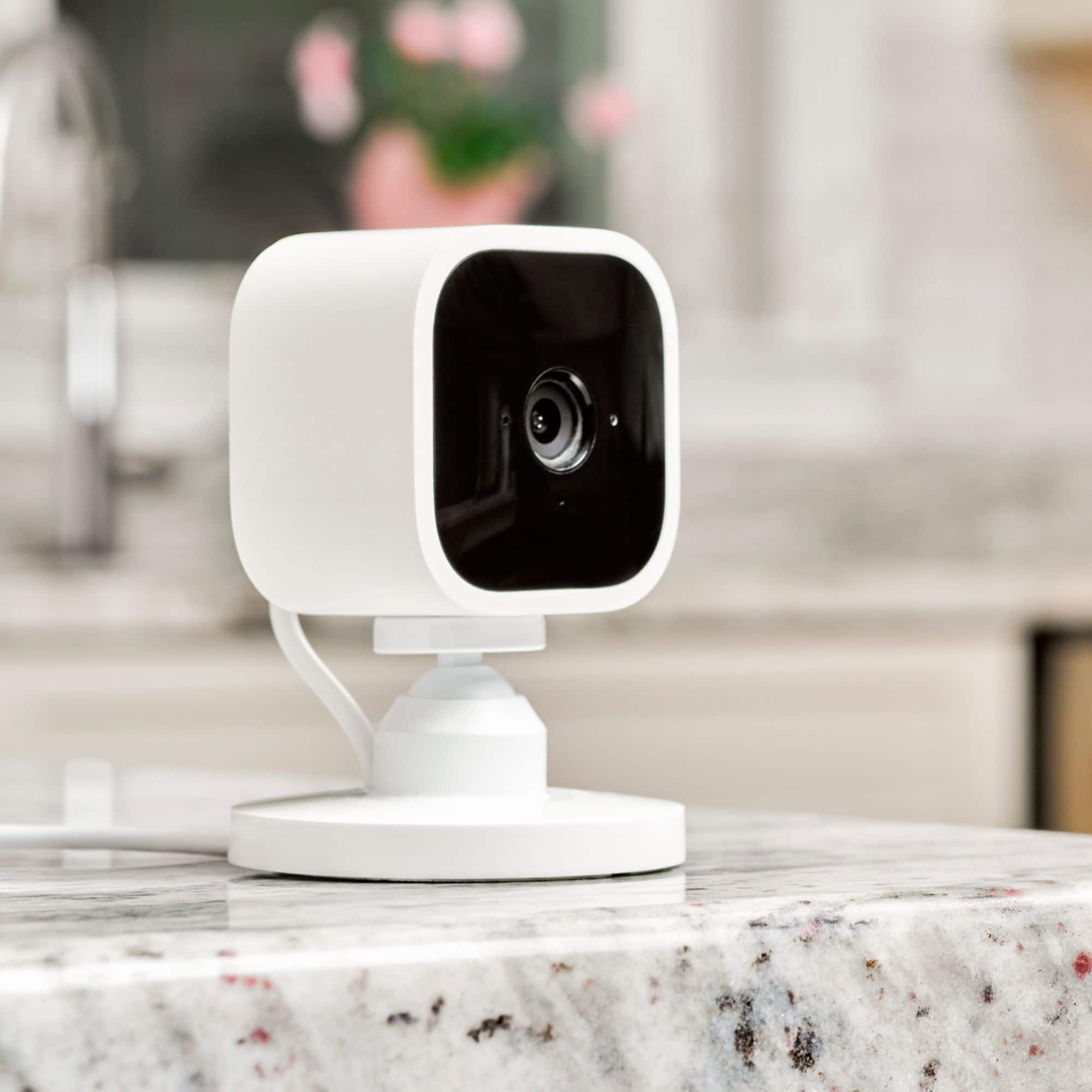
A:AnswerFrom what I've noticed.... Blue means it's sensed something and is recording. Red is someone watching the stream on their phone or an Alexa device (its always red when my fiance is talking to me through his phone) or is on when the camera is not connected to internet.
A:AnswerProbably so, but why not install an SD card in the module. Up to 128GB and that will save all your clips and then you can download them to your computer all at no charge.
A:AnswerNo you will not have to do that. Your Wi-Fi will not change just because you are leaving somewhere. You're not picking it up and taking it with you. You will be fine. Sorry it took so long to answer your question.
A:AnswerYes, when I downloaded app, I had to add my email address. I was sent an initial alert about the trial period. It tells you the start date and how many days you have remaining. You will also receive health alerts of the camera in the case of lost power or if it is unplugged.
A:AnswerYes they work with mobile Hotspot, I have a Hotspot device I leave at home for cameras and home automation and it can run off you phones Hotspot as long as you are in range and as long as everything is on the same network, so limited devices can be used i get 15 devices from my Hotspot device but only 8 from phone Hotspot
A:AnswerAs long as you have the Sync module 2 you do not need a subscription that is the great part of the blink system. And it’s insanely fast. Faster than ring ime.