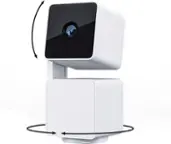
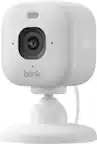
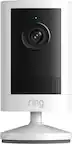
A:AnswerThe Blink Systems (including the Blink Mini) do currently require a 2.4ghz wifi-based Internet connection to operate. Blink is not compatible with wifi networks broadcasting a 5ghz signal.
A:AnswerThere is no fee what so ever unless you want to go all fancy they offer a cloud now that you can purchase and hold or store video on it but dont need too
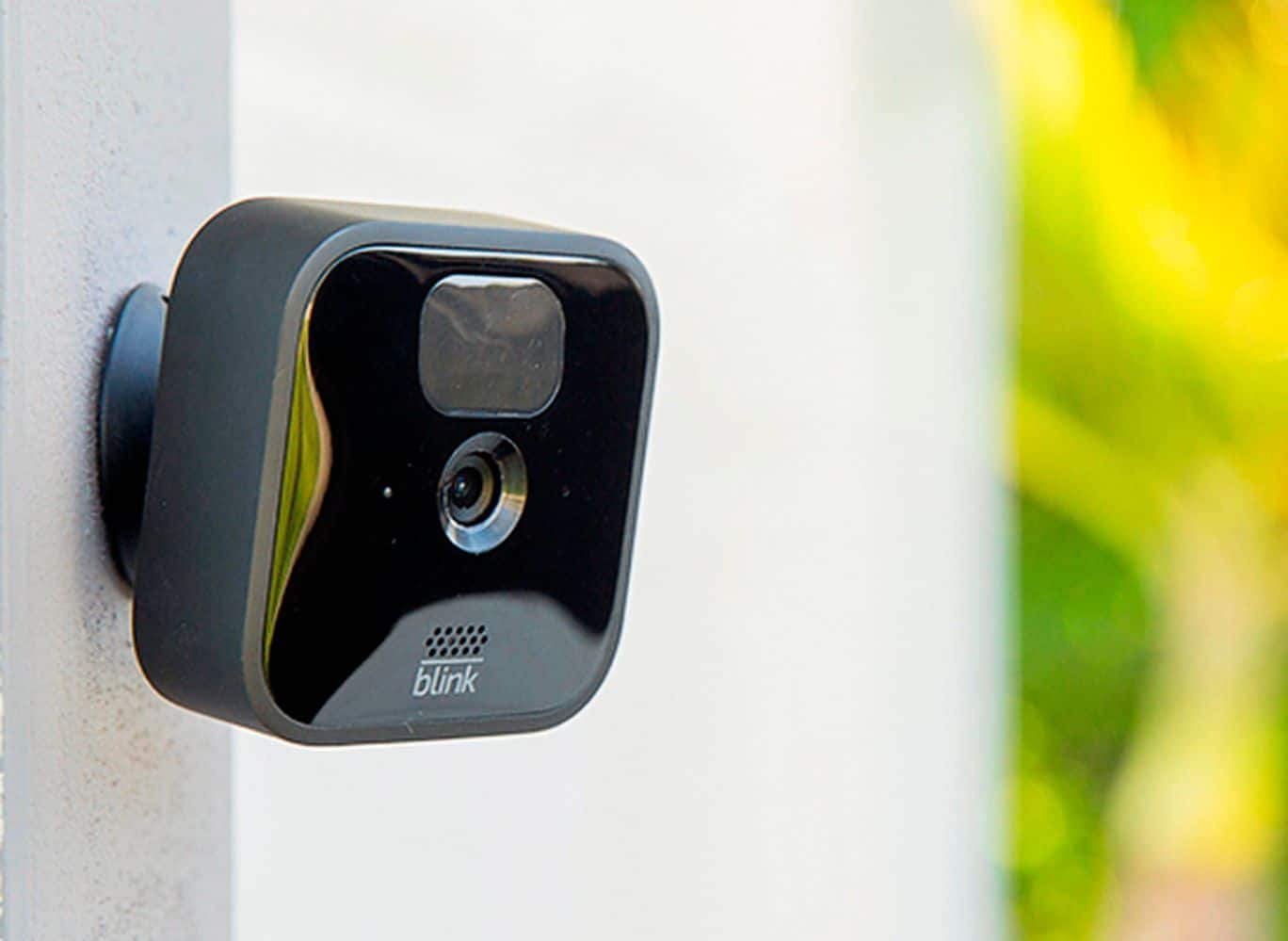
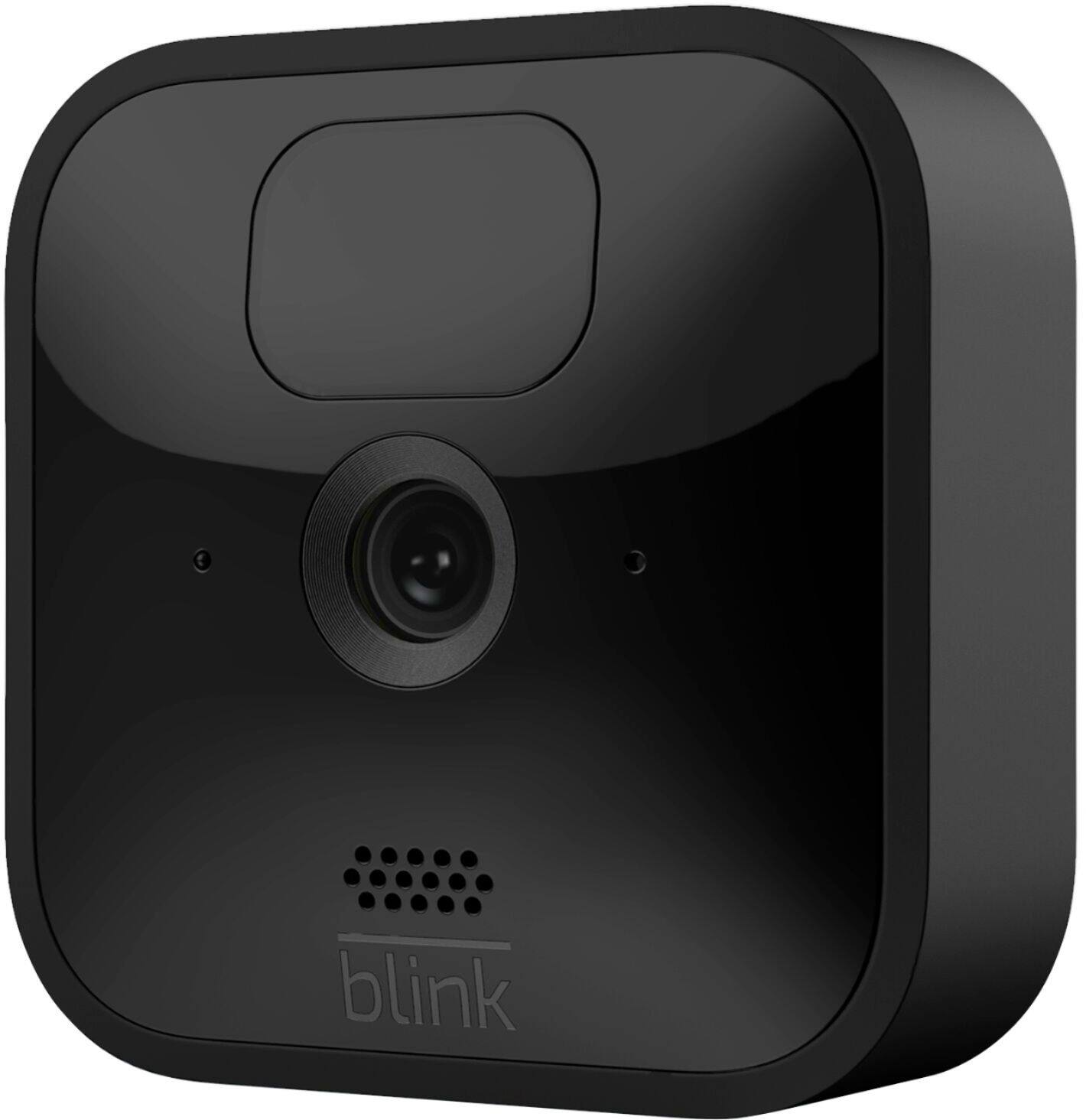
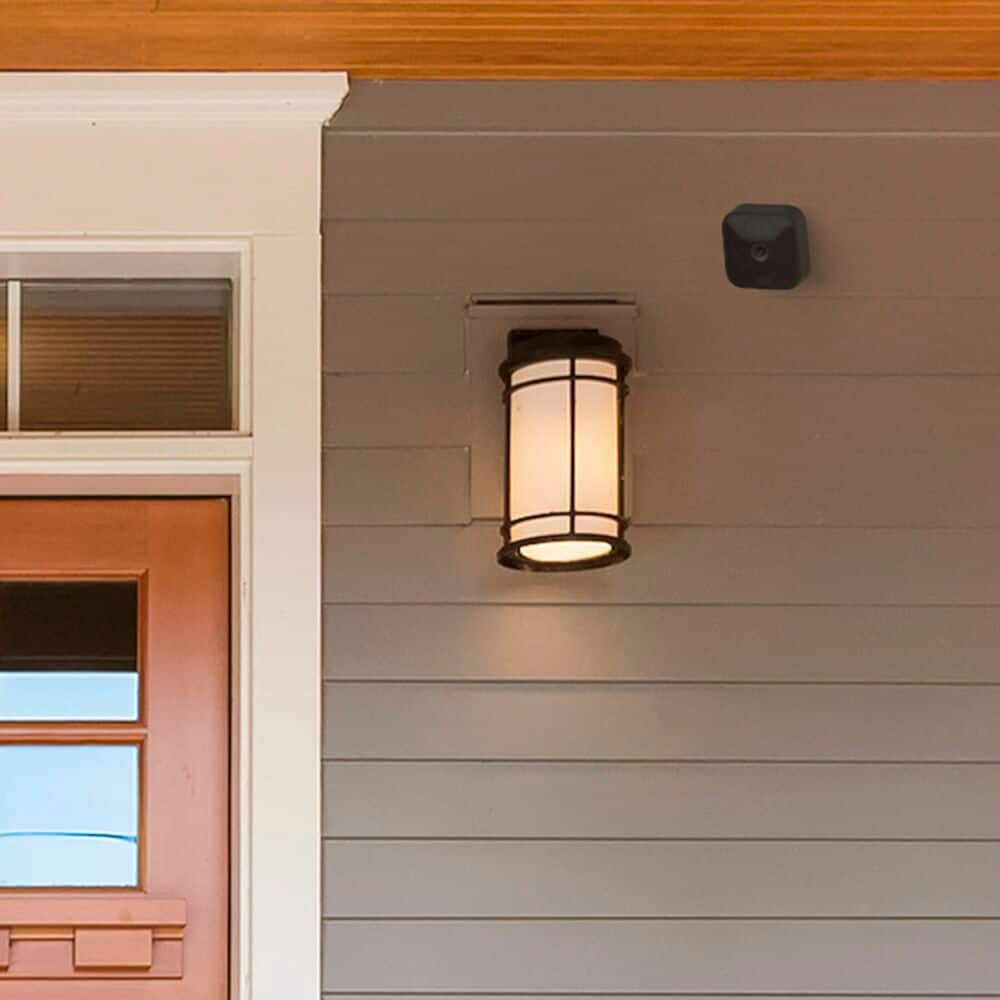
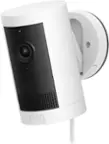
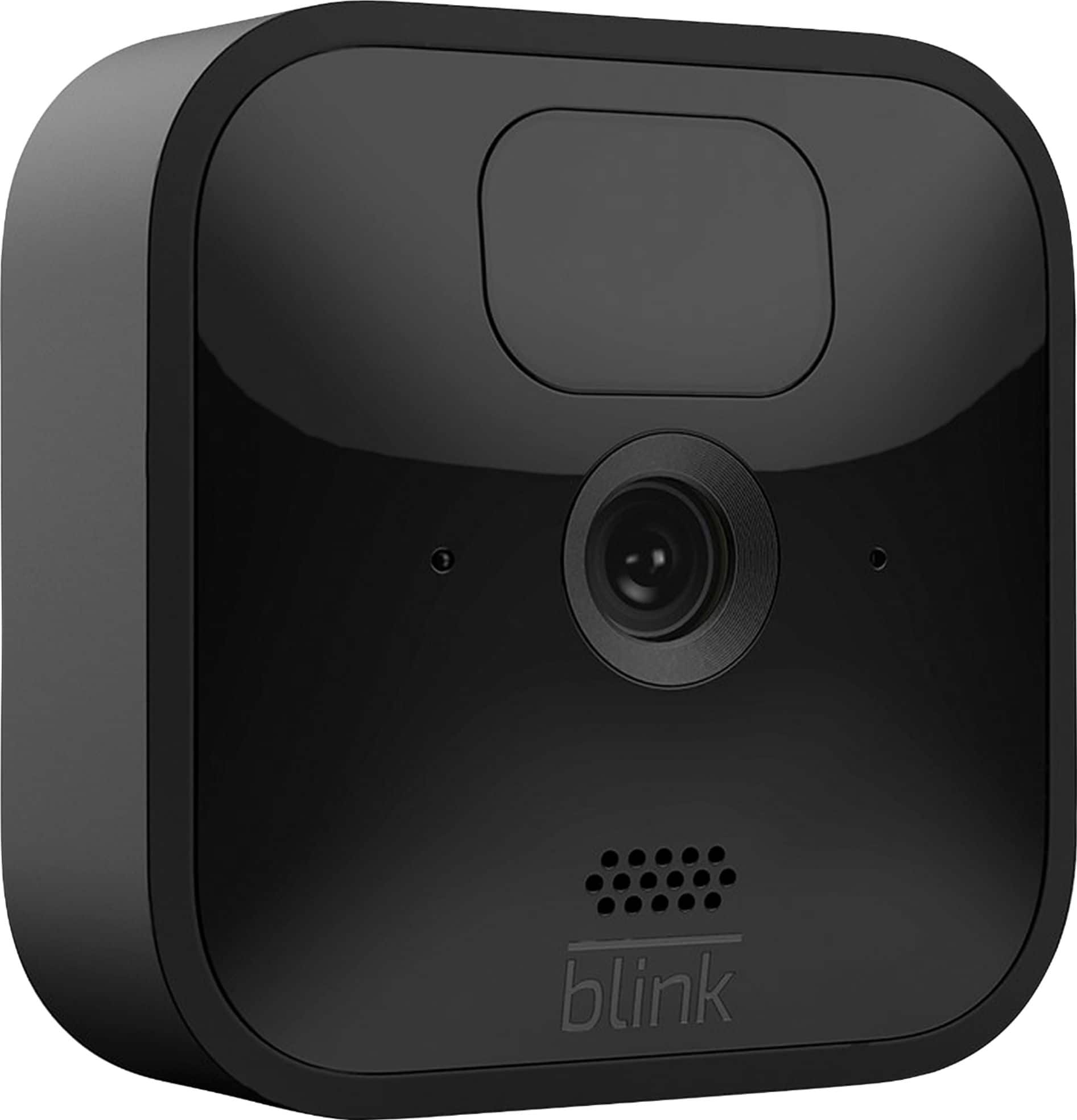
A:AnswerThis is the Blink Outdoor camera. The Blink Indoor and Outdoor are the next generation of wire-fee battery-powered 1080p HD security cameras that help you monitor and check-in on your home day or night.
A:AnswerThough the Blink system can work with a hotspot, we do not recommend this as hotspots are often variable speed connections and are heavily reliant on location and signal strength. Our system requirements list high speed internet only.
A:AnswerShould you wish to place the camera anywhere other than a flat surface we do ship each Blink camera with a mount and mounting hardware screws. The use of the included screws would put two holes in the surface of the wall.
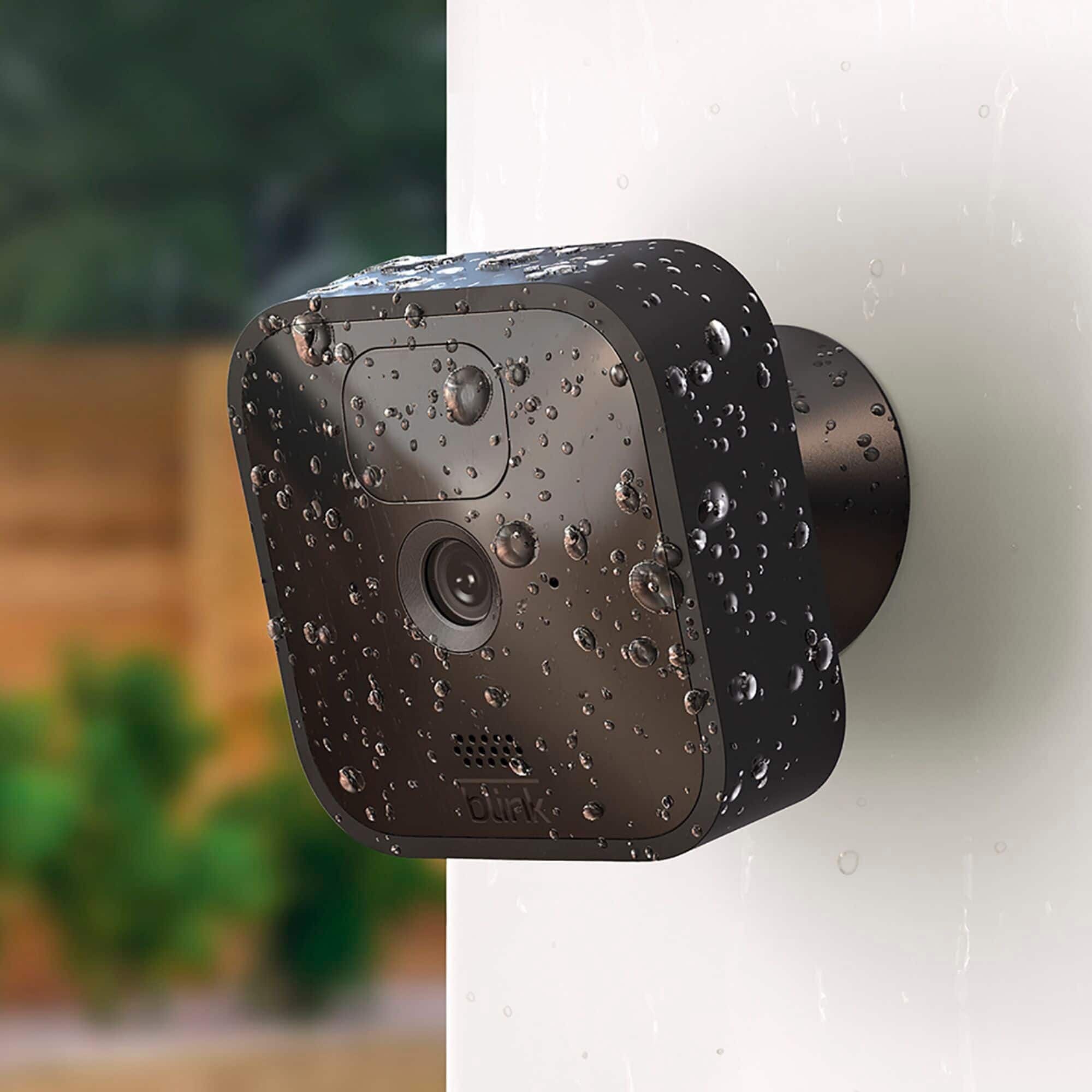
A:AnswerThe USB port on the back of the camera can be used with a Micro USB cable and power adapter (not included with your camera) to power your cameras rather than using batteries (for proper safety only use 5V/1A USB power adapters). The Blink Outdoor cameras feature a rubberized cover over the USB port. Removing this cover makes the camera no longer weatherproof. Furthermore, we cannot warranty devices connected to unreliable, third party power sources, or when weather protection is removed; therefore, it is important to have all devices kept indoors when connected to a power source through the USB port.
A:AnswerAll existing customers who have an account created on or before 4/15/2020 will receive free cloud storage on all devices added to their account going forward – this includes Mini, and Blink Indoor and Outdoor. Separately, any XT2 or 1st generation Indoor cameras added to an account created after 4/15/2020 will receive free cloud storage on those devices, but any Mini and the new Blink Indoor and Outdoor cameras added to that same account will require either local storage via the Sync Module 2 or a subscription for cloud storage to save videos.
A:AnswerYes. Plus, if adding Blink Indoor and Outdoor cameras to an existing Blink system that has been activated on or before 4/15/20, you will be grandfathered into your current free cloud storage model in the Blink app. Systems activated after 4/15/20 will receive motion alerts and be able to enter Live View for free, with the option to access video recordings in the Blink app through a cloud storage subscription. Local Storage options are available with the Sync Module 2 and a removable USB storage drive.
A:AnswerBlink cameras can't operate offline and require a 2.4 GHz Wi-Fi Internet connection. One important reason is because cameras use Wi-Fi to send images and notifications. Blink systems minimally require a high speed connection of at least 2 Mbps upload speed.
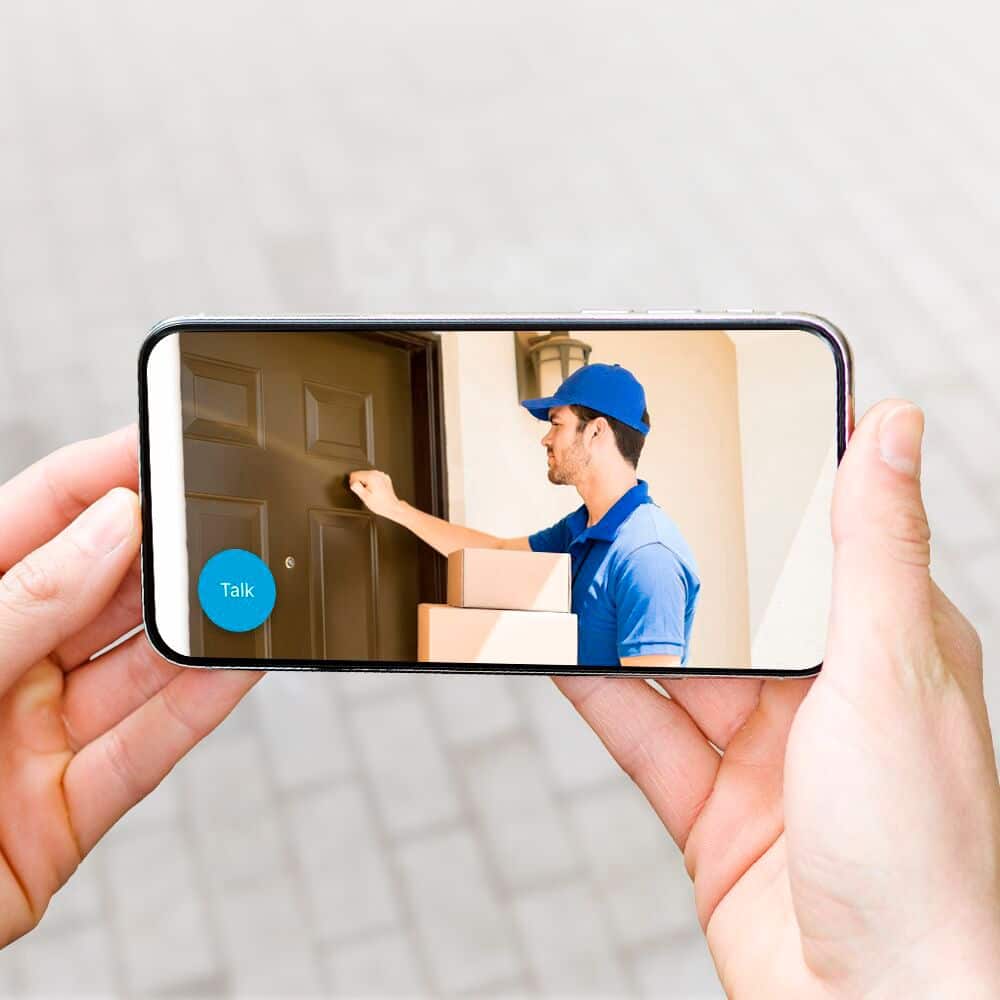
A:AnswerThe Blink Outdoor Camera offers two way audio. When your Blink system is armed and your camera detects motion, it will trigger a video recording and a notification will be sent to your device.
A:AnswerDownload the Blink App first. Plug in the indoor module and establish wi-fi connectivity. Remove all camera rear doors to install the included AA batteries (2 per camera). Open the app and select the "+" symbol on the upper right of the app to add a camera ( you will repeat this sequence per camera). The camera will now show up on the app and you can set ot up to record at will.
All you need is the indoor modupe, included in the system package, and internet.
A:AnswerAs far as I know yes. All images are saved on cloud not locally, so you need to buy blink cloud subscription, I guess. But, without recording you can access life view anytime
A:AnswerHi there,
The Blink cameras can see license plates within up to 20 feet away at the highest video quality. The cameras themselves are not looking for license plates, only movement.