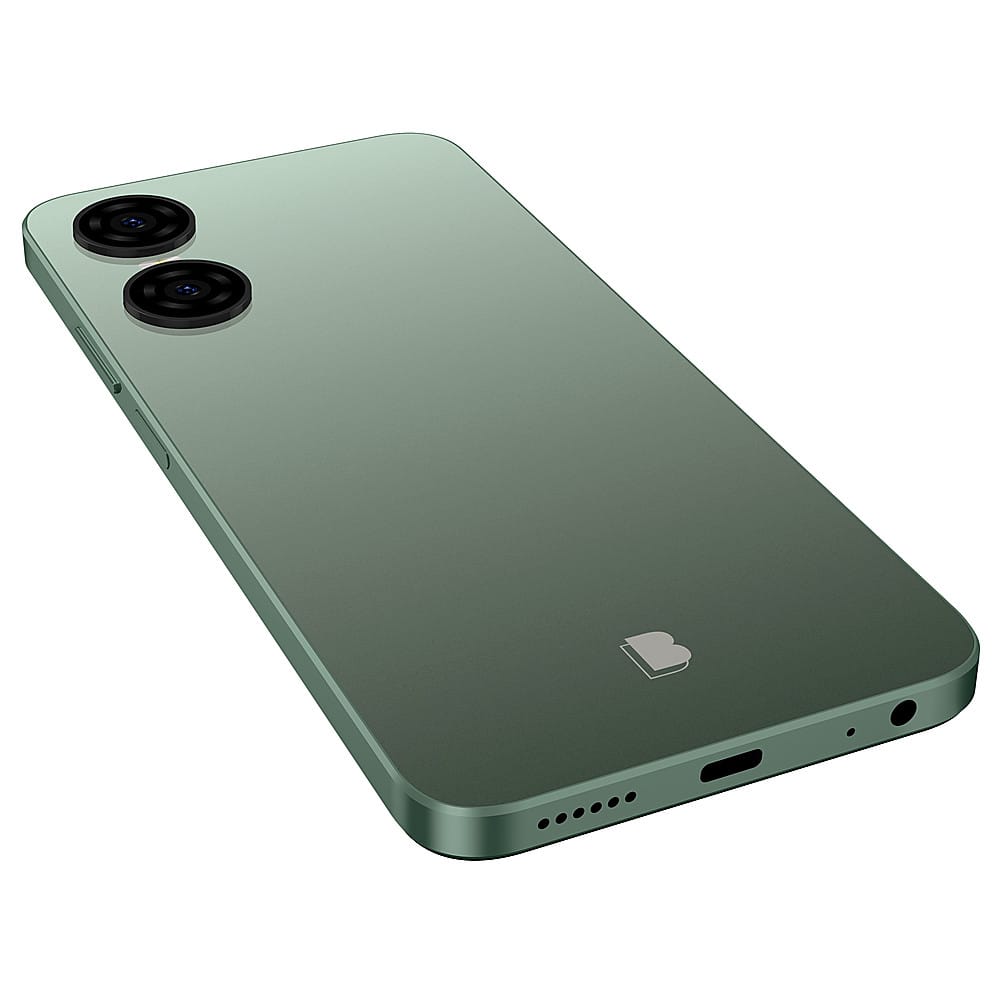
Questions & Answers
- Model:
- G0870WW
- |
- SKU:
- 6582188
Q: Questionwill sim from spectrum work on this phone
Asked by loop.
- A:Answer No, our devices are not compatible with CDMA networks. They are meant to work with any GSM service provider that allows unlocked devices.
Answered by BLUProductsExpert
Q: QuestionCan I use with my old blue sun card and with the tracking phone service plan I already have that's pre paid for 1yr?
Asked by Amanda.
- A:Answer Yes, we just recommend contacting your service provider to ensure compatibility.
Answered by BLUProductsExpert
Q: QuestionWill this wok as an MP3 player, to store and listen to music?
Asked by Timmy.
- A:Answer Yes, you can also download applications like Spotify to listen to music.
Answered by BLUProductsExpert
Q: QuestionHi, if I get a new blu phone will I get a phone bill every month? 😊
Asked by Anonymous.
- A:Answer Our products are unlocked and meant to work with any GSM SIM card-based carrier that allows unlocked devices. The phone bill you receive depends on the type of mobile plan you choose with your carrier.
Answered by BLUProductsExpert
Q: QuestionIs this phone compatible with AT&t plan
Asked by Peach.
This question was asked about the related product: BLU - G63 128GB (Unlocked) - Purple
- A:Answer The G63 is not compatible to AT&T.
Answered by BLUProductsExpert
Q: Questionis this phone works overseas ?
Asked by alia.
- A:Answer BLU devices are unlocked GSM phones, so it can work with GSM carrier in other countries. We recommend contacting the service provider to ensure compatibility.
Answered by BLUProductsExpert
Q: QuestionWill phone work with AT&T
Asked by Skip.
- A:Answer Yes should work with any carrier since it is unlocked.
Answered by KhalidM
Q: Questioncan I use this phone in latinoamerica with a local sim ?
Asked by jerson.
- A:Answer The BLU G63 is an unlocked GSM phone, so it can work with GSM carriers in any Latin American country. We recommend contacting the service provider in that country to ensure compatibility.
Answered by BLUProductsExpert
Q: QuestionIs this located at the Best Buy in Wichita Kansas? And I can use my cricket service ?
Asked by Cowboy.
- A:Answer We recommend reaching out to the local Wichita Best Buy's to see if they have it in their inventory. The G63 is not compatible with Cricket at this time.
Answered by BLUProductsExpert
Q: QuestionDoes this phone support e-Sim?
Asked by Onslow.
- A:Answer It does not since it has dual sim capability.
Answered by BLUProductsExpert
Q: QuestionWill this phone work with "Tello"?
Asked by dkv98446.
- A:Answer Yes, it should work. We recommend contacting Tello to ensure compatibility,
Answered by BLUProductsExpert
Q: Questionis this phone esim compatible?
Asked by CuriousCnote.
- A:Answer It does not since it has dual SIM capability.
Answered by BLUProductsExpert
Q: Questionis this a Samsung phone?
Asked by D.
- A:Answer NO, it is a BLU Smartphone.
Answered by BLUProductsExpert
Q: Questiondoes it work with spectrum mobile
Asked by pink.
- A:Answer It does not since Spectrum uses Verizon towers. Our devices are GSM compatible.
Answered by BLUProductsExpert
Q: QuestionHow do I shut off My g63 phone
Asked by Bobbile.
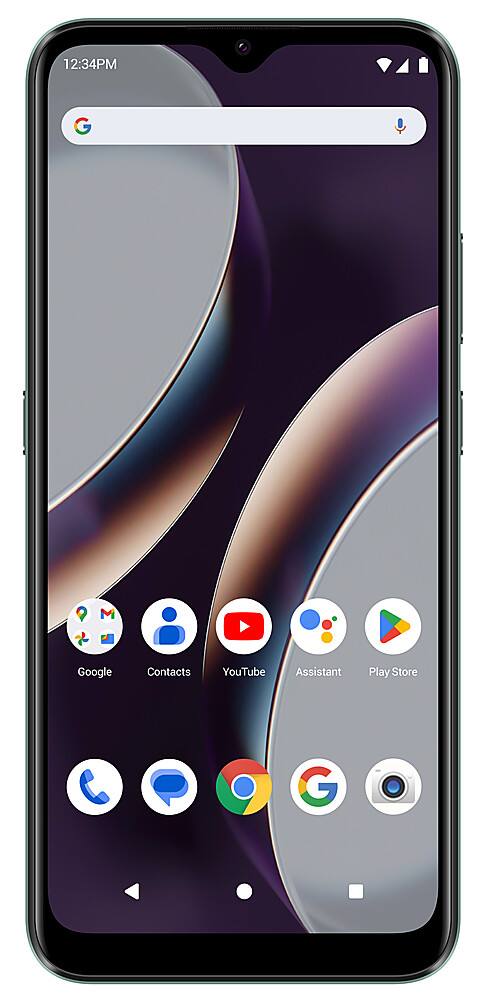
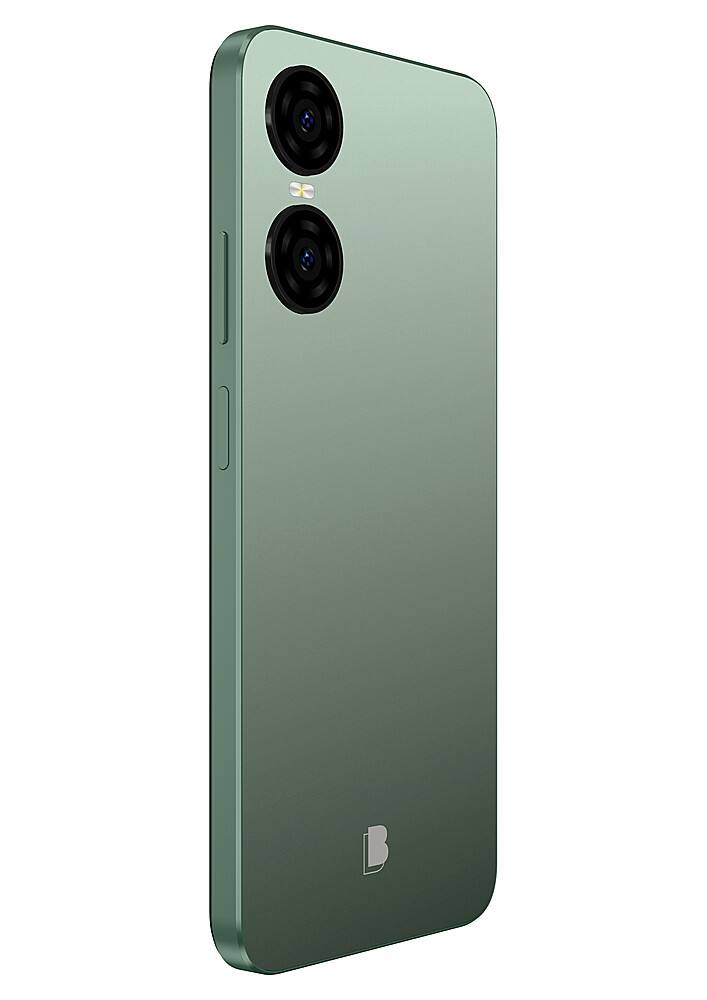
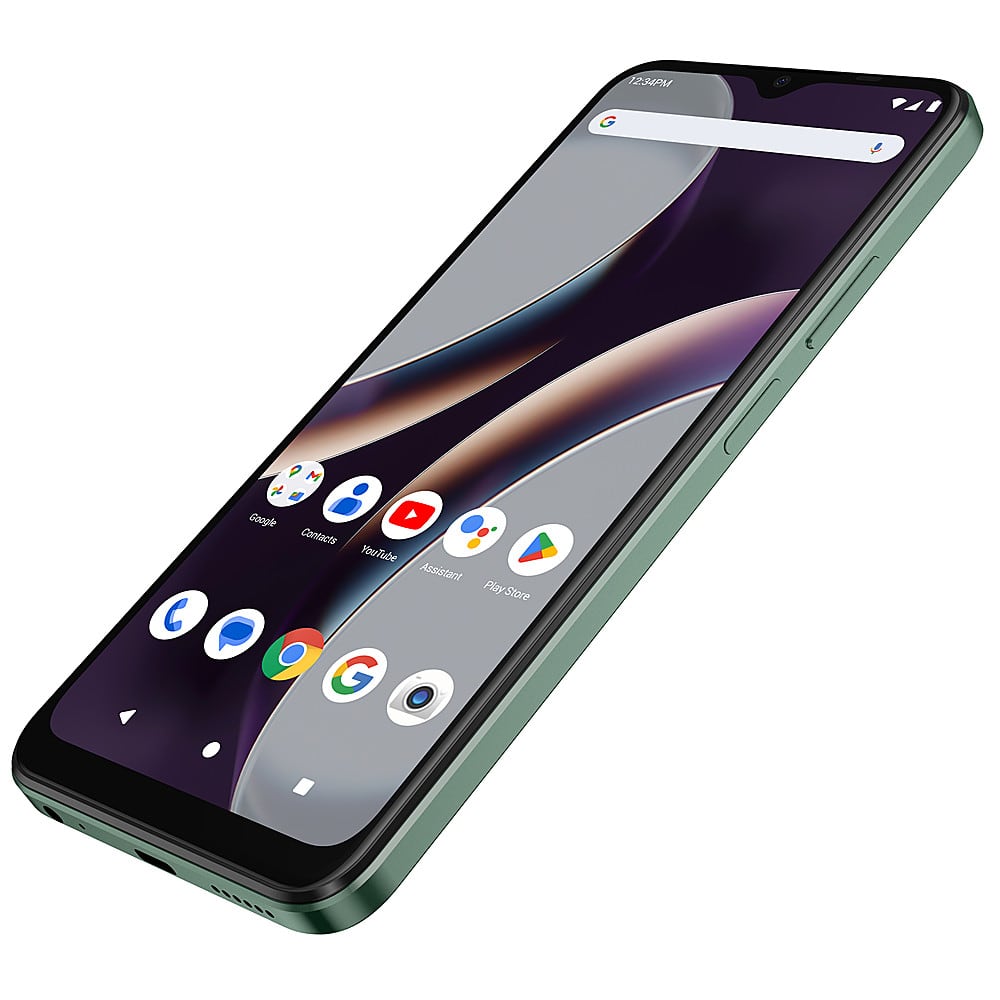
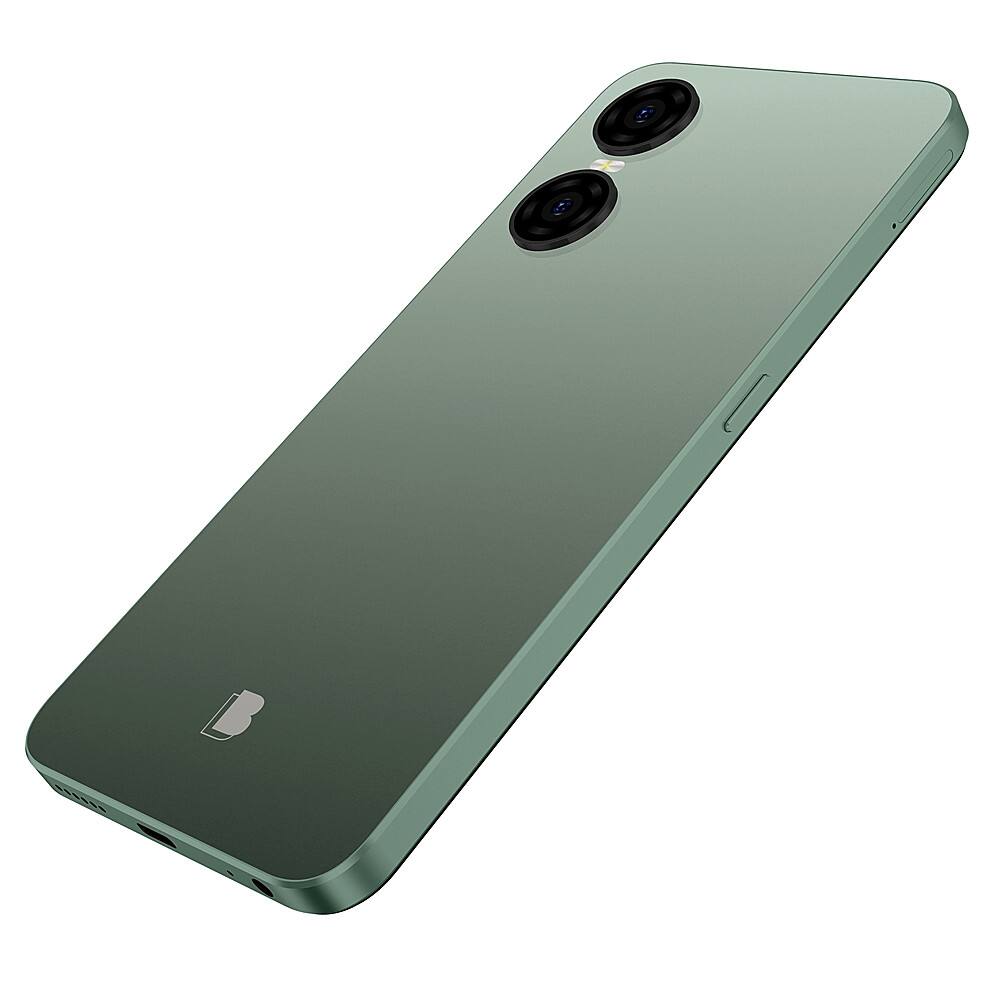
- A:Answer You push the plus button and power at the same time then options come onto the screen
Answered by MaryR
Q: QuestionHow do I erase texts and/or VM messages?
Asked by sue2.
- A:Answer Simply hold down the message or voicemail until you get the options to erase.
Answered by BLUProductsExpert
Q: Questionwill this phone work in jamaica WI
Asked by Bevy.
- A:Answer Our products are unlocked and meant to work with any GSM SIM card-based carrier that allows unlocked devices. We recommend contacting your respected Service Provider to ensure they are compatible with your device’s bands.
Answered by BLUProductsExpert
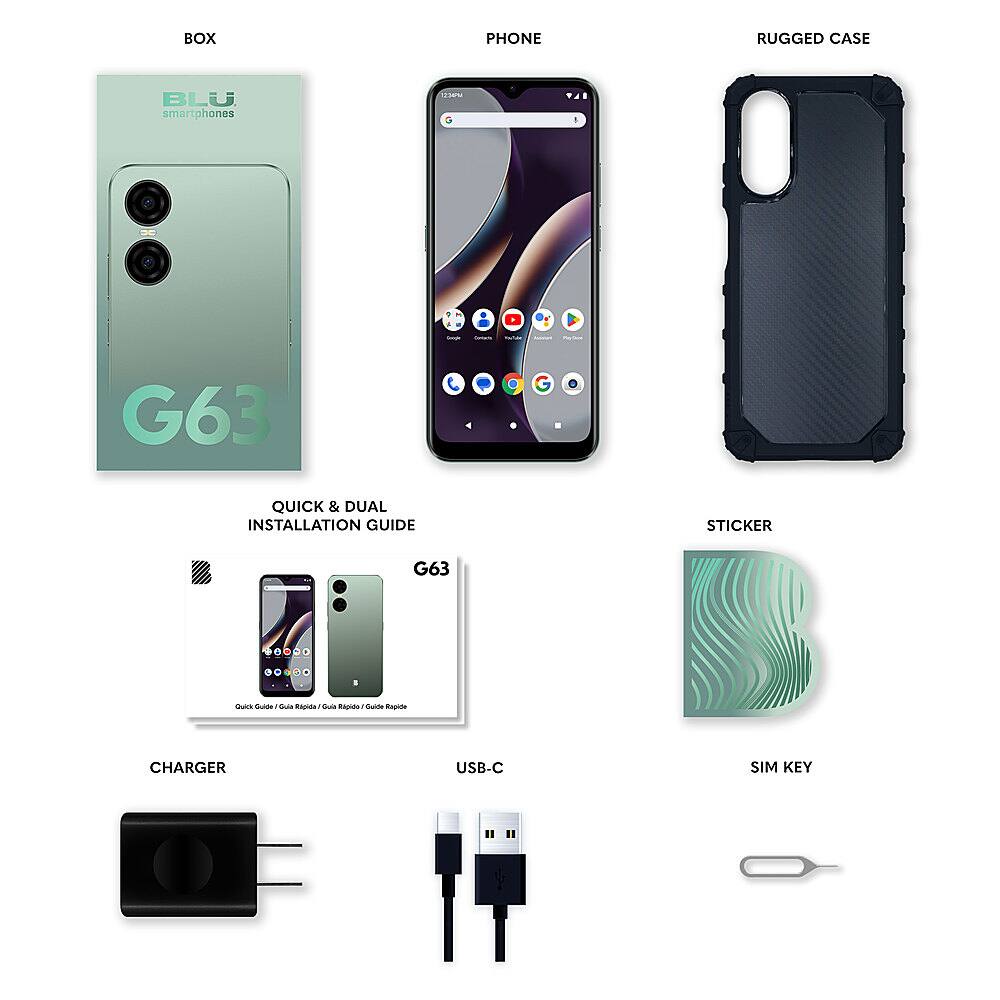
Q: QuestionI just bought the phone still don't know how turn it off/on and working the camera with the side button is horrible how can I make it work on the camera app
Asked by Cease.
- A:Answer As a new Google requirement, all Android 12 and up devices come with the default setting to turn off the device by pressing the power button and volume down button to prompt the power options. To change this, go to the Settings menu, select System, Gestures, Press and hold power button, and disable the Hold for Assistant option.
Answered by Anonymous
Best-selling unlocked cell phones
- Black Friday Deal$94.99Your price for this item is $94.99
- Doorbuster$679.99Your price for this item is $679.99
- Black Friday Deal$119.99Your price for this item is $119.99
- Doorbuster$549.99Your price for this item is $549.99
- Black Friday Deal$149.99Your price for this item is $149.99
- $629.99Your price for this item is $629.99
- $89.99Your price for this item is $89.99
- Black Friday Deal$399.00Your price for this item is $399.00
- Black Friday Deal$129.99Your price for this item is $129.99
- Black Friday Deal$199.99Your price for this item is $199.99
- Black Friday Deal$349.99Your price for this item is $349.99
- Black Friday Deal$284.99Your price for this item is $284.99
- Black Friday Deal$249.99Your price for this item is $249.99
- Doorbuster$779.99Your price for this item is $779.99
- Black Friday Deal$899.00Your price for this item is $899.00
- Black Friday Deal$237.49Your price for this item is $237.49
- Black Friday Deal$349.99Your price for this item is $349.99
- Black Friday Deal$1,049.99Your price for this item is $1,049.99
- Black Friday Deal$129.99Your price for this item is $129.99