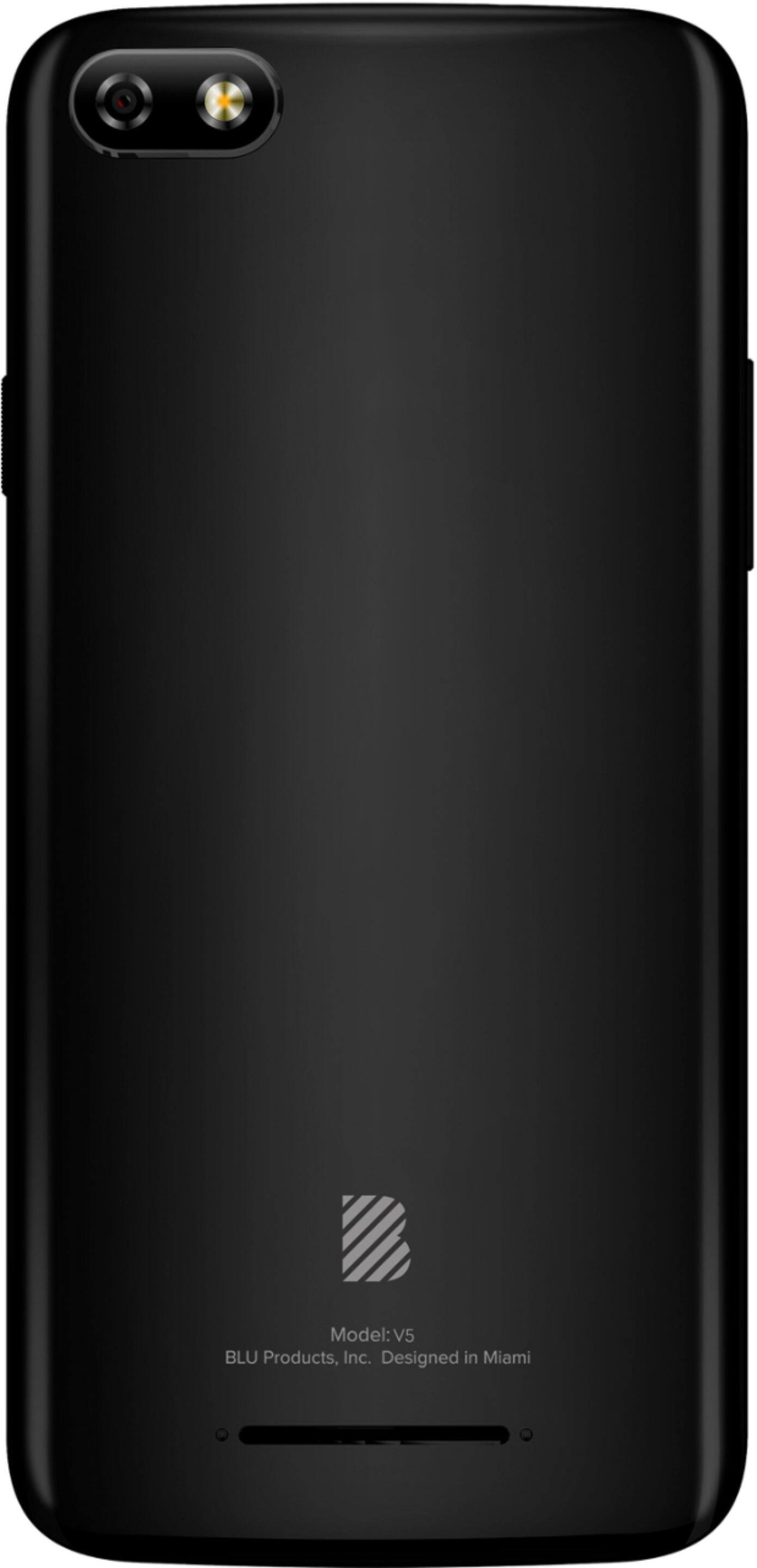
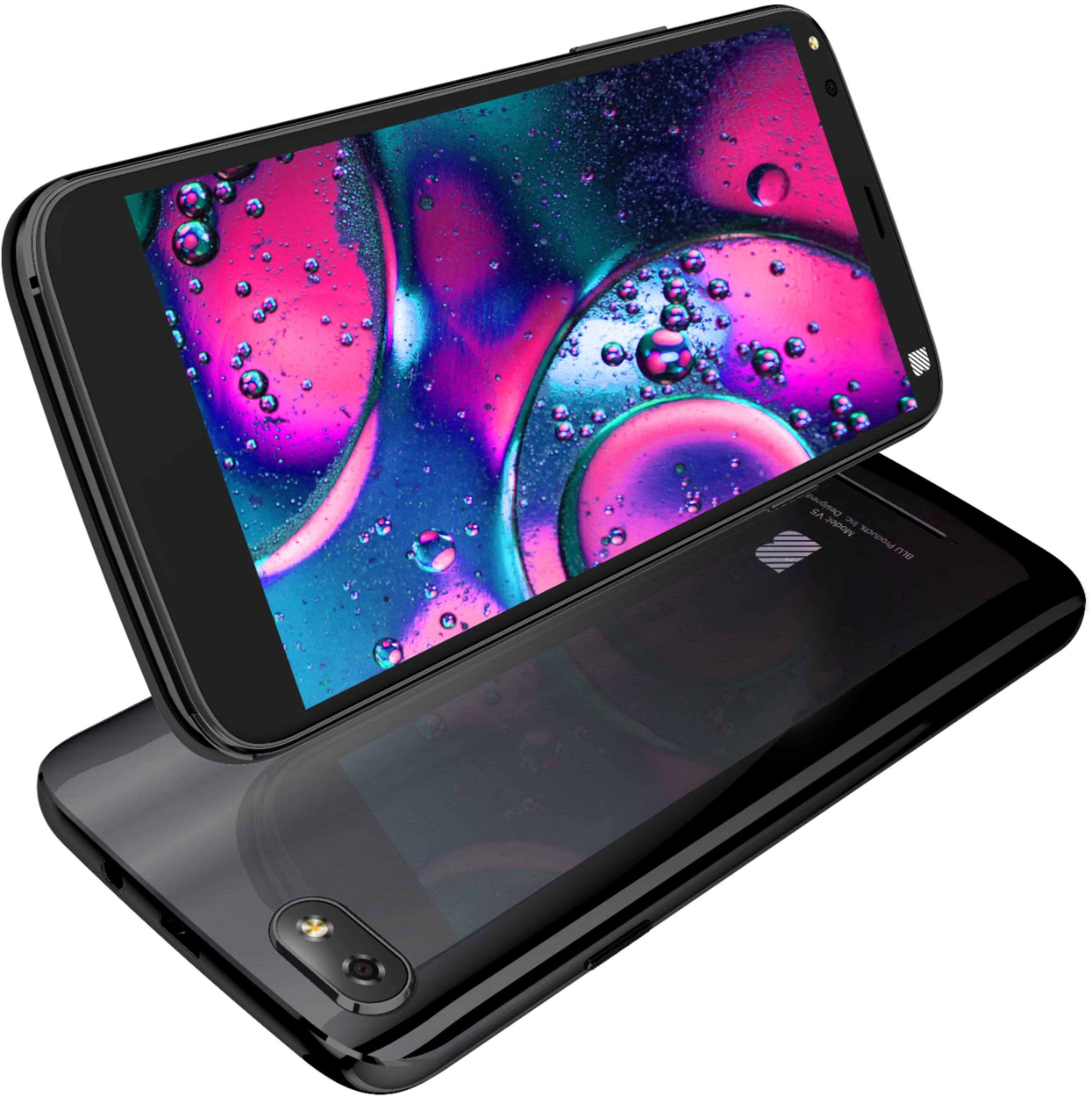
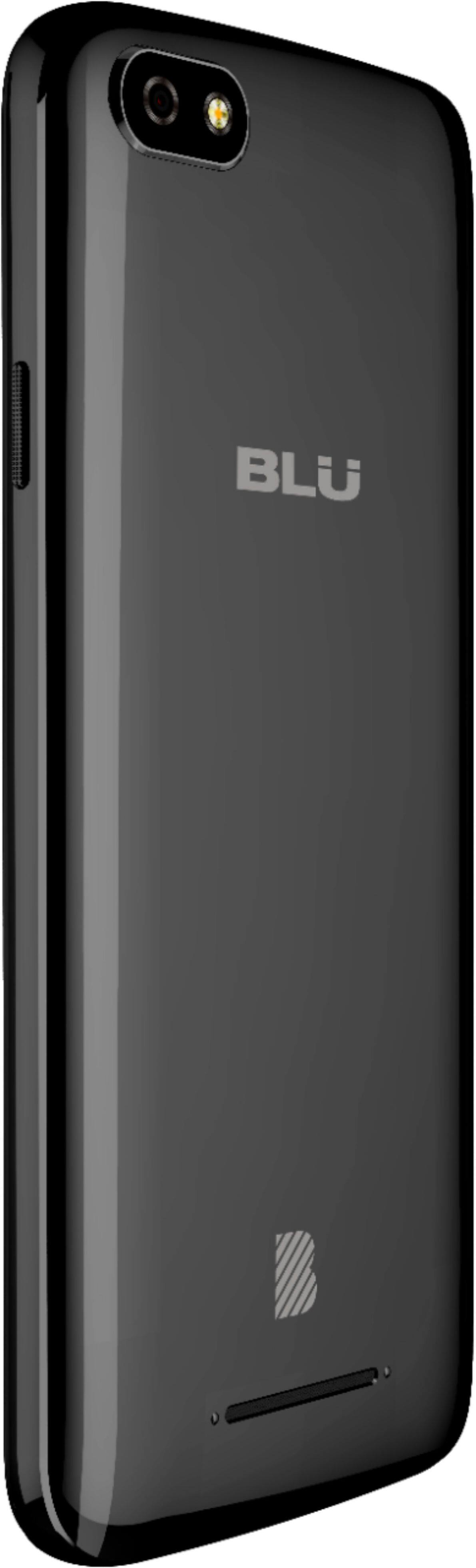
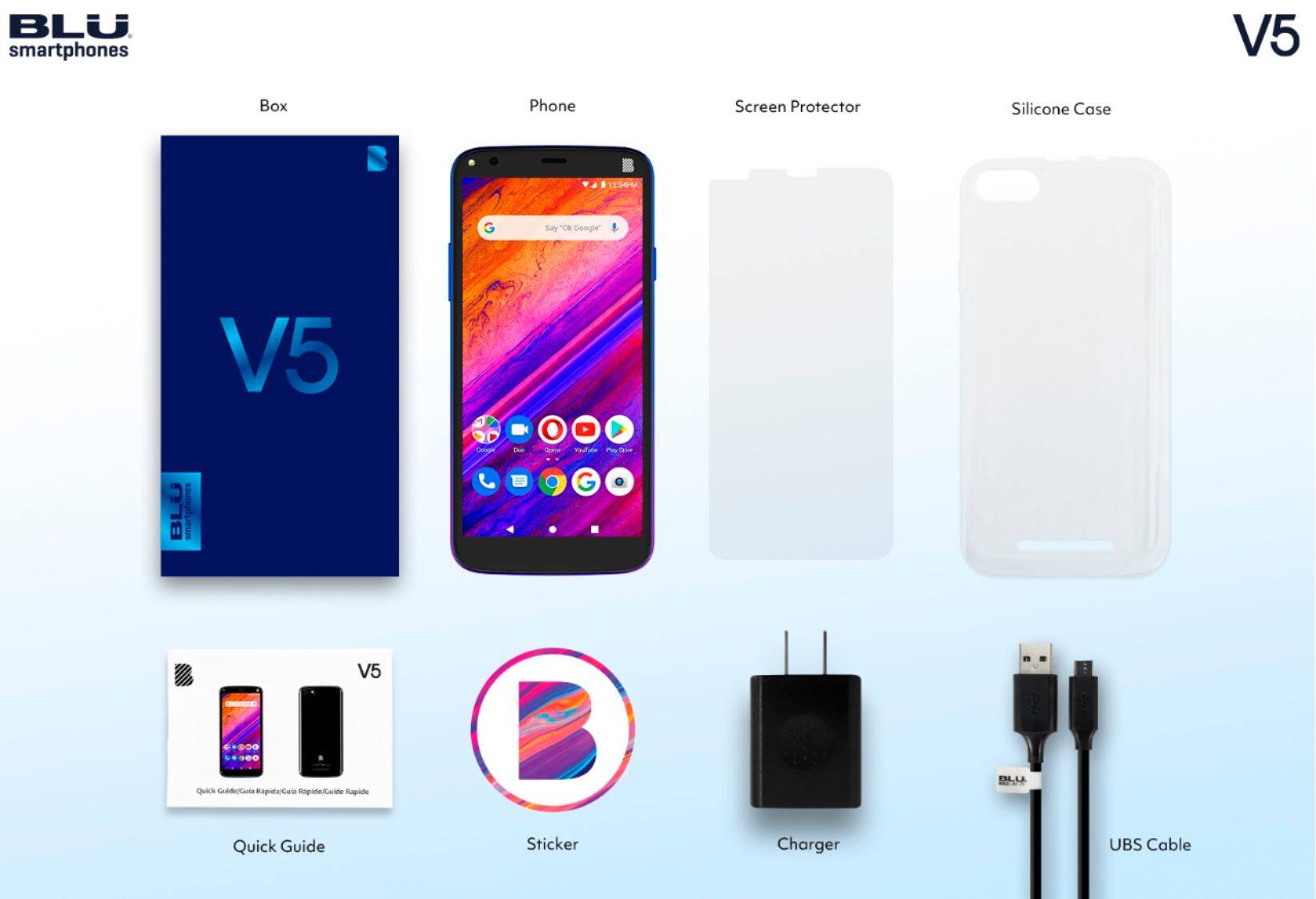
A:AnswerIn order to remove the back cover of your device, search along the corners/sides of the device. There, you should find a small indentation. We recommend using your finger nail to pull the back cover off of the device.
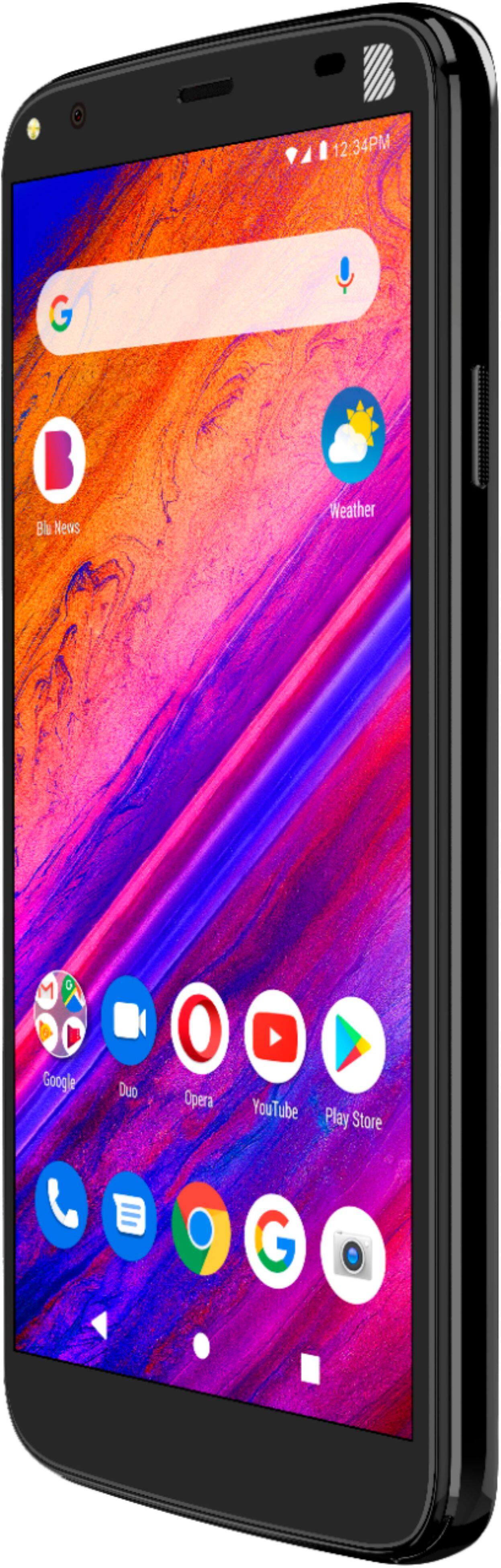
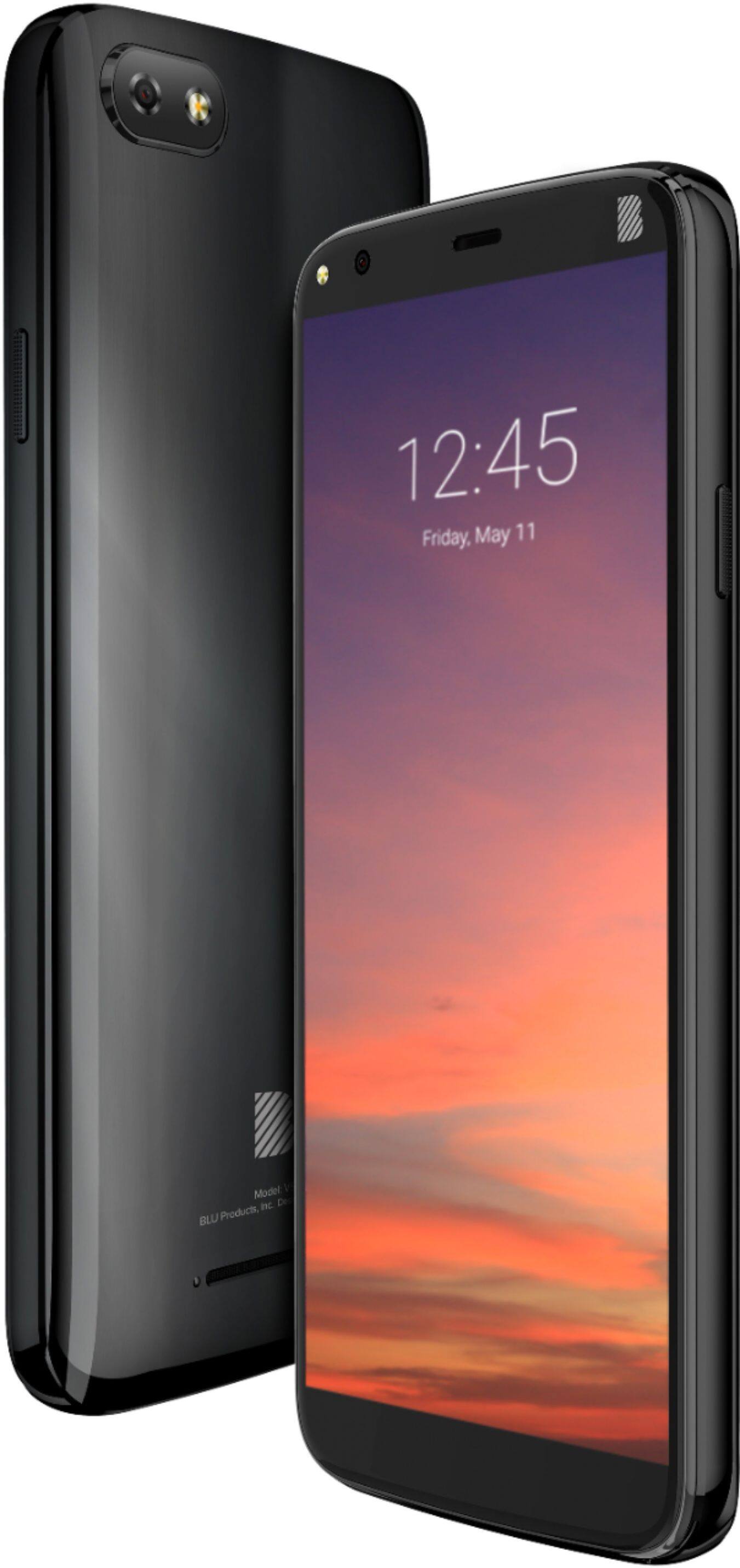
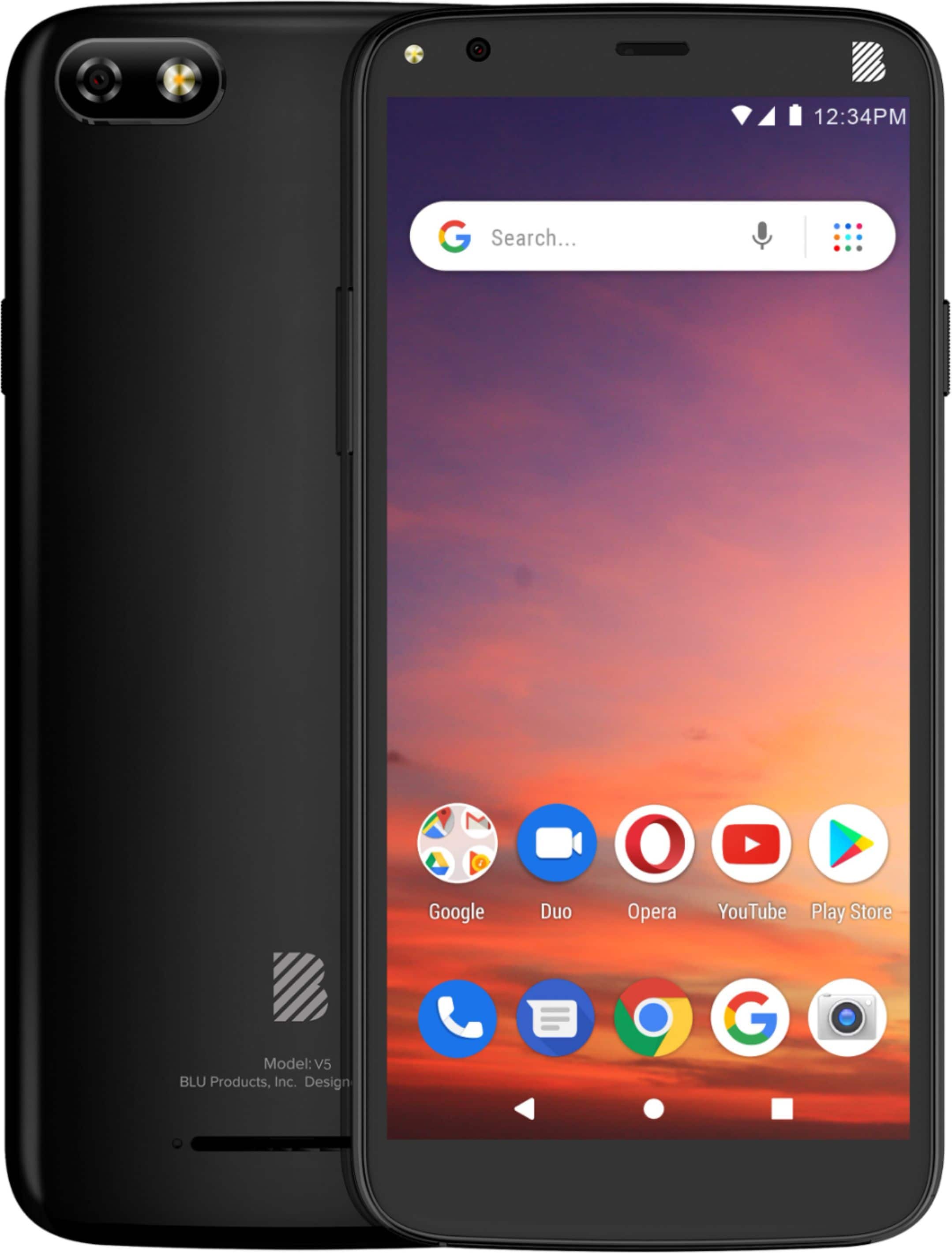
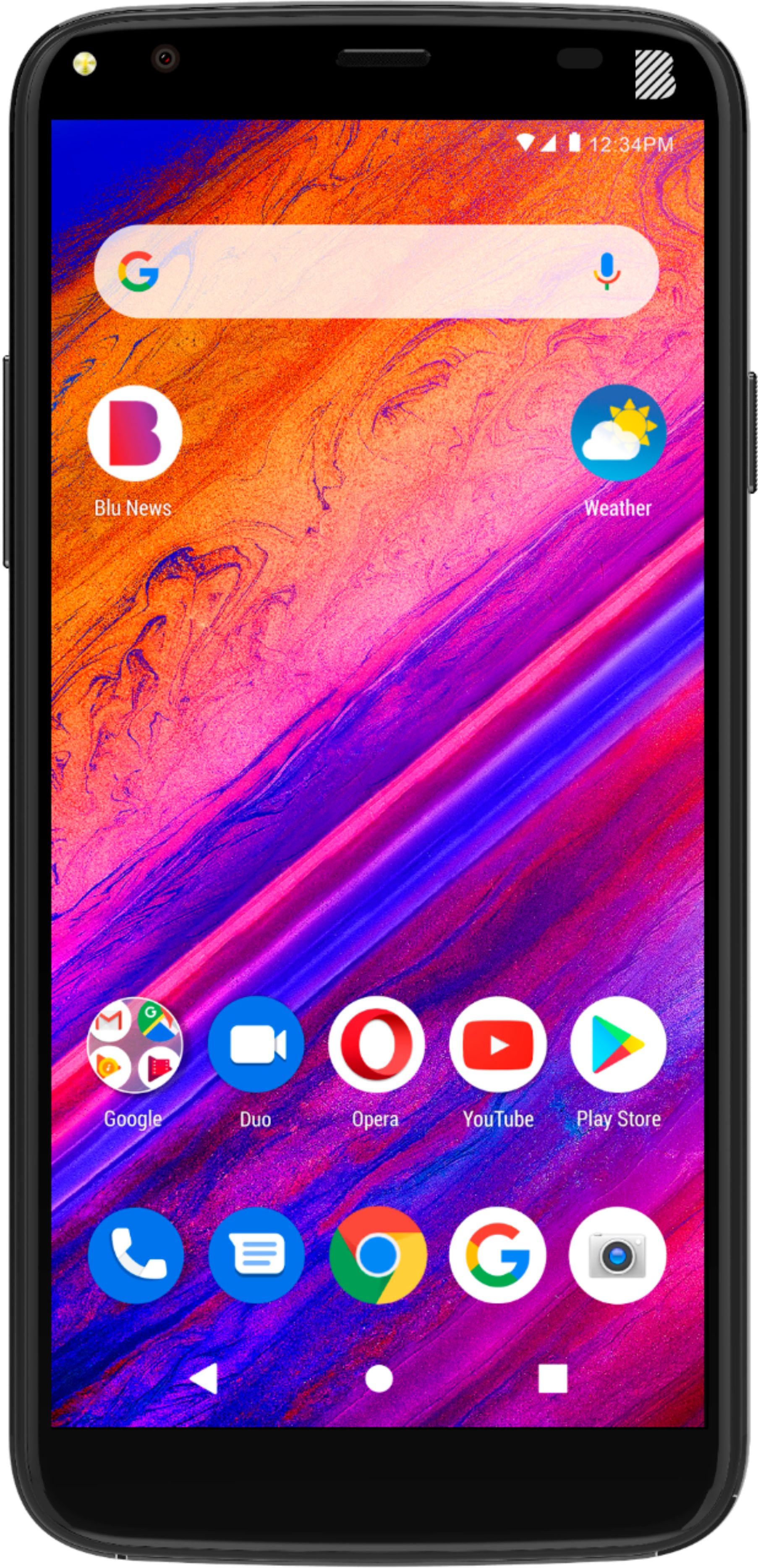
A:AnswerThis device has a 5.5" HD Display.The extra-large screen is matched with a slim body to comfortably fit in your hand. Offers 18:9 cinema-like screen ratio that's perfect for viewing videos, photos, and games.
A:AnswerTru Connect uses the Sprint and T Mobile networks. This device will work on the T Mobile network. Make sure Tru Connect provides you with the SIM that works on the T Mobile network.
A:AnswerAT&T no longer supports this phone- the box says 3G & 4G but according to AT&T, this is a 3G phone. I talked with them last night when I was trying to get this phone set up.
A:AnswerFlash Mobile works on the Sprint network. Sprint merged with T Mobile. This device will work on the T Mobile network, so check with Flash Mobile to see if they are using the T Mobile network now.
Each device has its own unique IMEI. You will need the device to check.
A:AnswerThis device will work with any service provider that supports GSM unlocked devices. However, we recommend checking with your service provider to confirm that the following bands are covered. 4G bands 1, 3, 4, 5, 7, 28 - G0090LL, G0090VV 2, 4, 5, 12, 17 - G0090UU.
A:AnswerThis device will work with most GSM providers that allow unlocked devices. We recommend contacting Assurance Wireless in order to check compatibility.
A:AnswerIn order to change the ringtone, please go to settings>audio profiles>general>edit>select SIM>select app>select ringtone. If you need additional assistance, please feel free to contact BLU's customer service line directly.
A:AnswerTello uses the Sprint network. Sprint merged with T Mobile. If Tello is now running on the T Mobile network, this device will work. Check with Tello