Questions & Answers
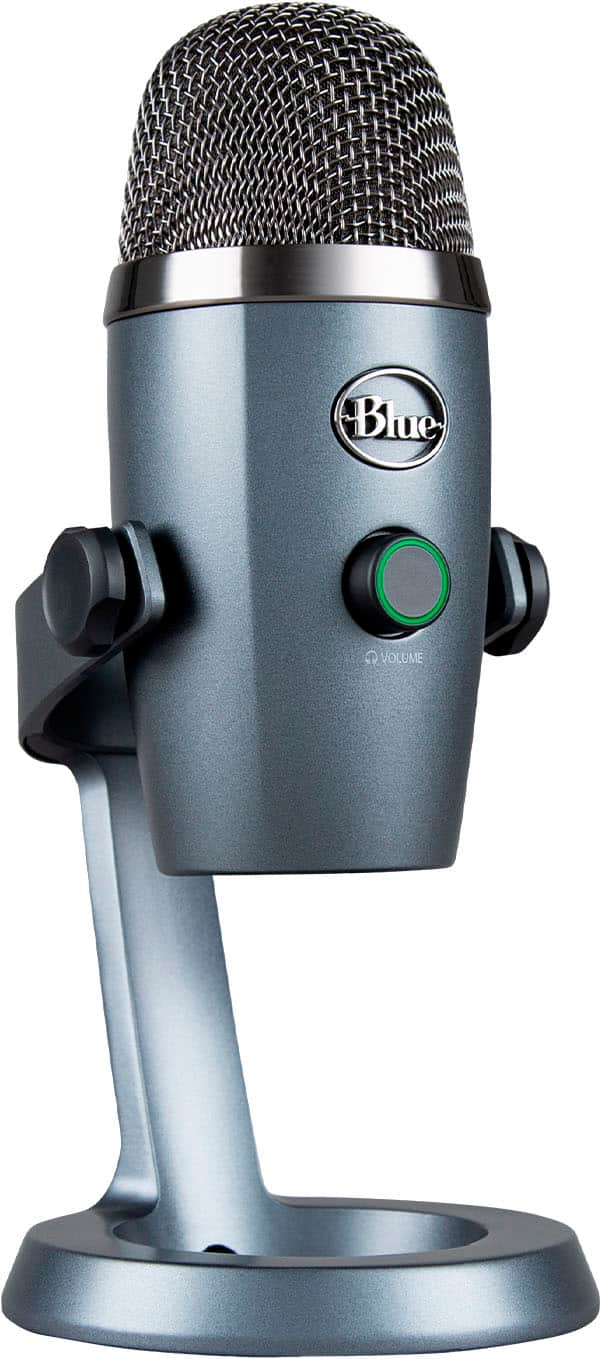
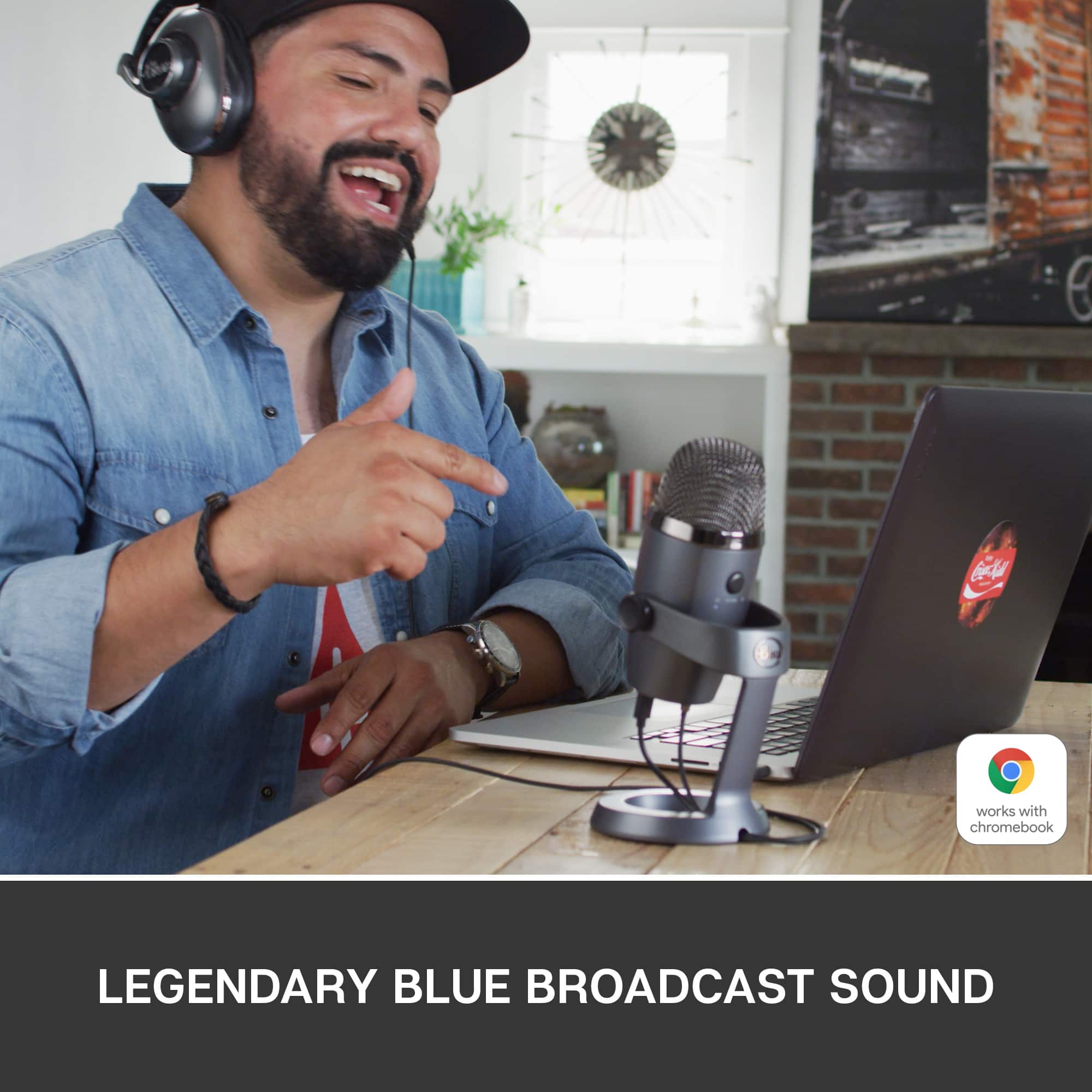
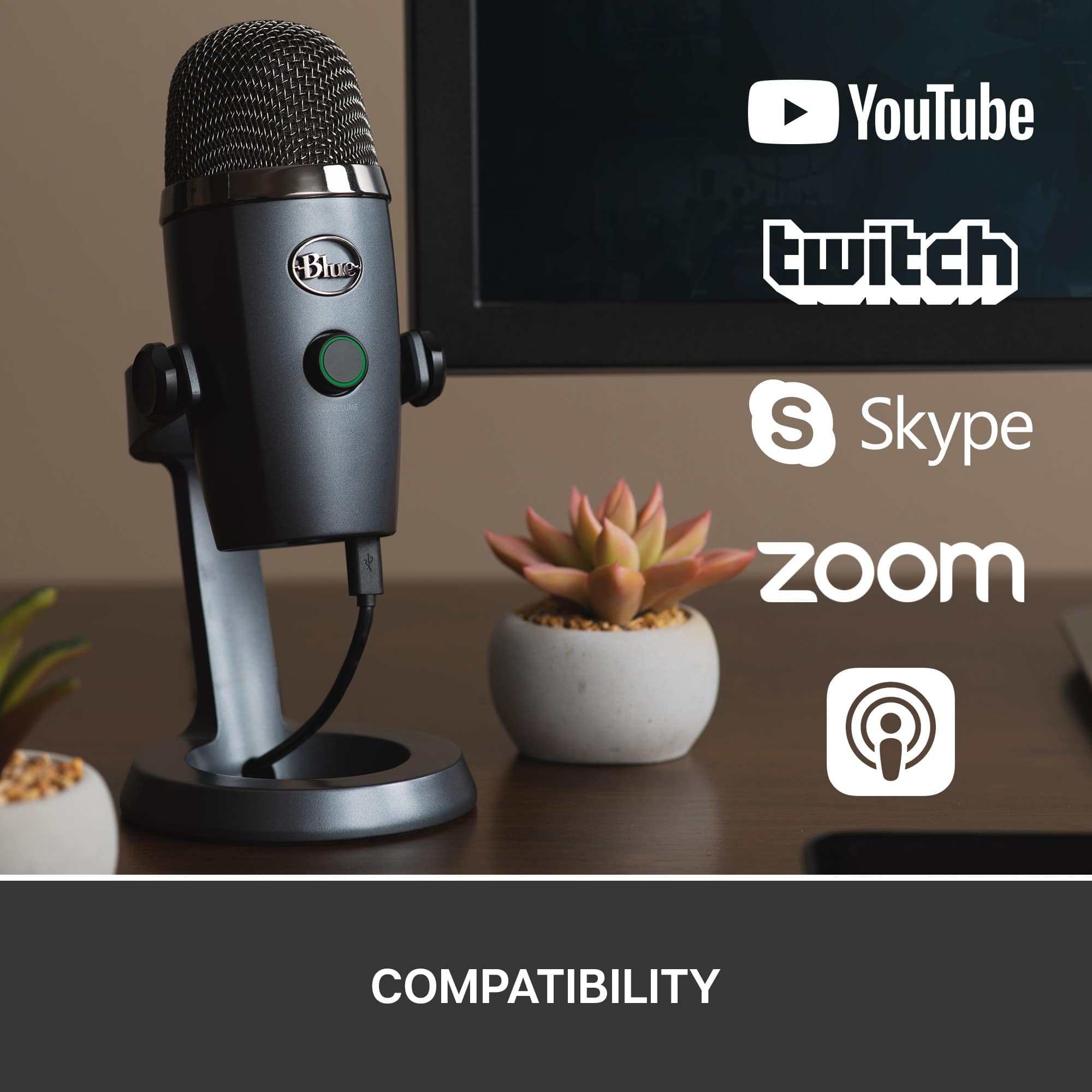
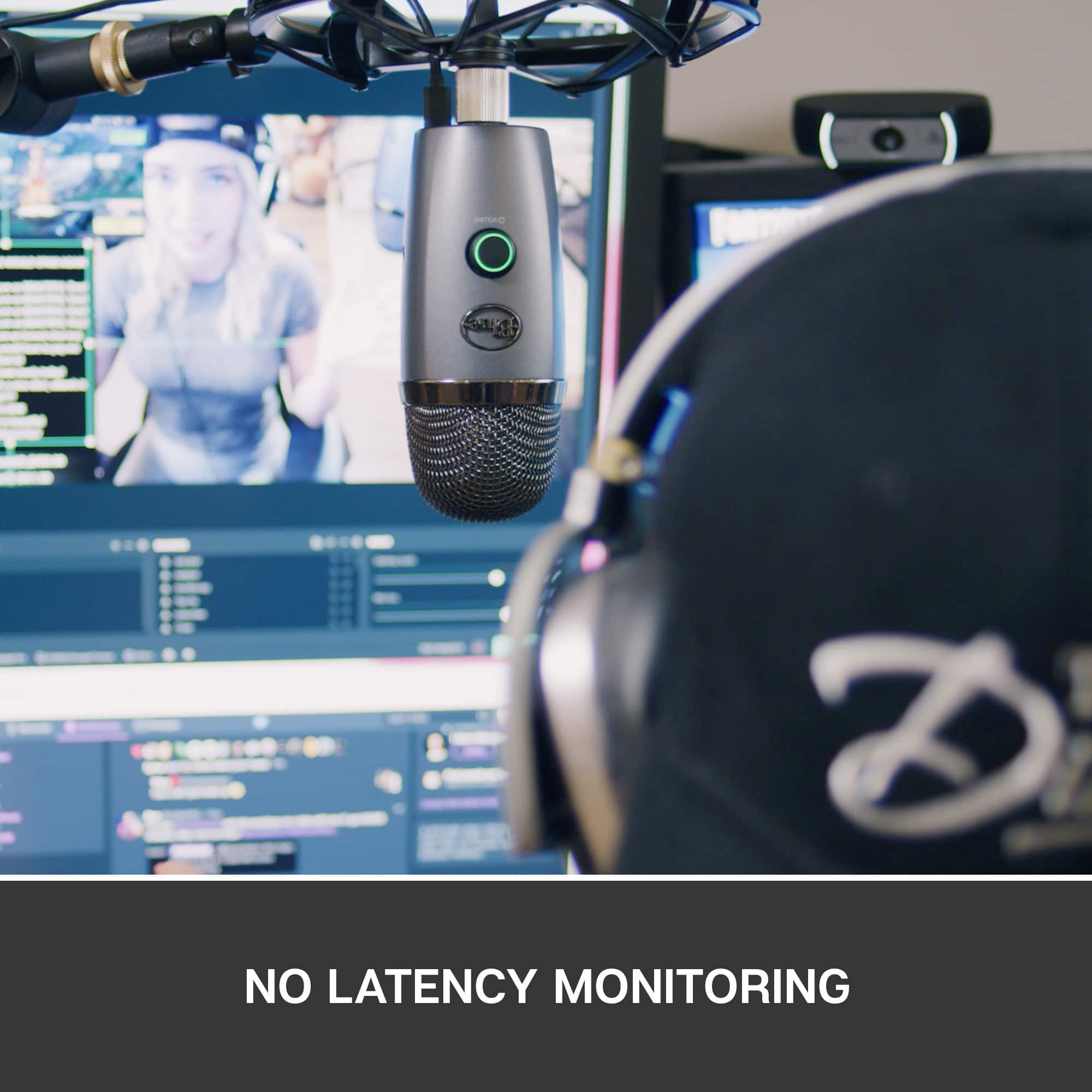
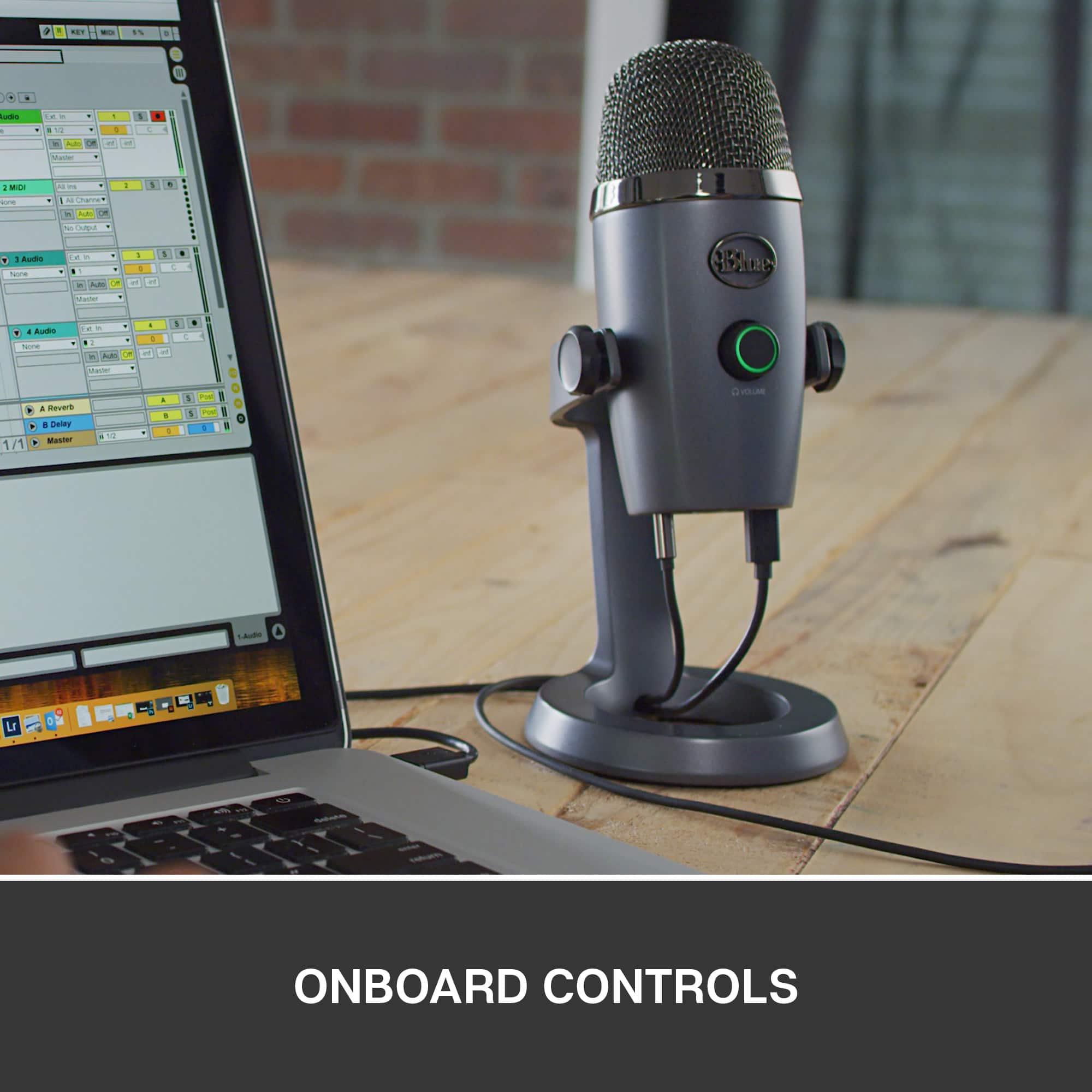


- Model:
- 988-000088
- SKU:
- 6277346
Page
QuestionWhat is the maximum frequency response for this microphone?
This question and answer was generated by AI based on customer and product data.QuestionWhat is the minimum frequency response for this microphone?
This question and answer was generated by AI based on customer and product data.QuestionWhat is the length of the cord included?
This question and answer was generated by AI based on customer and product data.QuestionWhat is the lowest frequency response for the microphone?
This question and answer was generated by AI based on customer and product data.QuestionCan I use this microphone with a PC?
This question and answer was generated by AI based on customer and product data.QuestionDoes this microphone use phantom power?
This question and answer was generated by AI based on customer and product data.QuestionWhat is the length of the cord included with this microphone?
This question and answer was generated by AI based on customer and product data.QuestionCan I start recording and streaming instantly on Mac or PC?
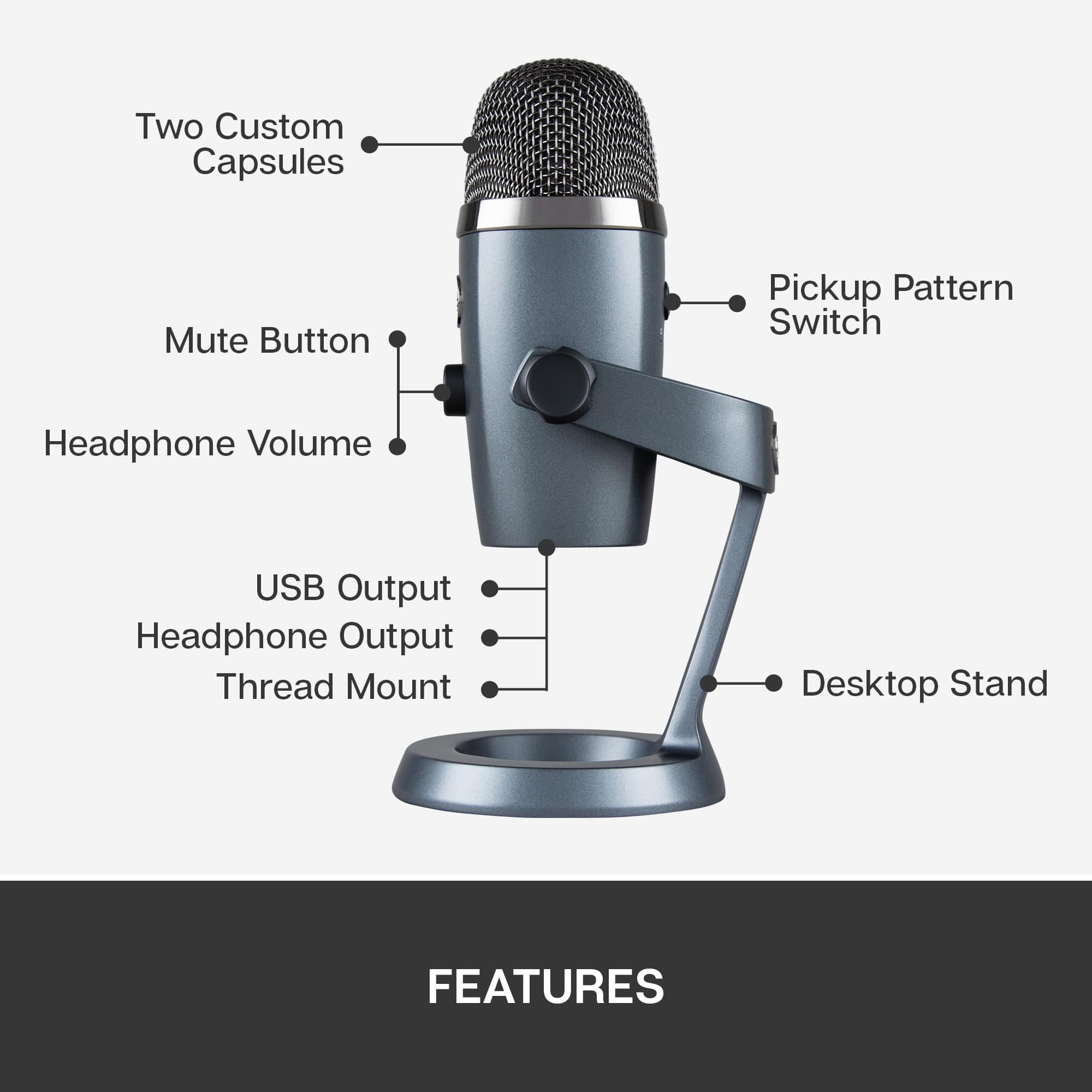
This question and answer was generated by AI based on customer and product data.QuestionDoes this microphone have onboard controls?
This question and answer was generated by AI based on customer and product data.QuestionCan I monitor my audio recordings with this microphone?
This question and answer was generated by AI based on customer and product data.QuestionDoes this microphone have a mute function?
This question and answer was generated by AI based on customer and product data.QuestionWhat kind of output does this microphone use?
This question and answer was generated by AI based on customer and product data.QuestionIs there a warranty for parts included?
This question and answer was generated by AI based on customer and product data.QuestionDoes this microphone have a mute function?
This question and answer was generated by AI based on customer and product data.