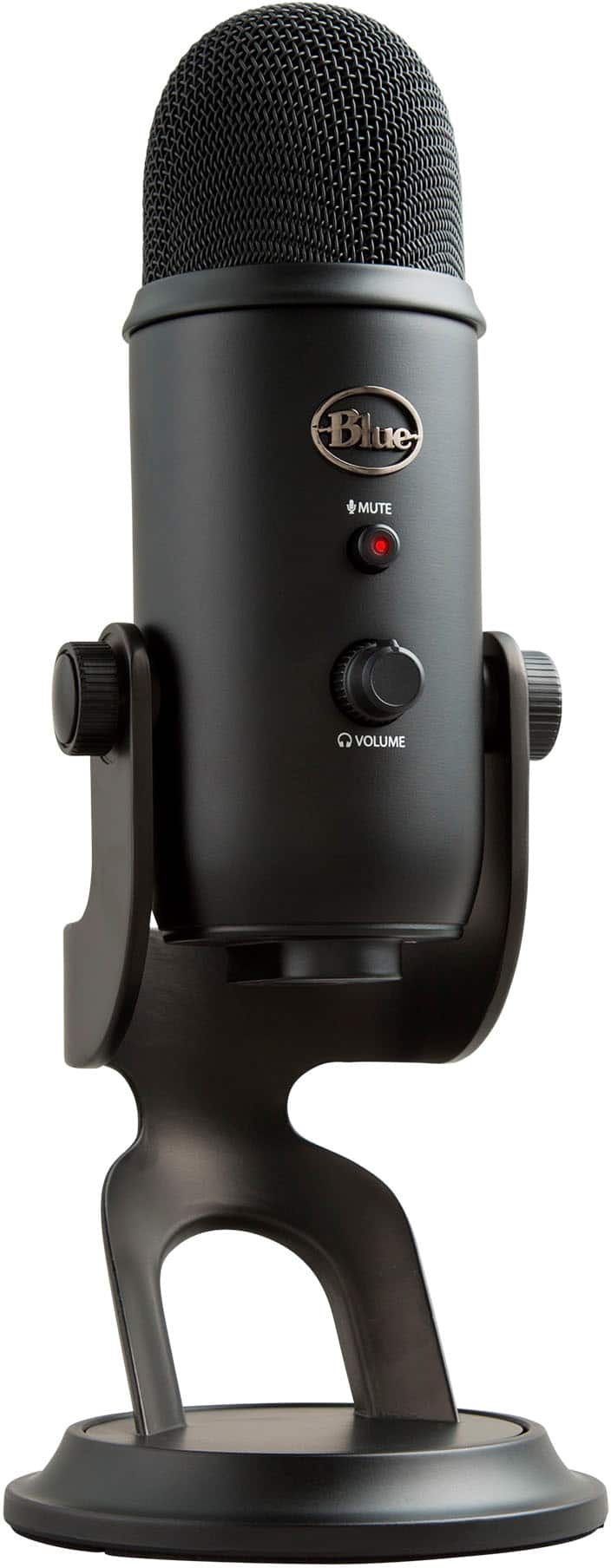
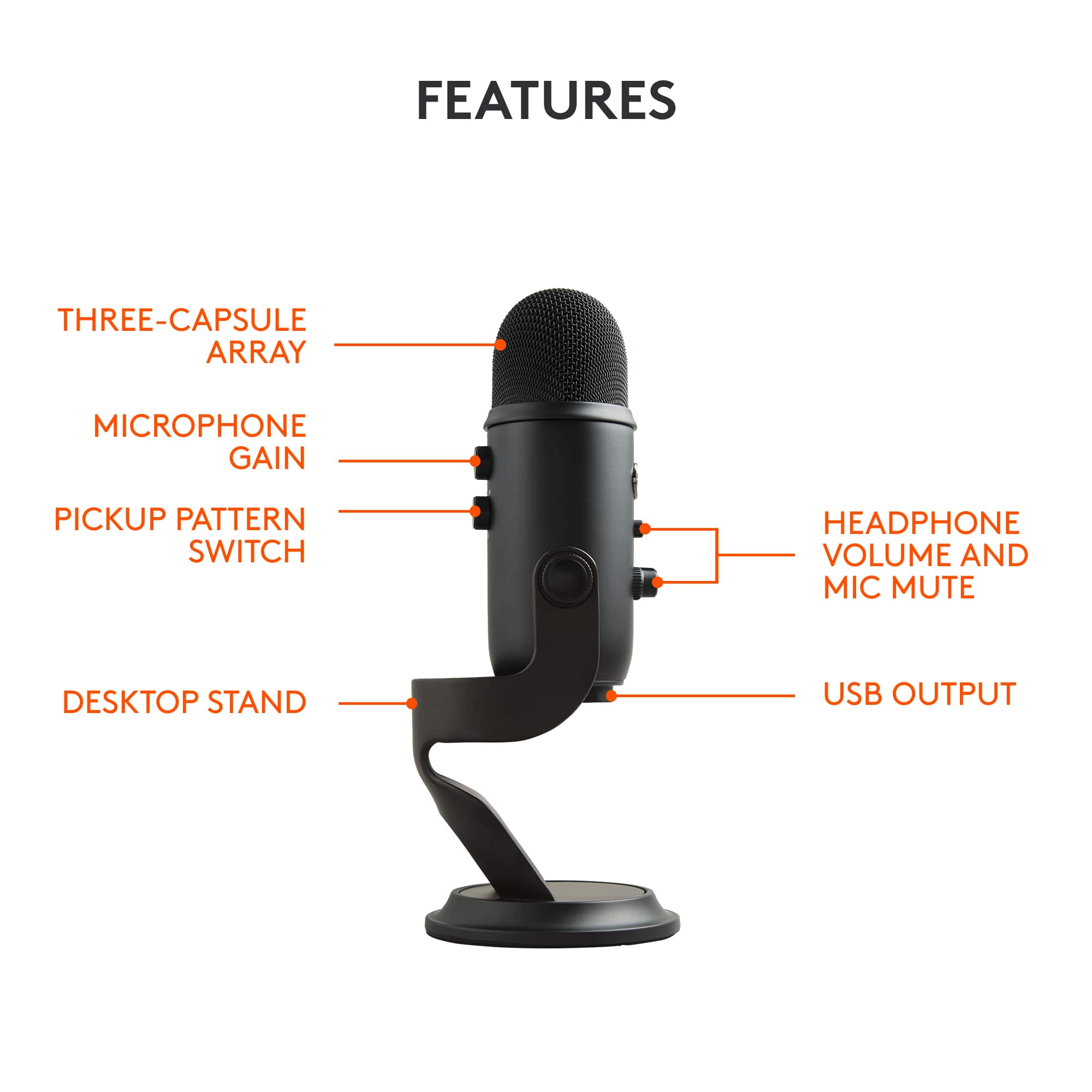
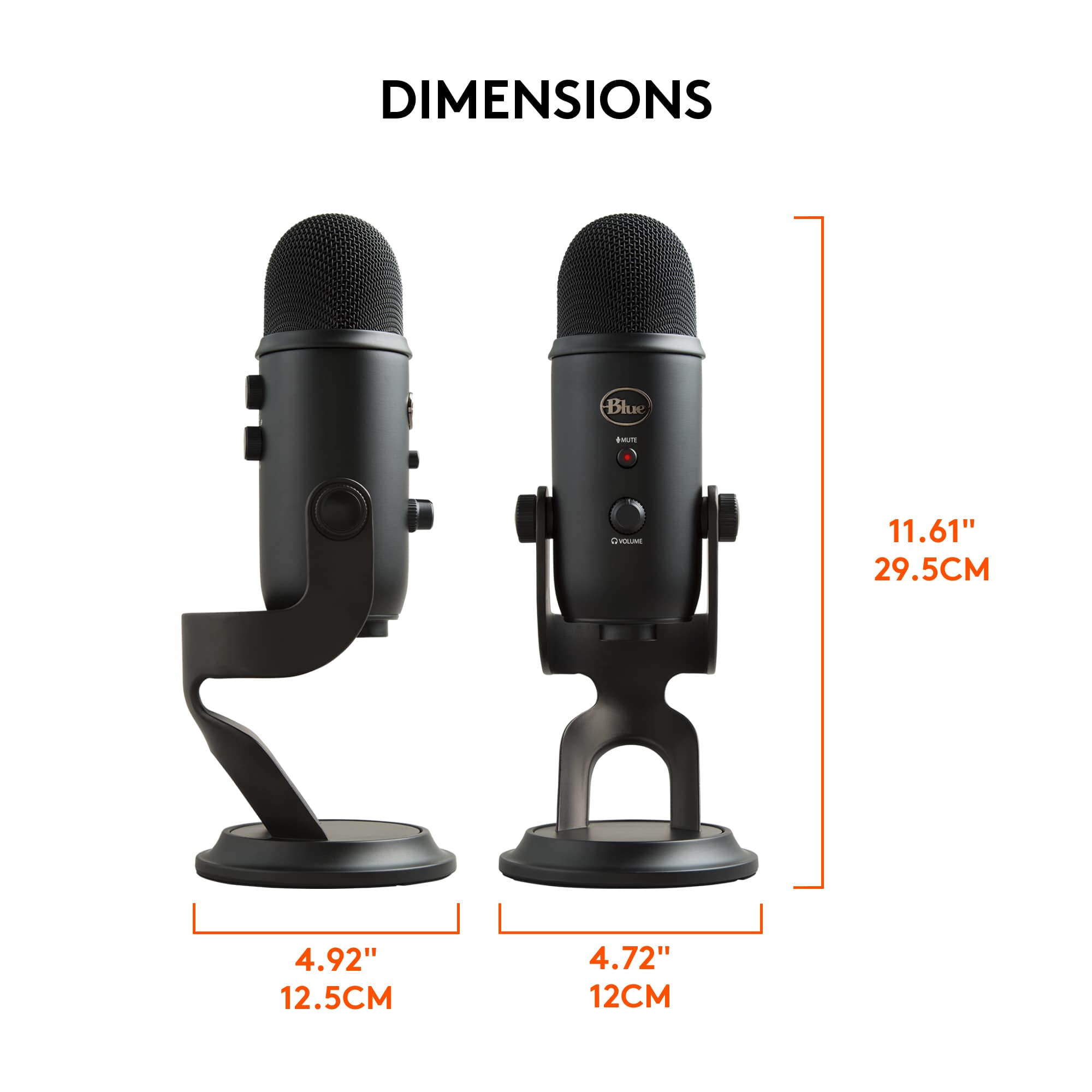
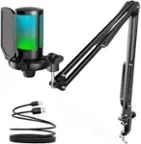
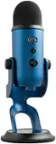
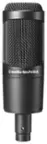
A:AnswerThe Blue Yeti is a USB microphone, designed to be used with computers. It's not directly compatible with traditional stereo systems or amplifiers.
A:AnswerThe Blue Yeti microphone should be able to pick up sound clearly from a distance of 10 feet. If you are facing any issue, we recommend reaching out to our social care team via email at socialcare@logitech.com with your
- Name:
- Email Address:
- Country:
- Product Name:
- Brief description of issue:
A:AnswerThat's unexpected! The product is plug and play device, In order to help you effectively, please provide your information to our support team via email at socialcare@logitech.com with your
- Name:
- Email Address:
- Country:
- Product Name:
- Brief description of issue:
A:AnswerNo, only the mic on the stand with USB cable. It does have a largerer, threaded hole that would appear to accept a XLR connector perhaps, so that you can connect a XLR cable.
A:AnswerThis is a microphone and does not record audio nor playback audio. Because it's a microphone. You talk into it.
You can USE it to record audio. Then use this again to record more audio over the previously recorded audio clip.
That would require additional computer software as well as an external audio output device. Like your computer speakers...
A:AnswerYes it's possible with the correct settings on the Mic. But using PC software in addition to the mic setting will give the best recording possible.
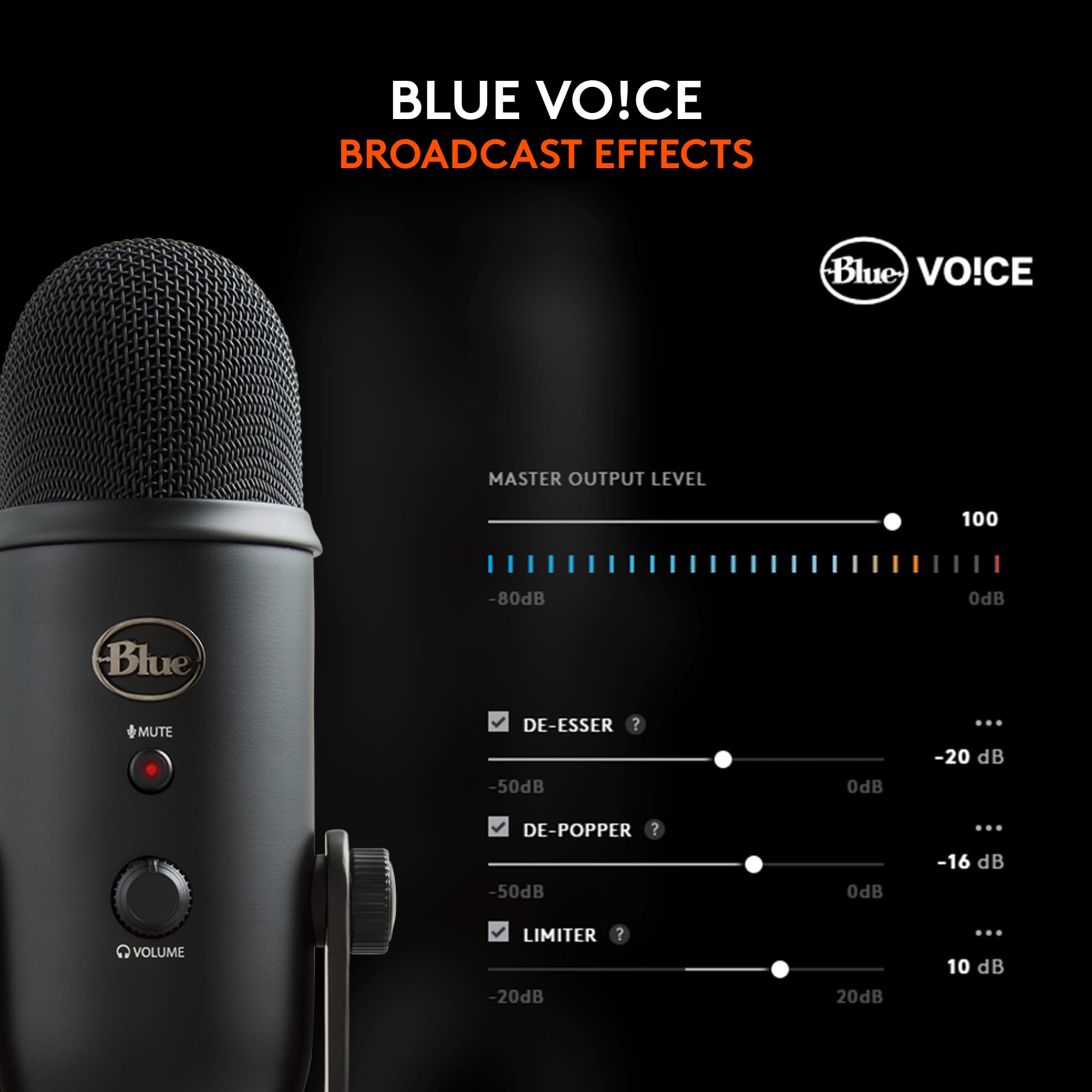
A:AnswerIt does pick up some. Depending on whaf you are using for. There are settings on the mic itself. Additionally if youre streaming and connected to a PC you have more controls. This mic works with G hub software from logitech with some prebuil settings. You can also eliminate most of the background noise using filters from streamlabs or OBS if you plan on streaming.