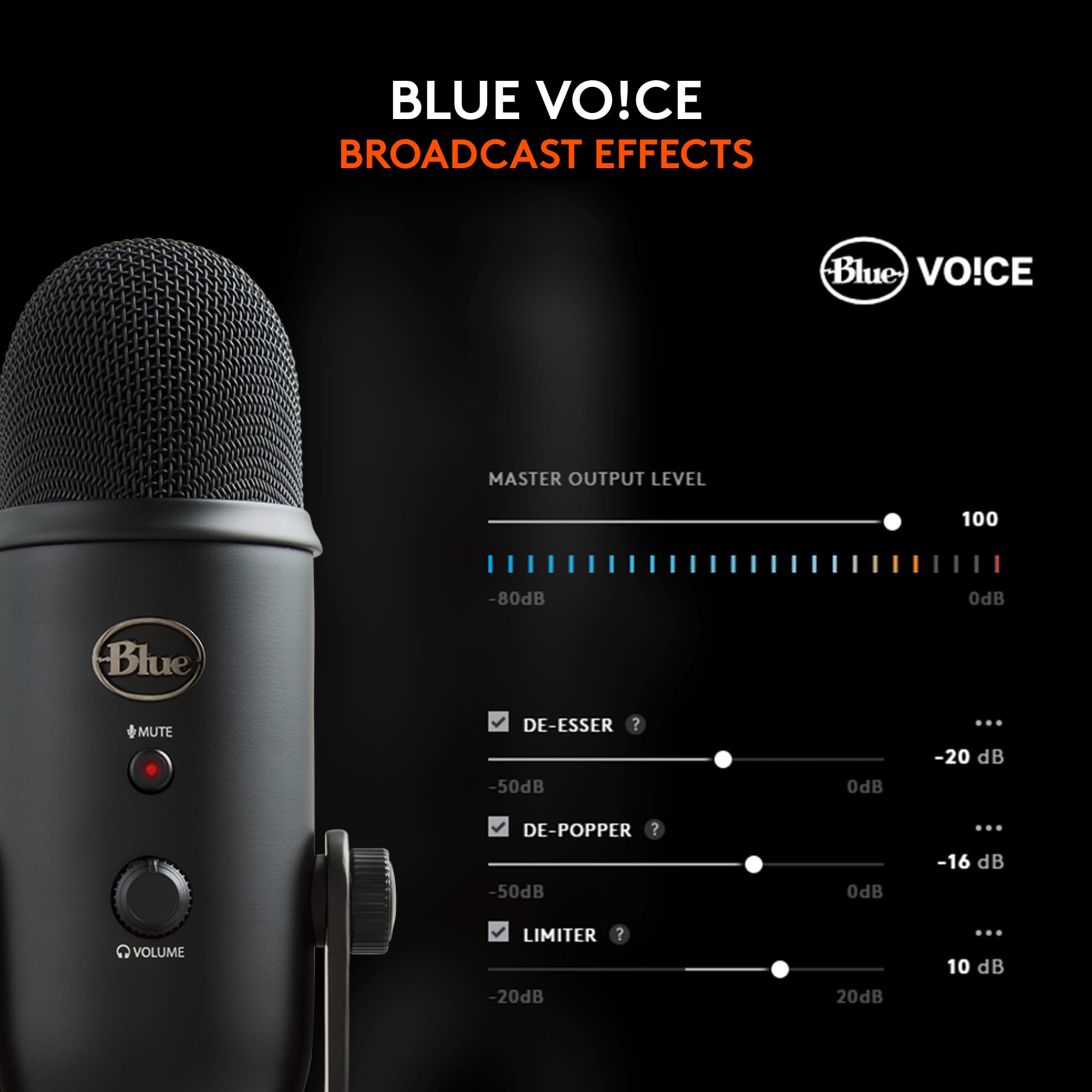
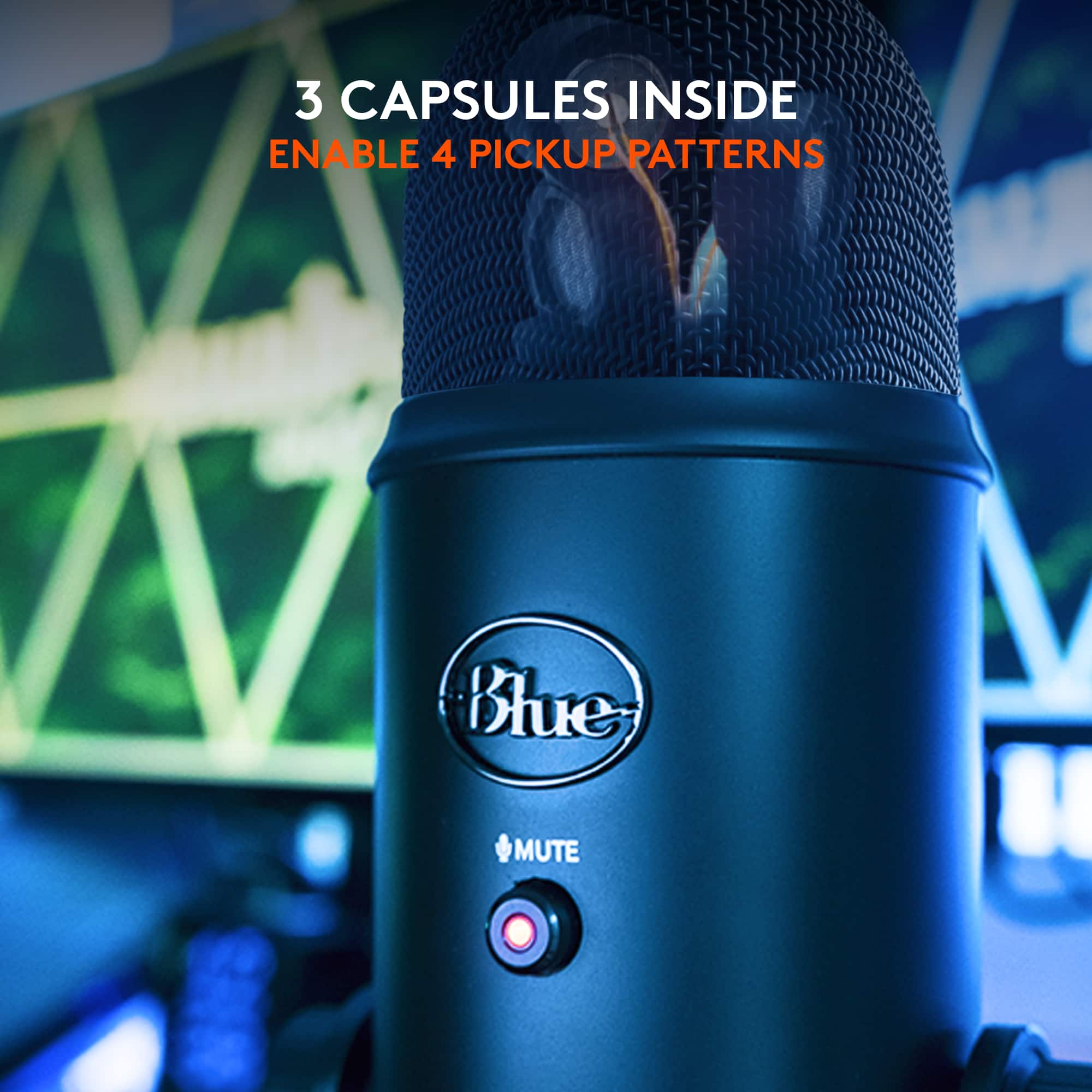
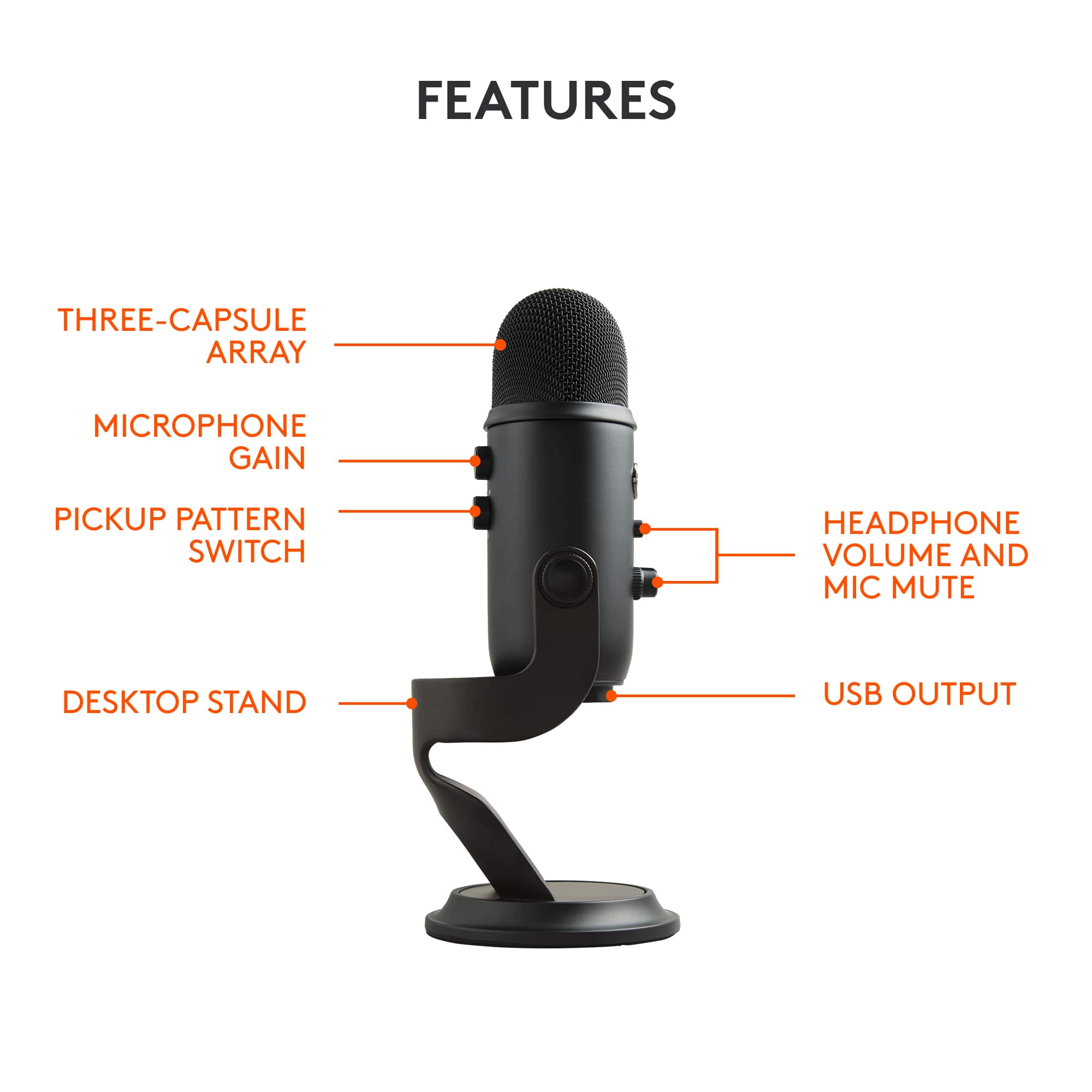
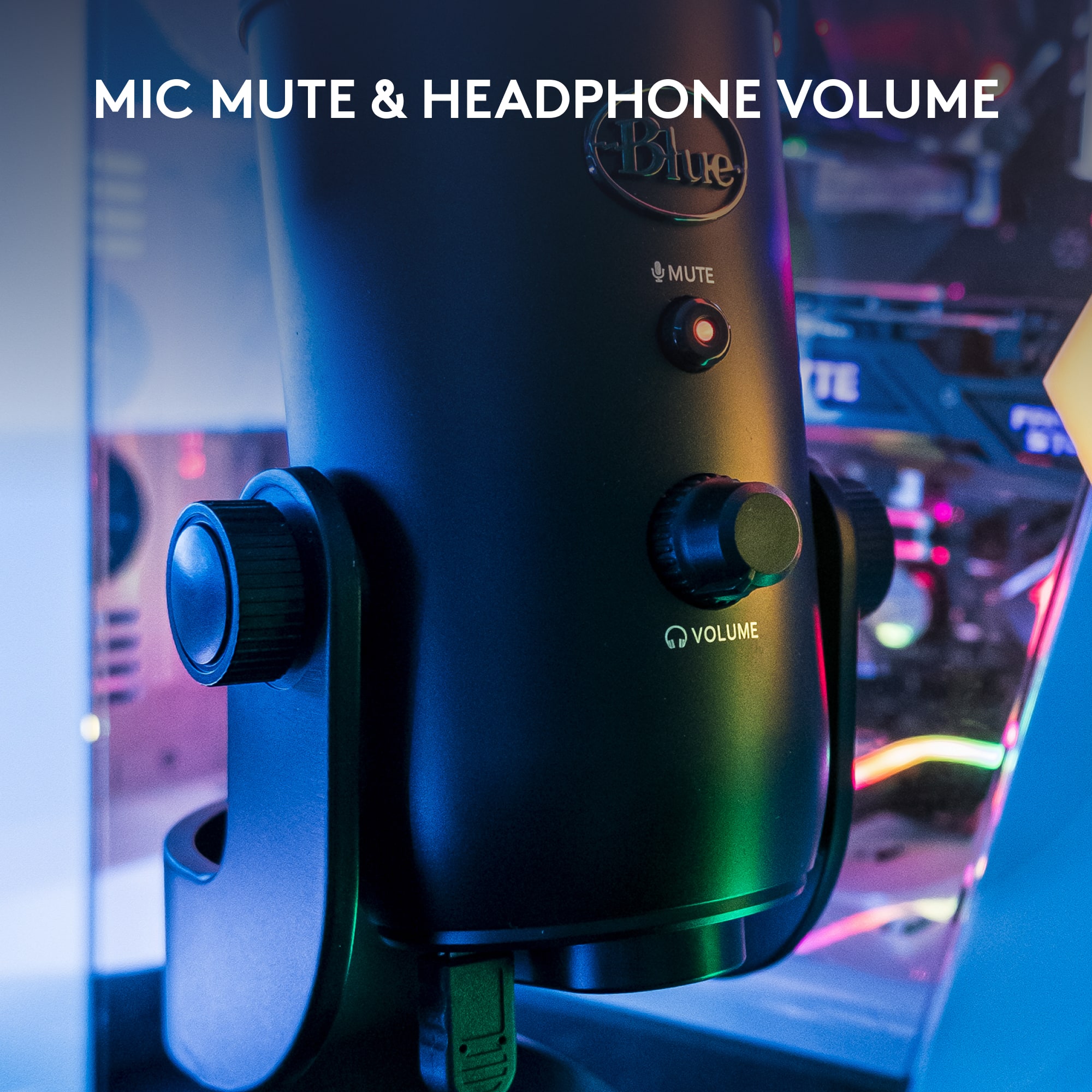
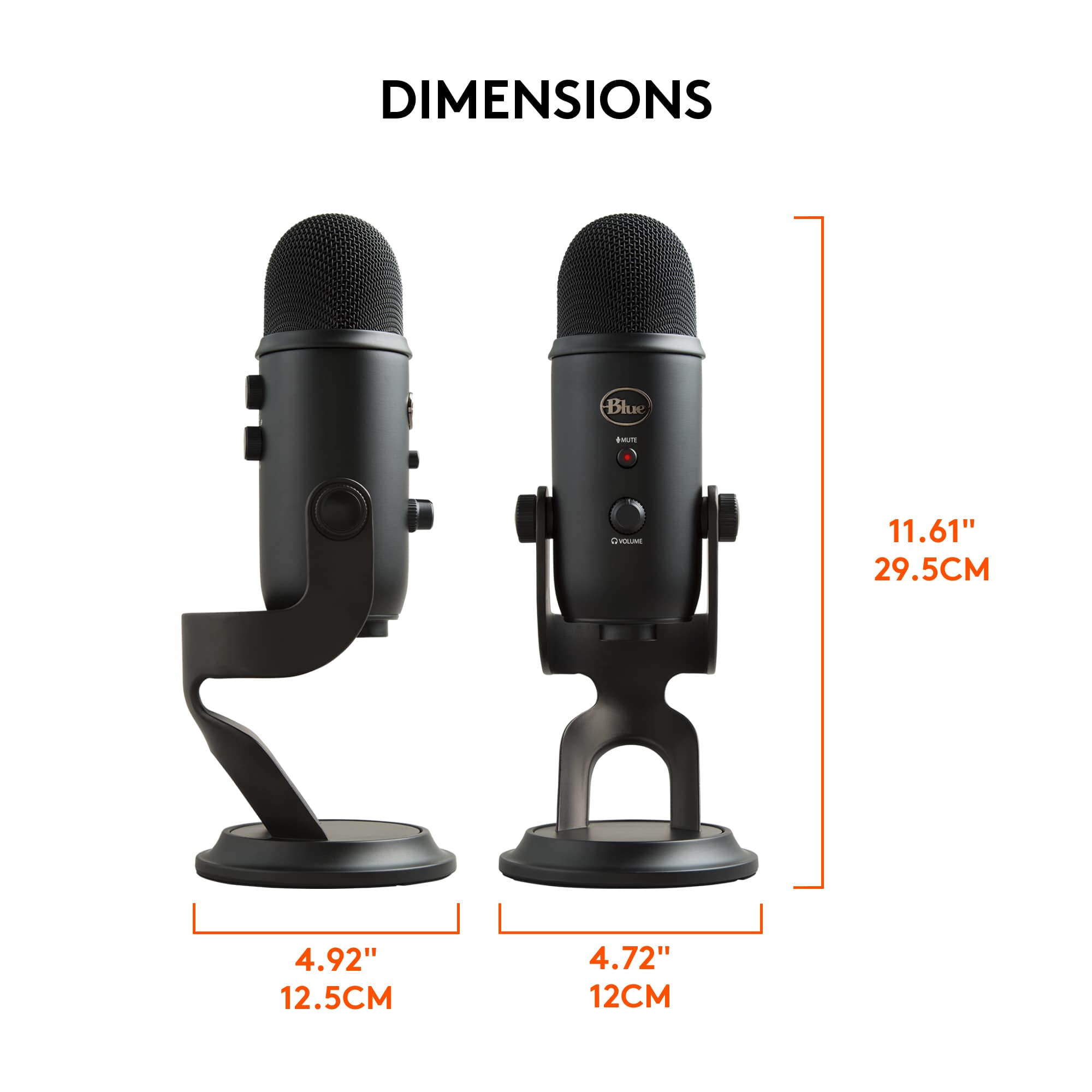
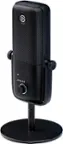
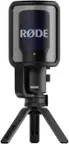
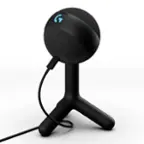
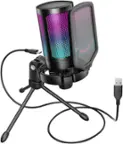
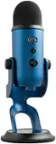
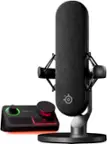
A:AnswerIt has a lot of different patterns settings but it all depends on what kind of editing software you're using or music software whatever you're using it for. As a gain adjustment on it which is good for bass but mostly it just has the volume button the game button and the pattern button that has four options and they're all different. But all in all I would say it's a really good night if you're DJing then it's perfect for a computer no doubt that's what I'm doing
A:AnswerI just use the Windows voice recording software but you can also use audacity or probably even OBS, I think both are free. There are a lot of options out there, no need to use something specific to the mic
A:AnswerYes you’ll need a pop filter and it’s gonna depend on which kind you get if it will connect to microphone you can get a pop filter that sits on this mic at Amazon fairly cheap
A:AnswerIt literally will pick up a pin dropping in the other side of the house. If you turn it all the way up that is and you have the right recording computer device whatever you're using. But in my opinion I use a Macbook and it will literally pick up every single sound there is
A:AnswerYou shouldn't but could be any number of things if you do. Are all users using headphones? Do you have the ability for mix minus in your Skype settings? (Not a Skype user but this is a common audio issue)
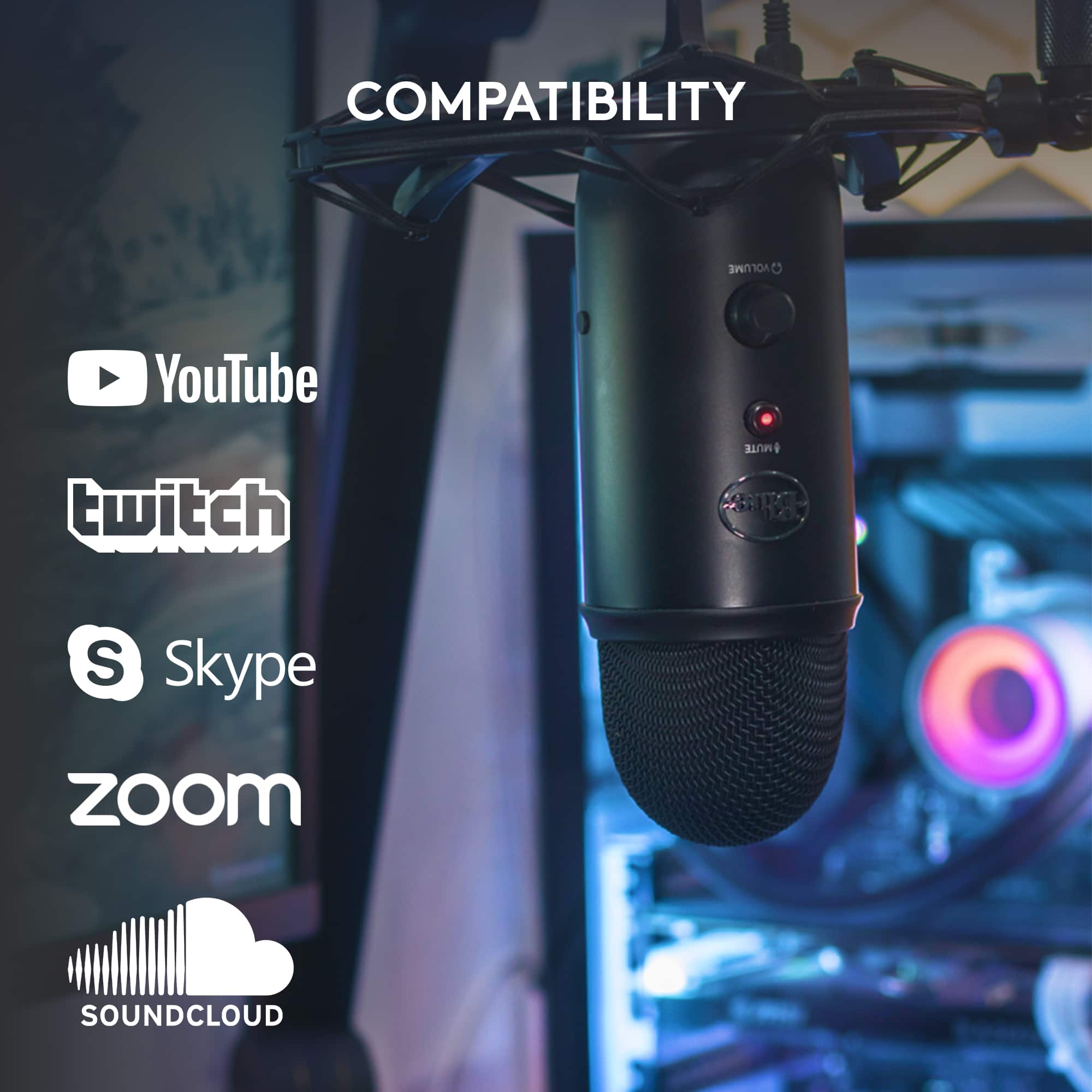
A:AnswerWell, it is compatible with my Mac OS Monterey, and the previous several iterations of OSX. Have used in on PCs as well, not sure of Windows versions though.